
Fonctionnalités
Toutes les façons de demander. Toutes les réponses, en direct.
Tout ce que fait PollsLive, dans l'ordre où vous l'utilisez : créer le sondage, interroger la salle, mener la session, lire les résultats et passer à un plus grand événement.
- Le public rejoint avec un code, sans appli
- 12 types de questions
- Offre gratuite, sans carte
- Un seul paiement par événement
- Hébergé dans l'UE
Créer
Créez le sondage en quelques minutes
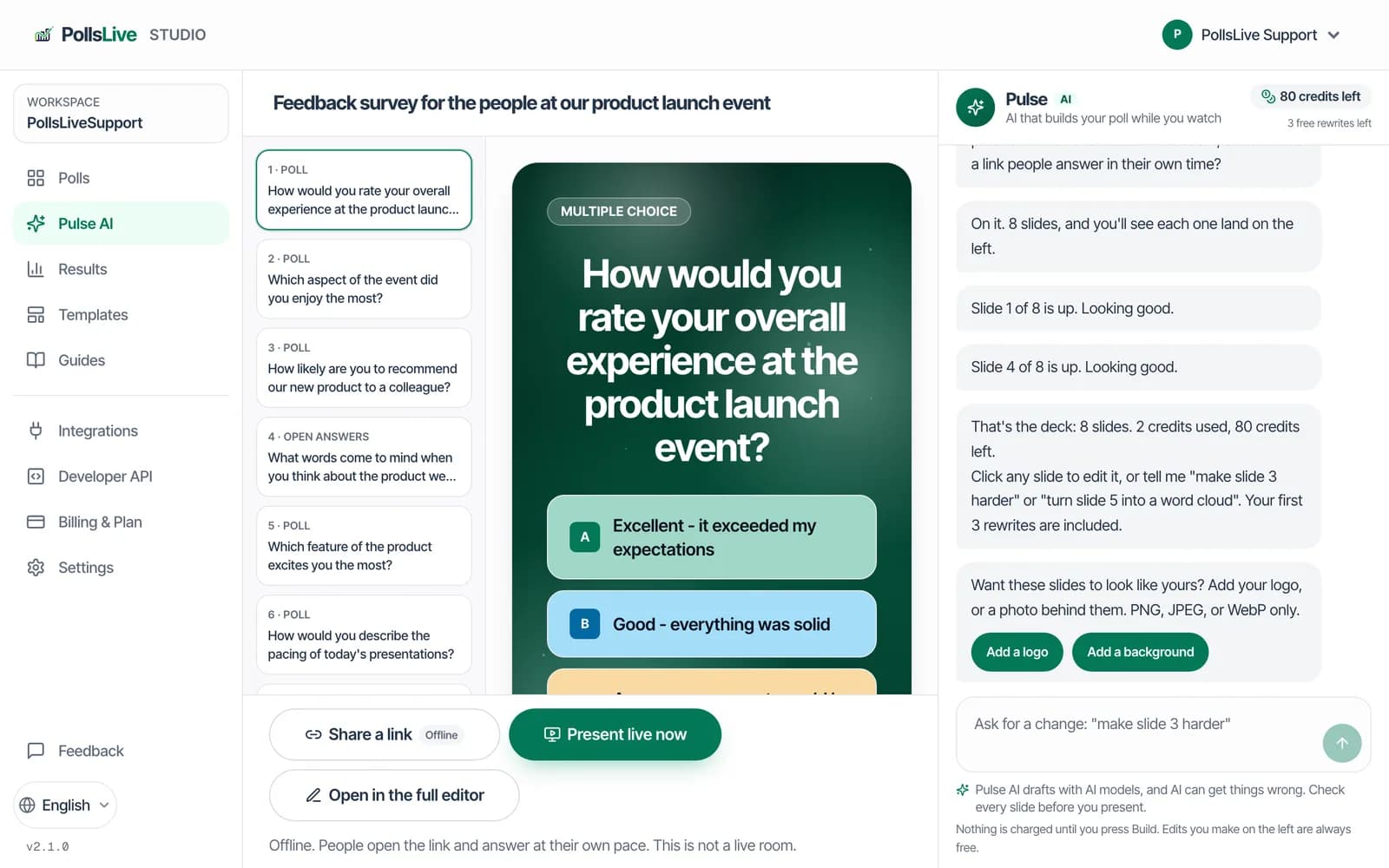
Partez d'un modèle, laissez Pulse AI en rédiger un à partir d'une phrase et donnez-lui vos couleurs.
- Toutes les formules
Des sondages prêts à l'emploi pour les sessions courantes, des brise-glaces aux rétrospectives.
- Toutes les formules
Décrivez votre session et obtenez un brouillon de présentation à modifier.
- Toutes les formules
Des jeux de couleurs pour le grand écran et les pages pour rejoindre.
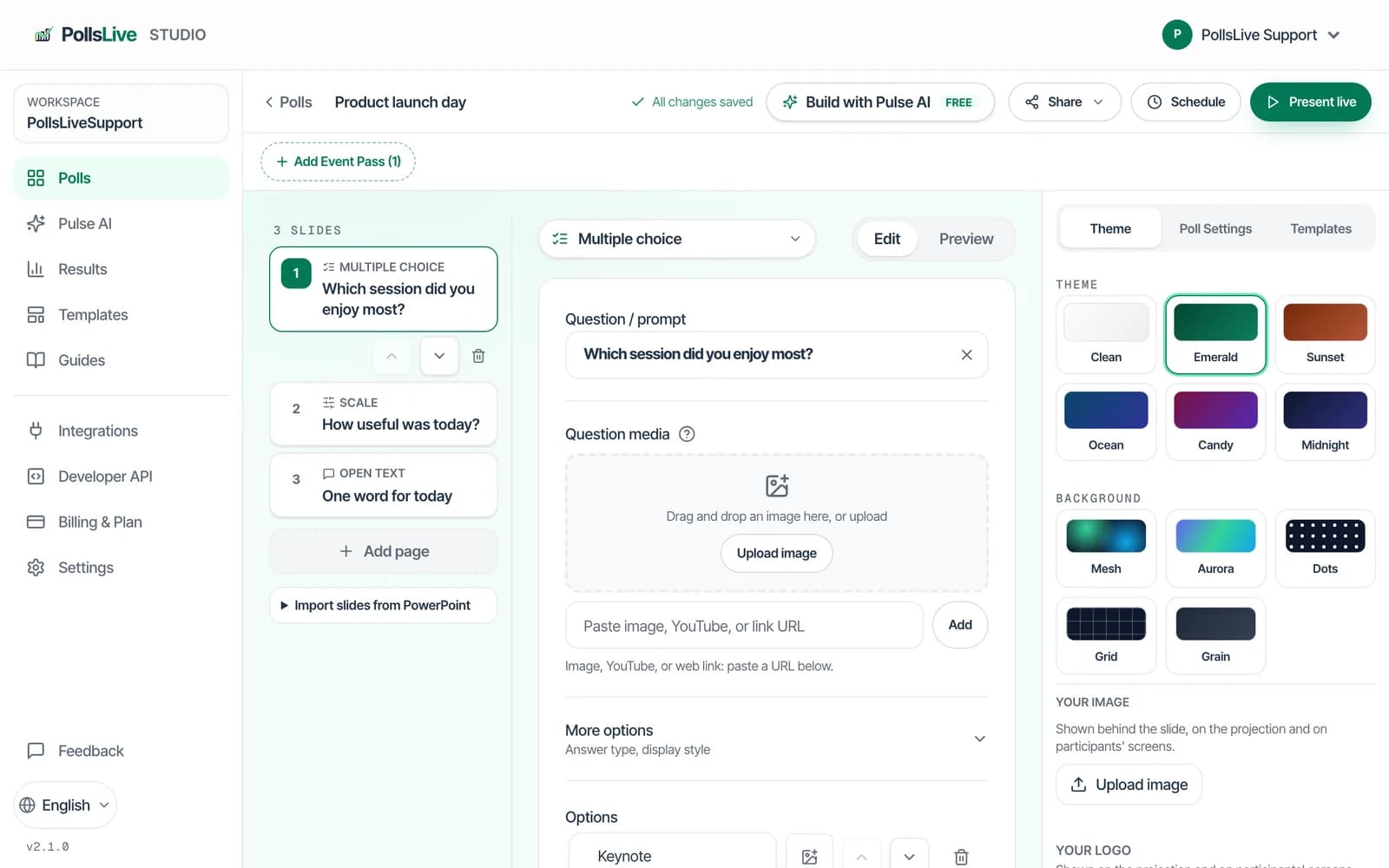
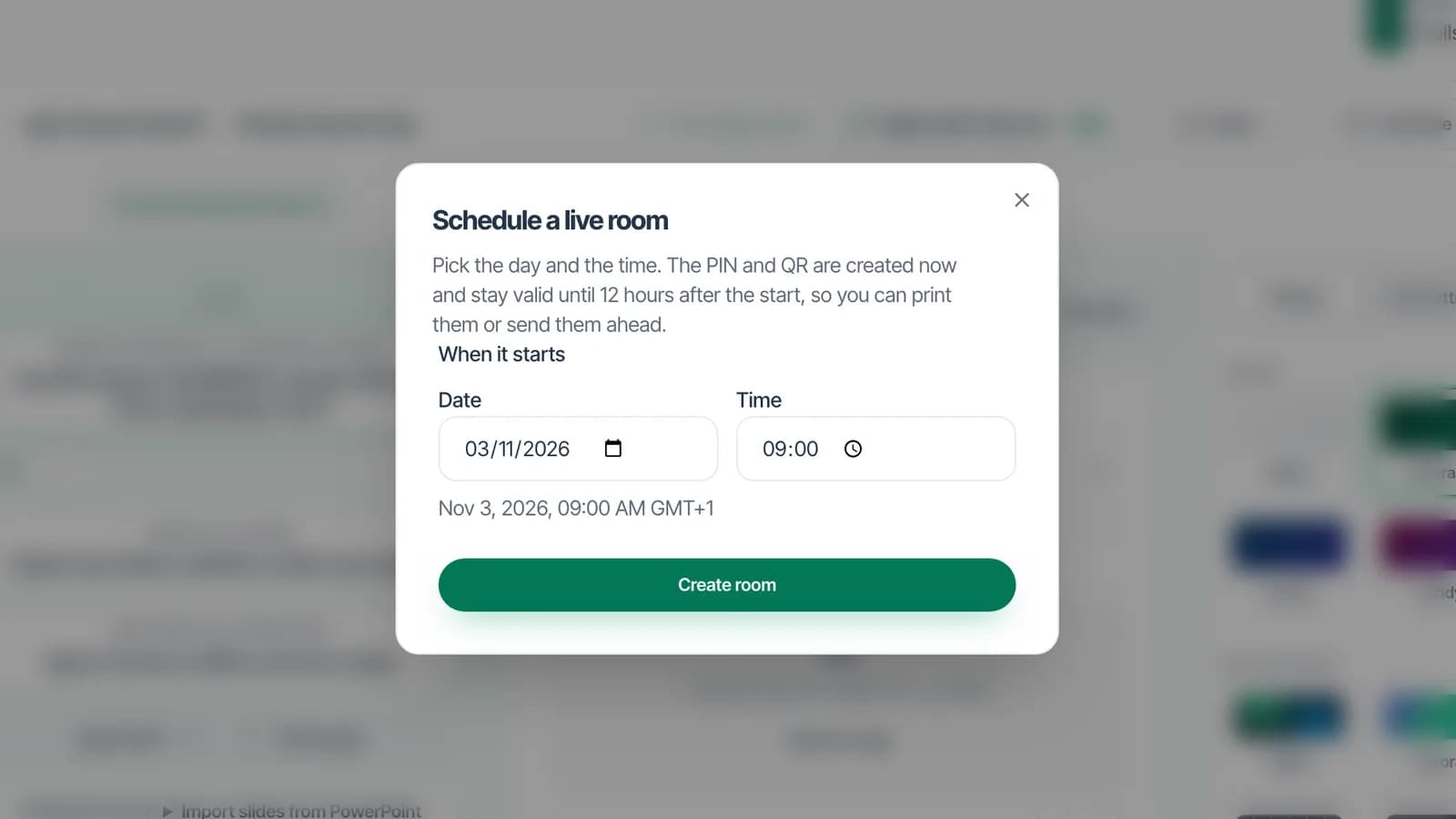
Partez d'un modèle prêt à l'emploi, ou reprenez une question parmi les idées de questions.
Interroger la salle
Interrogez la salle de toutes les façons
D'un simple toucher à une réponse saisie ou une liste classée. Chacun répond depuis son téléphone, sans application ni inscription.
Présentateur
Comment devrions-nous travailler le trimestre prochain ?
44 réponses · mise à jour en direct
Téléphone du public
Comment devrions-nous travailler le trimestre prochain ?
Touchez pour voter
Essayez : votre vote met à jour le graphique
- Toutes les formules
Une question, un graphique en barres, mis à jour en direct.
- Toutes les formules
Plus un mot est cité, plus il grossit.
- Toutes les formules
Des questions chronométrées, avec des points et un classement sur le grand écran.
- Toutes les formules
Le public envoie des questions et vote pour celles auxquelles il veut aussi une réponse.
- Toutes les formules
Une note sur une échelle de 1 à 5, ou sur la plage de votre choix.
- Toutes les formules
Chacun fait glisser les options dans son ordre de priorité.
- Toutes les formules
Des estimations en story points, révélées toutes ensemble.
- Toutes les formules
Recueillez des idées, regroupez-les, puis votez.
- Toutes les formules
Un lien auquel chacun répond quand il veut, sans présentateur.
Mener la salle
Menez la salle depuis la scène
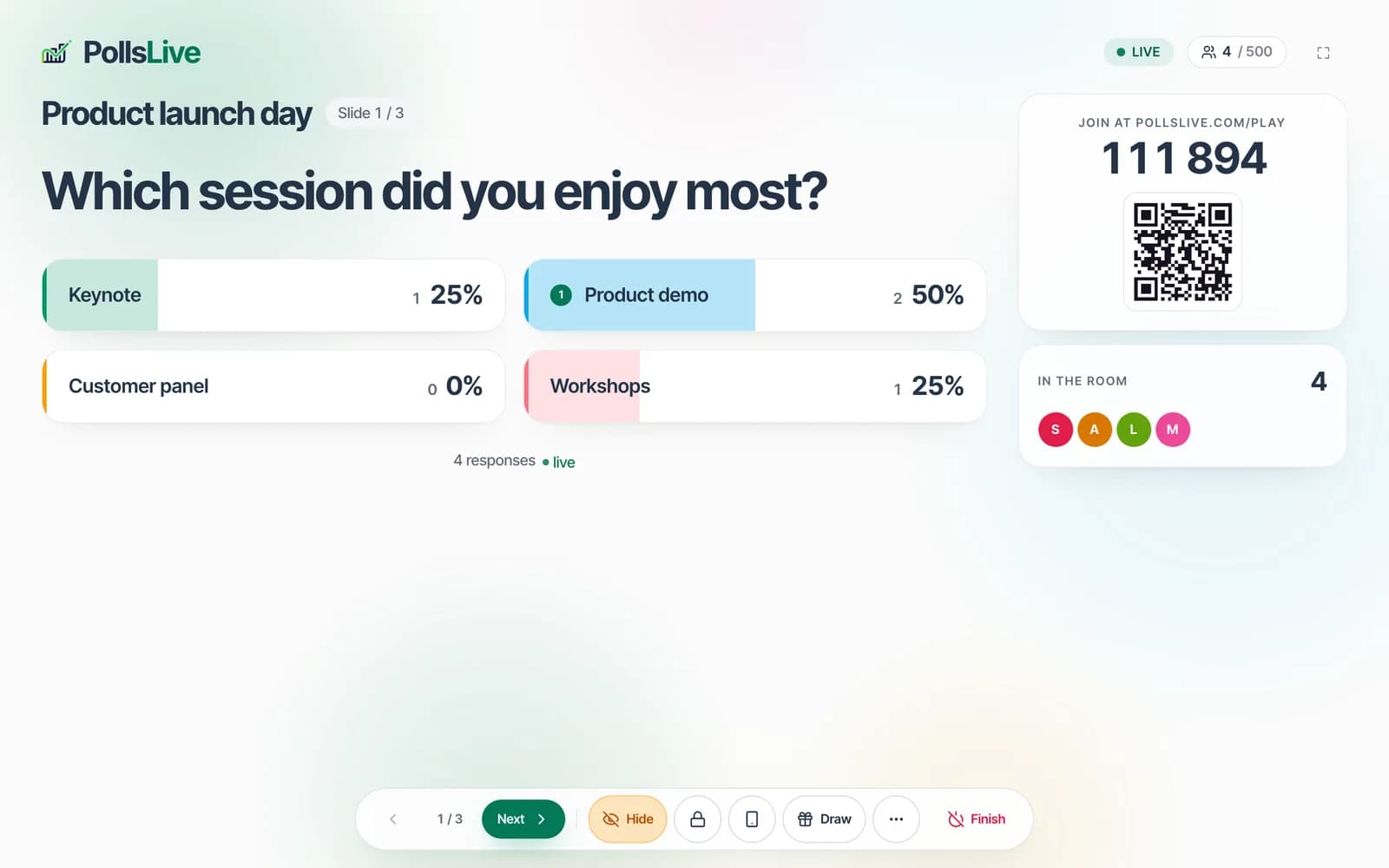
Décidez quand les résultats s'affichent, confiez l'écran à la régie, gardez les Q&R propres et pilotez tout depuis votre téléphone.
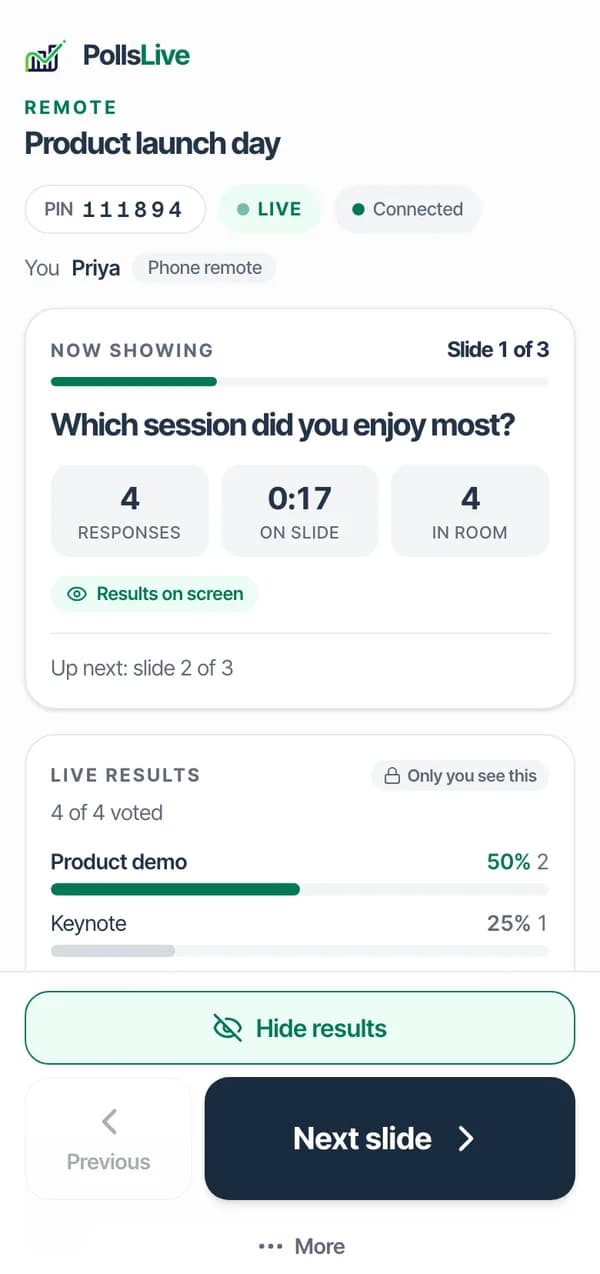
- Toutes les formules
Le public rejoint depuis le navigateur de son téléphone, avec un code à six chiffres ou un QR code.
- Toutes les formules
Les résultats restent masqués jusqu'à ce que vous appuyiez sur Révéler, ou se remplissent au fil des votes.
- Toutes les formules
Les scores du quiz sur le grand écran, avec un podium à la fin.
- Pro et plus
Tirez un gagnant parmi tous ceux qui ont rejoint, tous ceux qui ont répondu, ou les meilleurs scores.
- Toutes les formules
La projection seule, pour le grand écran ou votre régie.
- Toutes les formules
Changez de diapositive, révélez les résultats, lancez ou terminez la session depuis votre téléphone.
- Pro et plus
Un collègue laisse passer les questions à l'écran, ou les écarte, pendant que vous présentez.
- Toutes les formules
Les questions et les réponses ouvertes attendent votre accord ou celui de votre modérateur avant que la salle les voie.
Après la session
Sachez ce que la salle a dit
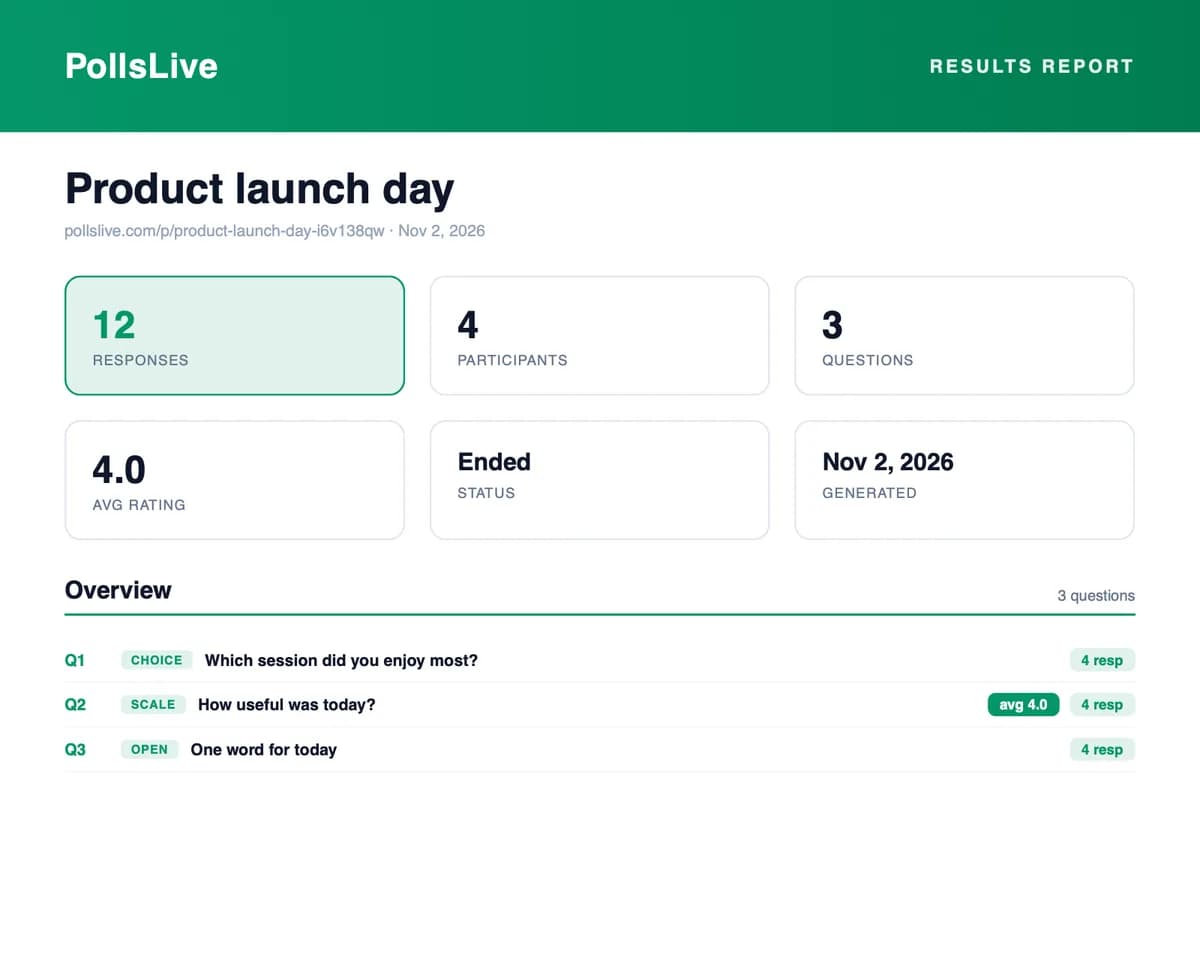
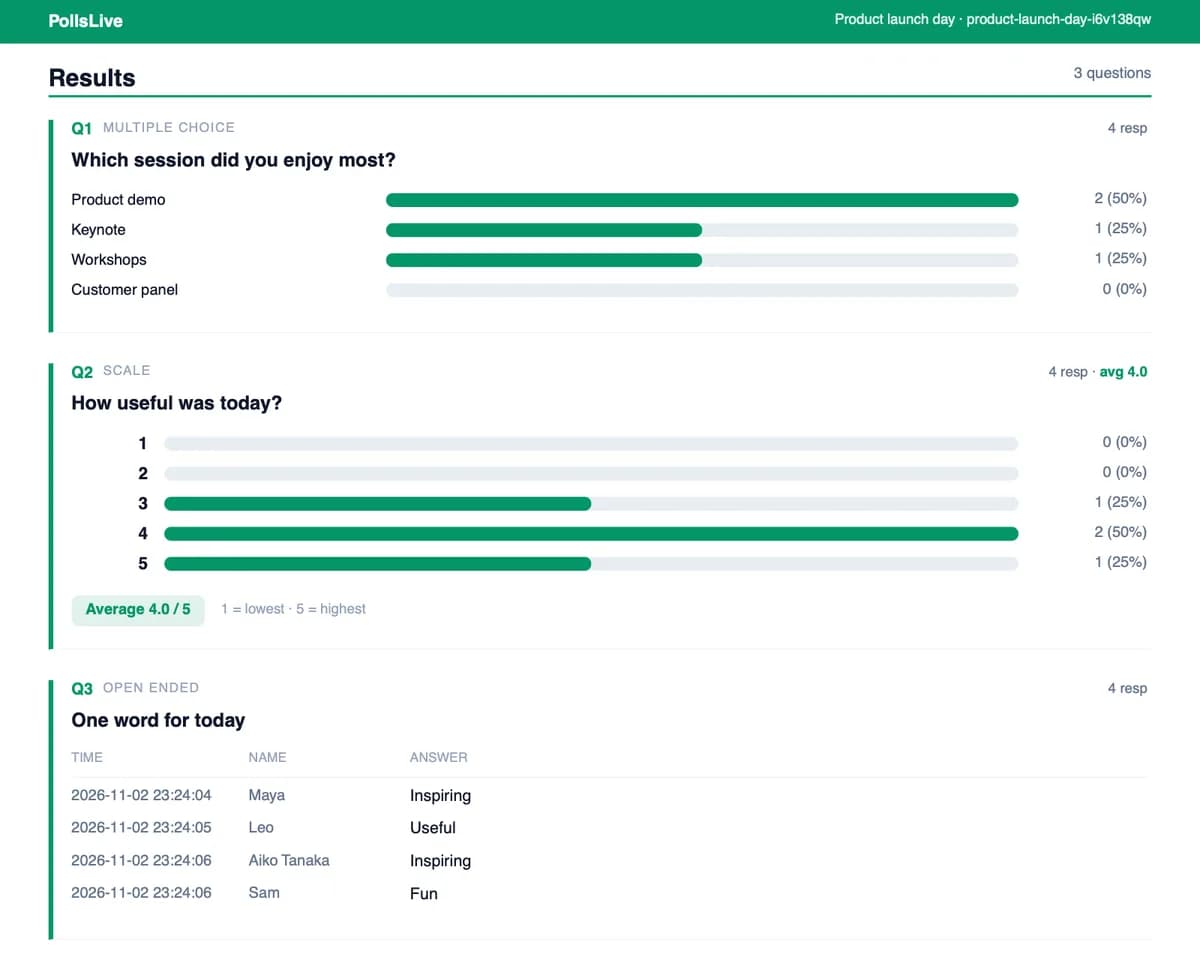
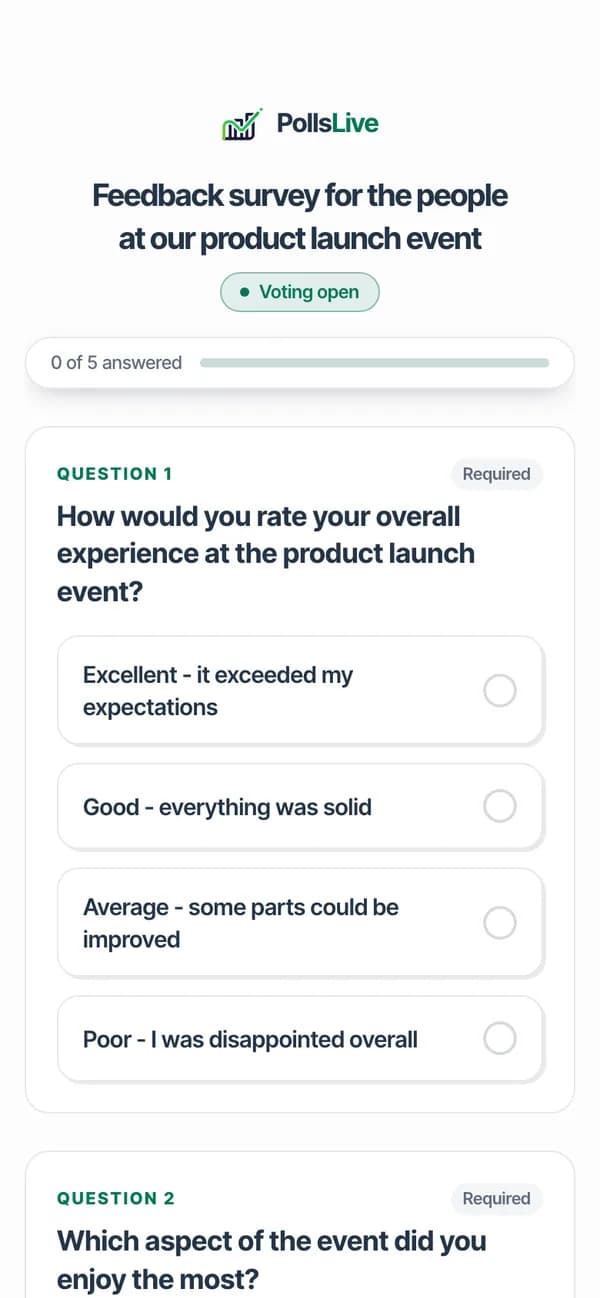
Chaque réponse après la session, prête à partager ou exporter, et une courte enquête envoyée à ceux qui étaient là.
- Pro et plus
Toutes les réponses après la session, avec export CSV et PDF.
- Toutes les formules
Un court questionnaire pour la salle, envoyé après la fin de la session.
Passer à l'échelle
Préparez le grand jour
Un seul paiement pour un grand événement, votre propre image de marque et des formules selon le nombre de participants.
$49
Un paiement pour un événement
- Jusqu'à 1 000 personnes en direct
- Votre logo à l'écran
- Remboursé sous 14 jours s'il n'a jamais démarré
Small : $19 pour jusqu'à 300 personnes
Large : $99 pour 1 500 personnes et des salles en parallèle
Prix hors taxes ; des taxes peuvent s'appliquer.
- Paiement unique
Un seul paiement pour un grand événement : une salle plus grande et les fonctionnalités Premium pour cet événement.
- Premium et plus
Votre logo à l'écran, sans la marque PollsLive.
- Toutes les formules
Gratuit, Pro et Premium, selon le nombre de personnes qui rejoignent en direct, plus l'Event Pass à paiement unique.
Salles de classe, réunions d'équipe, conférences et communautés l'utilisent chacune à leur façon. Trouver votre salle
Vous changez d'outil ? Comparez PollsLive à Slido, Mentimeter ou Kahoot, ou voyez toutes les comparaisons.
Comment ça se passe
Il n'y a aucune étape de configuration.
Vous tapez une question, ils tapent six chiffres, et les réponses arrivent pendant que vous parlez encore. C'est tout le produit.
Trois étapes. C'est tout.
- 1
Écrivez votre question
Une question, deux réponses. Connexion gratuite, sans carte.
Votre écranExemple - 2
Affichez le code à six chiffres
Ils scannent le QR ou saisissent le code. Rien à télécharger.
Votre écranExemple - 3
Regardez les réponses
Chaque réponse arrive sur votre écran en temps réel.
Votre écranExemple
Choisissez un format et essayez-le pour de vrai
Créer le premier prend environ une minute. Inscrivez-vous gratuitement, sans carte, ou faites d'abord la visite guidée.