
June 20, 2026 · 11 min read
Créer une enquête que l'on termine vraiment
Créer une enquête que l'on termine : combien de questions, dans quel ordre, quels types de questions et les erreurs qui font abandonner en cours de route.
N'importe qui peut jeter dix questions dans un formulaire. Le savoir-faire, c'est de faire terminer les gens, et la plupart des enquêtes perdent la moitié de leurs répondants avant la fin. Ce guide est la version courte de comment créer une enquête qui se termine, que vous la meniez en asynchrone via un lien ou en live dans une salle.
1. Partez de la décision, pas des questions
Avant d'écrire la moindre question, terminez cette phrase : *« Après cette enquête, je déciderai ___. »* Toute question qui n'alimente pas cette décision est candidate à la suppression. Les enquêtes gonflent parce qu'on demande des choses qui sont *bon à savoir*, et la longueur est la raison numéro un pour laquelle les gens abandonnent.
2. Gardez-la courte, et montrez la progression
Start from the decision, not the questions
Before writing anything, finish this sentence: *"After this survey I will decide ___."* Every question that does not feed that decision gets cut. Surveys balloon because we ask things that are nice to know. Length is the number-one reason people quit.
Open the questionnaire builder
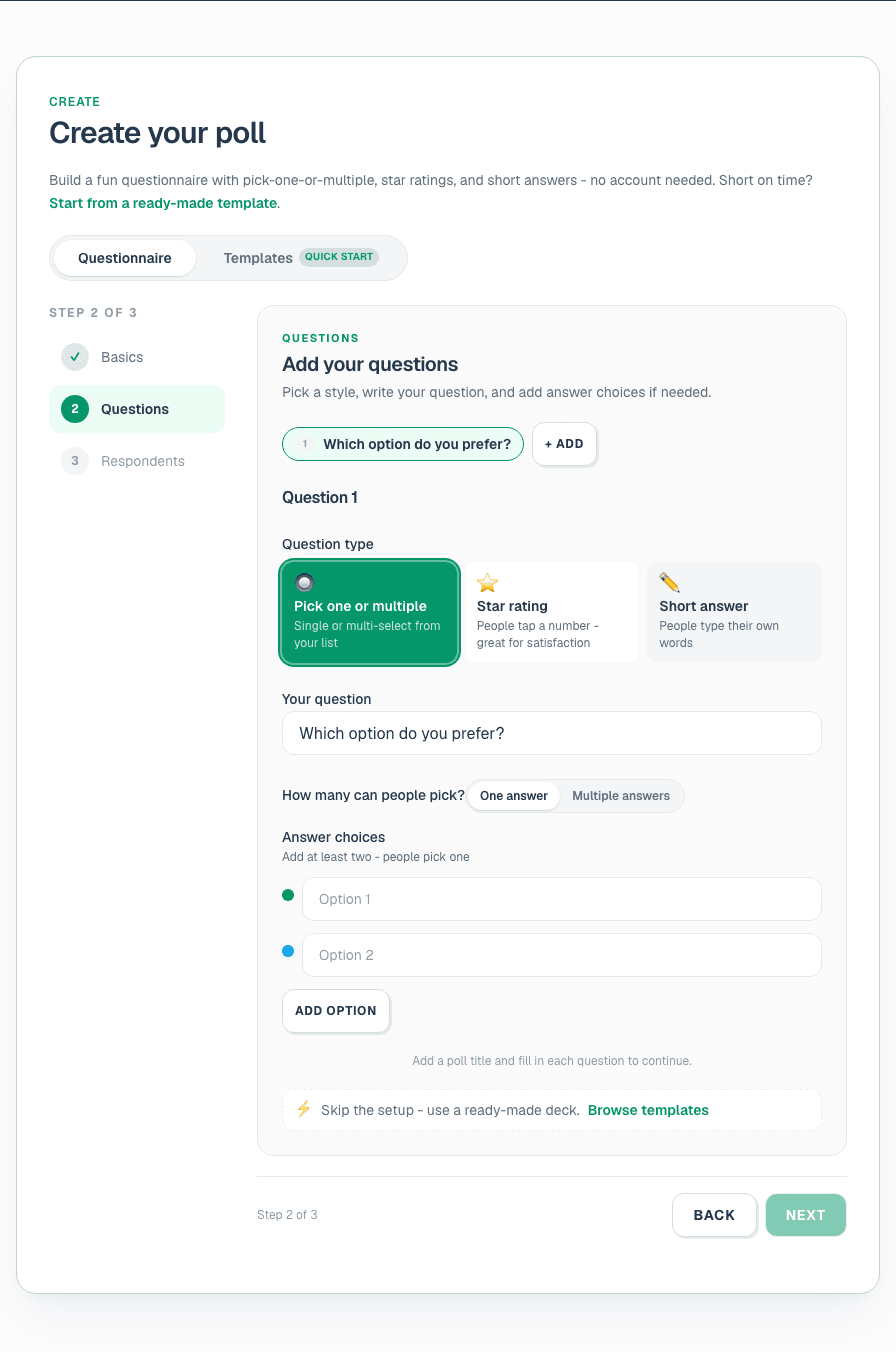
On the home page, open Create your poll and pick the Questionnaire tab. Name the survey, then add each question. When you have more than one question, PollsLive presents them as a single survey page automatically.
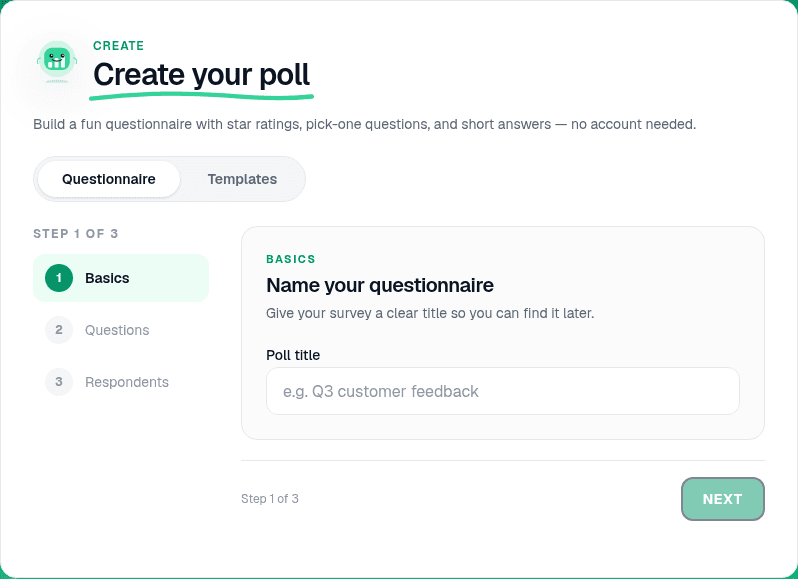
Add 5-8 questions in the right order
Lead with an easy, engaging question to build momentum. Group related topics together. Aim for 5-8 questions on a general survey; under 5 for a quick pulse. The respondent sees every question on one scrollable page.
Tip
Put demographics last. People abandon surveys that ask "what is your job title?" before they know why they are answering.
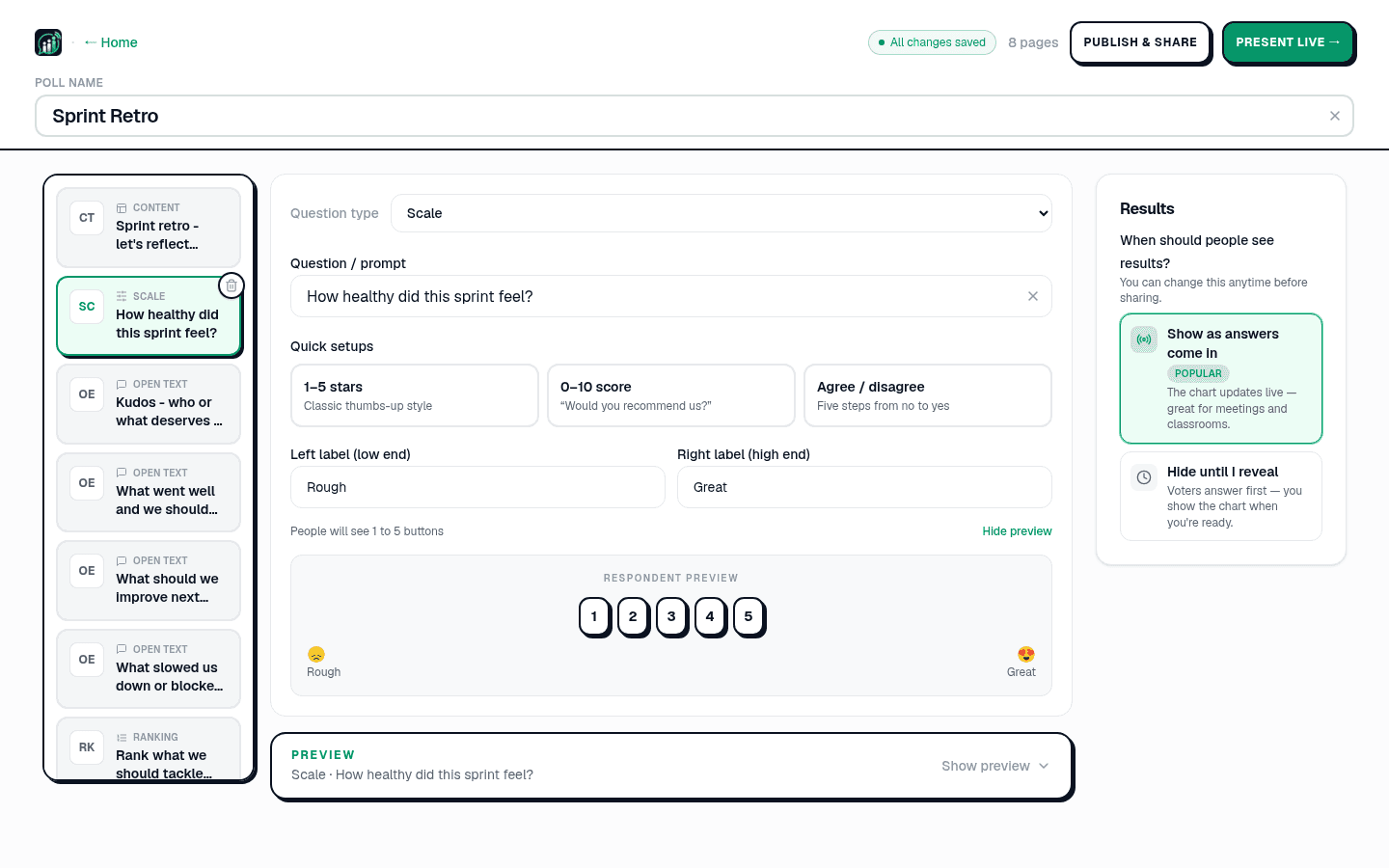
Pick the right question type for each page
In the editor, each question is a page. Match the type to the answer you need: Multiple choice for countable picks, Scale for satisfaction and NPS, Open text for the why (renders as a word cloud live), Ranking for priorities. See question types explained.
- Visez 5 à 8 questions pour une enquête générale ; moins de 5 pour un pouls rapide.
- Placez la question facile et engageante en premier pour créer de l'élan.
- Regroupez les questions liées pour que l'enquête semble fluide.
- Affichez un indicateur de progression pour que les gens voient la fin approcher.
In one word, how was the workshop?
Write neutral questions
Avoid leading wording ("How great was…" becomes "How would you rate…"). Ask one thing per question: split "fast and friendly?" into two. Offer a neutral or "not applicable" option. Keep scales consistent (always 1 = low, 5 = high). Copy examples from 30 survey question examples.
Note
Run sensitive questions (manager trust, compensation fairness) with name collection off. See anonymous voting how-to.
Preview on mobile
The editor shows a live preview of the respondent page. Scroll through on a phone-sized preview to confirm the survey feels short and readable before you share.
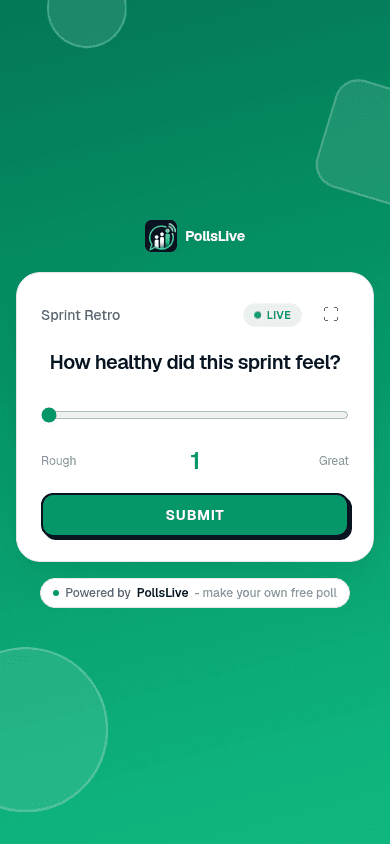
Choose live or async delivery
Async: click Share a link and send the link by email or Slack. People answer on their own time. Live: click Present live for a room where results appear on screen as people submit. Same survey, two modes.

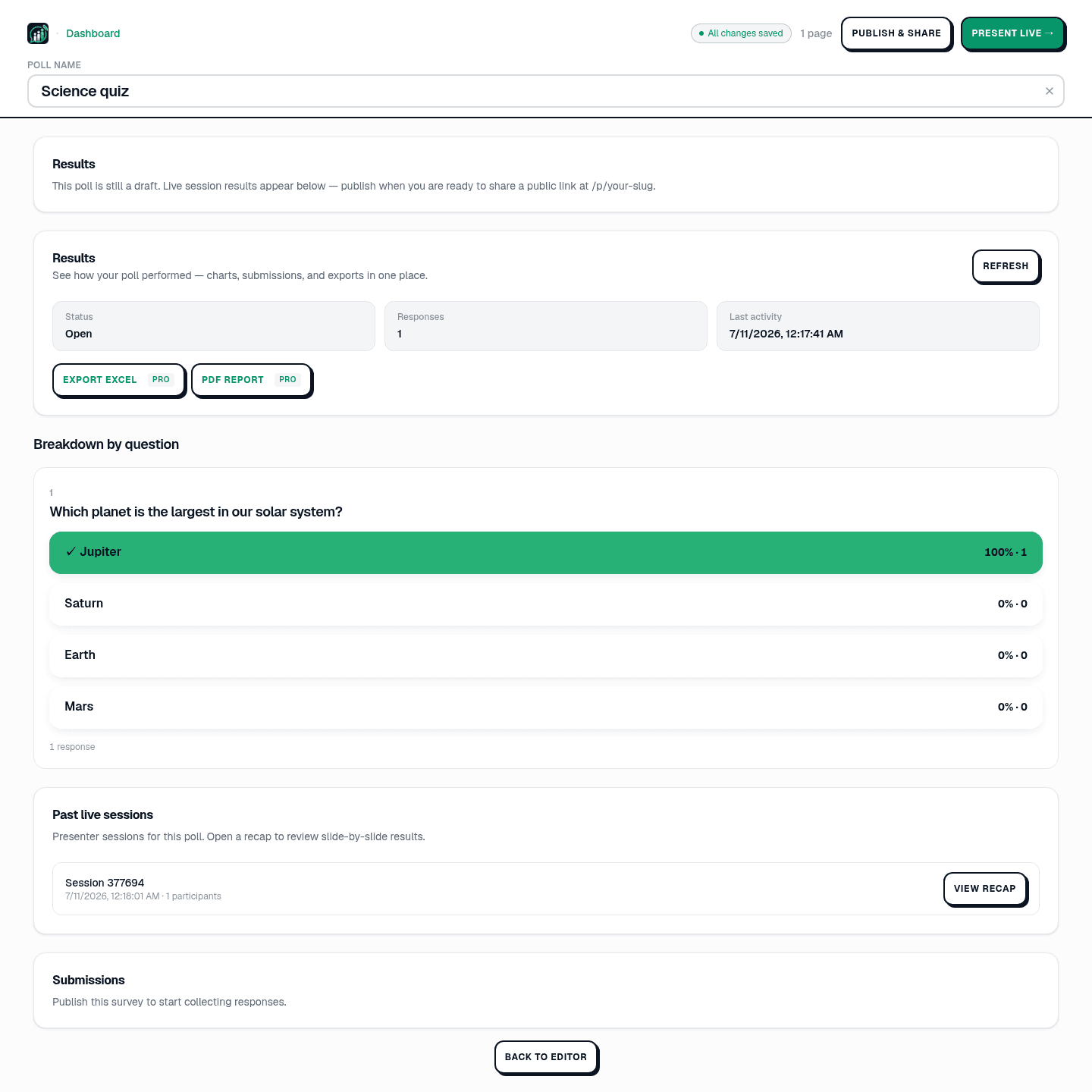
Read results and export
Open Results in Studio for a breakdown by question. Export Excel or PDF on Pro ($8/mo annual, billed at checkout). See read and export poll results.
3. Choisissez le bon type de question
Mélanger les types évite à l'enquête de ressembler à une corvée. PollsLive prend en charge ceux dont vous avez réellement besoin :
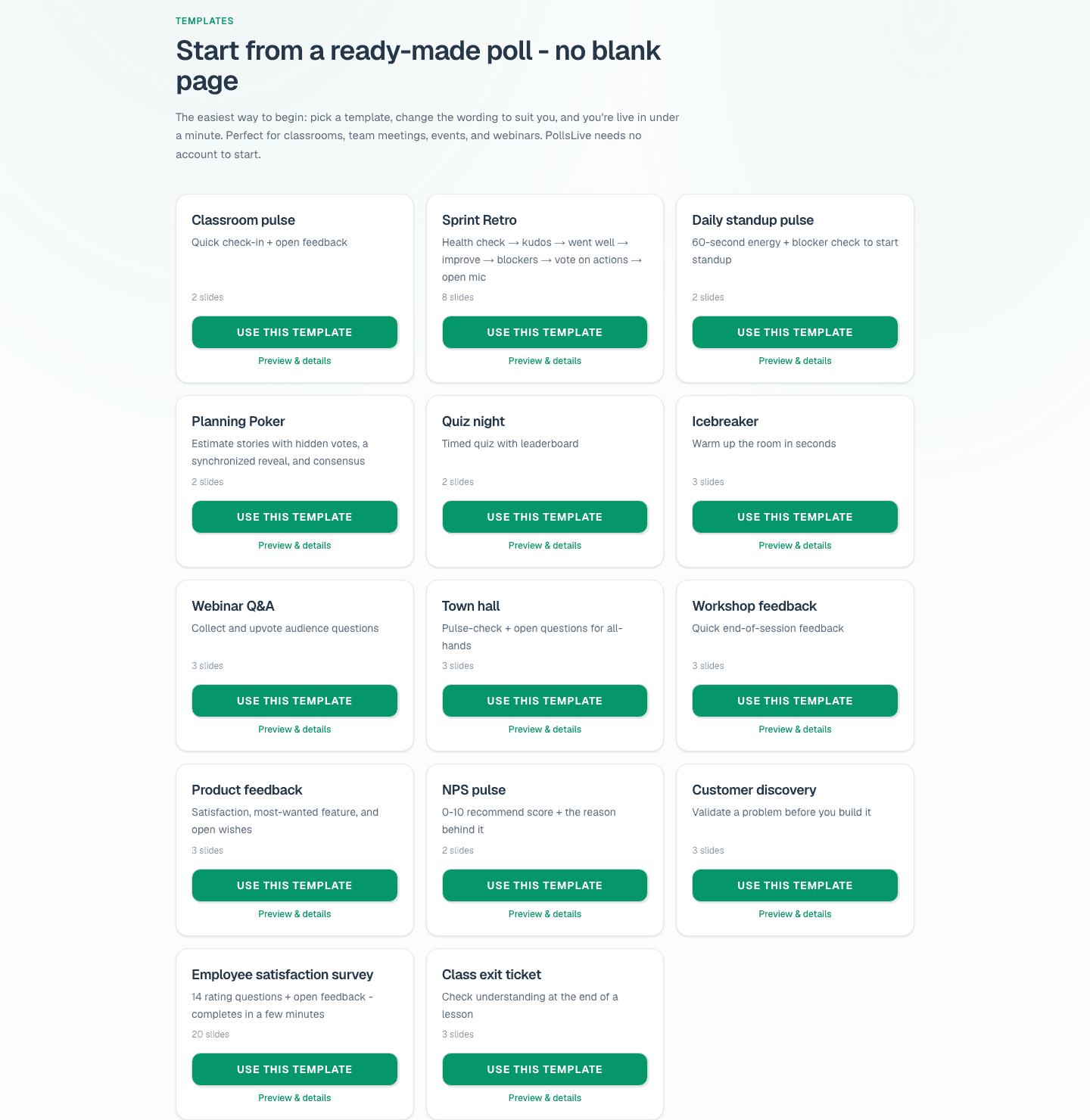
Compare survey tools
PollsLive is a free survey maker with no account required for respondents. If you are moving off a form tool, see PollsLive vs Google Forms, vs Typeform, and vs SurveyMonkey. For recurring monthly pulses, see recurring polls without rebuilding.
Lancez un sondage live tout de suite. Connexion gratuite pour vous, ni appli ni compte pour votre audience.
Créez un sondage gratuit