
June 20, 2026 · 11 min read
Cómo crear una encuesta que la gente termine
Cómo crear una encuesta que la gente termine: cuántas preguntas, en qué orden, qué tipos de pregunta y los errores que hacen que se abandone a mitad.
Cualquiera puede meter diez preguntas en un formulario. La habilidad está en conseguir que la gente lo termine, y la mayoría de las encuestas pierden la mitad de sus encuestados antes del final. Esta guía es la versión corta de cómo crear una encuesta que se complete, ya sea que la realices asíncrona por un enlace o en vivo en una sala.
1. Empieza por la decisión, no por las preguntas
Antes de escribir una sola pregunta, termina esta frase: *"Después de esta encuesta decidiré ___."* Toda pregunta que no alimente esa decisión es candidata a ser eliminada. Las encuestas se inflan porque preguntamos cosas que está *bien saber*, y la longitud es la razón número uno por la que la gente abandona.
2. Mantenla corta y muestra el progreso
Start from the decision, not the questions
Before writing anything, finish this sentence: *"After this survey I will decide ___."* Every question that does not feed that decision gets cut. Surveys balloon because we ask things that are nice to know. Length is the number-one reason people quit.
Open the questionnaire builder
On the home page, open Create your poll and pick the Questionnaire tab. Name the survey, then add each question. When you have more than one question, PollsLive presents them as a single survey page automatically.
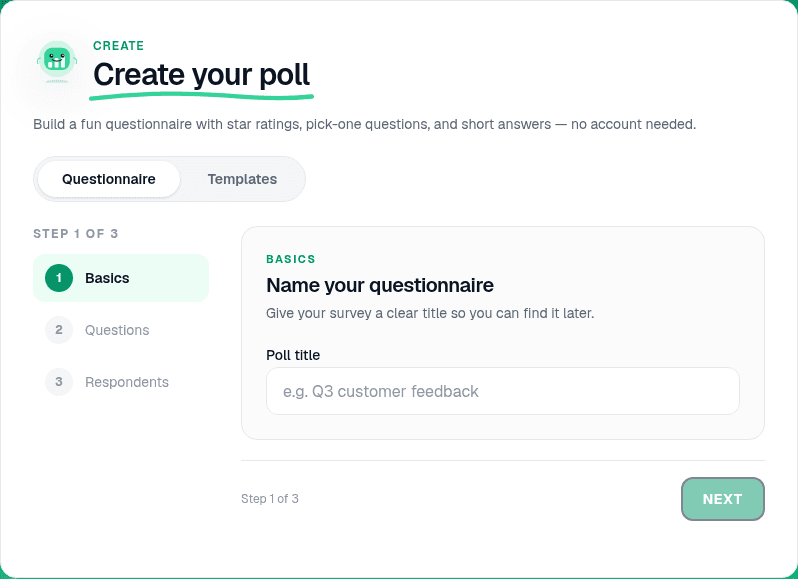
Add 5-8 questions in the right order
Lead with an easy, engaging question to build momentum. Group related topics together. Aim for 5-8 questions on a general survey; under 5 for a quick pulse. The respondent sees every question on one scrollable page.
Tip
Put demographics last. People abandon surveys that ask "what is your job title?" before they know why they are answering.
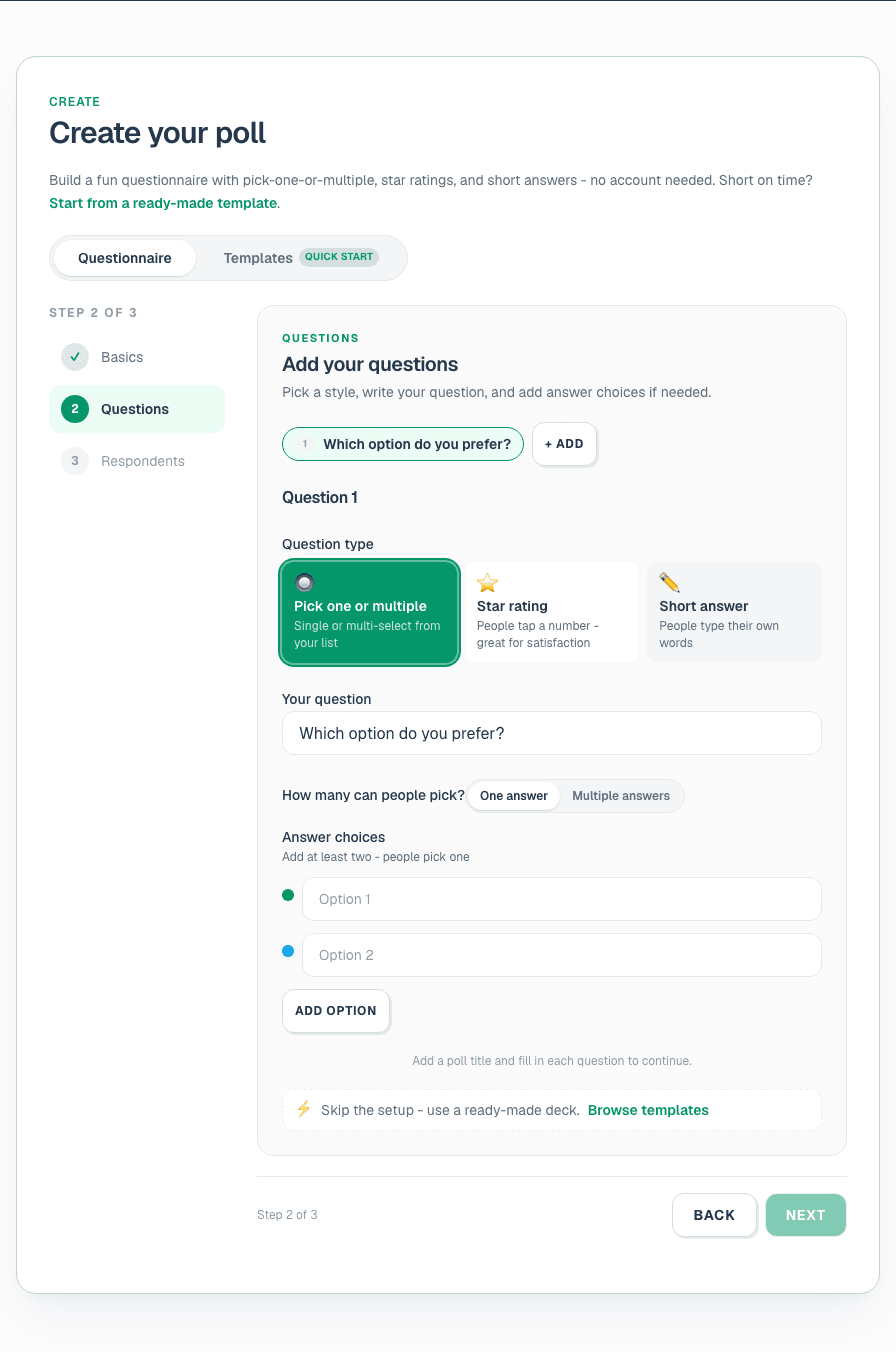
Pick the right question type for each page
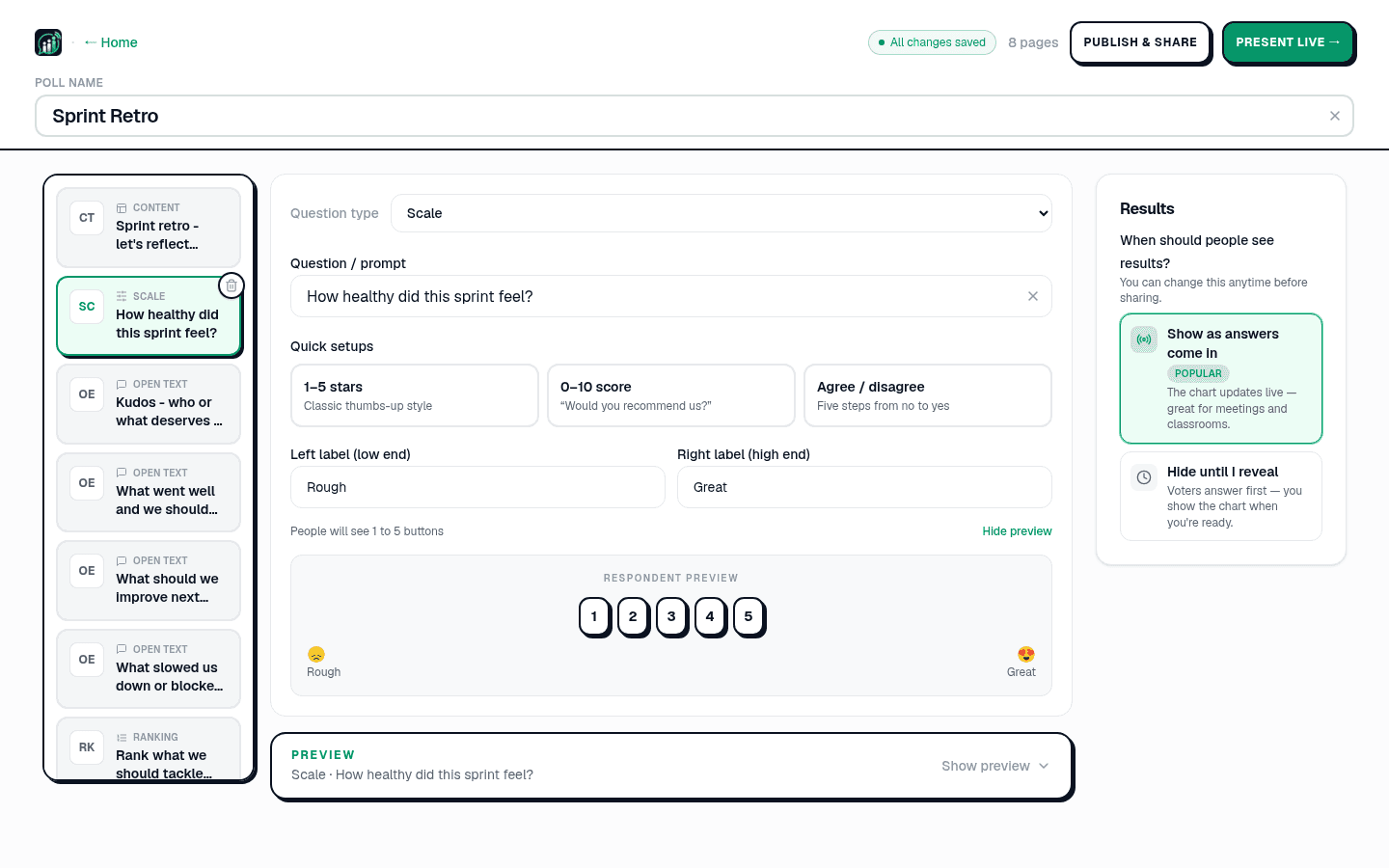
In the editor, each question is a page. Match the type to the answer you need: Multiple choice for countable picks, Scale for satisfaction and NPS, Open text for the why (renders as a word cloud live), Ranking for priorities. See question types explained.
- Apunta a 5-8 preguntas para una encuesta general; menos de 5 para un pulso rápido.
- Pon primero la pregunta fácil y atractiva para generar impulso.
- Agrupa las preguntas relacionadas para que la encuesta fluya.
- Muestra un indicador de progreso para que la gente sepa que el final está cerca.
In one word, how was the workshop?
Write neutral questions
Avoid leading wording ("How great was…" becomes "How would you rate…"). Ask one thing per question: split "fast and friendly?" into two. Offer a neutral or "not applicable" option. Keep scales consistent (always 1 = low, 5 = high). Copy examples from 30 survey question examples.
Note
Run sensitive questions (manager trust, compensation fairness) with name collection off. See anonymous voting how-to.
Preview on mobile
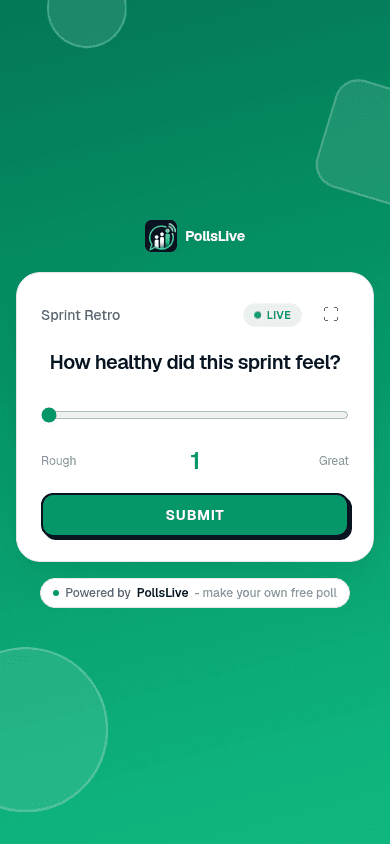
The editor shows a live preview of the respondent page. Scroll through on a phone-sized preview to confirm the survey feels short and readable before you share.
Choose live or async delivery
Async: click Share a link and send the link by email or Slack. People answer on their own time. Live: click Present live for a room where results appear on screen as people submit. Same survey, two modes.

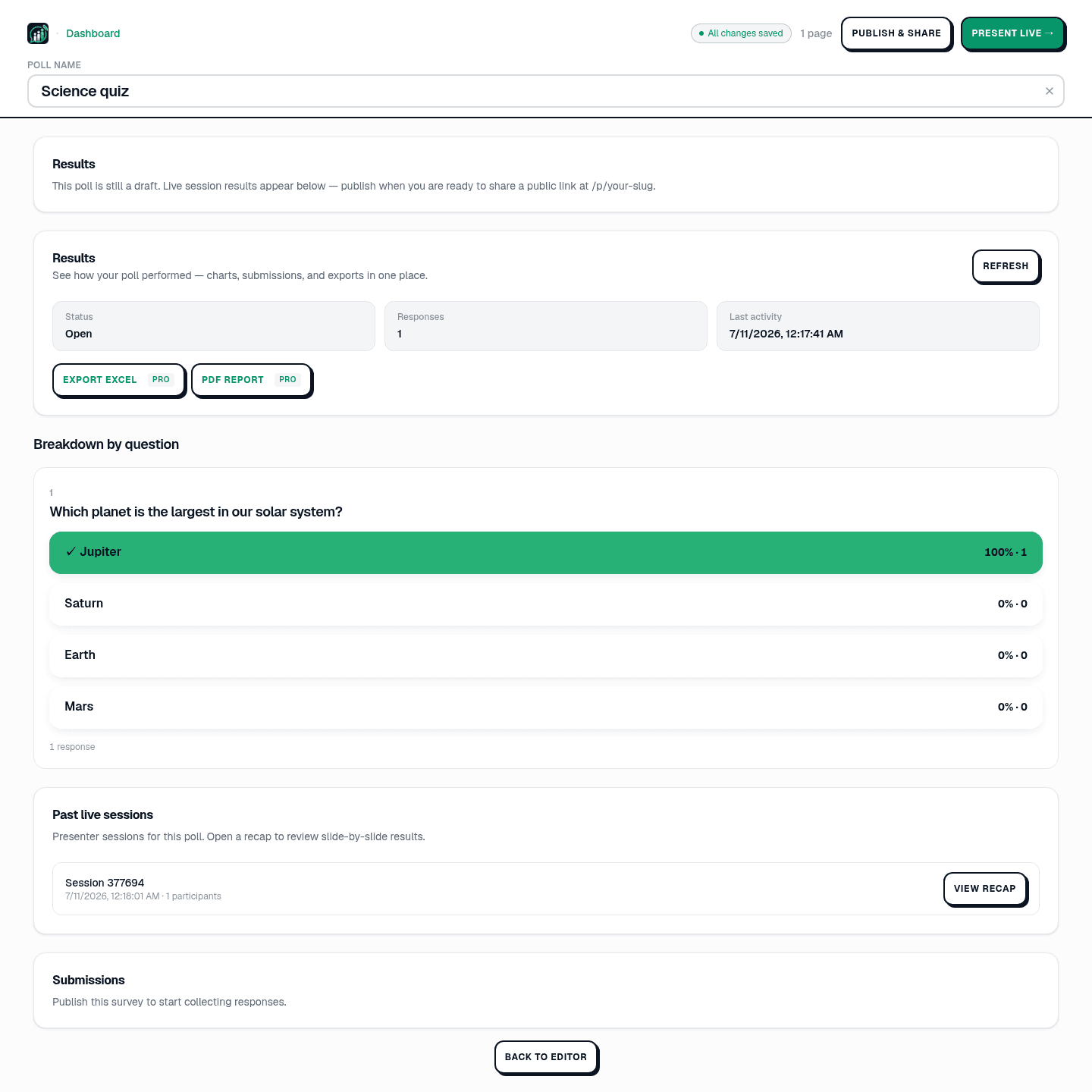
Read results and export
Open Results in Studio for a breakdown by question. Export Excel or PDF on Pro ($8/mo annual, billed at checkout). See read and export poll results.
3. Elige el tipo de pregunta adecuado
Mezclar tipos evita que una encuesta se sienta como una tarea pesada. PollsLive admite los que realmente necesitas:
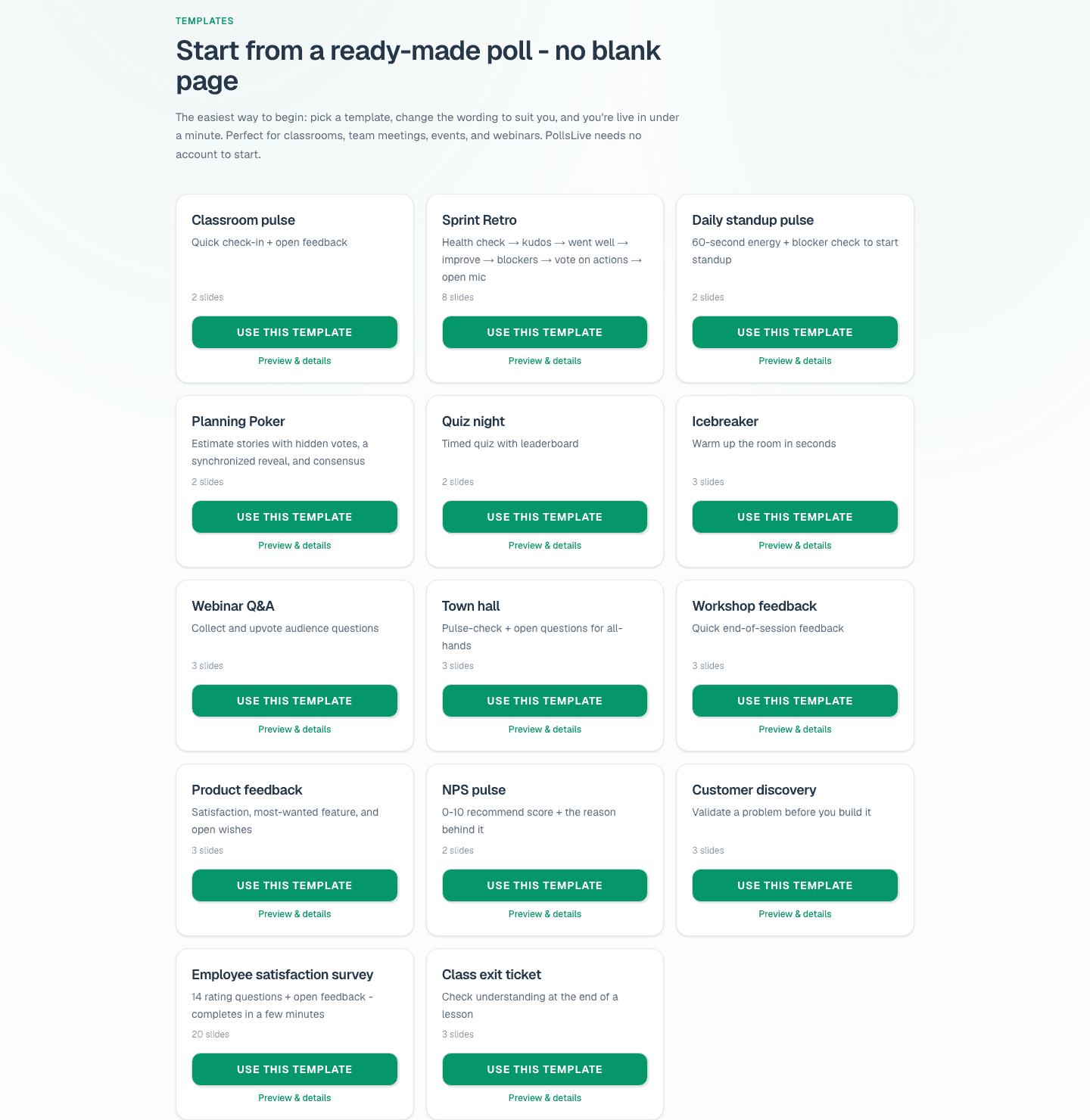
Compare survey tools
PollsLive is a free survey maker with no account required for respondents. If you are moving off a form tool, see PollsLive vs Google Forms, vs Typeform, and vs SurveyMonkey. For recurring monthly pulses, see recurring polls without rebuilding.
Lanza una encuesta en vivo ahora mismo: inicio de sesión gratis para ti, sin app ni cuenta para tu audiencia.
Crea una encuesta gratis