
June 22, 2026 · 11 min read
Votación online: cómo hacerla justa y anónima
Cómo funciona la votación online, cómo mantenerla anónima y justa, y cómo hacerla en vivo en una sala o con un enlace asíncrono. Sin cuentas para votar.
La votación online es el proceso de recopilar y contar elecciones a través de internet en lugar de a mano alzada o con papeletas de papel. La gente vota desde su propio móvil o portátil, y el recuento se actualiza automáticamente. Se usa para todo, desde un rápido chequeo del ambiente de la sala hasta la asamblea general anual de una ONG, y la buena noticia es que no necesitas hardware especial ni un inicio de sesión del votante para hacerlo bien.
What online voting actually is
Esta guía cubre las tres cosas que la gente busca de verdad: cómo funciona la votación online, cómo mantenerla anónima y justa, y cómo realizar una en los próximos cinco minutos. Para una referencia más profunda, consulta el hub de votación online.
Where should we hold the Q3 offsite?
Cómo funciona la votación online
Create your question
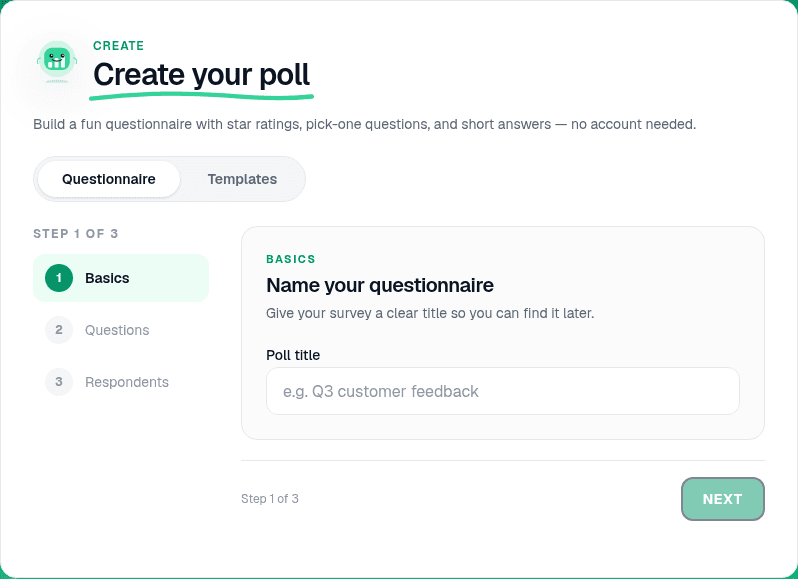
On the home page, open Create your poll and add a Multiple choice question. Write a clear stem and 3-5 options. Keep wording neutral so voters are not nudged toward one answer.
Pick live or async
Present live is for rooms where everyone watches results appear together: meetings, classes, AGMs. Share a link creates a permanent link at pollslive.com/p/your-poll for people who vote on their own time. Same question, two delivery modes.
Tip
For sensitive votes, leave results hidden until you reveal them (which is how every slide opens) so early answers do not anchor the rest of the room.
Share the join method
For live votes, click Present live and put the 6-digit PIN and QR on screen. For async votes, copy the published link and send it by email, Slack, or WhatsApp. Voters never sign in.

Watch results and lock the vote
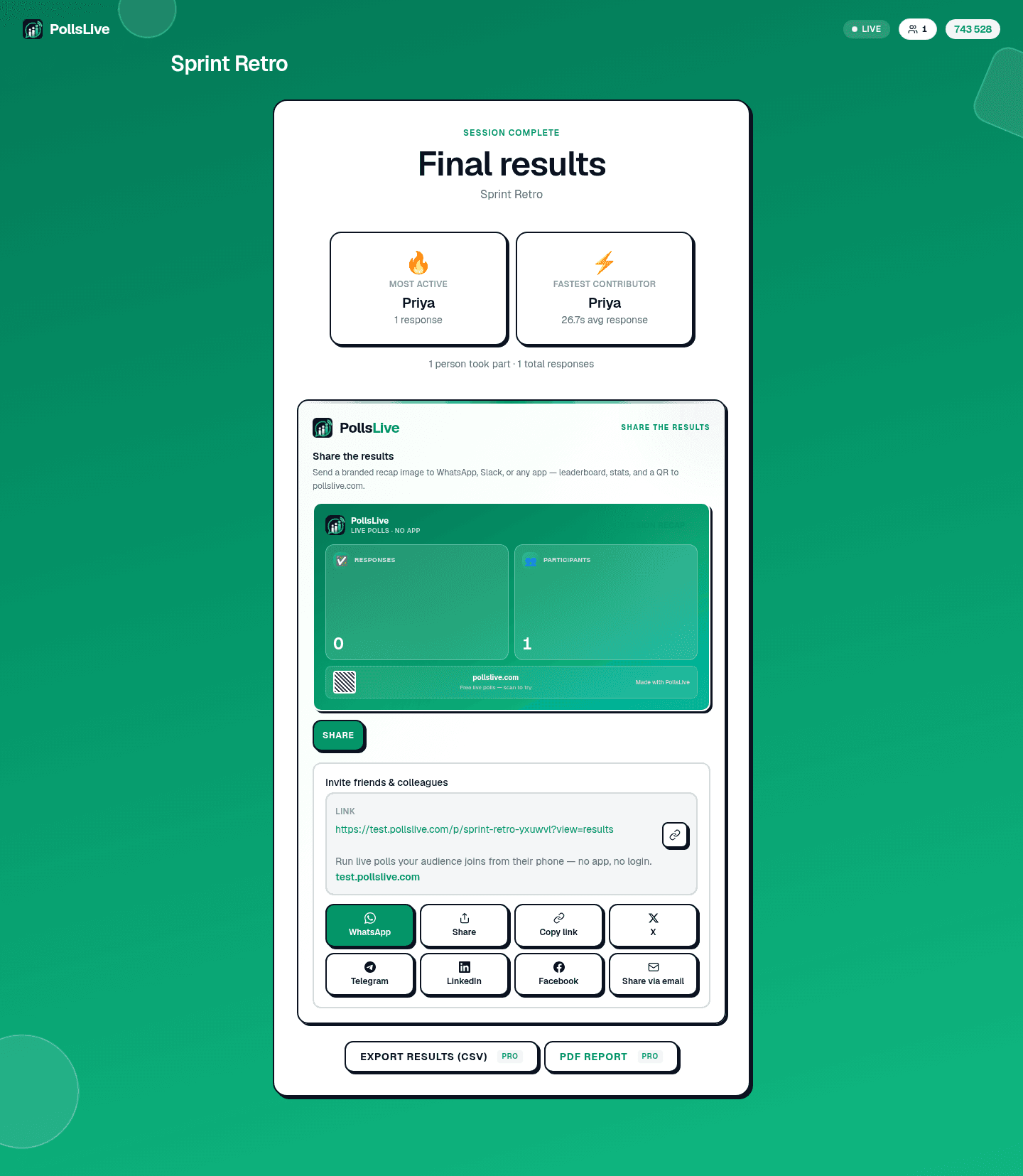
Results update as votes land. When voting is done, close the poll to lock the final tally. Share totals with Open public results or export on Pro. See read and export poll results.
How to keep a vote anonymous and fair
En su forma más simple, la votación online tiene tres piezas móviles: una pregunta con opciones, una forma de que la gente se una (un enlace, un código corto o un QR), y un recuento en vivo. Con PollsLive el anfitrión comparte un código en una pantalla o en un chat; los votantes lo abren en cualquier dispositivo y pulsan su elección; los resultados se animan en tiempo real. Sin instalar app, sin cuenta para los votantes.
- Leave name collection off: voters answer without an account, so ballots are not tied to identities.
- One vote per person without logins: PollsLive stops double voting without a login, so each person gets one vote while staying anonymous.
- Lock when done: close the poll so late entries cannot change the result.
- Share totals, not ballots: publish the count while keeping individual answers private.
Note
Running an anonymous Q&A or pulse check at work? See anonymous town hall Q&A and employee pulse checks.
Live vs async: when to use each
Live voting works when everyone is together and watching results appear is part of the moment: a team decision, a conference poll, a classroom check. Async voting works when people vote over hours or days: a community date poll, a feature vote, a board motion sent by email. PollsLive does both from the same deck.
Preview the respondent view
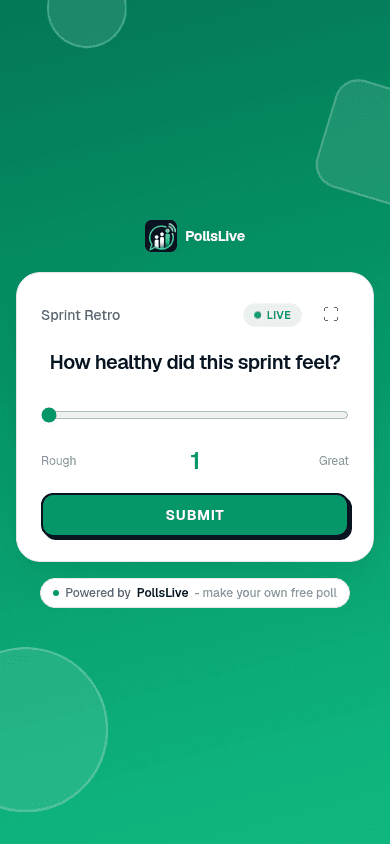
The editor shows a live preview of what voters see on their phones. Tap through your options to confirm wording before you share.
Common online voting use cases
- Meetings and teams: decisions, prioritisation, pulse checks. See PollsLive for teams.
- Events and conferences: audience picks and live Q&A. See PollsLive for events.
- Nonprofits and AGMs: motions and board votes. See PollsLive for nonprofits.
- Classrooms: quick checks for understanding. See PollsLive for education.
Voting methods at a glance
Not every decision is a simple pick-one. PollsLive also supports ranking (drag options into priority order), scale (1-5 or 0-10 sentiment), and yes/no multiple choice. Read voting methods explained for when to use each.
Important
Formal elections where you must prove who voted need named or roll-call voting, not anonymous online voting. Use anonymity for feedback and consensus, not legal ballots.
Is online voting free?
Yes, the free plan includes 3 published polls with 500 responses each and up to 50 live participants per session, across 3 live sessions a month. Pro ($8/mo annual, billed at checkout) raises live caps and unlocks exports. For a one-off conference or custom branding, see Premium and Event Pass on pricing. Compare on the pricing page, or see PollsLive vs Mentimeter and vs Slido.
Ready to run your first vote? Start with run a live poll in 2 minutes or browse ready-made decks in the template gallery.
Lanza una encuesta en vivo ahora mismo: inicio de sesión gratis para ti, sin app ni cuenta para tu audiencia.
Crea una encuesta gratis