
July 8, 2026 · 10 min read
Los 12 tipos de pregunta de PollsLive explicados
Qué hace cada uno de los 12 tipos de pregunta de PollsLive, de la opción múltiple y el quiz a la nube de palabras, el ranking y Anotar, y cuándo usar cada uno.
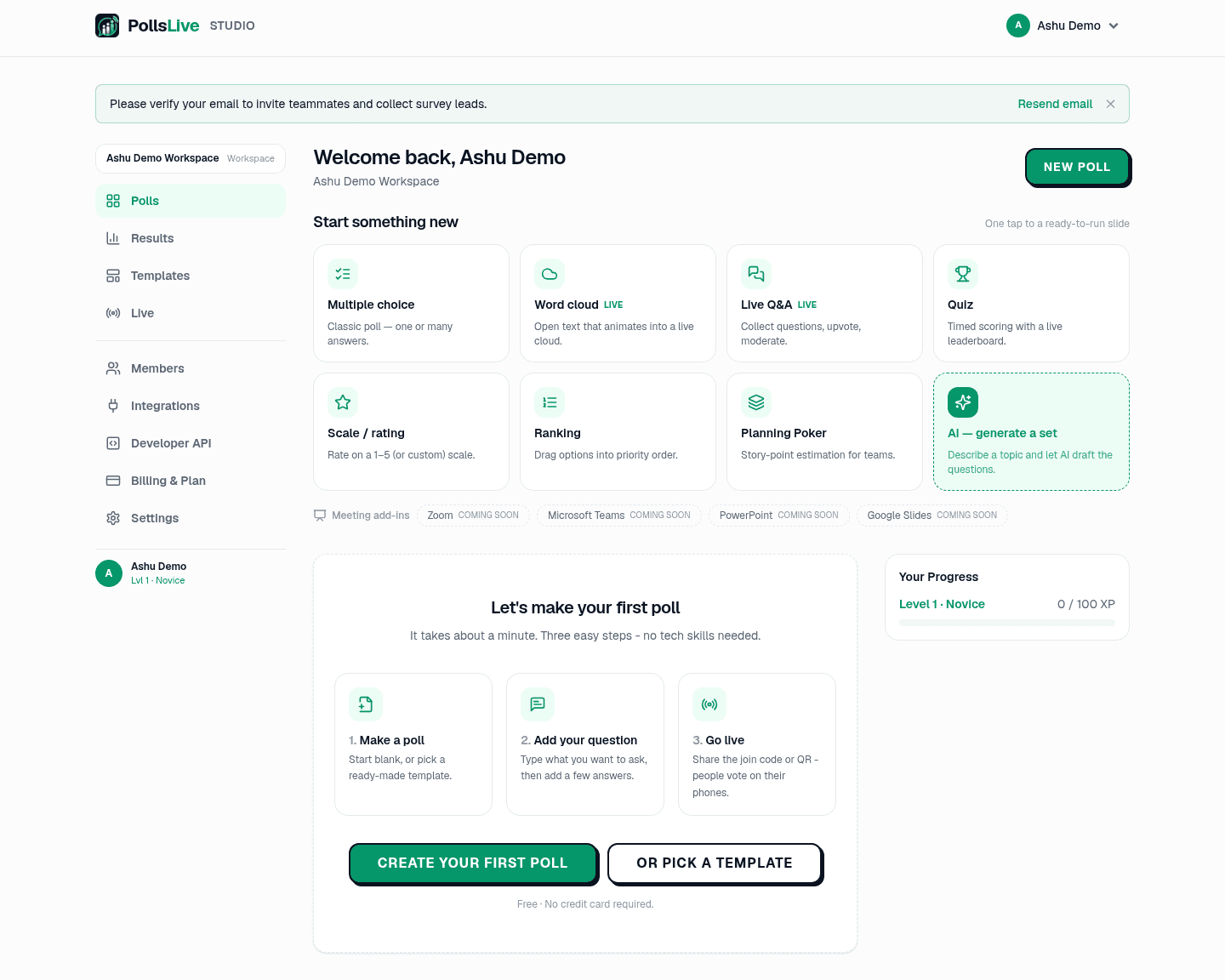
PollsLive te ofrece 12 tipos de pregunta, y elegir el correcto es gran parte de lo que hace que una interacción funcione. Aquí tienes qué hace cada uno y el momento de usarlo. Eliges el tipo por diapositiva desde el menú Tipo de pregunta en el editor, o inicias uno directamente desde la cuadrícula del panel de Studio.
1. Opción múltiple
La encuesta clásica: una pregunta y un conjunto de opciones, mostradas como un gráfico de barras en vivo. Configúrala en una respuesta para un voto limpio, o varias respuestas cuando la gente puede elegir varias. Úsala para opiniones rápidas, decisiones y comprobaciones de ánimo.
2. Quiz
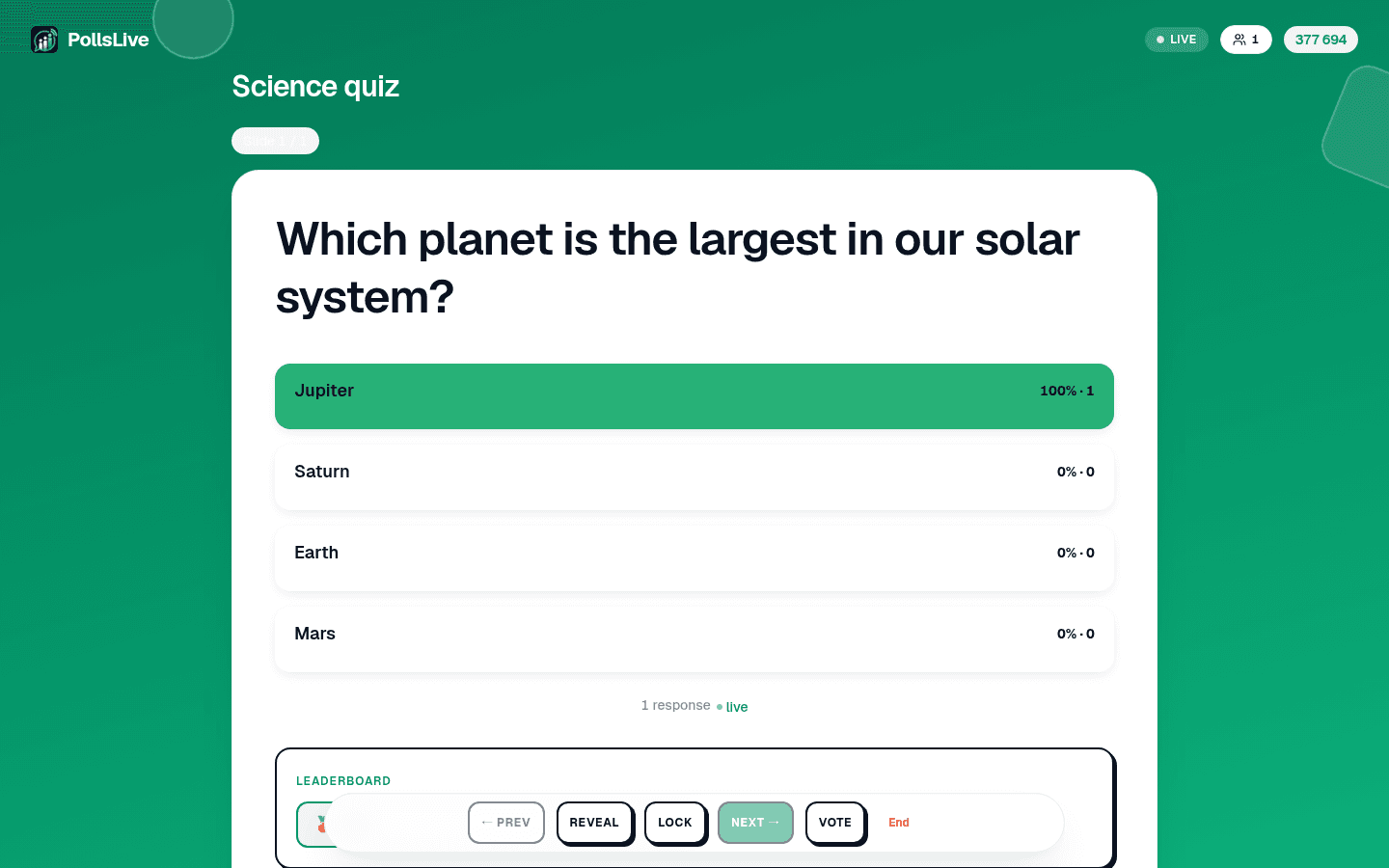
Una pregunta de opción múltiple con respuesta correcta, temporizador de cuenta atrás y puntos. Las respuestas correctas más rápidas puntúan más, y una tabla de clasificación ordena a los jugadores entre preguntas. Úsala para comprobaciones de formación, aulas y trivia: cualquier cosa donde un poco de competición ayude.
3. Respuesta escrita
Un quiz sin opciones para elegir: cada jugador escribe una respuesta corta. Tú indicas todas las respuestas que aceptas (hasta 10, para que "NYC" y "Nueva York" cuenten las dos), y no importan las mayúsculas ni los espacios de más. Los puntos, el bonus de velocidad y el temporizador funcionan igual que en un quiz de opciones. Úsala cuando una lista de opciones delataría la respuesta. La respuesta escrita solo funciona en una sesión en vivo.
4. Orden correcto
Introduces de 3 a 6 elementos en el orden correcto. Cada jugador los ve mezclados en su móvil y los vuelve a ordenar. Puntúa como un quiz, pero solo cuenta una coincidencia exacta: un elemento fuera de lugar es un error. A diferencia del ranking, hay una única respuesta correcta, así que encaja con cronologías, pasos de un proceso y preguntas de historia. El orden correcto solo funciona en una sesión en vivo.
5. Nube de palabras (texto abierto)

Una pregunta de texto abierto configurada para mostrarse como nube: conforme la gente escribe respuestas cortas, las palabras se agrupan y las más frecuentes crecen más. Es la forma más rápida de tomar la temperatura de una sala con sus propias palabras.
¿Una palabra para cómo fue este trimestre?
6. Q&A en vivo
En lugar de responder a tu pregunta, el público hace las suyas. Llegan preguntas, todos pueden votar positivamente las que les importan y tú moderas lo que se muestra. Perfecto para el final de una charla, un town hall o un AMA donde quieres que las mejores preguntas suban solas.
7. Escala / valoración
Una valoración en un rango: estrellas del 1 al 5, puntuación de recomendación del 0 al 10 para NPS, o escala de acuerdo/en desacuerdo Likert. Rápida de configurar con los presets integrados. Úsala para comprobaciones de confianza, satisfacción y cualquier pregunta de "con qué intensidad sientes".
8. Ranking
La gente arrastra opciones a su orden preferido y obtienes una lista de prioridades agregada. Ideal cuando la respuesta no es un ganador sino un orden: qué funciones construir primero, qué temas cubrir, qué abordar en el próximo sprint.
9. Planning Poker
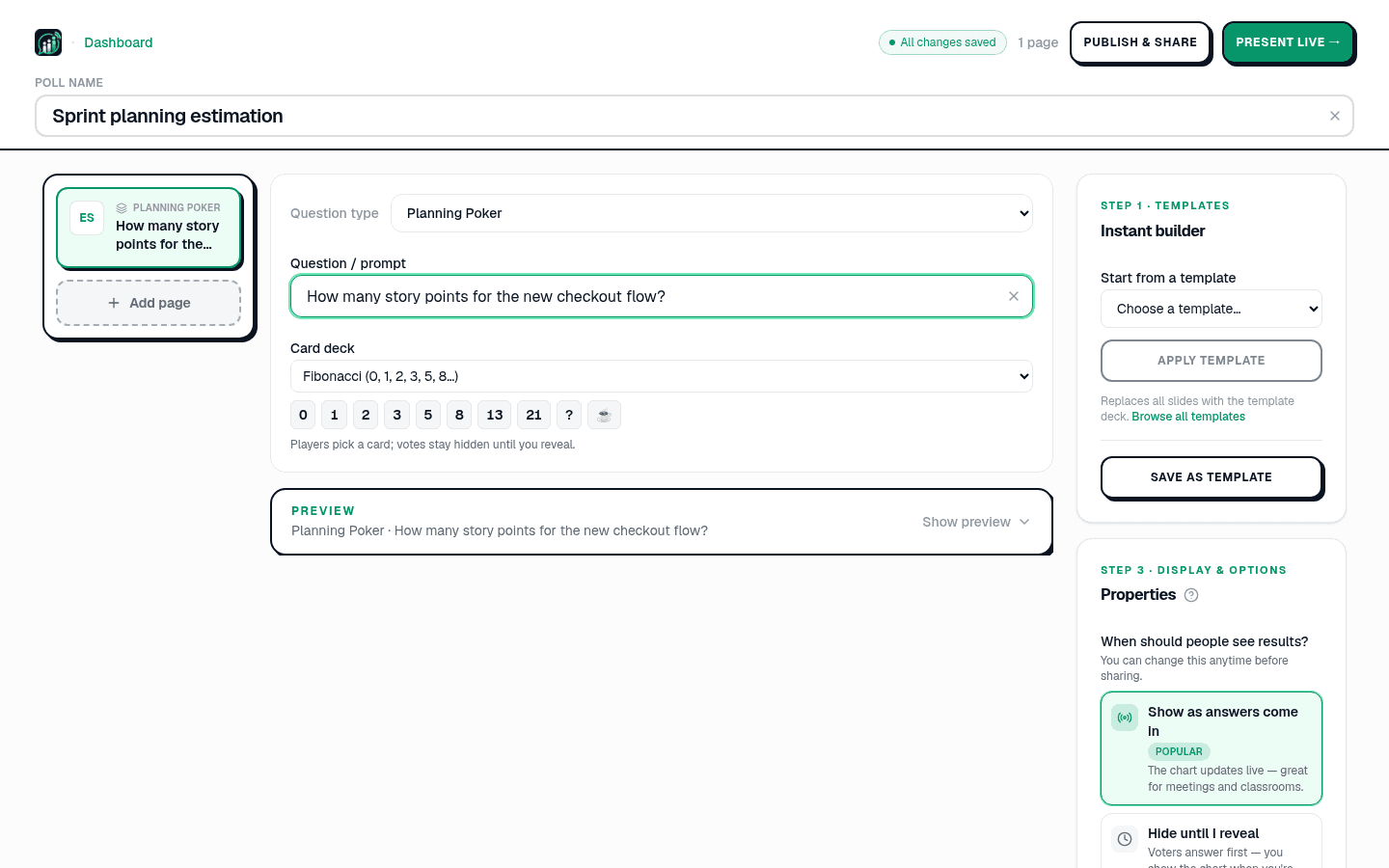
Estimación de story points para equipos de software. Todos eligen una carta de una baraja (Fibonacci, tallas de camiseta y más), los votos permanecen ocultos hasta que revelas, y la dispersión provoca la discusión. Diseñado para la planificación de sprint.
10. Brainstorm
Cada persona envía una idea. Mientras llegan, las agrupas por temas en la pantalla del presentador (o aceptas los grupos sugeridos) y después la sala vota los grupos en lugar de las ideas sueltas, para que un tema que mucha gente planteó con palabras distintas no pierda frente a una sola frase popular. Si quieres, las ideas esperan tu aprobación antes de aparecer. Pensado para talleres y retrospectivas, Brainstorm solo funciona en una sesión en vivo.
11. Anotar
Cada persona dibuja en la misma imagen desde su teléfono: rodear una zona, marcar un punto, trazar una flecha o dibujar a mano alzada. Tu pantalla superpone todos los dibujos sobre la imagen, como mapa de calor, como líneas o como galería, y los cuenta a medida que llegan; puedes ocultar cualquier dibujo. Úsalo para «¿Dónde está el problema en este plano?», «Rodea la parte de la diapositiva que no quedó clara» o un quiz de encontrar un detalle con una zona de respuesta marcada.
12. Diapositiva de contenido
No es una pregunta en absoluto: una diapositiva sencilla para un título, encabezado de sección o instrucción. Úsala para dividir un deck largo en partes (la encuesta de satisfacción de empleados usa estas para separar sus secciones) o para preparar la siguiente pregunta.
Entonces, ¿cuál eliges?
- Una opinión o decisión rápida: opción múltiple.
- Comprobar conocimiento con algo de diversión: quiz.
- Una respuesta corta y exacta, sin opciones que adivinar: respuesta escrita.
- Pasos o hechos en su único orden correcto: orden correcto.
- Sentimientos con sus propias palabras: nube de palabras.
- Dejar que el público pregunte: Q&A en vivo.
- Con qué intensidad sienten: escala.
- Ordenar cosas: ranking.
- Estimar trabajo en equipo: Planning Poker.
- Reunir ideas y votar los temas: Brainstorm.
- Preparar o dividir un deck: diapositiva de contenido.
Note
Puedes mezclar tantos tipos de pregunta como quieras en un deck. Empieza desde crear una encuesta desde cero o explora la galería de plantillas.
Para probarlos, crea una encuesta desde cero o abre la referencia completa de tipos de pregunta.
Lanza una encuesta en vivo ahora mismo: inicio de sesión gratis para ti, sin app ni cuenta para tu audiencia.
Crea una encuesta gratis