
June 20, 2026 · 11 min read
ऐसा survey बनाएँ जिसे लोग पूरा करें
ऐसा survey कैसे बनाएँ जिसे लोग पूरा करें: कितने सवाल, किस क्रम में, कौन-से question types, और वे ग़लतियाँ जिनसे लोग बीच में छोड़ देते हैं।
एक form में दस सवाल कोई भी डाल सकता है। हुनर लोगों से इसे पूरा करवाने में है, और ज़्यादातर surveys अंत से पहले अपने आधे respondents खो देते हैं। यह गाइड एक ऐसा survey बनाने का छोटा संस्करण है जो पूरा किया जाए, चाहे आप इसे किसी link पर async चलाएँ या किसी कमरे में live।
1. फ़ैसले से शुरू करें, सवालों से नहीं
एक भी सवाल लिखने से पहले, यह वाक्य पूरा करें: *"इस survey के बाद मैं ___ तय करूँगा।"* हर वह सवाल जो उस फ़ैसले को नहीं पोसता, मिटाने का उम्मीदवार है। Surveys इसलिए फूल जाते हैं क्योंकि हम ऐसी चीज़ें पूछते हैं जो *जानना अच्छा है*, और लंबाई लोगों के छोड़ने की नंबर-एक वजह है।
2. इसे छोटा रखें, और progress दिखाएँ
Sawalon se nahi, decision se shuru karein
Kuch likhne se pehle ye sentence poora karein: *"Is survey ke baad main ___ decide karunga/karungi."* Har sawal jo us decision ko feed nahi karta, kaat diya jata hai. Surveys isliye phoolte hain kyunki hum nice-to-know cheezein poochhte hain. Length logon ke quit karne ka number-one reason hai.
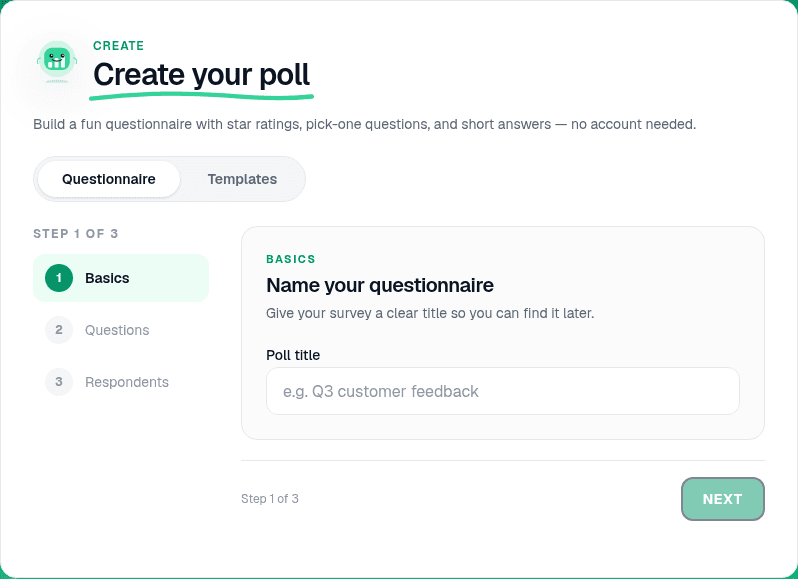
Questionnaire builder kholen
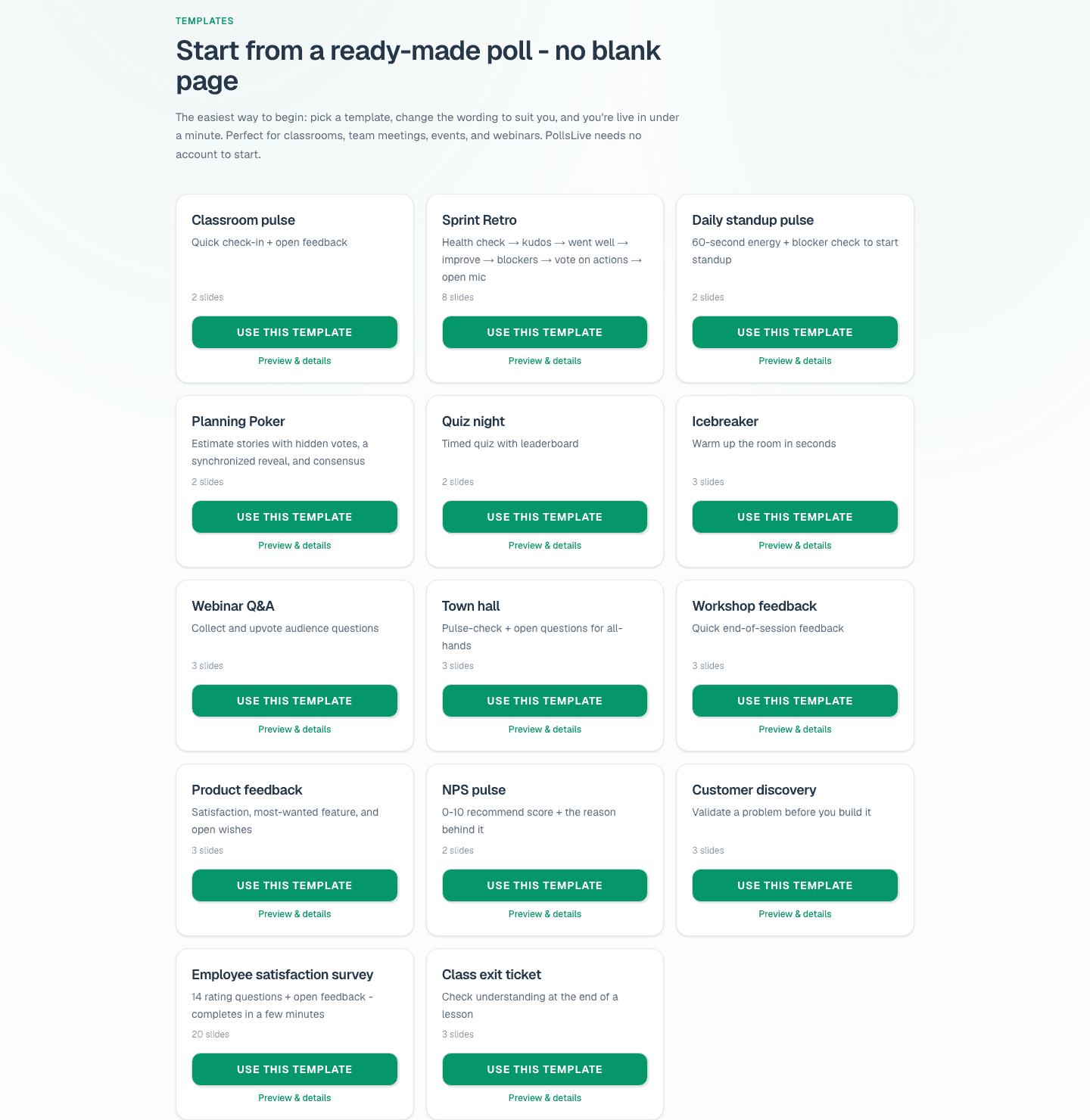
On the home page, open Create your poll and pick the Questionnaire tab. Name the survey, then add each question. When you have more than one question, PollsLive presents them as a single survey page automatically.
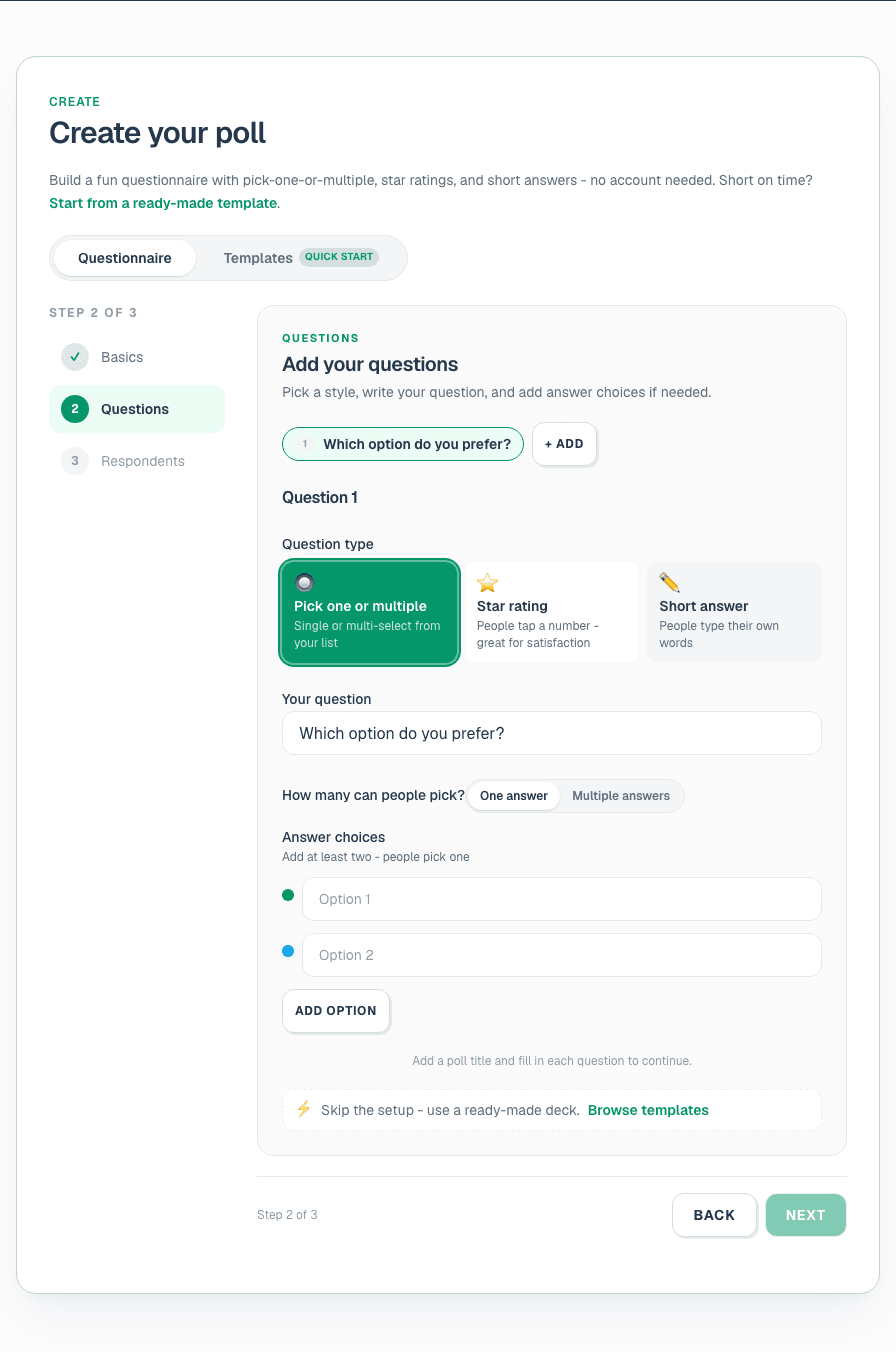
Sahi order mein 5-8 sawal jodein
Momentum banane ke liye easy, engaging sawal se shuru karein. Related topics ek saath group karein. General survey par 5-8 questions target karein; quick pulse ke liye 5 se kam. Respondent har sawal ek scrollable page par dekhta hai.
Tip
Demographics last rakhein. Log wo surveys chhod dete hain jo "aapka job title kya hai?" poochhti hain isse pehle ki kyun jawab de rahe hain samajh aaye.
Har page ke liye sahi question type chunein
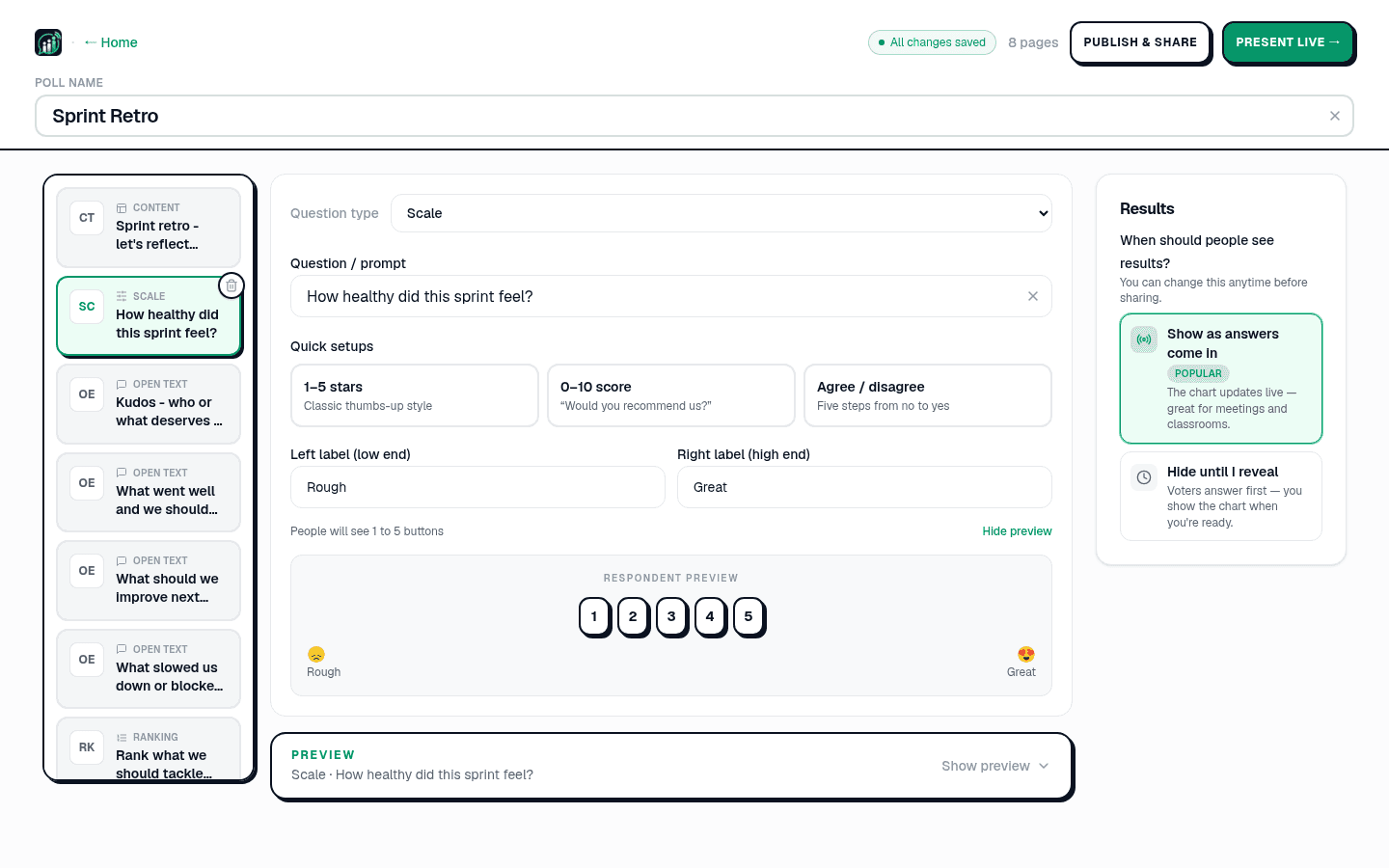
In the editor, each question is a page. Match the type to the answer you need: Multiple choice for countable picks, Scale for satisfaction and NPS, Open text for the why (renders as a word cloud live), Ranking for priorities. See question types explained.
- एक सामान्य survey के लिए 5-8 सवालों का लक्ष्य रखें; एक झटपट pulse के लिए 5 से कम।
- गति बनाने के लिए आसान, आकर्षक सवाल पहले रखें।
- संबंधित सवालों को समूह में रखें ताकि survey बहता-सा महसूस हो।
- एक progress indicator दिखाएँ ताकि लोगों को पता हो कि अंत नज़दीक है।
एक शब्द में, workshop कैसी रही?
Neutral sawal likhein
Leading wording se bachein ("Kitna great tha…" ko "Aap kaise rate karenge…" banayein). Har sawal mein ek cheez poochhein: "fast aur friendly?" ko do mein split karein. Neutral ya "not applicable" option dein. Scales consistent rakhein (hamesha 1 = low, 5 = high). Examples 30 survey question examples se copy karein.
Note
Sensitive sawal (manager trust, compensation fairness) name collection off karke chalayein. Dekhein anonymous voting how-to.
Mobile par preview
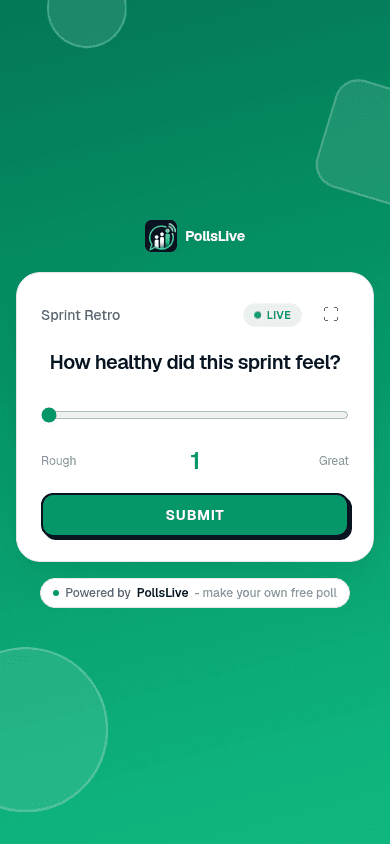
Editor respondent page ka live preview dikhata hai. Share karne se pehle phone-sized preview par scroll karke confirm karein survey short aur readable lage.
Live ya async delivery chunein
Async: लिंक शेयर करें click karein aur link email ya Slack se bhejein. Log apne time par jawab dete hain. Live: Present live click karein jahan log submit karte hi results screen par aate hain. Same survey, do modes.

Results padhein aur export karein
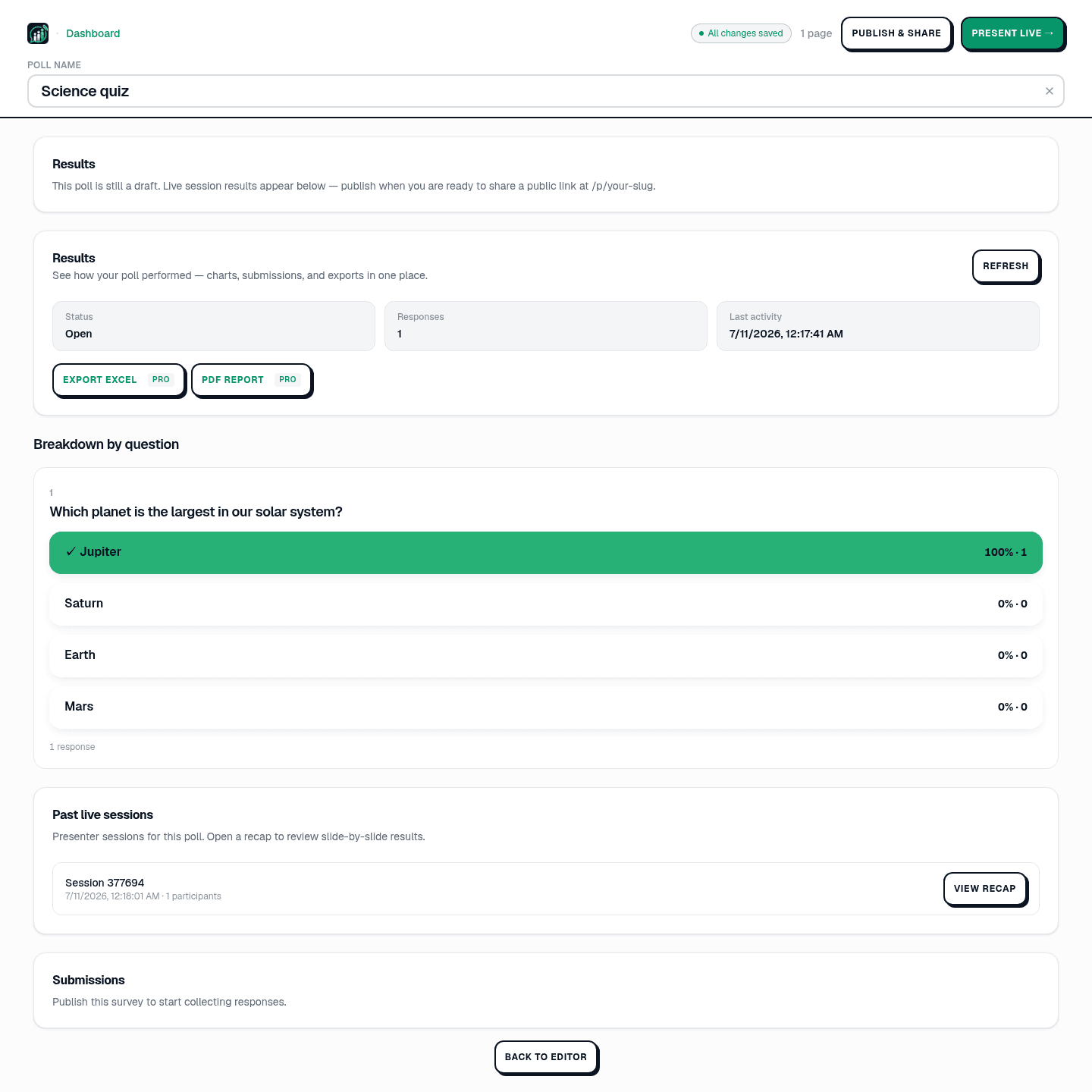
Open Results in Studio for a breakdown by question. Export Excel or PDF on Pro ($8/mo annual, billed at checkout). See read and export poll results.
4. तटस्थ सवाल लिखें
एक live survey किसी मीटिंग, क्लास, या इवेंट में results स्क्रीन पर लेकर चलता है, engagement और तुरंत चर्चा के लिए बढ़िया। एक async survey एक link के रूप में शेयर होता है और समय के साथ जवाब दिया जाता है, पहुँच के लिए बढ़िया। तय नहीं कि कौन सा फ़ॉर्मैट फ़िट बैठता है, या आपको survey की ज़रूरत है भी या नहीं? पढ़ें poll बनाम survey बनाम form। सवाल के शब्दों के लिए, 30 survey सवालों के उदाहरण लें।
Survey tools compare karein
PollsLive एक free survey maker है जो दोनों करती है, respondents के लिए किसी account की ज़रूरत के बिना। अगर आप किसी form tool से हट रहे हैं, तो देखें यह Google Forms, Typeform, और SurveyMonkey के मुक़ाबले कैसी है।
अभी एक live poll शुरू करें: आपके लिए मुफ़्त sign-in, आपकी audience के लिए कोई app या account नहीं।
एक मुफ़्त poll बनाएँ