
July 10, 2026 · 8 min read
Poll results कब दिखाएँ?
Votes आते ही results दिखाइए, reveal तक छिपाइए, या एक page पर पूरा survey इकट्ठा कीजिए। हर विकल्प कैसे काम करता है और कब कौन-सा चुनें।
एक छोटी setting poll feel बदलती है: लोग results कब देखें। PollsLive editor में clear choice देता है, plus multi-question surveys के लिए third mode। यहाँ pick कैसे करें।
कहाँ set करें
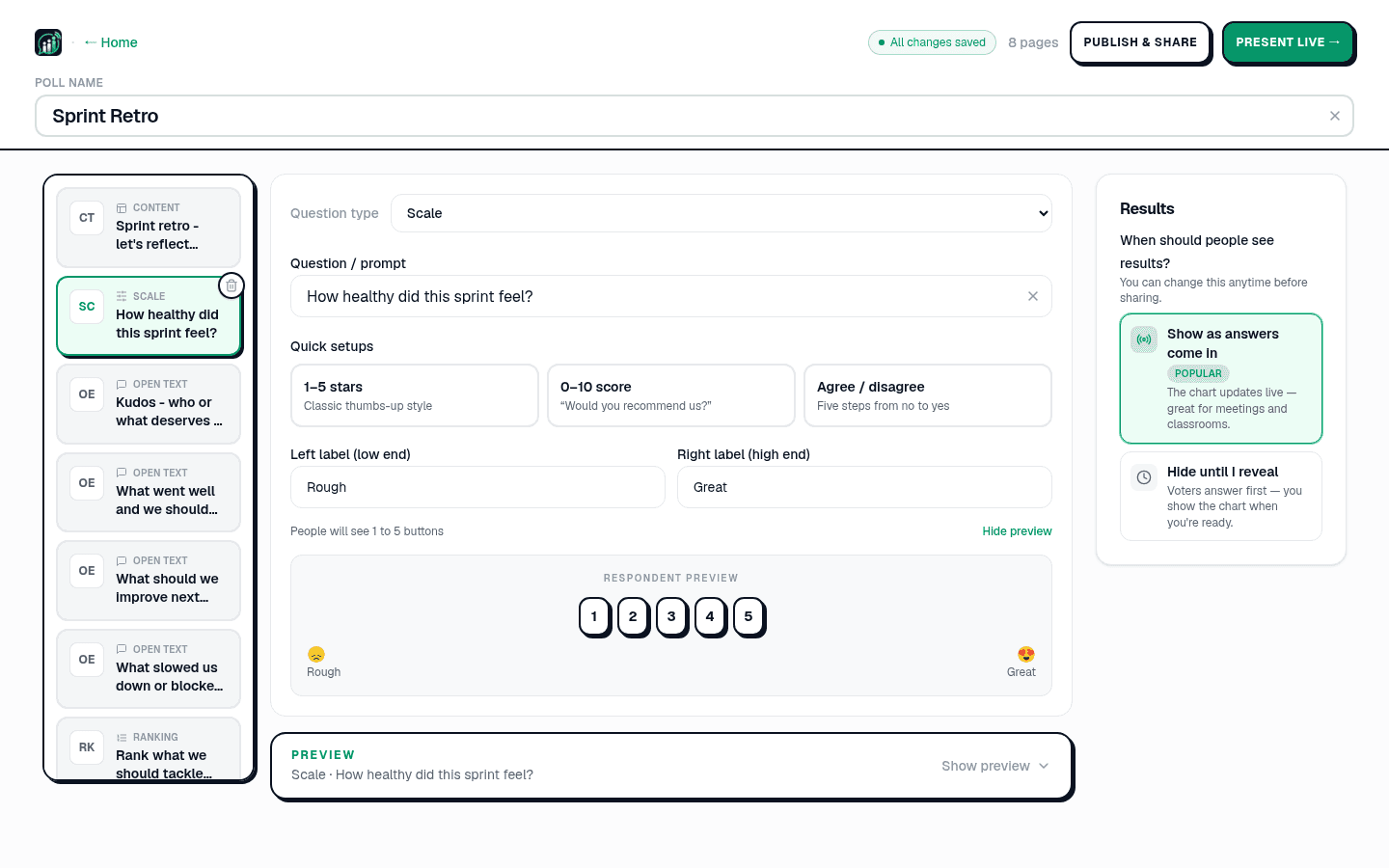
एडिटर के दाएँ पैनल में एक सवाल होता है: आप यह पोल कैसे चलाएँगे? दो विकल्पों के साथ: अपनी गति से और लाइव, मैं प्रस्तुत करूँगा। लाइव चुनें तो नीचे दो विकल्प आते हैं: जब तक मैं न दिखाऊँ, छिपे रहें, जो शुरू में चुना रहता है, और वोट आते ही दिखें। साझा करने से पहले आप दोनों में से कुछ भी कभी भी बदल सकते हैं।
जब तक आप न दिखाएँ, छिपा रहता है (डिफ़ॉल्ट)
सब पहले जवाब देते हैं, और चार्ट तब तक छिपा रहता है जब तक आप प्रस्तुतकर्ता डॉक पर दिखाएँ न दबाएँ। स्लाइड बताती है कि कितने उत्तर आ चुके हैं, तो आपको पता रहता है कि कमरा कब पूरा कर चुका, बिना किसी को यह दिखाए कि उसने क्या कहा। इसे तब चुनें जब शुरुआती उत्तर बाकी को प्रभावित करें: जवाब से पहले का अनुमान, गुमनाम राय जहाँ आप नहीं चाहते कि लोग भीड़ के पीछे चलें, या क्विज़ जहाँ पूरा मज़ा ही खुलासे में है। छिपाएँ उसे फिर हटा देता है।
वोट आते ही दिखें
यह विकल्प चुनें और वोट आते ही चार्ट वास्तविक समय में अपडेट होता है। लाइव पोलिंग की कल्पना लोग यही करते हैं, मीटिंग, कक्षाओं और आयोजनों के लिए अच्छा, जहाँ बार को चलते देखना ऊर्जा का हिस्सा है। क्विज़ और अनुमान वाली स्लाइड इसे अनदेखा करती हैं: किसी के जवाब देने से पहले क्विज़ का वितरण दिखाना जवाब बता देता है, और अनुमान का दौर खोलना ही उसे बंद करने का तरीका है।
Same question, दो बिल्कुल different moments। यहाँ split hold back करें जब तक सब commit न करें:
देखने से पहले: नई pricing signups बढ़ाएगी या घटाएगी?
Survey: सब एक page पर
Multi-question polls के लिए third experience। Deck में एक से ज़्यादा question हो तो PollsLive survey present कर सकता है: हर question एक shareable page, together submit, combined results अंत में। feedback forms, follow-up NPS, employee surveys अपने time पर fill: यह mode। questionnaire builder multi-question decks पर automatically on, submit के बाद हमेशा results show।
Tip
Room energy के लिए live, crowd vote sway रोकने reveal, अपने time answers survey।
Room energy के लिए live, crowd vote sway रोकने reveal, अपने time answers survey।
Poll format unsure? building it from scratch से शुरू करें और दोनों try, setting one click change।
अभी एक live poll शुरू करें: आपके लिए मुफ़्त sign-in, आपकी audience के लिए कोई app या account नहीं.
एक मुफ़्त poll बनाएँ