
September 21, 2026 · 7 min read
How to run a concept-testing workshop with live polls
Facilitate a 45-60 minute remote or hybrid concept test with 2-3 concepts: preference, intensity scales, and open feedback using PollsLive live polls.
Concept testing is where product and marketing stop arguing from taste and start arguing from evidence. You put two or three ideas in front of real people (a landing headline, a packaging mock, a pricing frame, a feature story) and you watch preference, intensity, and open language land in the same room. A live poll deck turns that into a 45-60 minute workshop you can run remote or hybrid without a separate survey tool.
This guide is for research leads, PMM, and product managers who already have concepts in hand. It is not another product-discovery overview (that post lives here), and it is not a ranking-only prioritization session (feature prioritization with users). The goal is a clean preference signal plus the words people use when they choose.
Tip
Keep the room small enough to hear the why: 6-20 participants is the sweet spot. Larger audiences still work for preference bars; the open-feedback slide is where you want quality over volume.
Who this workshop is for
Use this format when you need a go / iterate / kill call before a launch, a campaign, or a design freeze. Typical owners:
- Product marketing comparing messaging or creative directions before a campaign goes live.
- Product testing naming, onboarding stories, or packaging concepts with design partners.
- UX research facilitating a hybrid session where remote guests vote while the room discusses.
- Founders stress-testing a pitch narrative with customers before the next board or investor update.
If you only need "what should we build next," run a prioritization deck instead. If you still need problem framing, start with discovery. Concept testing sits after those: the concepts exist; the question is which one earns attention.
Prep the concepts before you open the editor
Spend more time on the stimuli than on the slides. Weak concepts produce tidy but useless charts.
- Pick 2-3 concepts, not five. More than three flips the session into a beauty pageant. Two is fine for an A/B; three works when you need a dark horse.
- Make them comparable. Same job-to-be-done, same fidelity (all sketches or all polished mockups), same length of copy. Do not pit a finished video against a sticky note.
- Write a one-line frame for each: name, promise, and one concrete detail. Participants should understand the idea in under 20 seconds.
- Decide the decision rule up front. Example: "We ship the winner if it leads preference by 15+ points and open feedback is not hostile." Publish that rule in the invite.
- Recruit for the decision, not for cheerleading. Mix customers, prospects, and one skeptical internal voice. Label roles in the room so marketing does not drown research.
Note
Bring printouts or a shared Figma board for the concepts themselves. The poll deck captures votes; it is not your concept library.
Build the concept-test deck
Create a poll from the home page or Studio, then open the deck editor. You want a short arc: frame → show concepts → preference → intensity → open language → optional priority → close. Full create path: creating a poll. Question-type cheat sheet: poll question types explained.
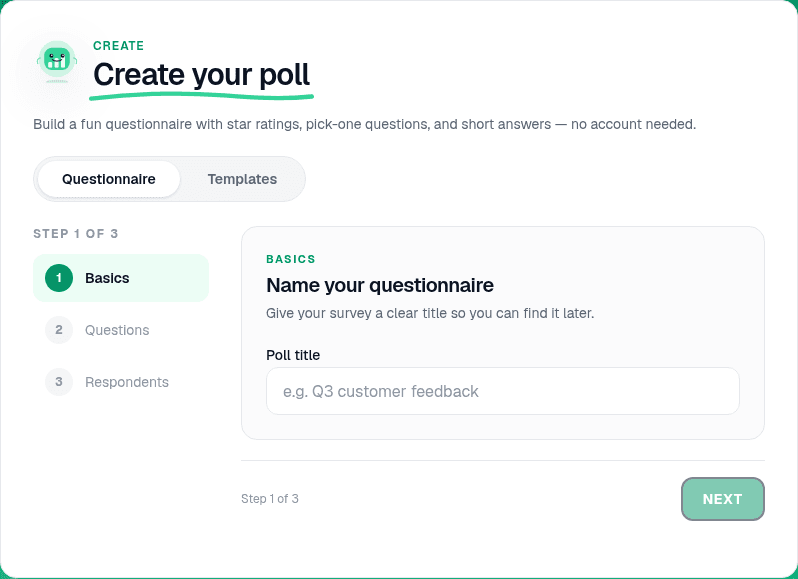
A practical 8-slide shape for a 45-60 minute remote or hybrid workshop:
- Holding / title: workshop name, decision rule, and how long each block runs.
- Warm-up multiple choice: "Which category do you buy from most?" or "Have you used us before?" so people practice joining before the money slides.
- Concept preference (multiple choice): "Which concept would you try first?" with Concept A / B / C as options. This is your headline chart.
- Intensity scale: "How clear is the promise?" or "How likely are you to click?" on a 1-5 or 1-7 scale for the leading concept, or one scale per concept if time allows.
- Open / word cloud: "What word describes this concept?" or "What almost stopped you choosing it?" Word clouds surface language you can steal for copy; free-text Q&A captures longer objections. More on clouds: word cloud questions.
- Optional ranking: "Rank the concepts by fit for your team" when preference alone is too blunt and you need a second signal.
- Priority tradeoff (optional): one multiple-choice or ranking slide that forces a cut: "If we can only ship one this quarter, which is it?" Keep this distinct from a full prioritization workshop.
- Close: "Anything we should have asked?" as open text, then thank-you / next steps.
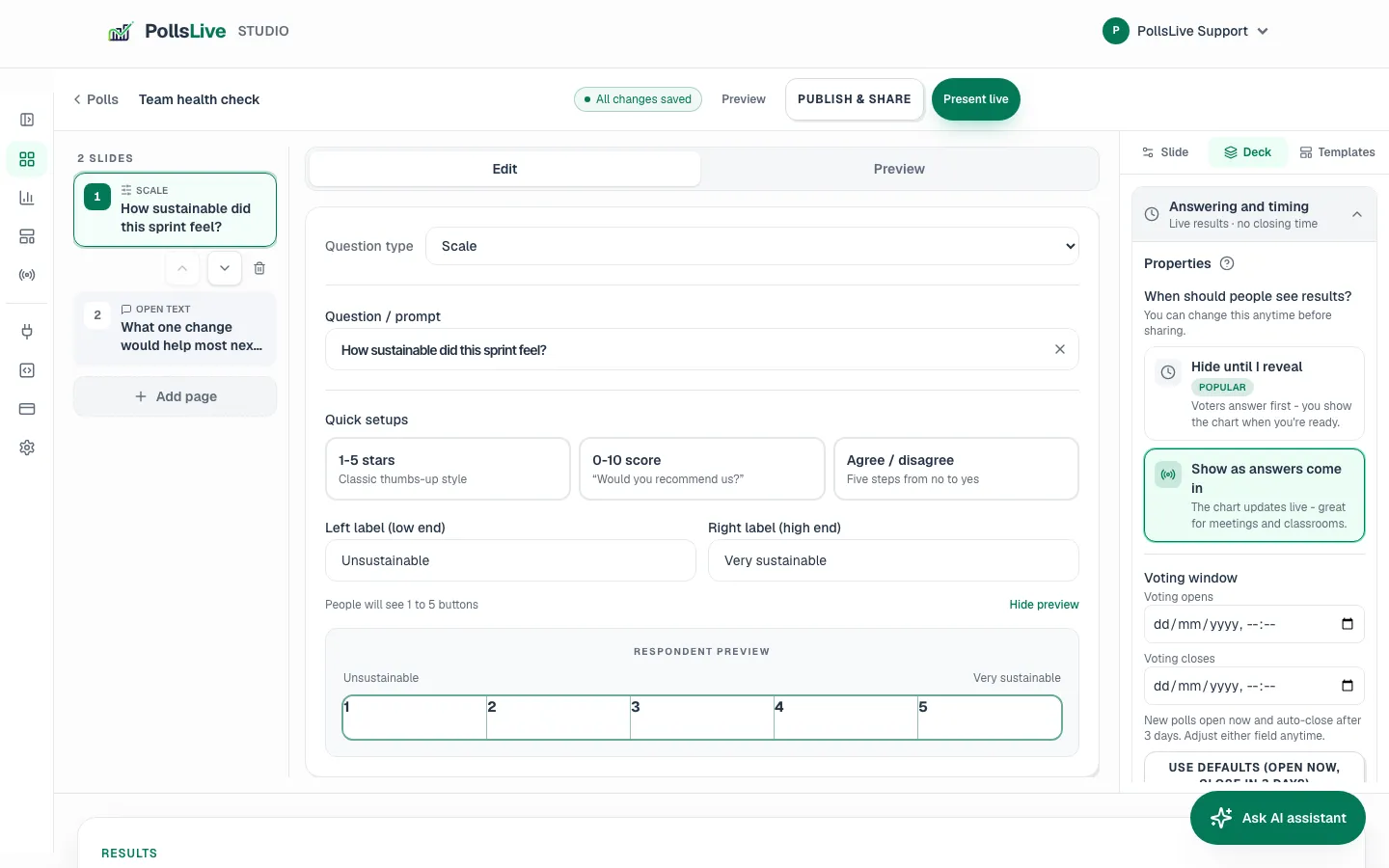
Tip
Label options with Concept A / B / C on screen and put the real names on a second monitor or in chat. That stops "I liked the blue one" from becoming the transcript.
Run it live: PIN, QR, and facilitator rhythm
When the deck reads like something you would say out loud, click Present live. The host view keeps the PIN and QR on screen for late arrivals. Participants join in the browser, with no app and no account. Presenter flow: presenting live.
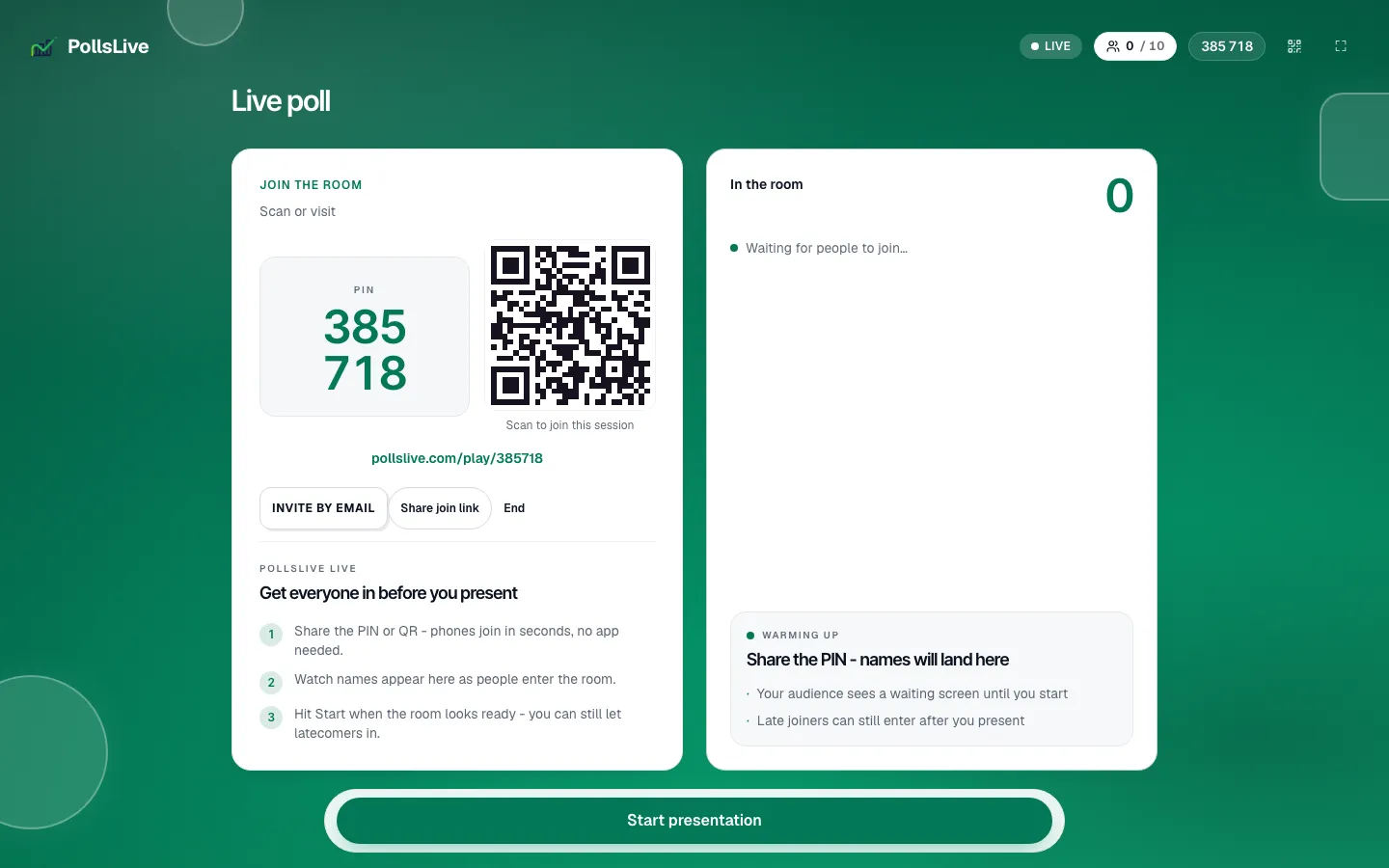
A cadence that fits 45-60 minutes:
- 0-5 min: purpose, decision rule, consent to record or quote anonymously.
- 5-15 min: walk concepts on the shared board; no voting yet. Answer clarifying questions only.
- 15-25 min: preference multiple choice. Reveal the bar chart, then ask two people from the majority and one from the minority to speak.
- 25-35 min: scale for intensity on the leader (or quick scales on all three if the group is fast).
- 35-50 min: word cloud or open text. Read clusters aloud; do not defend the concepts.
- 50-60 min: optional ranking or tradeoff, then close with next steps and owners.
Note
In hybrid rooms, put the host screen on the main display and keep a facilitator on chat for remote typos and late PINs. Advance slides yourself. Do not hand the clicker to the loudest stakeholder.
Read the results without fooling yourself
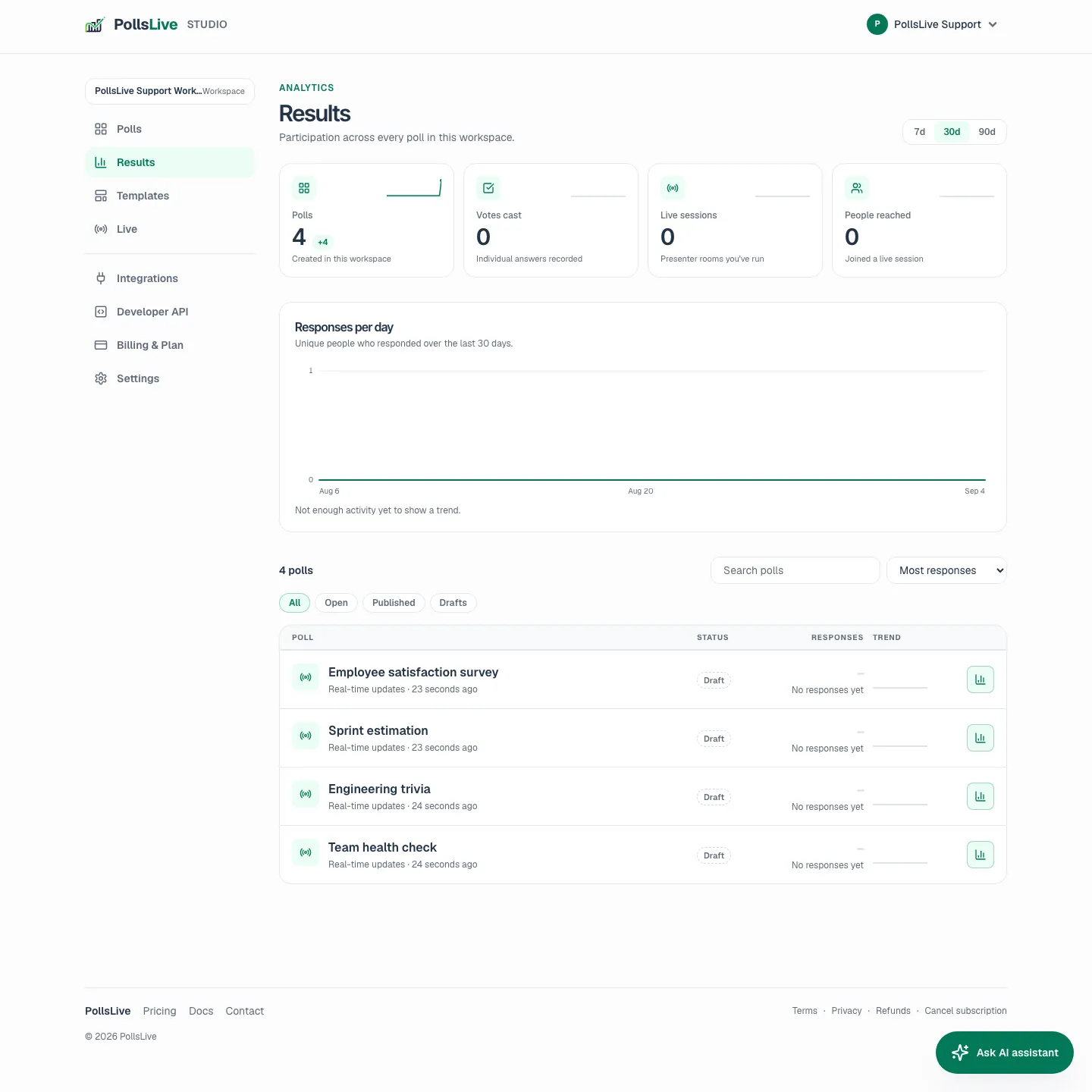
After the session, open Studio results for the poll. You want three layers: preference share, intensity, and language. The results panel is enough for a same-day decision memo; export if you need slides for leadership.
- Preference without intensity is fragile. A 55/45 win with weak scale scores is an iterate, not a ship.
- Read the minority. The losing concept's word cloud often names the risk the winner still carries.
- Separate "liked" from "would use." If you only asked appeal, add a follow-up async poll for intent before you budget production.
- Write the decision in one paragraph while the room is fresh. Include the rule you set, the numbers, and the open-language themes.
What to do next
Concept testing is a decision tool, not a content engine. Close the loop:
- Ship the winner only if it met your pre-set rule and open feedback is actionable, not hostile.
- Iterate when preference is close or intensity is soft: rewrite the promise, tighten the mock, retest with a smaller panel.
- Kill politely when both preference and language fail. Document why so the idea does not return unlabeled next quarter.
- Reuse the deck. Duplicate the poll, swap concept labels, keep the same arc for the next campaign.
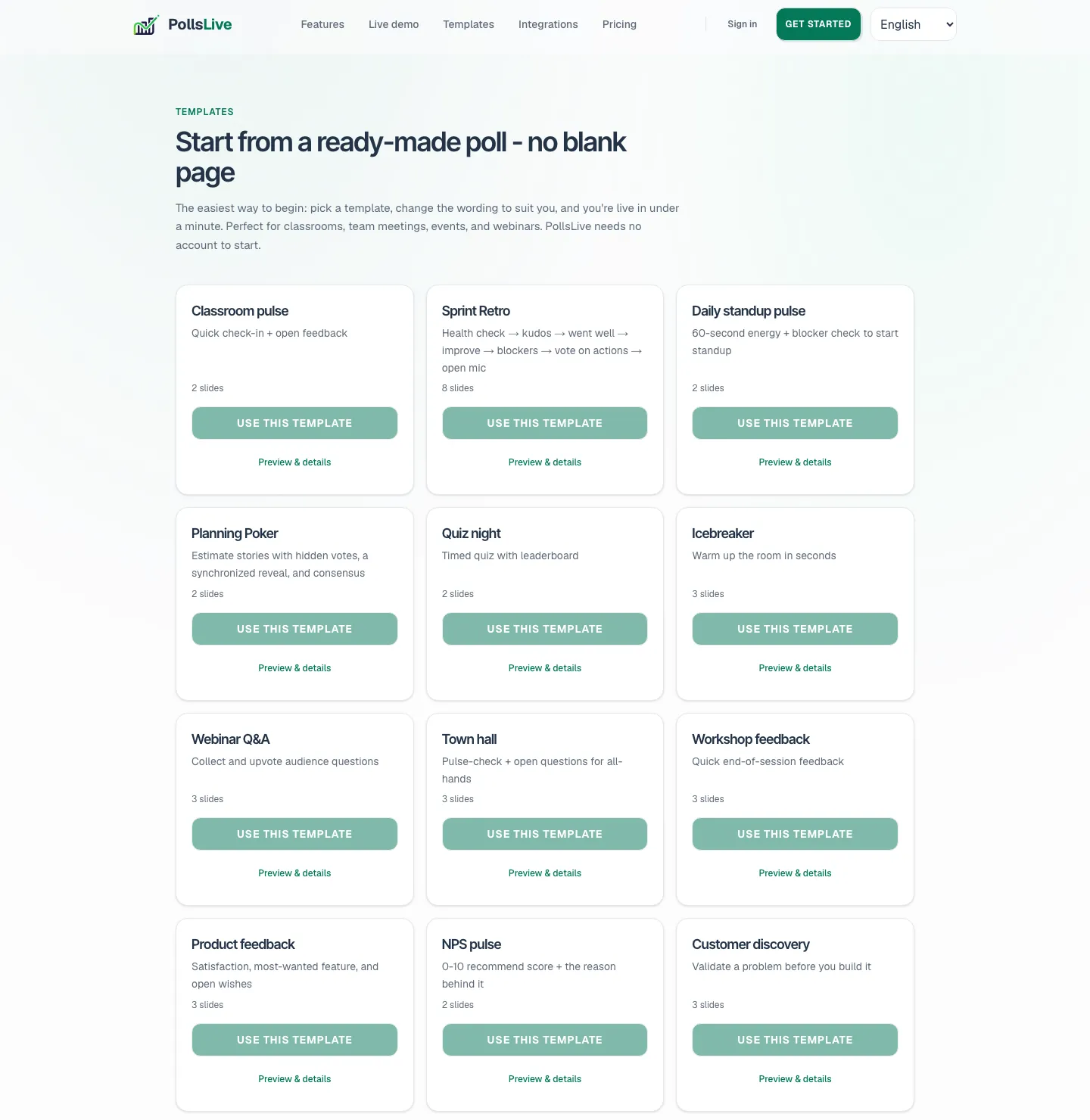
If you need templates to start faster, browse the template gallery. For related research formats, see product discovery with live polls and live feature prioritization with users.
You now have a workshop you can run tomorrow: prep comparable concepts, build preference + scale + open language, present with PIN/QR, and leave with a written decision. That is the whole job.
Create a free poll and build your concept-test deck in the editor.
Create a free poll