
الميزات
كل طريقة للسؤال. كل إجابة، مباشرة.
كل ما يفعله PollsLive، بالترتيب الذي تستخدمه به: أنشئ الاستطلاع، واسأل القاعة، وأدر الجلسة، واقرأ النتائج، وتوسّع نحو حدث أكبر.
- ينضم الجمهور برمز، دون تطبيق
- 12 نوعًا من الأسئلة
- خطة مجانية، دون بطاقة
- ادفع مرة واحدة لكل فعالية
- مستضاف في الاتحاد الأوروبي
أنشئ
أنشئ الاستطلاع في دقائق
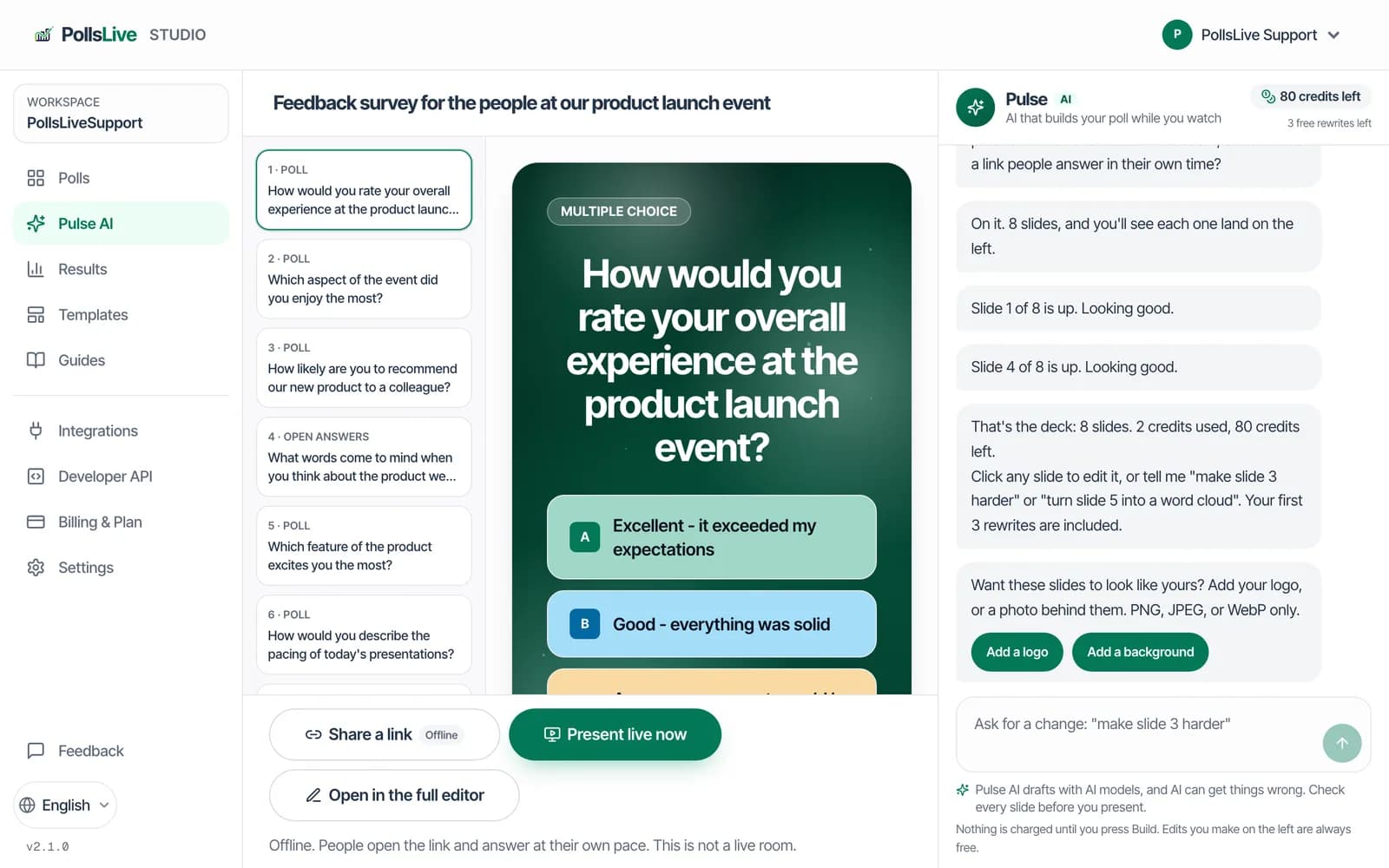
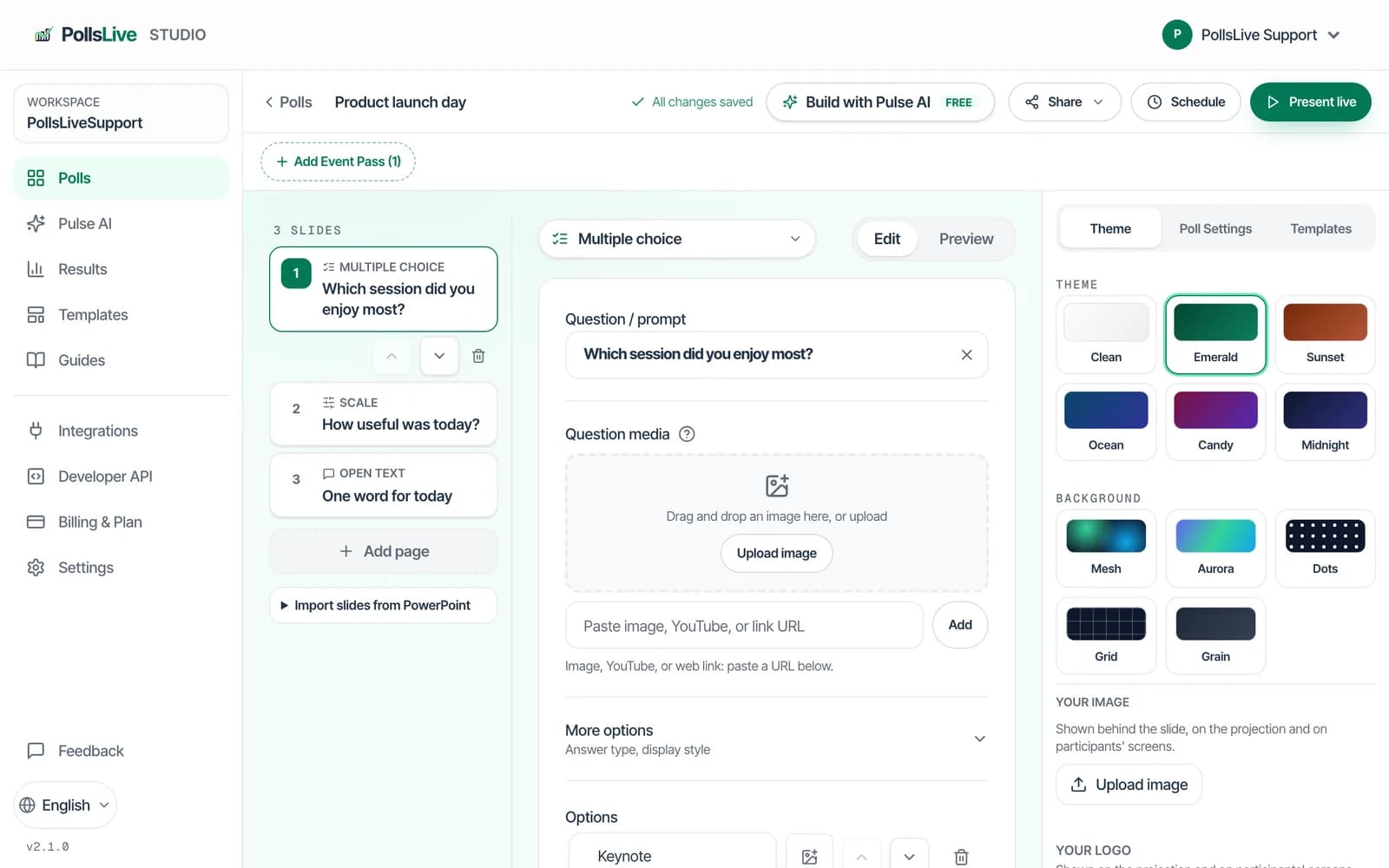
ابدأ من قالب، ودع Pulse AI يكتب مسودة من جملة واحدة، وامنحه ألوانك.
- كل الخطط
استطلاعات جاهزة للجلسات الشائعة، من كسر الجليد إلى جلسات المراجعة.
- كل الخطط
صِف جلستك واحصل على مسودة عرض جاهزة للتعديل.
- كل الخطط
أنظمة ألوان للشاشة الكبيرة وصفحات الانضمام.
ابدأ من قالب جاهز، أو خذ سؤالا من أفكار أسئلة الاستطلاع.
اسأل القاعة
اسأل القاعة بكل طريقة
من نقرة واحدة إلى إجابة مكتوبة أو قائمة مرتبة. يجيب الجميع من هواتفهم، دون تطبيق ودون تسجيل.
مقدّم العرض
كيف ينبغي أن نعمل في الربع القادم؟
44 إجابة · تتحدث مباشرة
هاتف الجمهور
كيف ينبغي أن نعمل في الربع القادم؟
اضغط للتصويت
جرّب: صوتك يحدّث الرسم البياني
- كل الخطط
سؤال واحد ومخطط أعمدة واحد يتحدّث مباشرةً.
- كل الخطط
تكبر الكلمات كلما كرّرها عدد أكبر من الناس.
- كل الخطط
أسئلة بمؤقت ونقاط ولوحة صدارة على الشاشة الكبيرة.
- كل الخطط
يرسل الناس أسئلتهم ويصوّتون للأسئلة التي يريدون إجابتها أيضًا.
- كل الخطط
تقييم على مقياس من 1 إلى 5، أو على نطاق تحدده بنفسك.
- كل الخطط
يسحب الناس الخيارات ويرتّبونها حسب الأولوية.
- كل الخطط
تقديرات نقاط القصص، تُكشف كلها معًا.
- كل الخطط
اجمع الأفكار، وصنّفها في مجموعات، ثم صوّت عليها.
- كل الخطط
رابط يجيب عنه الناس في وقتهم، بلا مقدّم.
أدر القاعة
أدر القاعة من المنصة
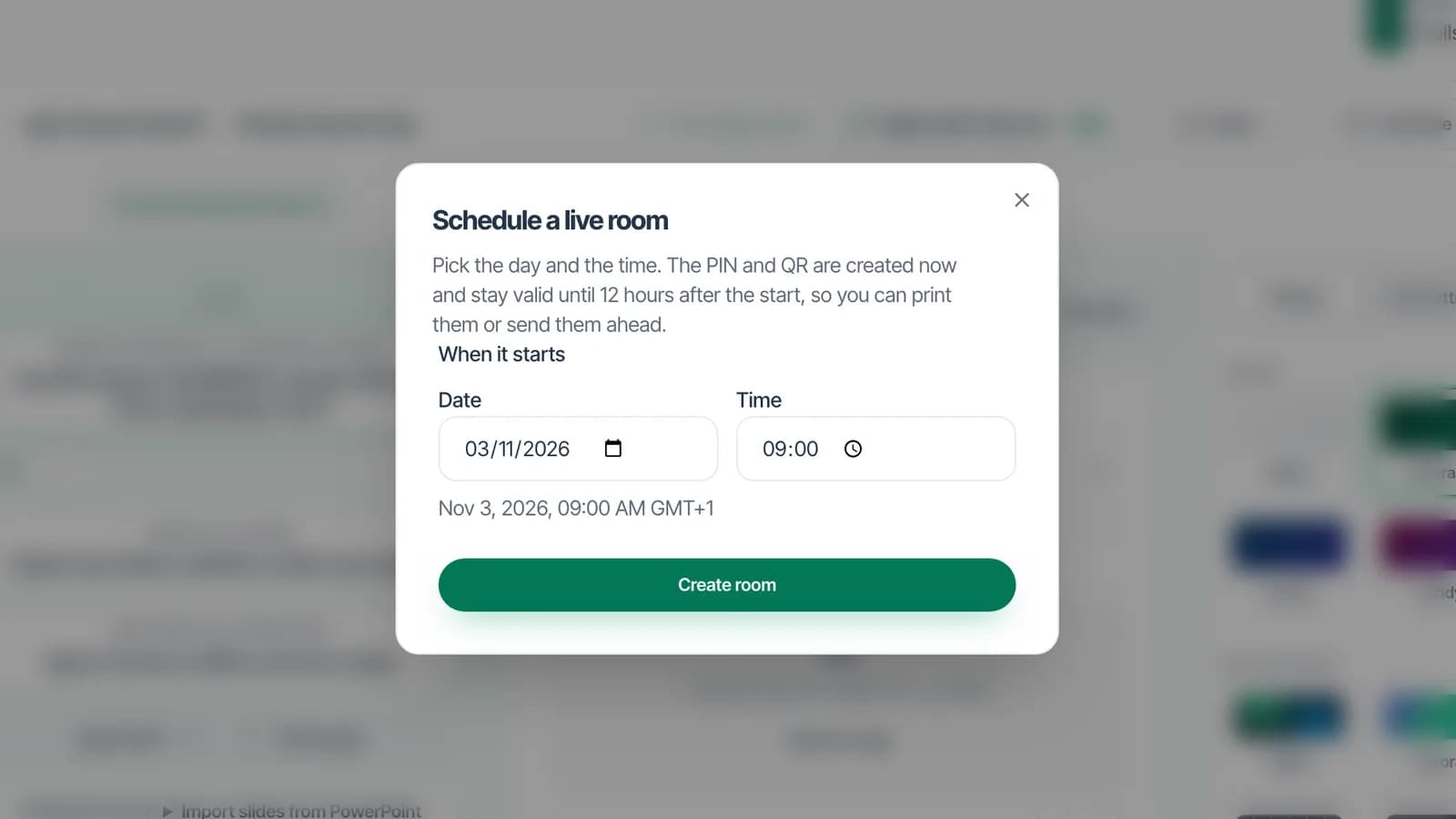
قرر متى تظهر النتائج، وسلّم الشاشة لفريق الصوت والصورة، وحافظ على نظافة الأسئلة، وتحكم في كل شيء من هاتفك.
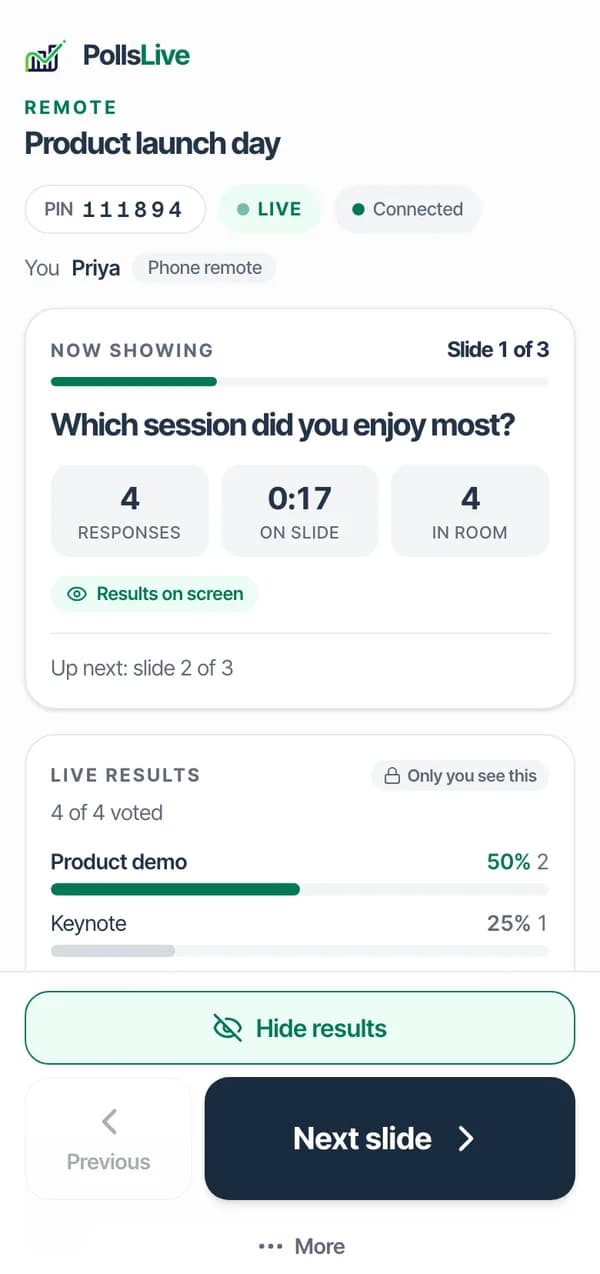
- كل الخطط
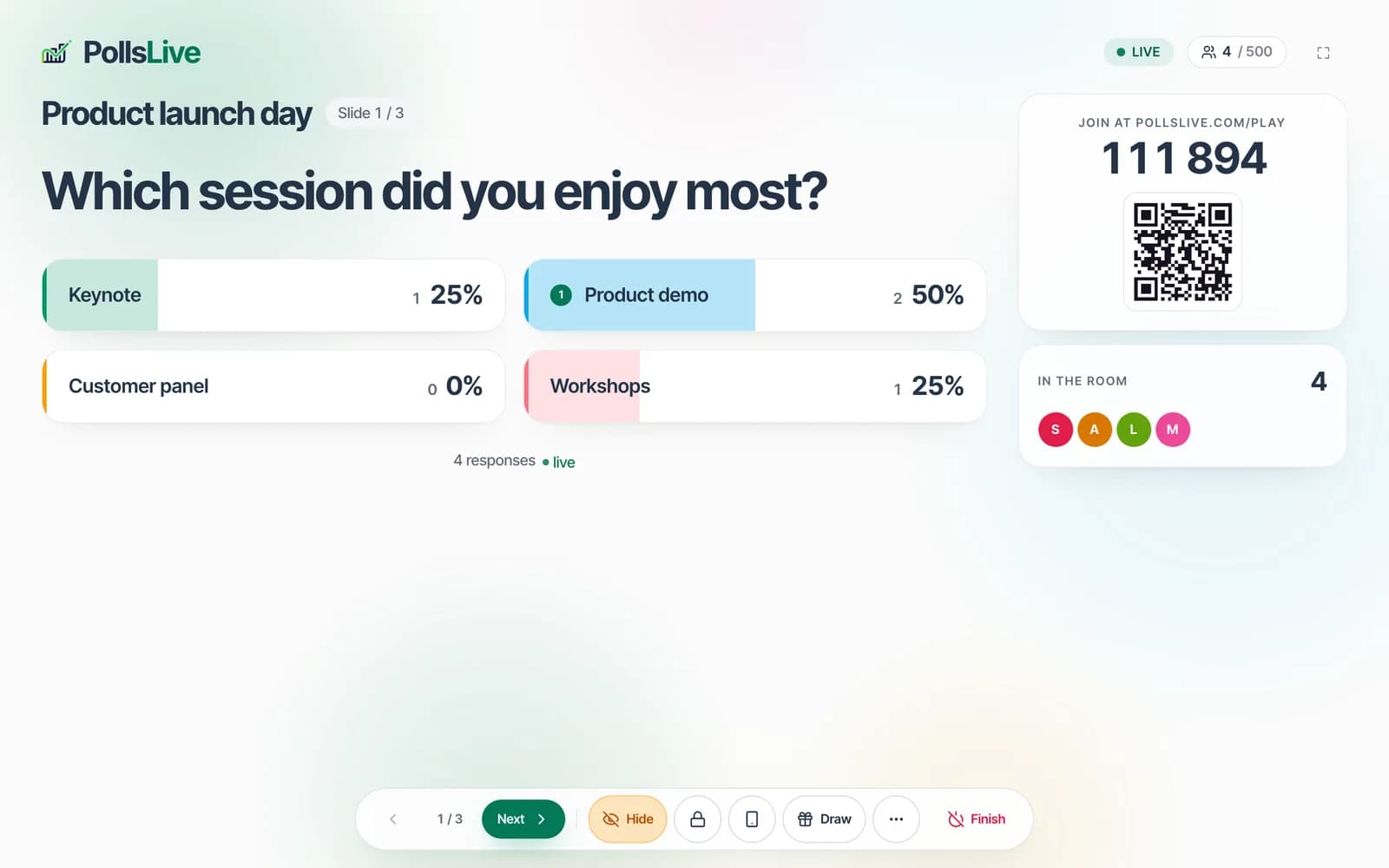
ينضم الناس من متصفح هواتفهم برمز من ستة أرقام أو برمز QR.
- كل الخطط
تبقى النتائج مخفية حتى تضغط «إظهار»، أو تمتلئ مع وصول الأصوات.
- كل الخطط
نقاط الاختبار على الشاشة الكبيرة، مع منصة تتويج في النهاية.
- Pro وما فوقها
اختر فائزًا من بين كل من انضموا، أو كل من أجابوا، أو أصحاب أعلى النقاط.
- كل الخطط
العرض المرئي وحده، للشاشة الكبيرة أو لفريق الصوت والصورة.
- كل الخطط
بدّل الشرائح، وأظهر النتائج، وابدأ الجلسة أو أنهِها من هاتفك.
- Pro وما فوقها
زميل يسمح للأسئلة بالظهور على الشاشة، أو يحجبها، بينما تقدّم أنت.
- كل الخطط
تنتظر الأسئلة والإجابات المفتوحة موافقتك أو موافقة المشرف قبل أن تراها القاعة.
بعد الجلسة
اعرف ما قالته القاعة
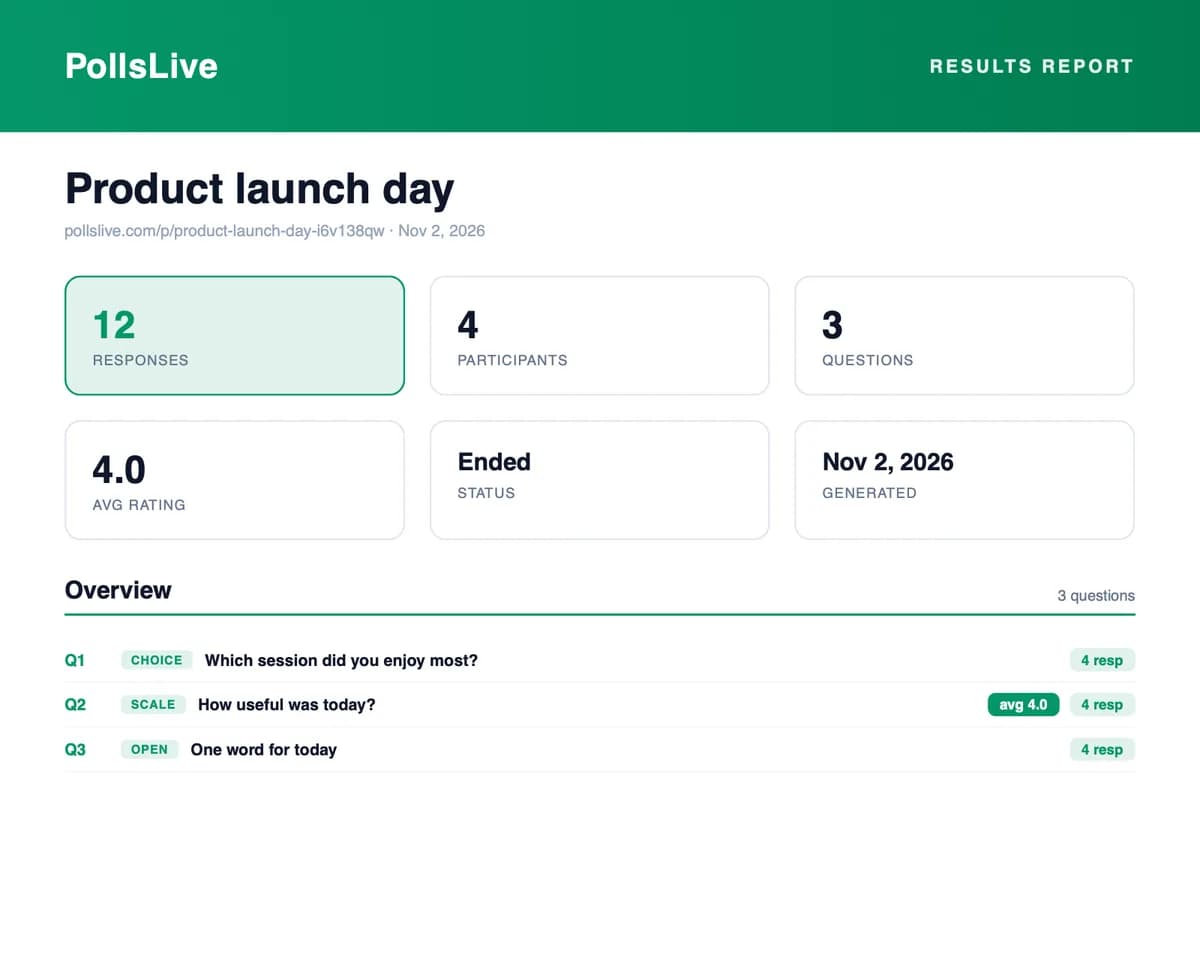
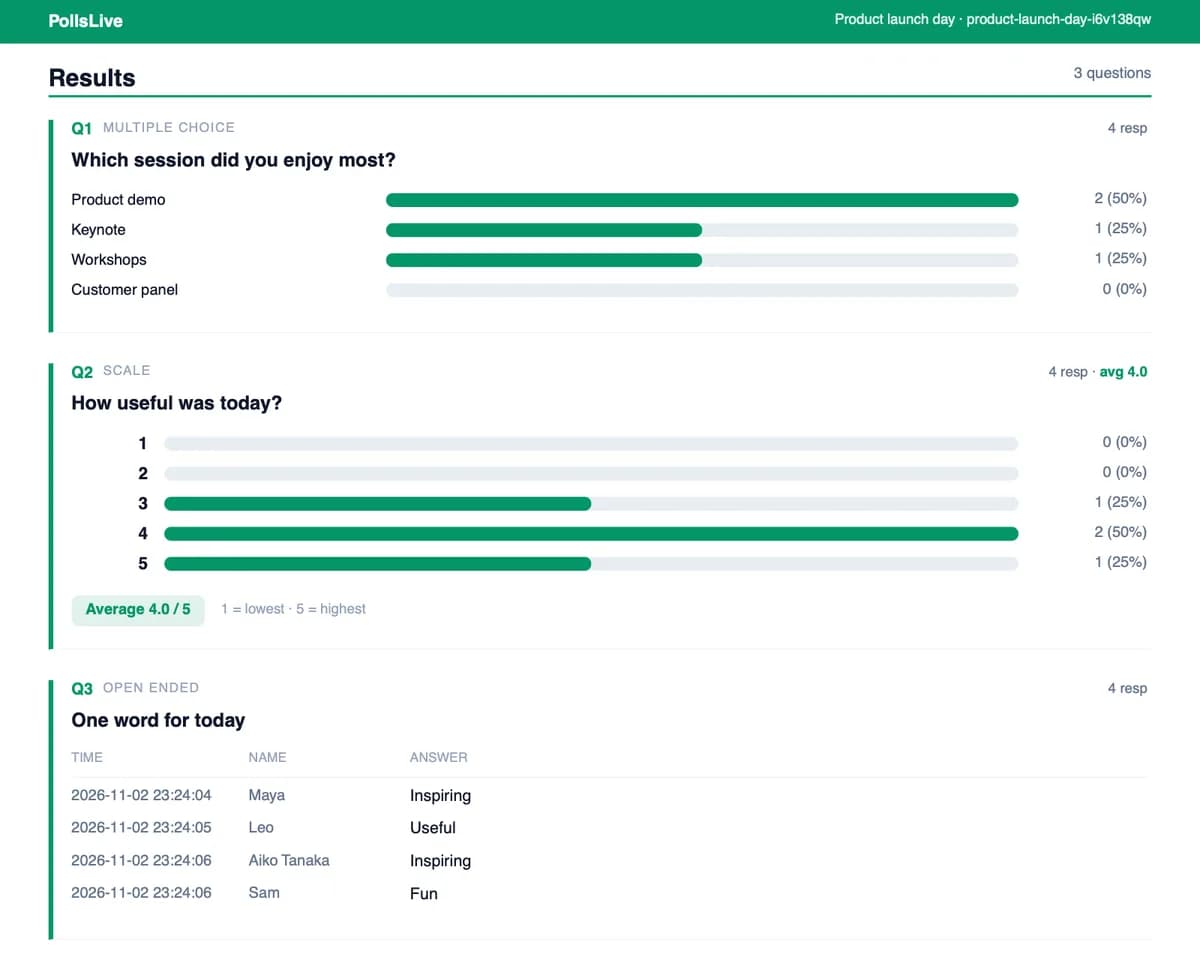
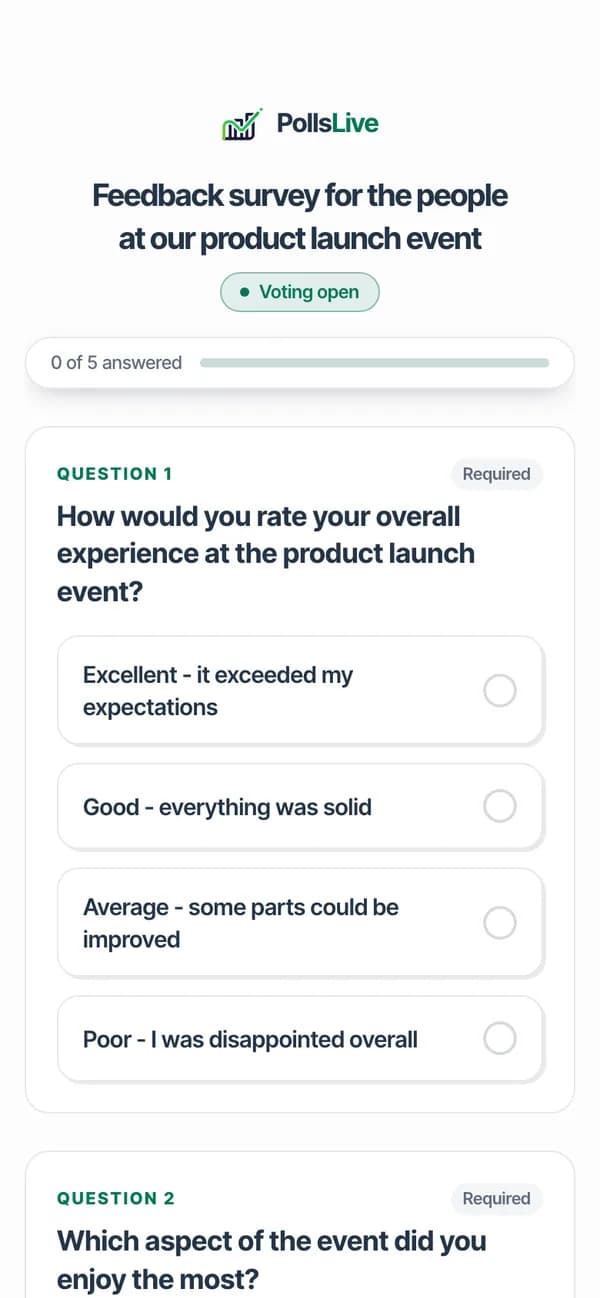
كل إجابة بعد الجلسة، جاهزة للمشاركة أو التصدير، واستبيان قصير لمن حضر.
- Pro وما فوقها
كل إجابة بعد الجلسة، مع التصدير بصيغتي CSV وPDF.
- كل الخطط
استبيان قصير للقاعة يُرسل بعد انتهاء الجلسة.
توسّع
استعد لليوم الكبير
دفعة واحدة لحدث كبير، وعلامتك التجارية الخاصة، وخطط بحسب عدد المنضمين.
$49
دفعة واحدة لفعالية واحدة
- حتى 1,000 شخص مباشرة
- شعارك على الشاشة
- استرداد خلال 14 يوما إن لم تبدأ
Small: $19 لما يصل إلى 300 شخص
Large: $99 لما يصل إلى 1,500 شخص وقاعات متوازية
الأسعار غير شاملة الضرائب؛ قد تُطبَّق ضرائب.
- دفعة واحدة
دفعة واحدة لفعالية كبيرة واحدة: قاعة أكبر وميزات Premium لتلك الفعالية.
- Premium وما فوقها
شعارك على الشاشة، وبلا علامة PollsLive.
- كل الخطط
مجاني وPro وPremium، بحسب عدد من ينضمون مباشرةً، إضافة إلى Event Pass لمرة واحدة.
تستخدمها الفصول الدراسية واجتماعات الفرق والمؤتمرات والمجتمعات كلٌّ بطريقته. اعثر على قاعتك
هل تنتقل من أداة أخرى؟ اقرأ مقارنة PollsLive مع Slido أو Mentimeter أو Kahoot، أو اطلع على كل المقارنات.
كيف يجري الأمر
لا توجد خطوة إعداد على الإطلاق.
تكتب أنت سؤالًا، ويكتبون هم ستة أرقام، وتصل الإجابات وأنت ما زلت تتحدث. هذا هو المنتج بأكمله.
ثلاث خطوات. هذا كل شيء.
- 1
اكتب سؤالك
سؤال وإجابتان. سجّل الدخول مجانًا، بلا بطاقة.
شاشتكعينة - 2
اعرض الرمز المكوّن من ستة أرقام
يمسحون رمز QR أو يكتبون الرمز. لا شيء للتنزيل.
شاشتكعينة - 3
شاهد الإجابات
كل إجابة تصل إلى شاشتك لحظيًا.
شاشتكعينة
اختر صيغة وجرّبها فعليًا
إنشاء أول استطلاع يستغرق دقيقة تقريبًا. سجّل مجانًا دون بطاقة، أو ابدأ بالجولة الموجهة أولًا.