
For classrooms
You ask “any questions?” and the class stares back. Only the same three hands ever go up.
Every student answers from their phone - and you see who's keeping up, live.
Classement
12s- 1Alex320
- 2Sam280
- 3Jordan240
Téléphone du public
Which organelle produces ATP in plant cells?
Choisissez votre réponse
✨ Example - these results are a demo, not real votes.
PollsLive turns passive lectures into two-way sessions. Run a warm-up poll at the bell, drop a scored quiz before the test, or collect anonymous exit tickets — students join by QR from any phone, no accounts, no app store.
What you can run
Bell-ringer poll
Start class with a one-question check on yesterday's homework so everyone is thinking before you lecture.
Scored revision quiz
Run a timed quiz with a leaderboard before a test — students revise without realising they're revising.
Anonymous exit ticket
Ask 'What was unclear today?' on a 1–5 scale. Quiet students tell you honestly without raising a hand.
Vocabulary word cloud
Ask for one word that sums up the topic and watch a word cloud form on the projector.
See it in the product
How it works - three simple steps
- 1
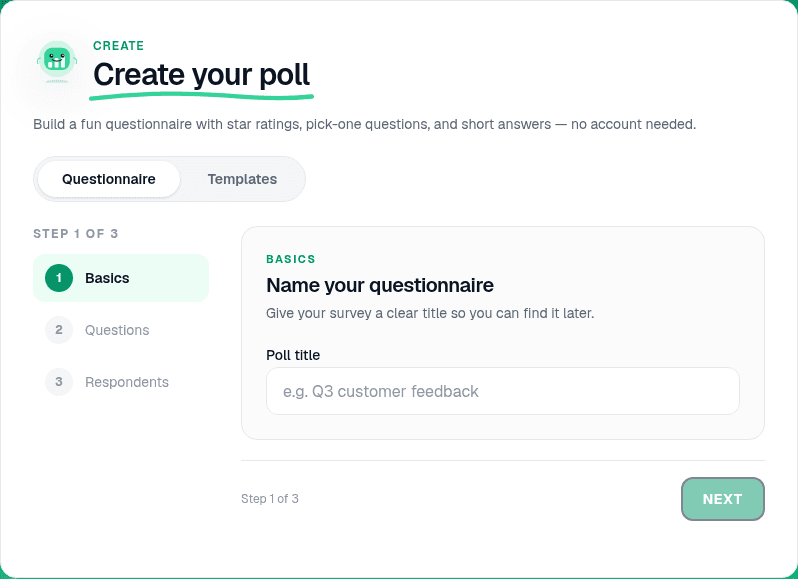
Build your lesson check
Create a quiz or poll in PollsLive — use a template for exit tickets, or write your own question in under a minute.
Votre écranLive - 2
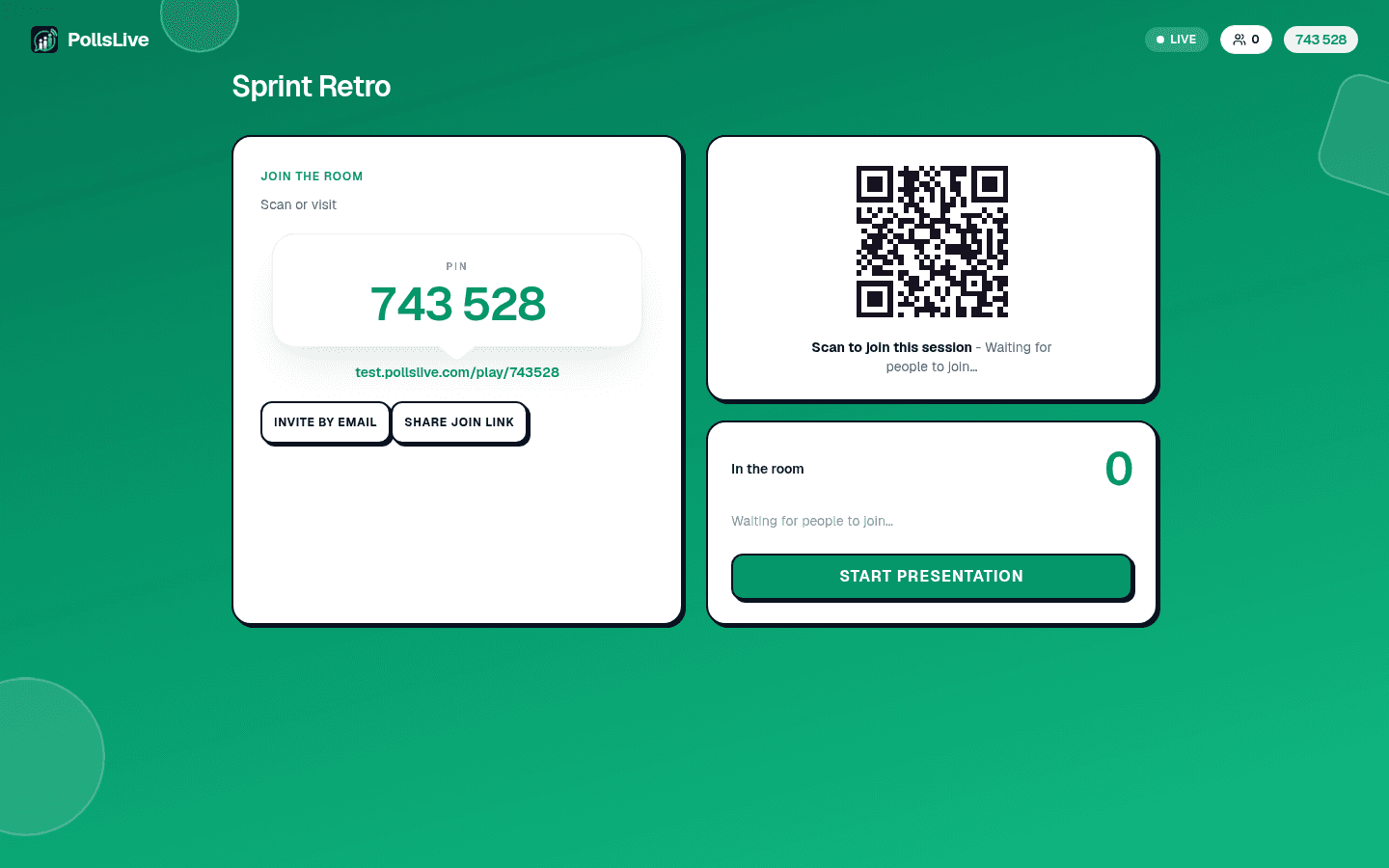
Show the join code on screen
Project the PIN and QR from the host console. Students scan from their seats — works on school Wi‑Fi and personal data.
Votre écranLive - 3
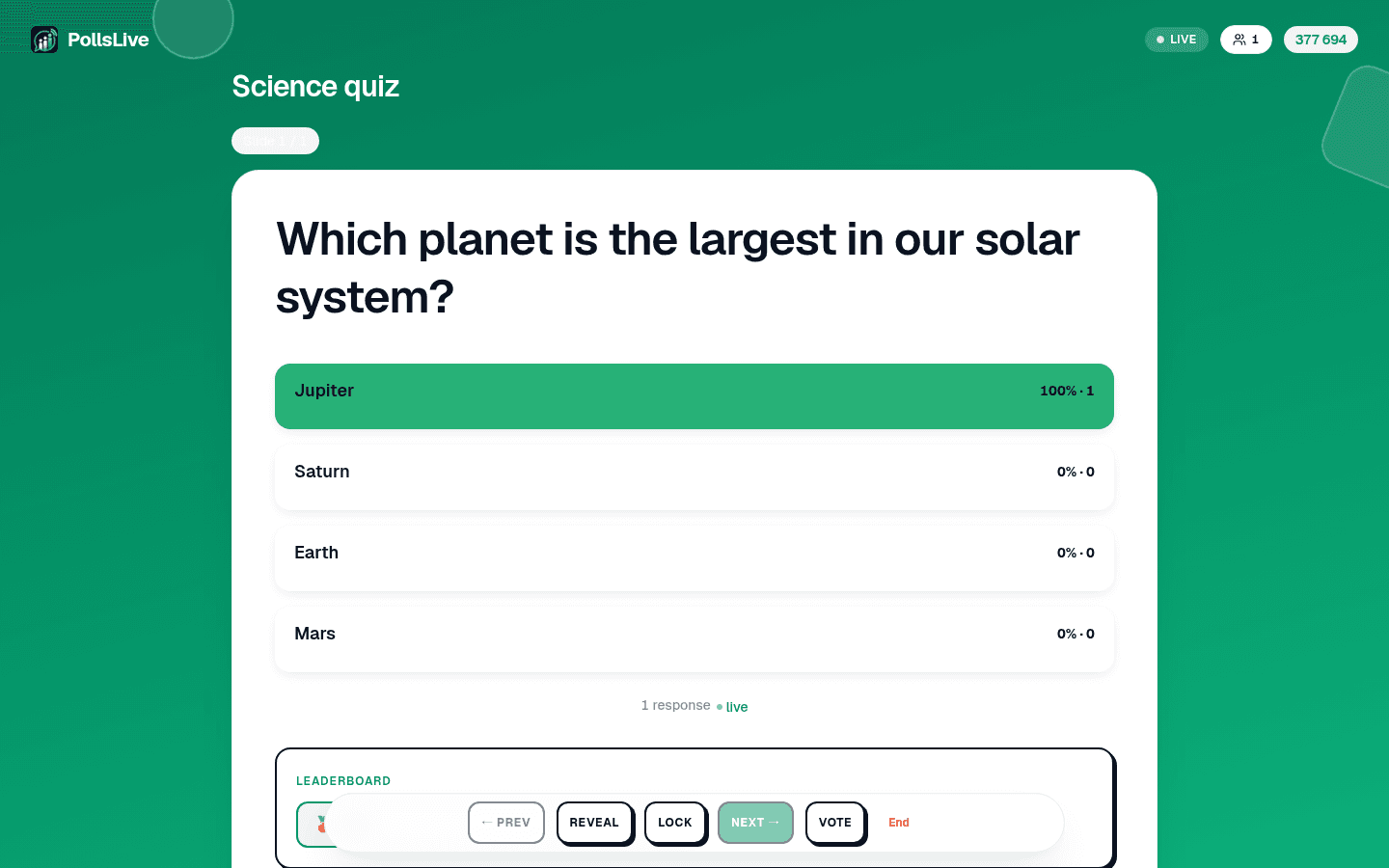
See who got it, live
Watch the leaderboard and result bars update as students answer. Spot gaps immediately instead of waiting for homework.
Votre écranLive
Why it works so well here
- Students join with a code or QR - no logins to chase, no app to install.
- Scored quizzes with a timer and leaderboard turn revision into a game.
- Anonymous answers surface the quiet students who never raise a hand.
Questions fréquentes
Do students need an account?
No. They scan a QR or type a code and answer straight away - nothing to install, works on any phone.
Can I run a scored quiz with a leaderboard?
Yes - set correct answers, a timer and speed bonuses, and show a live leaderboard after each question.
Is it free for teachers?
Yes, the free tier covers everyday class use. Pro adds unlimited polls and up to 10 seats for one flat price.