
September 29, 2026 · 8 min read
Why Event Pass instead of a subscription
When a one-time Event Pass beats a yearly plan: who it is for, what you buy, the night-of kit for a big room, and when a subscription is the better habit.
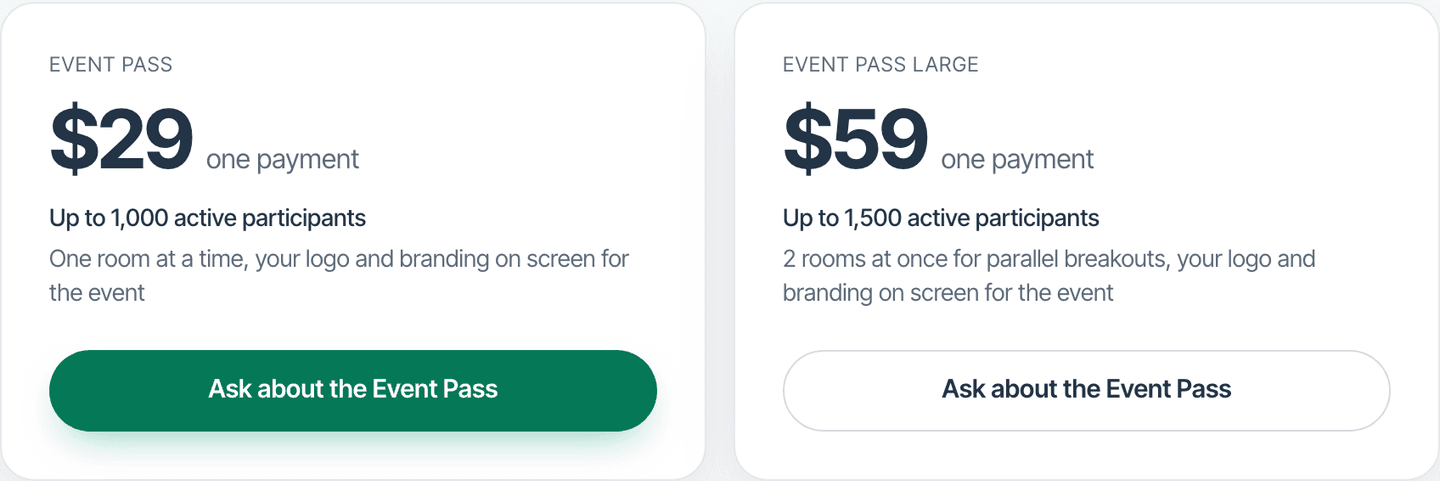
If you run one or two large rooms a year, a yearly live-polling subscription can feel like renting a hall for every week when you only need it for the keynote. Event Pass is PollsLive's answer: a one-time purchase that raises how many people can be in a live room for one event, then ends on its own.
Who Event Pass is for
Buy a pass when a single day will outgrow your plan's live-participant cap. Free rooms are tiny on purpose. Pro rooms fit everyday meetings. Conferences, town halls, and packed workshops are the pass cases. You can buy a pass on a Free workspace. You do not need an active subscription first.
- One conference keynote plus breakouts and a closing quiz (up to five decks on the pass).
- An annual all-hands that is far bigger than your normal stand-ups.
- A client workshop where you want Premium branding for the day without keeping Premium forever.
Skip the pass when you already live in large rooms every week. At that point a subscription is usually the honest fit, because you also want unlimited sessions and published-poll headroom that a pass does not buy.
What you are actually buying
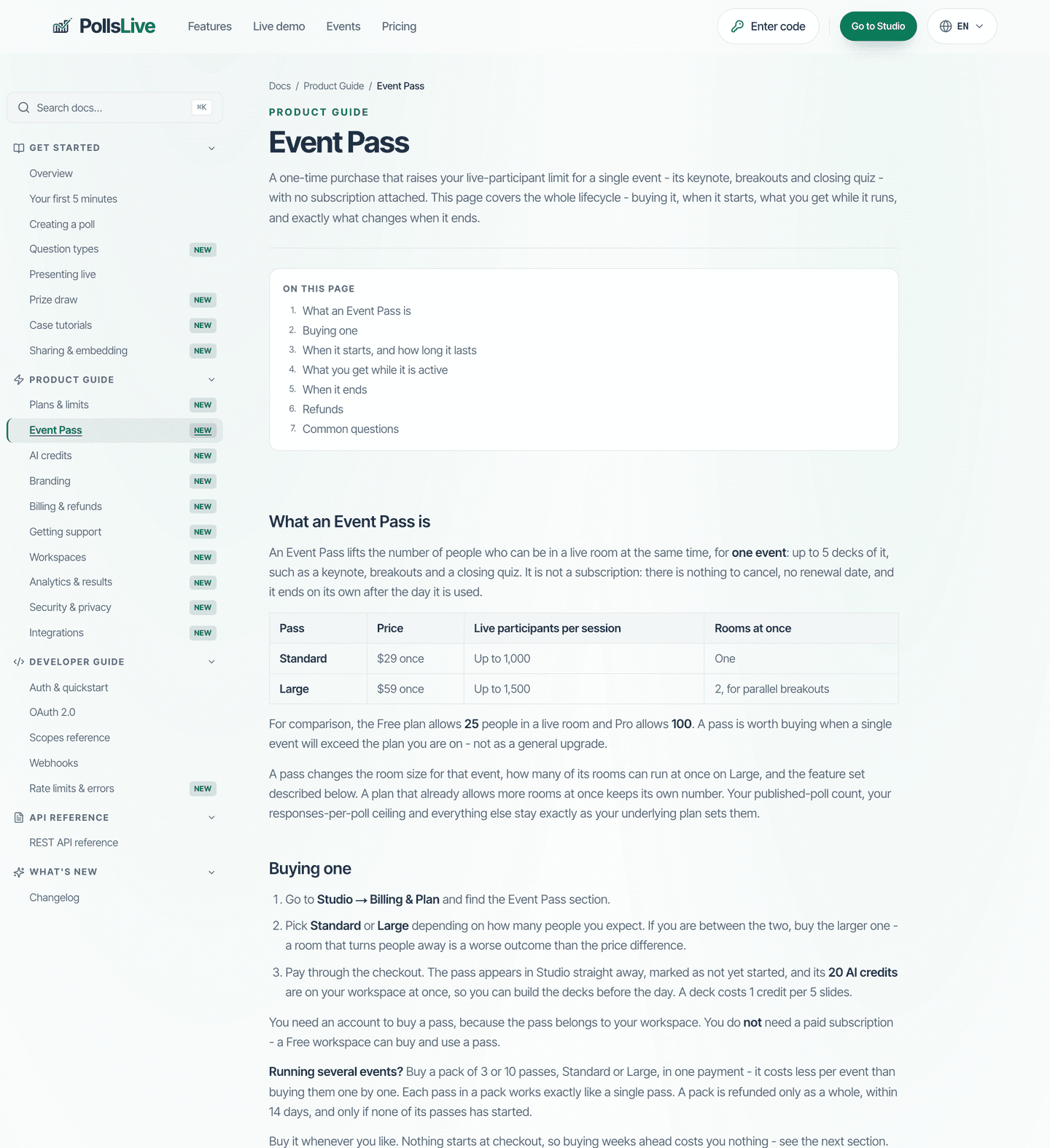
A Standard pass raises one room to a large cap. A Large pass raises the cap further and can run two rooms at once for breakouts. Exact numbers and prices live on Event Pass docs and pricing. Read those pages when you choose a tier so you are not guessing from memory.
While the pass is active you also borrow the Premium presentation set for that event: your logo, no PollsLive badge on the audience screens, exports, shareable reports, lead capture, and a moderator link. You get AI credits on payment to help build decks beforehand, and AI takeaways on the recap for sessions that used the pass. And when the platform is busy, ordinary rooms can be asked to wait, but a pass room never is.
Why not just stay on Free and hope
Free is for learning the product and tiny rehearsals. When the hundredth person tries to join a Free room, the product has to refuse them. An Event Pass starts itself at that moment, so the refusal never hits the audience. There is no button to press, which matters when you are holding a microphone. Hoping the room stays small is not a plan for a ticketed day.
Why not always buy a subscription
Subscriptions shine when large rooms are routine. They also lift published-poll and session habits across the whole month. A pass shines when the spike is rare. Two passes in a short window can cost more than a month of the plan that covers the same room, and the docs say so plainly. Use the pass for rarity; use the plan for habit.
- Count how many big live days you run in a year.
- If it is one or two, price an Event Pass (or a pack of passes) against those days.
- If it is monthly, open plans and compare Pro or Premium instead.
- If you are unsure, buy the pass for the next event and review after the recap.
The night-of kit for a big room
A large room is run from more than one screen. Every live session has a display link for the projector, a phone remote for walking the stage, and a runsheet PDF for the AV desk. The pass adds the moderator link for that event even on Free, so a co-host can work the Q&A queue while you present. Send the links to your helpers in one email before doors open.
- Display link: the projection stays clean while you control the session from elsewhere.
- Phone remote: next, previous, reveal, and start from your pocket.
- Moderator link: someone else works the Q&A queue without owning the deck.
- Runsheet PDF: one page the AV desk can hold without opening Studio.
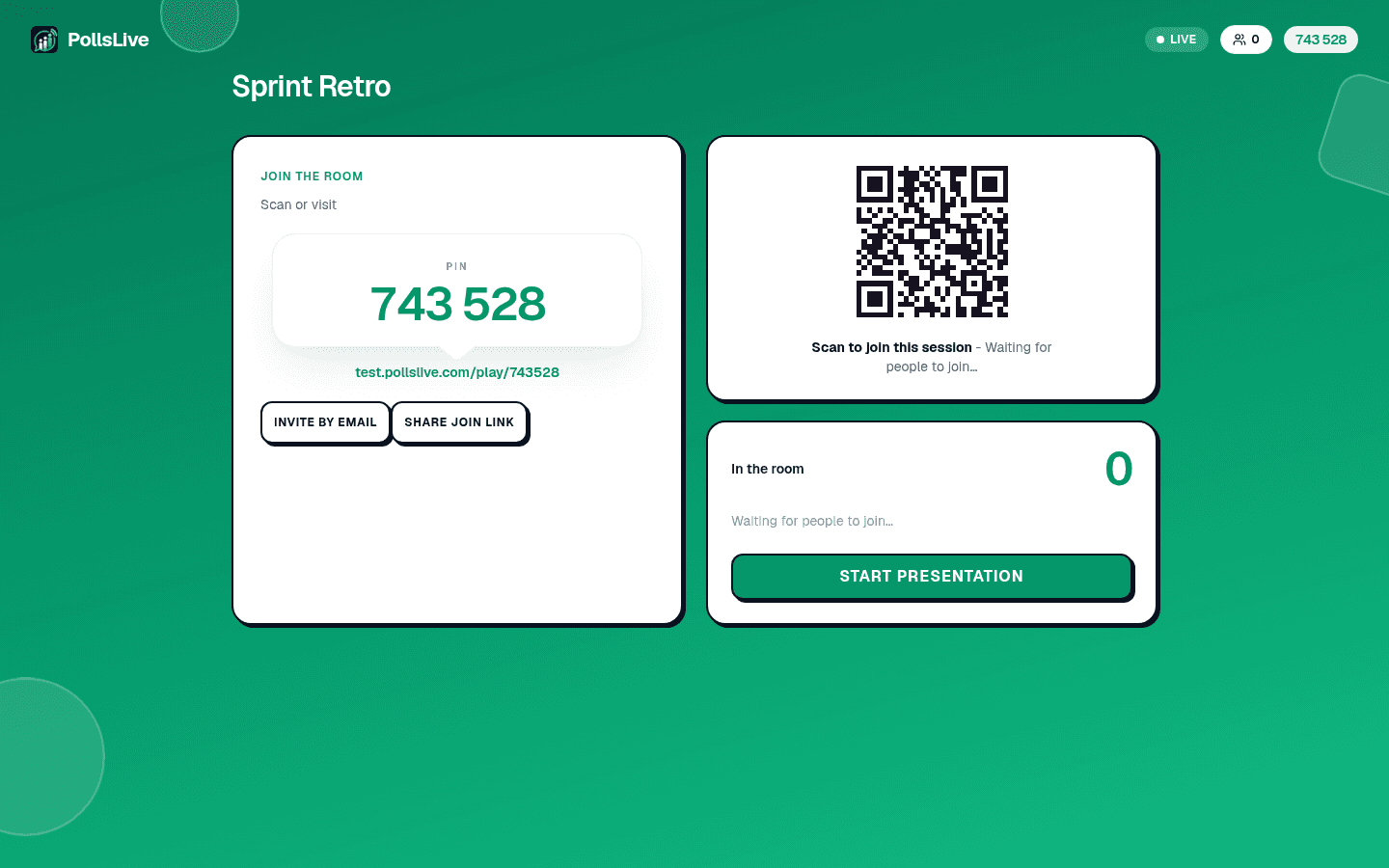
For the full run of the evening, see the night-of checklist and the stage controls guide.
Results that outlive the pass
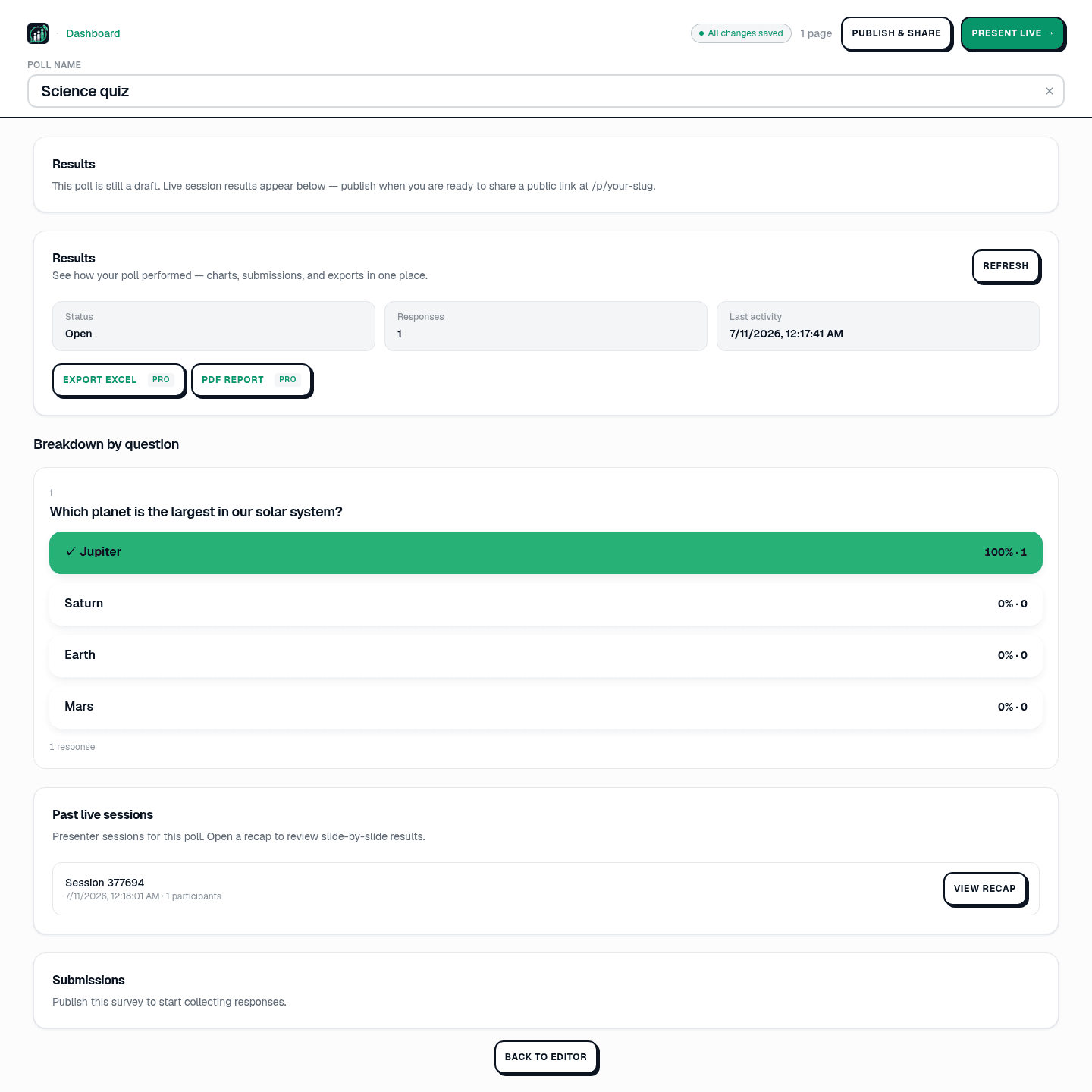
When the room that needed the pass closes, the pass is used, and at the end of that event day the room size and the borrowed Premium look go back to your plan for new sessions. Nothing you made goes with them. Every response stays, CSV, XLSX, and PDF exports still work, and shared result links keep working. Read what happens when a pass expires if that worry is why you have waited to buy.
What a pass does not replace
A pass does not turn Free into unlimited published polls. It does not merge two passes into one giant room. It does not transfer between workspaces.
It is also not a conference platform. It will not sell tickets, print badges, or run multi-track schedules, and it does not replace your slide tool. It makes the live response layer dependable for one big day: enough seats, clean branding, helper links, and results you can export when sponsors ask the next morning.
Tip
Rehearsals with a handful of colleagues stay inside your normal plan cap, so they do not burn the pass. Save the full-size audience for the event day itself.
A quick decision script
Write down the next twelve months of events that need more than your plan allows. If the list is empty, stay on your plan and ignore this product. If the list has one or two days, price an Event Pass for the soonest one and keep a calendar reminder for the shelf life. If the list has a day almost every month, open plans and compare Pro or Premium with the same honesty you would use for venue rental.
Bring your producer into that conversation. They care about branding, moderator links, and whether latecomers get refused. Those are Event Pass strengths. Finance cares about whether you are paying all year for two spikes. That is the subscription question. When both views agree, the purchase is easy to defend after the event.
A fair comparison checklist
Whatever tool you compare, ask the same five questions:
- Does it raise room size for one day without a year-long seat?
- Can a Free workspace buy the day pass, or are you forced through a plan first?
- Do you get branding, a moderator link, and exports for that event?
- Do results and exports survive after the pass ends?
- Does the pass start only when the room outgrows your plan, so a small rehearsal cannot use it up?
PollsLive Event Pass answers yes to all five for the live-polling part of your event. After the event, compare what you spent on the pass with what a month of the matching plan would have cost, and keep that note for next year's budget meeting.
How this pairs with Pulse AI
Paying for a pass also drops AI credits onto the workspace so you can Build with Pulse AI before the day. That is separate from the room-size purchase, but it is why many hosts draft the keynote deck with Pulse AI the week they buy the pass. See the AI credits guide and Build with Pulse AI for the deck path.
Compare Event Pass with plans when you know your next big room size.
See pricing