
June 26, 2026 · 9 min read
Live leaderboard वाला quiz कैसे बनाएँ
फ़ोन पर खेला जाने वाला timed, scored live quiz बनाइए, points, speed bonus और सवालों के बीच leaderboard के साथ। Players के लिए न app, न login।
एक live quiz एक निष्क्रिय कमरे को प्रतिस्पर्धी कमरे में बदलने का सबसे आसान तरीका है। players अपने फ़ोन से जुड़ते हैं, एक timer के मुक़ाबले जवाब देते हैं, और एक leaderboard उन्हें सवालों के बीच रैंक करता है। यहाँ PollsLive में एक बनाने का तरीका है, और यह एक survey या सादे poll से कैसे अलग है (देखें poll बनाम survey बनाम form)।
1. सही जवाब वाले quiz सवाल लिखें
एक quiz सवाल एक multiple-choice slide है जहाँ एक option सही के रूप में चिह्नित होता है। stems छोटे रखें, options को स्पष्ट बनाएँ, और 6-12 सवालों का लक्ष्य रखें: इतने कि मज़ा आए, इतने छोटे कि ध्यान बना रहे।
सूरज के सबसे क़रीब कौन सा ग्रह है?
2. points और एक timer चालू करें
Create your poll खोलें
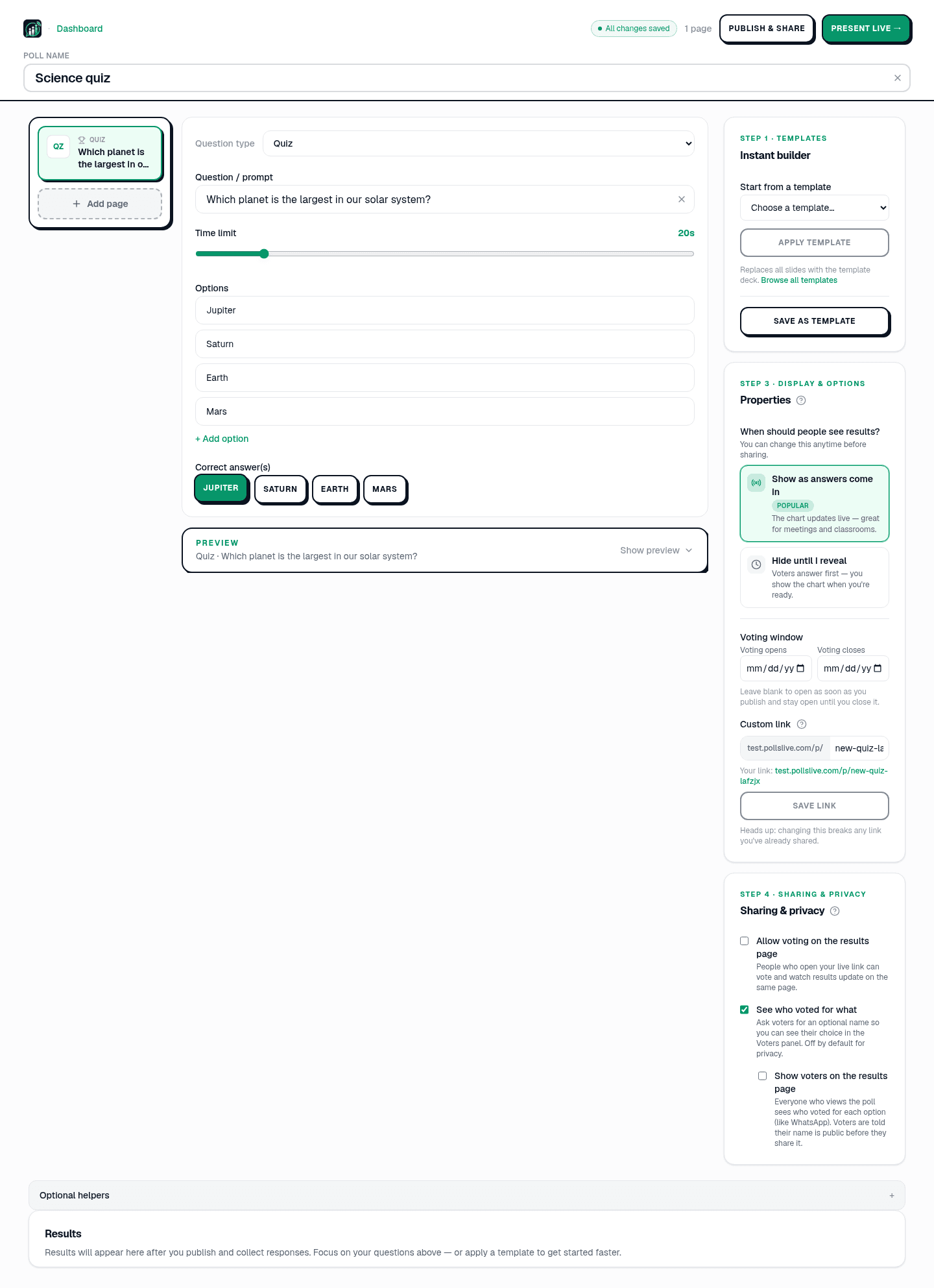
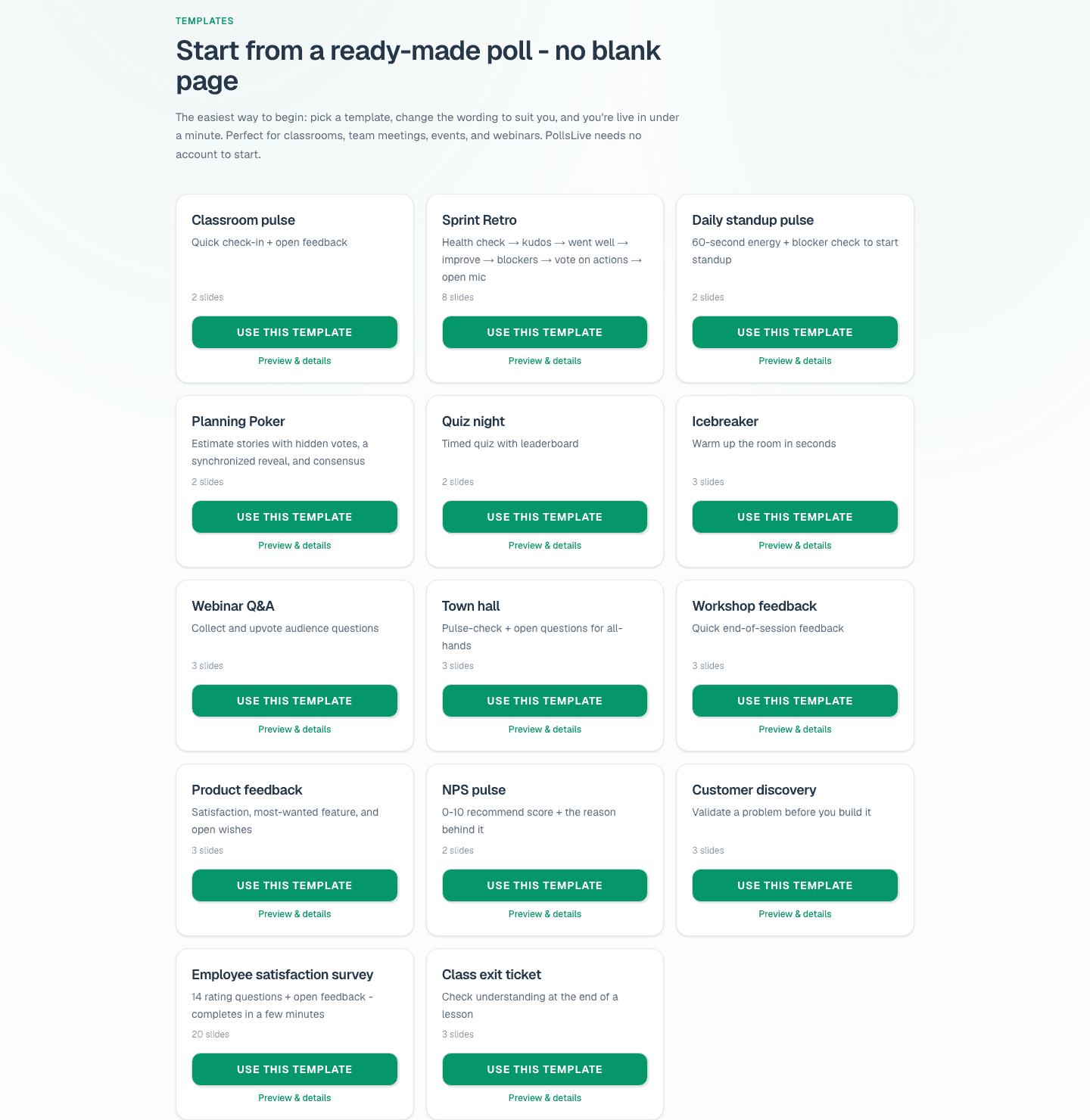
Home page पर, Create your poll panel खोलें। अपना deck बनाने के लिए Questionnaire चुनें, या ready-made trivia night के लिए Templates browse करें। quiz को ऐसा नाम दें जो बाद में पहचान सकें: "Q3 training recap" या "Friday trivia" अच्छा काम करता है।
Quiz pages जोड़ें और correct answers mark करें
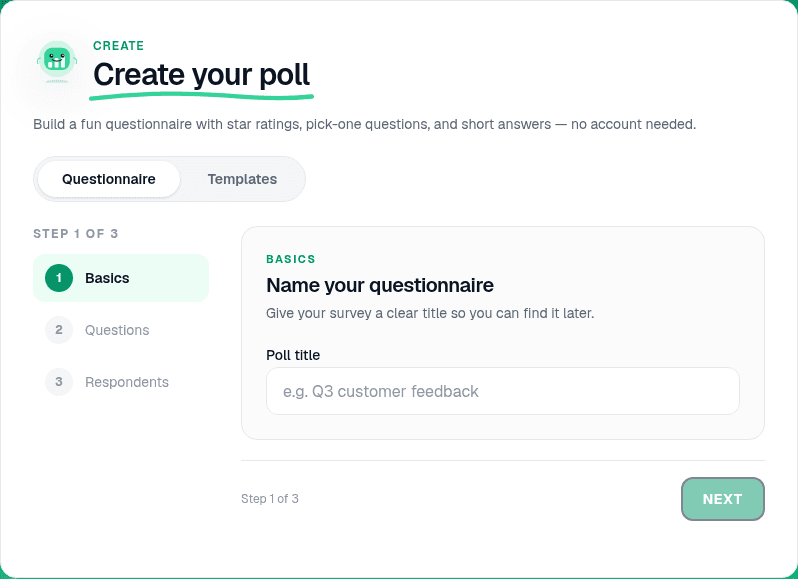
Editor में, Add page click करें और question type menu से Quiz चुनें। छोटा stem लिखें, 3-4 options जोड़ें, correct पर checkmark click करें। हर सवाल के लिए repeat करें। 6-12 slides का लक्ष्य: fun के लिए काफी, attention के लिए छोटा। typing रुकने के एक second बाद header All changes saved दिखाता है।
Tip
stems 20 words से कम रखें और wrong options plausible पर unambiguous बनाएँ। दो answers correct हो सकें तो सवाल rewrite करें।
Points, timer, और speed bonus set करें
किसी quiz page को select करके right side settings खोलें। Points on करें, हर correct answer के points set करें, और per-question timer जोड़ें ताकि latecomers room stall न करें। Speed bonus enable करें ताकि तेज़ correct answers ज़्यादा score करें। Streaks और hype meter बिना extra setup momentum add करते हैं।
- 6-12 questions is the sweet spot for a live room.
- 15-30 seconds per question keeps energy high.
- 3-4 options per question: more than four slows mobile taps.
- Add a Content slide between rounds for instructions or a sponsor message.
Respondent view preview करें
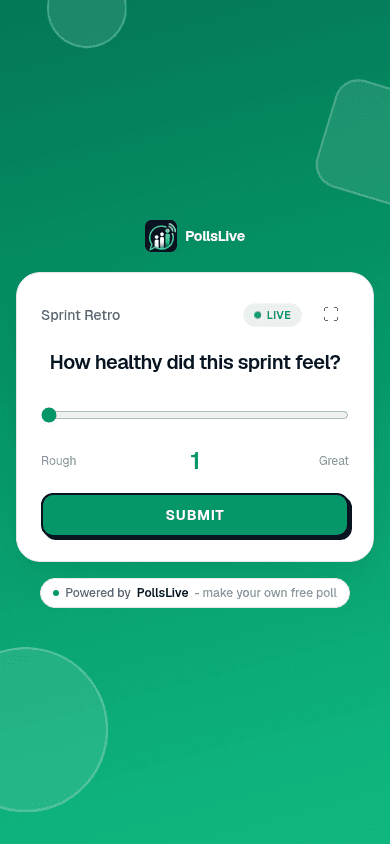
Editor players के phones पर दिखने वाला live preview दिखाता है। live जाने से पहले quiz pages tap करके wording, option order, और timer labels confirm करें।
3. Present करें, फिर leaderboard दिखाएँ
Present live click करें
Room ready हो तो editor में Present live click करें। Host console 6-digit PIN और QR code के साथ खुलता है। दोनों screen पर रखें: players join link खोलें, PIN enter करें, display name चुनें। App install नहीं, account नहीं।

Answers reveal करें और leaderboard दिखाएँ
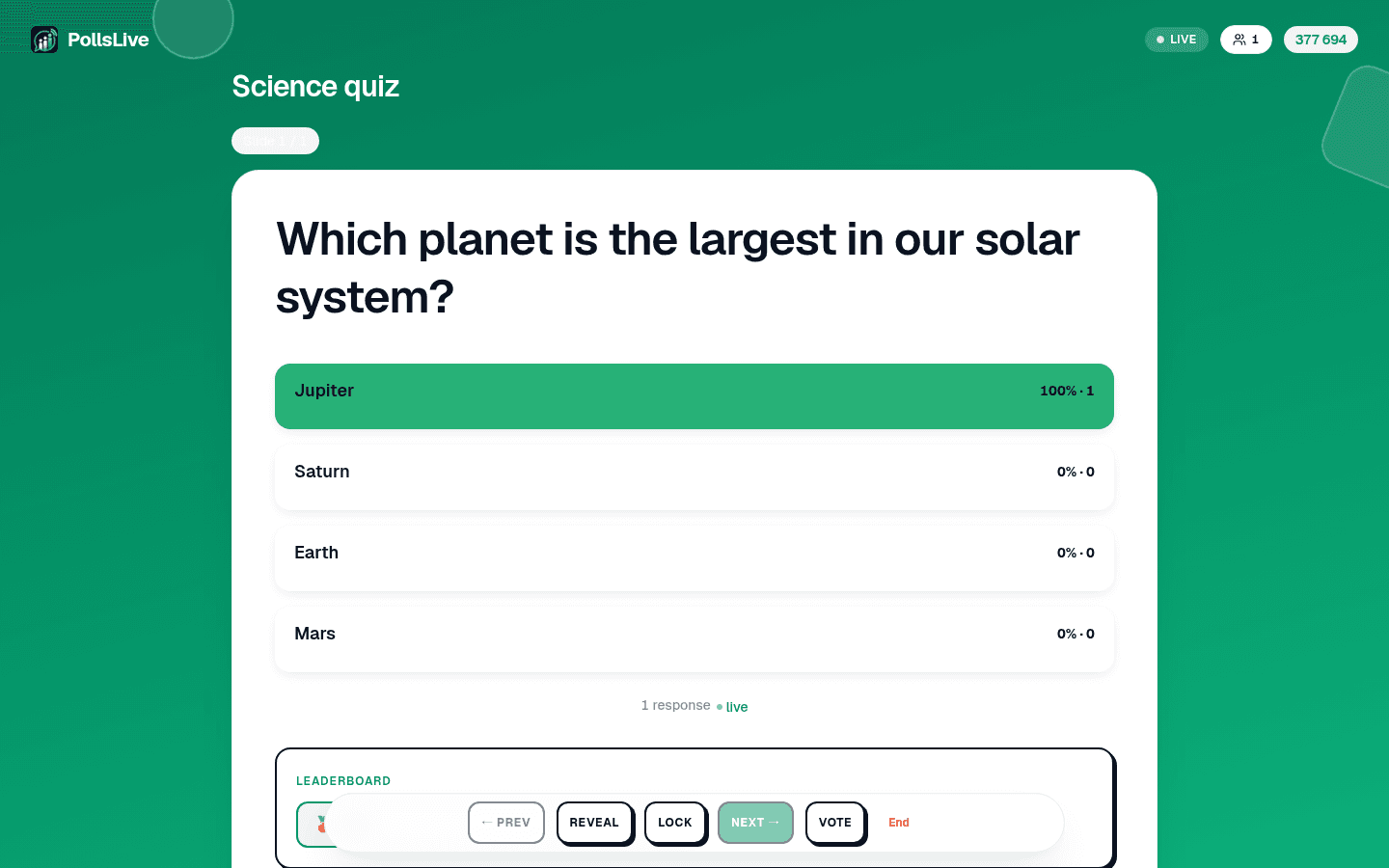
हर सवाल advance करें। timer खत्म हो तो correct answer दिखाने Reveal click करें। फिर rounds के बीच Leaderboard खोलें ताकि room देखे कौन जीत रहा। वह between-round reveal quiz को game जैसा feel देता है।
HTTP का full form क्या है?
Live quiz बनाम Kahoot जैसा quiz tool
खेलने का तरीका एक ही है; फ़र्क pricing और लचीलेपन का है: PollsLive per presenter क़ीमत लेती है और उसी licence में developer API भी देती है, साथ ही एक ही deck में quiz rounds को polls, word clouds, और Q&A के साथ मिला देती है। पूरी Kahoot तुलना देखें, या templates से एक तैयार quiz लें।
Great quiz night के tips
- पहले phone पर test करें: room आने से पहले PIN से अपनी session join करें।
- Leaderboard ज़ोर से पढ़ें: rounds के बीच top three का नाम tension बनाने के लिए।
- Difficulty mix करें: easy शुरू, mid-deck में एक hard, crowd-pleaser से finish।
- ईमानदार play के लिए names anonymous रखें। anonymous voting देखें।
Note
Free plan प्रति session 50 live participants तक support करता है। बड़े rooms के लिए Pro cap बढ़ाता है और exports unlock करता है। pricing page पर plans compare करें।
4. तटस्थ सवाल लिखें
trivia nights, training, और classrooms के लिए बढ़िया। और आइडिया live leaderboard के साथ एक trivia night होस्ट करें और PollsLive for training में।
पूरा trivia playbook: host a trivia night with a live leaderboard। tools switch कर रहे हों तो PollsLive Kahoot से compare करें। same deck में non-quiz questions: building a poll from scratch से शुरू करें।
अभी एक live poll शुरू करें: आपके लिए मुफ़्त sign-in, आपकी audience के लिए कोई app या account नहीं।
एक मुफ़्त poll बनाएँ