
June 28, 2026 · 9 min read
PollsLive API के साथ अपने product में live polls embed करें
अपने ही code से polls बनाएँ, live sessions चलाएँ, results पढ़ें और webhooks पाएँ: अपने SaaS या community app के अंदर interactive polls जोड़ने के लिए एक developer गाइड।
अगर आपके product के पास audience है - एक webinar tool, एक LMS, एक community platform, एक events app - तो देर-सबेर आप उसके अंदर polls चाहेंगे। real-time voting, anti-fraud और एक results UI शून्य से बनाना महीनों का काम है। PollsLive को embed करना एक दोपहर का। यह रहा developer का रास्ता: एक poll बनाएँ, embed डालें, results पढ़ें और webhooks पाएँ, /api/v1 पर असली calls के साथ।
Tip
इस guide को follow करने के लिए technical होना ज़रूरी नहीं। हर step PollsLive में साधारण buttons use करता है - कोई coding नहीं, आपकी audience के लिए कोई app install नहीं।
Authentication: एक अकेला Bearer token
Studio → Developers में एक workspace API key generate करें (वे `plv_live_…` जैसी दिखती हैं) और उसे एक Bearer token के रूप में भेजें। server-to-server उपयोग के लिए कोई OAuth नाच नहीं; जब आपको per-tenant scope चाहिए तब OAuth client-credentials उपलब्ध है।
export POLLSLIVE_API=https://pollslive.com/api/v1
export POLLSLIVE_KEY=plv_live_xxxxxxxxxxxxxxxxxxxx

# Every request carries the key as a Bearer token:
#   Authorization: Bearer $POLLSLIVE_KEY
# Rate limit: 120 requests/min per key (HTTP 429 if exceeded).
Step 1 - अपने code से एक poll बनाएँ
एक poll एक typed deck है: content.questions slides का एक array है, हर एक के साथ एक kind discriminator। POST /polls नई poll लौटाता है, जिसमें उसका slug शामिल है, जो उसे embed करने के लिए आपको चाहिए बस वही है।
curl -sS -X POST "$POLLSLIVE_API/polls" \
  -H "Authorization: Bearer $POLLSLIVE_KEY" \
  -H "Content-Type: application/json" \
  -d '{
    "title": "Which feature should we build next?",
    "renderingMode": "ASYNC",
    "content": {
      "questions": [{
        "id": "next",
        "kind": "multiple_choice",
        "text": "Which feature should we build next?",
        "options": [
          { "id": "a", "label": "Dark mode" },
          { "id": "b", "label": "Mobile app" },
          { "id": "c", "label": "Public API" }
        ]
      }]
    }
  }'
# → { "poll": { "slug": "which-feature-x7f2", ... } }
Step 2 - इसे अपने UI में embed करें
एक-line वाले iframe से poll को किसी भी page पर रखें: कोई SDK नहीं, कोई client library नहीं और उसके साथ कोई third-party trackers नहीं। यह अपने container के मुताबिक़ ढलता है और React, WordPress, Webflow या सादे HTML के अंदर काम करता है।
<iframe
  src="https://pollslive.com/embed/which-feature-x7f2"
  width="100%" height="520"
  style="border:0;border-radius:12px"
  loading="lazy" title="PollsLive poll"></iframe>
Step 3 - जब चाहें तब results पढ़ें
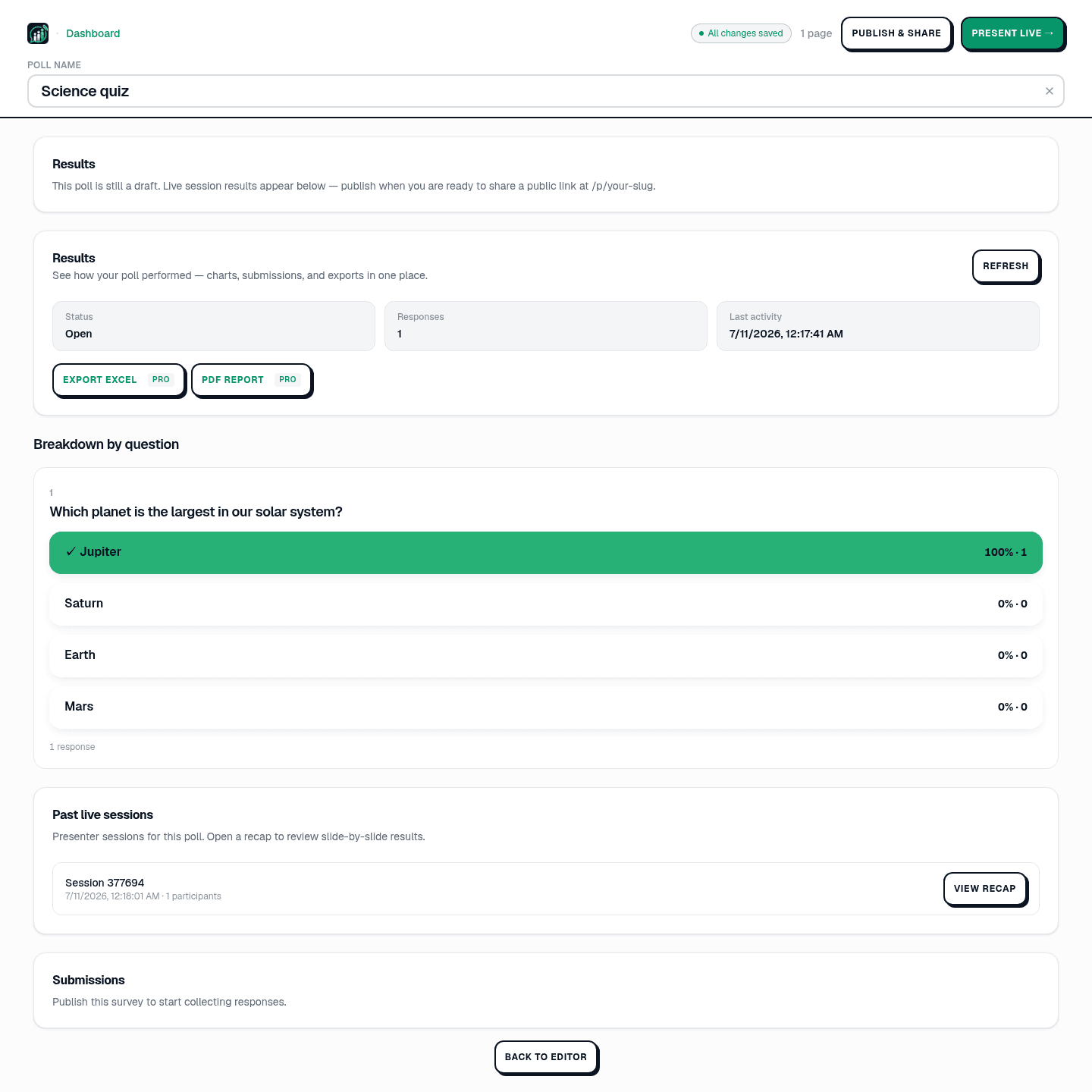
अपने ही dashboards के लिए counts on-demand पाएँ, या reporting के लिए एक CSV export करें। results slide-दर-slide counts के साथ और (scales के लिए) औसत के साथ लौटते हैं।
curl -sS "$POLLSLIVE_API/polls/POLL_ID/results" \
  -H "Authorization: Bearer $POLLSLIVE_KEY"
# → { "questions": [ { "id": "next", "options": [
#       { "id": "a", "label": "Dark mode",  "count": 64 },
#       { "id": "b", "label": "Mobile app", "count": 41 },
#       { "id": "c", "label": "Public API", "count": 95 } ] } ] }
Step 4 - webhooks के साथ updates पाएँ
API को poll करना काम करता है, पर webhooks बेहतर हैं। एक endpoint register करें और PollsLive HMAC से signed events भेजता है - vote.created, poll.published, session.started/ended - ताकि आपका app real-time में react करे। signature verify करें और फिर अपना UI update करें या event को आगे भेज दें।
import crypto from "node:crypto";

export function verify(rawBody, signature, secret) {
  const expected = crypto
    .createHmac("sha256", secret)
    .update(rawBody)
    .digest("hex");
  return crypto.timingSafeEqual(
    Buffer.from(signature),
    Buffer.from(expected)
  );
}
बस यही है पूरा चक्र: बनाएँ, embed करें, पढ़ें, react करें। पूरे reference के लिए - हर endpoint, scope और event type - developer documentation देखें, और एक व्यावहारिक उदाहरण के लिए, webhooks के साथ live results को एक internal dashboard पर लाना।
Tip
create और publish के लिए REST API से शुरू करें, live result pushes चाहिए तो webhooks जोड़ें।
No-code sharing के लिए share and embed your poll देखें।
PollsLive पर बनाएँ: अपने ही code से polls बनाएँ, live sessions चलाएँ, results पाएँ और webhooks पाएँ।
developer documentation पढ़ें