
September 29, 2026 · 7 min read
Build with Pulse AI: from idea to live poll (beginner guide)
A beginner's guide to PollsLive Pulse AI: Ask AI vs Build with Pulse AI, idea to editable deck, rewrites, and what to do when AI credits run out.
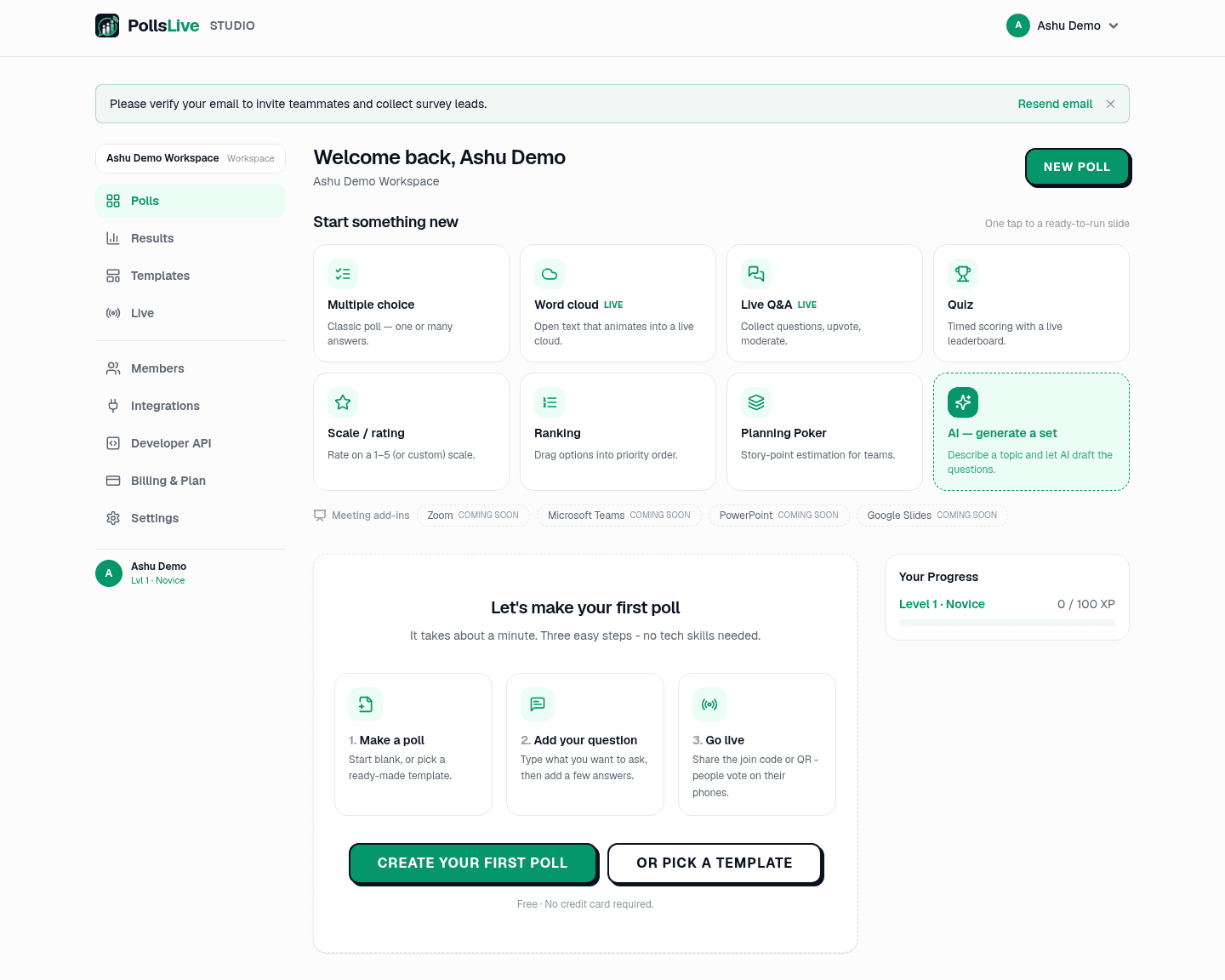
Pulse AI is PollsLive's AI layer inside Studio. Beginners often mix up two different tools that share the Pulse AI name: Ask AI (the green chat assistant) and Build with Pulse AI / Generate with AI (the deck writer). This guide walks both from a blank idea to a live poll, then covers what happens when you run out of AI credits.
The two Pulse AI tools (learn this first)
Ask AI is the floating assistant in Studio. Open it when you need help with plans, Event Pass, presenting, navigating to a poll or report, or summarizing results you already have. The first open asks for consent to send chat to third-party AI providers. If you decline, you still get quick-help FAQ chips that do not call a model. Ask AI uses a separate monthly chat allowance. It does not spend deck-generation credits or packs, and it does not draft a full poll for you.
Build with Pulse AI (also labeled Generate with AI in the editor and Start from flows) is the deck writer. You describe the session in a short sentence, pick audience, tone, and slide count, see the credit cost, and receive an editable deck. That is the path from idea to poll creation. Treat the output as a first draft you own.
Tip
If you only need answers about how PollsLive works, use Ask AI. If you need a deck of questions, use Build with Pulse AI.
Step by step: idea to editable deck
Sign in and open Studio
Create a free account if you need one. Open Studio from the site. You do not need a paid plan to try Build with Pulse AI: Free workspaces get a small monthly credit quota.
Start from the create hub or the editor
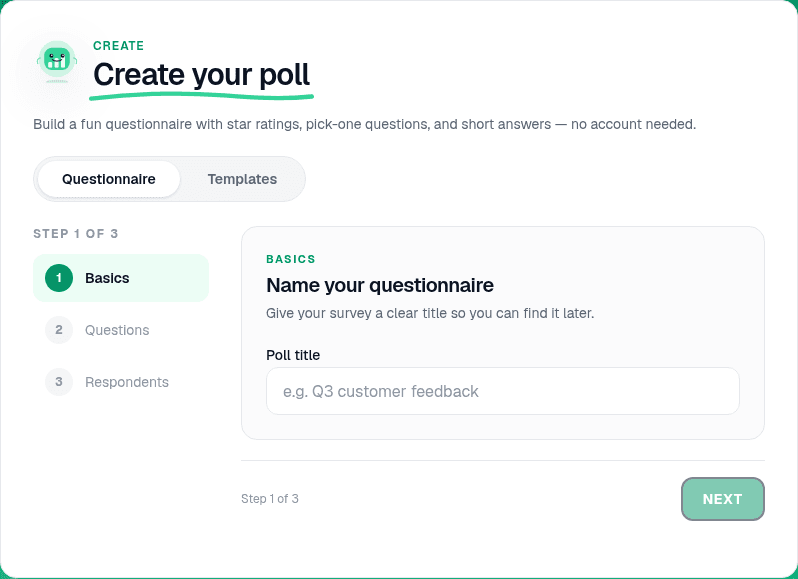
From the create hub choose Build with Pulse AI, or open a new poll and use Generate with AI / Start from. You will see a short prompt field (about 3 to 200 characters), plus controls for audience, tone, and how many slides you want (commonly 3 to 15).
Describe the session like you would tell a colleague
Good prompts name the room and the job: "30-minute all-hands for a 40-person product team, warm-up, two priority votes, one open question." Vague prompts produce vague decks. Paste agenda bullets if you have them. Say what must stay out of scope.
Read the credit cost, then build
A deck costs 1 credit per 5 slides, rounded up. You see the cost before anything is spent. If your remaining monthly quota plus packs cannot cover it, the build is refused before any slides are written, so nothing half-created is left behind.
Edit the draft like a human owner
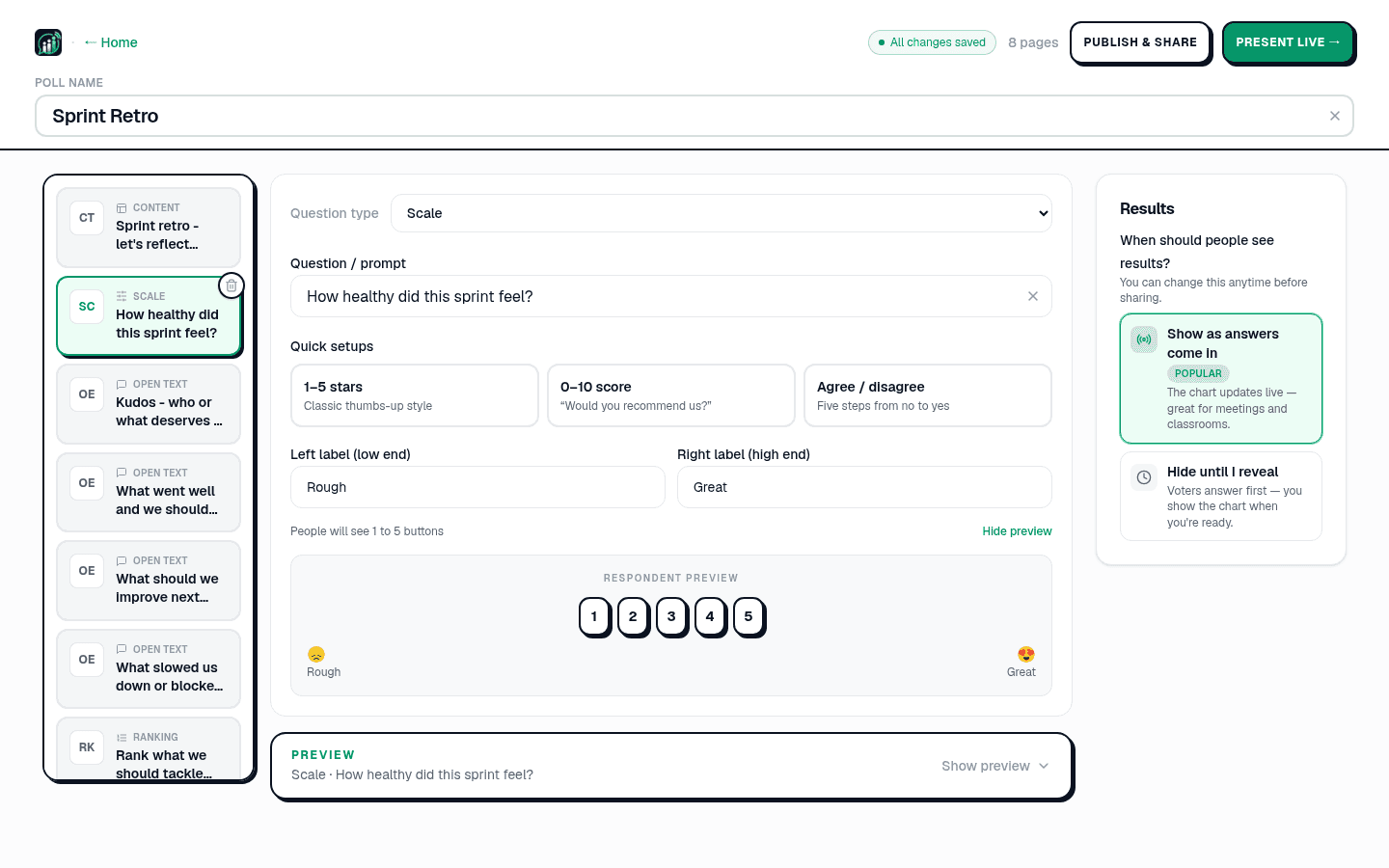
The deck lands marked as AI-generated and fully editable. Fix names, dates, and answer options. On an AI deck, a small number of slide rewrites are free; further rewrites spend credits. Manual edits never spend credits. Templates and the non-AI fallback path stay free.
Present live when the words are yours
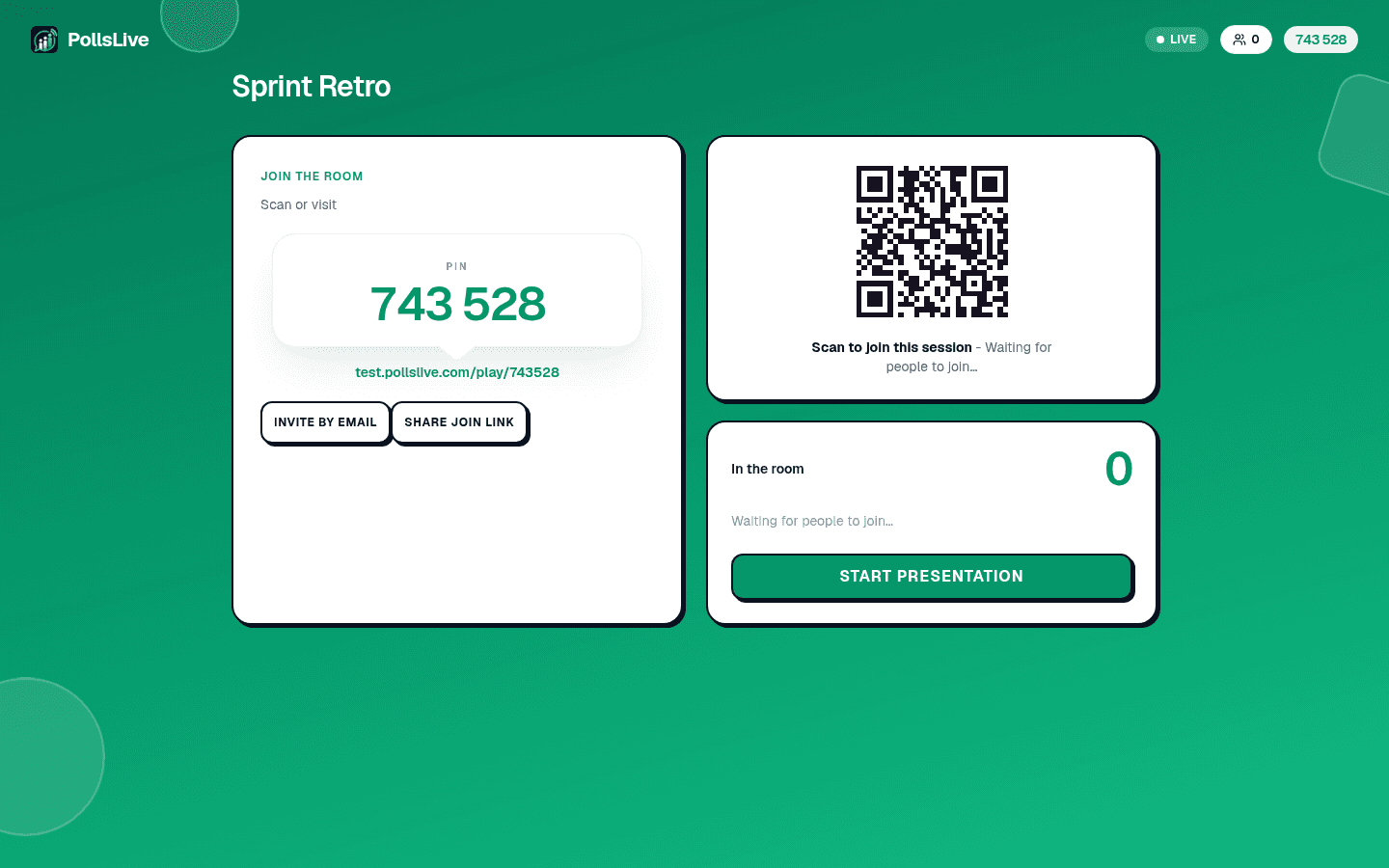
Click Present live. Share the PIN or QR. Use Reveal when you want the chart on screen, Lock when you want to talk without new answers, and finish into recap when you are done. The AI step only wrote the deck. Presenting is the same as any hand-built poll.
Updates and rewrites after the first draft
Most sessions need a second pass. Change question wording by hand whenever you can. It is free and keeps your facts accurate. Use a rewrite when you want the model to rebuild a weak slide, not when you only need to fix one label. Keep a short checklist: correct answer marked on quizzes, timers only where you want pressure, and no internal jargon your audience will not know.
If Ask AI is open while you edit, you can ask it where a setting lives or how Event Pass interacts with your plan. That chat still does not spend pack credits. If you want analysis of results after a session, Ask AI can help summarize what you already captured. It is not a second deck writer.
Missing AI credits ("out of tokens")
When people say they are "out of AI tokens," they usually mean one of two meters is empty. Deck credits are the meter for Build with Pulse AI. Chat allowance is the meter for Ask AI. They do not share a balance.
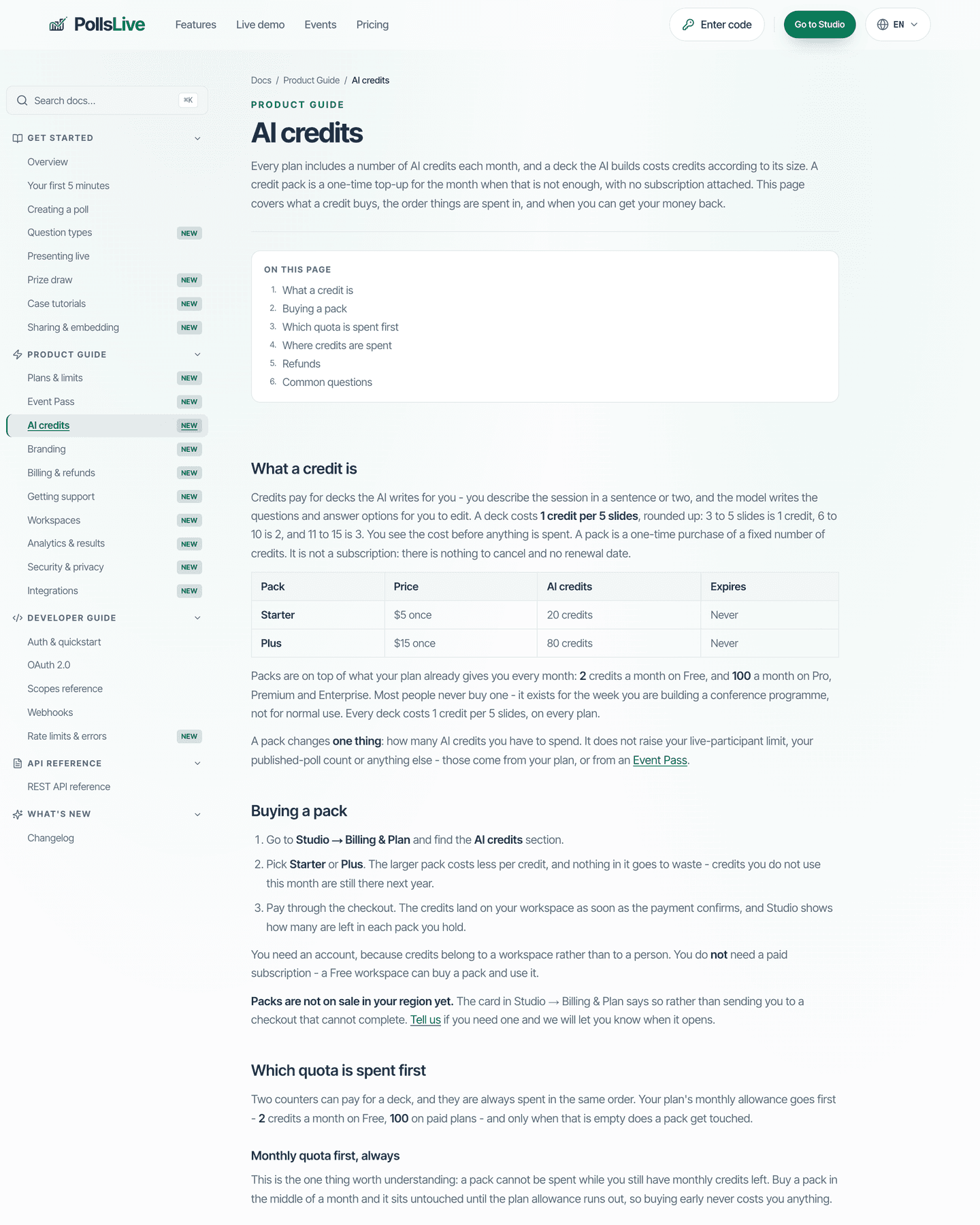
- Monthly quota: Free plans get a small refill each month; paid plans get a larger one. Details live in the AI credits docs.
- Packs: one-time Starter or Plus purchases that never expire. Monthly quota is always spent first; packs drain only after that.
- Oldest pack first: if you hold more than one pack, Studio drains the earliest purchase.
- Refused build: if the cost is higher than what you have left, nothing is written and you get a link to packs in Studio Billing.
- Chat empty: Ask AI may fall back to quick help. Buying a deck pack does not refill chat, and chat spend does not touch packs.
Note
Full policy, pack sizes, and spend order: AI credits. Walkthrough for buying packs without changing plan: buy more AI credits.
Privacy and consent in one sentence
Opening Ask AI for model answers asks you to consent to sending that chat to third-party providers. Quick help without the model stays available if you decline. Deck generation also sends your prompt to the configured AI providers under the same product rules. Do not paste secrets, passwords, or personal data you would not put in an email to a vendor.
A simple practice loop
- Write one honest prompt for the room you will actually face.
- Spend the credit, then edit every factual line by hand.
- Rehearse Present live with two colleagues before the real session.
- If credits are empty, use a template or hand-build, or buy a pack in Studio Billing.
- After the session, open recap and export what you need. The deck stays yours.
Pulse AI is there to remove blank-page time, not to replace your judgment. When the prompt is specific and the edit pass is real, you go from idea to a live poll in minutes without guessing which button is which.
Open Studio and draft your next session with Build with Pulse AI.
Create a poll