
September 7, 2026 · 6 min read
أدوات المقدّم أثناء الاستطلاع المباشر
شاشة المقدّم أثناء الاستطلاع المباشر: التنقل في العرض، والانتقال إلى شريحة سُئل عنها، وقراءة مؤشر الاتصال، وإنهاء الجلسة بشكل جيد.
معظم الأدلة عن الاستطلاعات المباشرة تتوقف عند "اضغط عرض مباشر". هذا هو الجزء السهل. ما يقرر نجاح الجلسة هو العشرون دقيقة التالية، على شاشة تنظر إليها قاعة كاملة، وغالبا وأنت تتحدث. إليك كل ما تمنحه شاشة العرض، ومتى يهم كل عنصر منها.
Getting everyone in, and keeping the door open
Starting a session puts a 6-digit PIN and a QR code on screen. Both stay there for the whole session, and the QR button in the header blows the code up to fill the screen for a big room. That matters more than it sounds: people arrive late, and a code that vanished after the first slide is the most common reason a room only half participates. You do not have to go back to the lobby to show it again.
Driving the deck
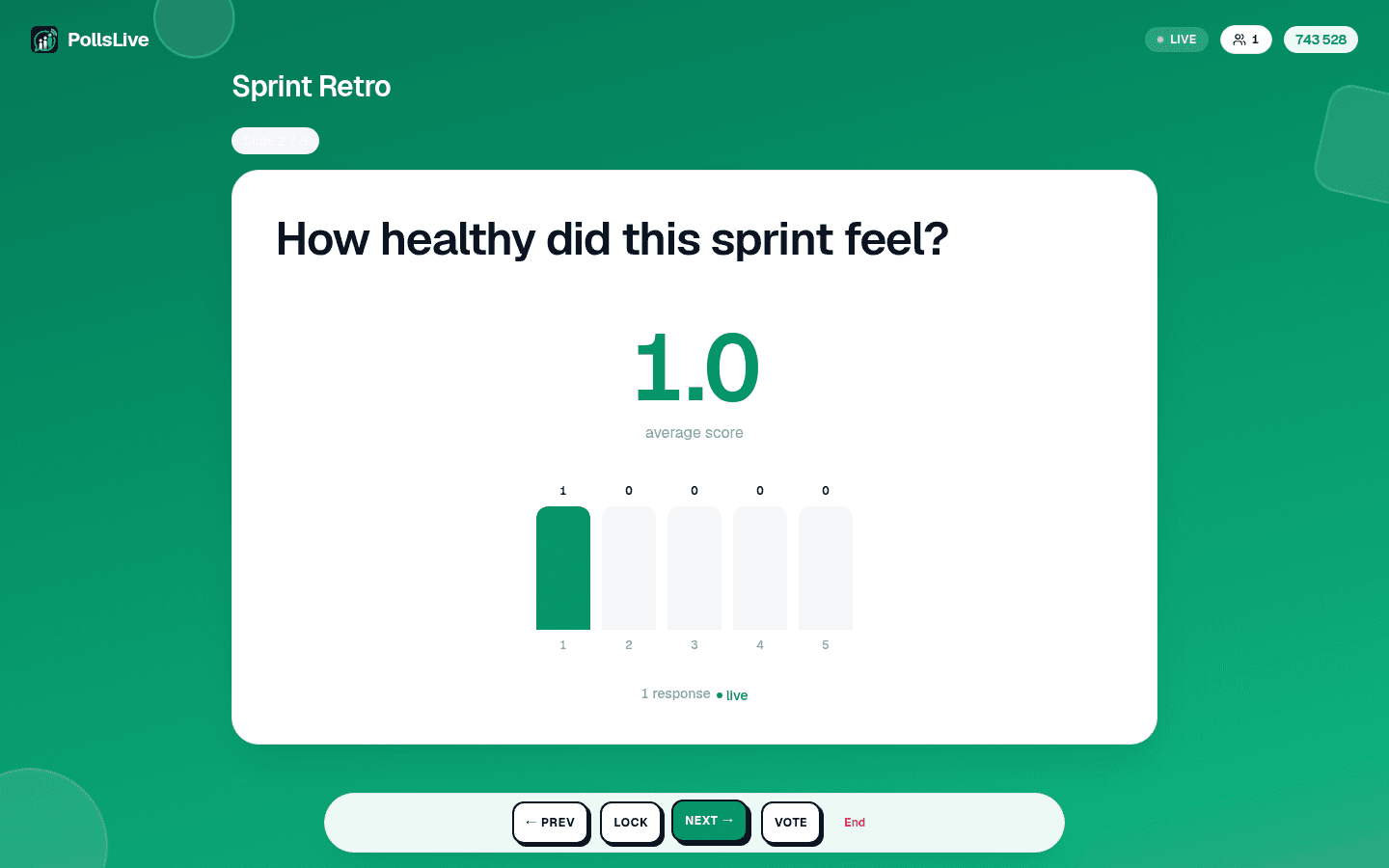
- Prev and Next move through your questions.
- Reveal shows the chart when you are ready, if the deck is set to hide results until you say so. Re-vote clears an estimation round and runs it again.
- Lock stops new answers on the current question without ending anything, useful when you want to talk about a result while it is still on screen.
The keyboard drives all of it too, which is far easier than finding a button mid-sentence: arrow keys or space to move, F for full screen, R to show or hide results.
Jumping to the slide someone just asked about
Somebody puts their hand up about the chart from three questions ago. Jump to slide opens a thumbnail overview of the whole deck; pick any slide and the room goes there. No clicking Next eleven times to get back, and no apologising while you do it.
Tip
لست بحاجة إلى خلفية تقنية لاتباع هذا الدليل. كل خطوة تستخدم أزرارًا بسيطة في PollsLive، بلا برمجة، وبلا تطبيق يثبّته جمهورك.
إدخال الجميع، وإبقاء الباب مفتوحا
- Live: connected, and what you press reaches the room.
- Reconnecting: the connection dropped and is coming back. It only ever appears after you have been connected once, so it is never the normal state at the start.
- Connecting: the first handshake, before anyone has joined.
عند بدء الجلسة يظهر على الشاشة رمز PIN من ستة أرقام ورمز QR. يبقى الاثنان طوال الجلسة، ويكبّر زر QR في الأعلى الرمز ليملأ الشاشة في القاعات الكبيرة. وهذا أهم مما يبدو: الناس يتأخرون، ورمز اختفى بعد الشريحة الأولى هو أكثر أسباب المشاركة الجزئية شيوعا. ولا تحتاج للعودة إلى شاشة الانتظار لعرضه من جديد.
قيادة العرض
On the last slide the screen offers to end the session, and every way of ending one confirms first: it closes the room for everybody at once, so it should never be a stray tap. The end screen shows the final results, you can share a results image straight from it, and a recap email follows whenever anyone answered. Nothing is lost either way: results, per-person answers and exports all stay in Studio.
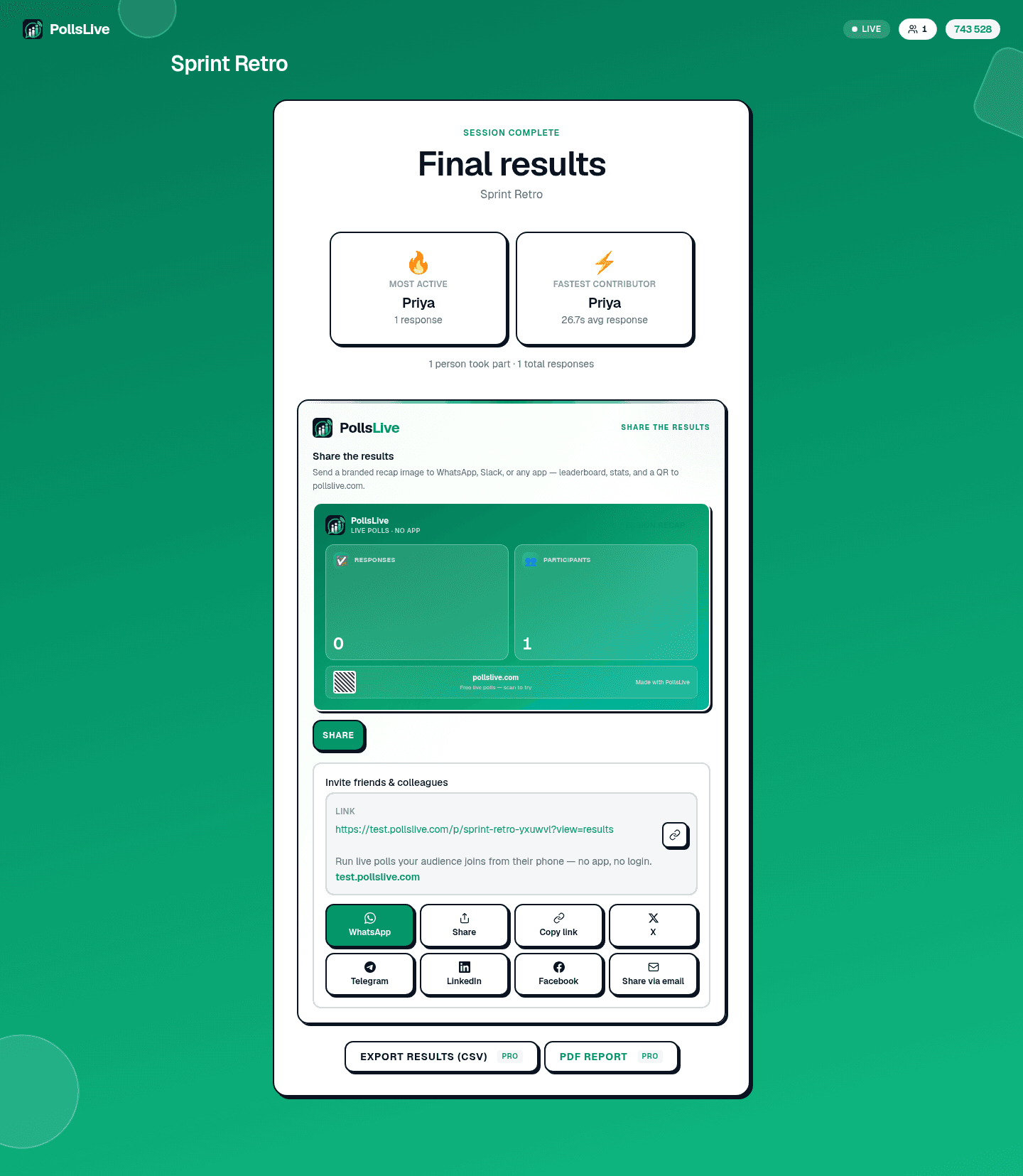
Every control on the presenter screen, in order, with what each one does.
Read the presenting guide