
September 7, 2026 · 6 min read
Controles do apresentador numa enquete ao vivo
A tela do apresentador numa enquete ao vivo: avançar na apresentação, pular para um slide, ler o indicador de conexão e encerrar a sessão do jeito certo.
A maioria dos guias sobre sondagens ao vivo acaba em "carregue em Apresentar ao vivo". Essa e a parte facil. O que decide se uma sessao corre bem sao os vinte minutos seguintes, num ecra que uma sala inteira esta a ver, normalmente enquanto fala. Aqui esta tudo o que o ecra do apresentador lhe da, e quando cada coisa importa.
Getting everyone in, and keeping the door open
Starting a session puts a 6-digit PIN and a QR code on screen. Both stay there for the whole session, and the QR button in the header blows the code up to fill the screen for a big room. That matters more than it sounds: people arrive late, and a code that vanished after the first slide is the most common reason a room only half participates. You do not have to go back to the lobby to show it again.
Driving the deck
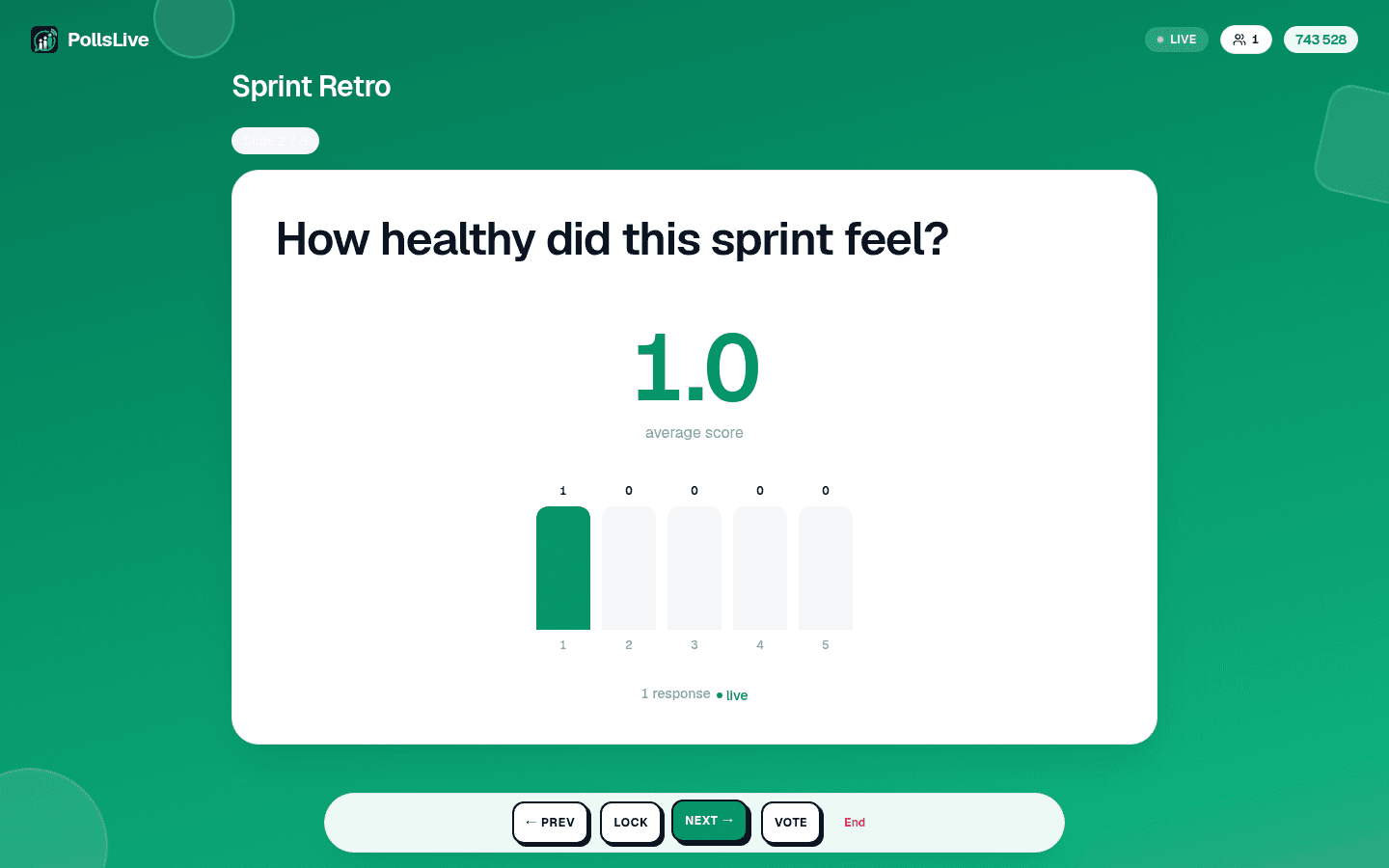
- Prev and Next move through your questions.
- Reveal shows the chart when you are ready, if the deck is set to hide results until you say so. Re-vote clears an estimation round and runs it again.
- Lock stops new answers on the current question without ending anything, useful when you want to talk about a result while it is still on screen.
The keyboard drives all of it too, which is far easier than finding a button mid-sentence: arrow keys or space to move, F for full screen, R to show or hide results.
Jumping to the slide someone just asked about
Somebody puts their hand up about the chart from three questions ago. Jump to slide opens a thumbnail overview of the whole deck; pick any slide and the room goes there. No clicking Next eleven times to get back, and no apologising while you do it.
Tip
Você não precisa ser técnico para seguir este guia. Cada passo usa botões simples no PollsLive, sem código, sem app para instalar no público.
Por toda a gente la dentro, e deixar a porta aberta
- Live: connected, and what you press reaches the room.
- Reconnecting: the connection dropped and is coming back. It only ever appears after you have been connected once, so it is never the normal state at the start.
- Connecting: the first handshake, before anyone has joined.
Ao iniciar uma sessao aparecem no ecra um PIN de 6 digitos e um codigo QR. Ambos ficam la durante toda a sessao, e o botao de QR no cabecalho amplia o codigo ate encher o ecra para uma sala grande. Isto conta mais do que parece: as pessoas chegam tarde, e um codigo que desapareceu depois do primeiro slide e o motivo mais comum de uma sala participar so a meio. Nao precisa de voltar ao atrio para o mostrar outra vez.
Conduzir o deck
On the last slide the screen offers to end the session, and every way of ending one confirms first: it closes the room for everybody at once, so it should never be a stray tap. The end screen shows the final results, you can share a results image straight from it, and a recap email follows whenever anyone answered. Nothing is lost either way: results, per-person answers and exports all stay in Studio.
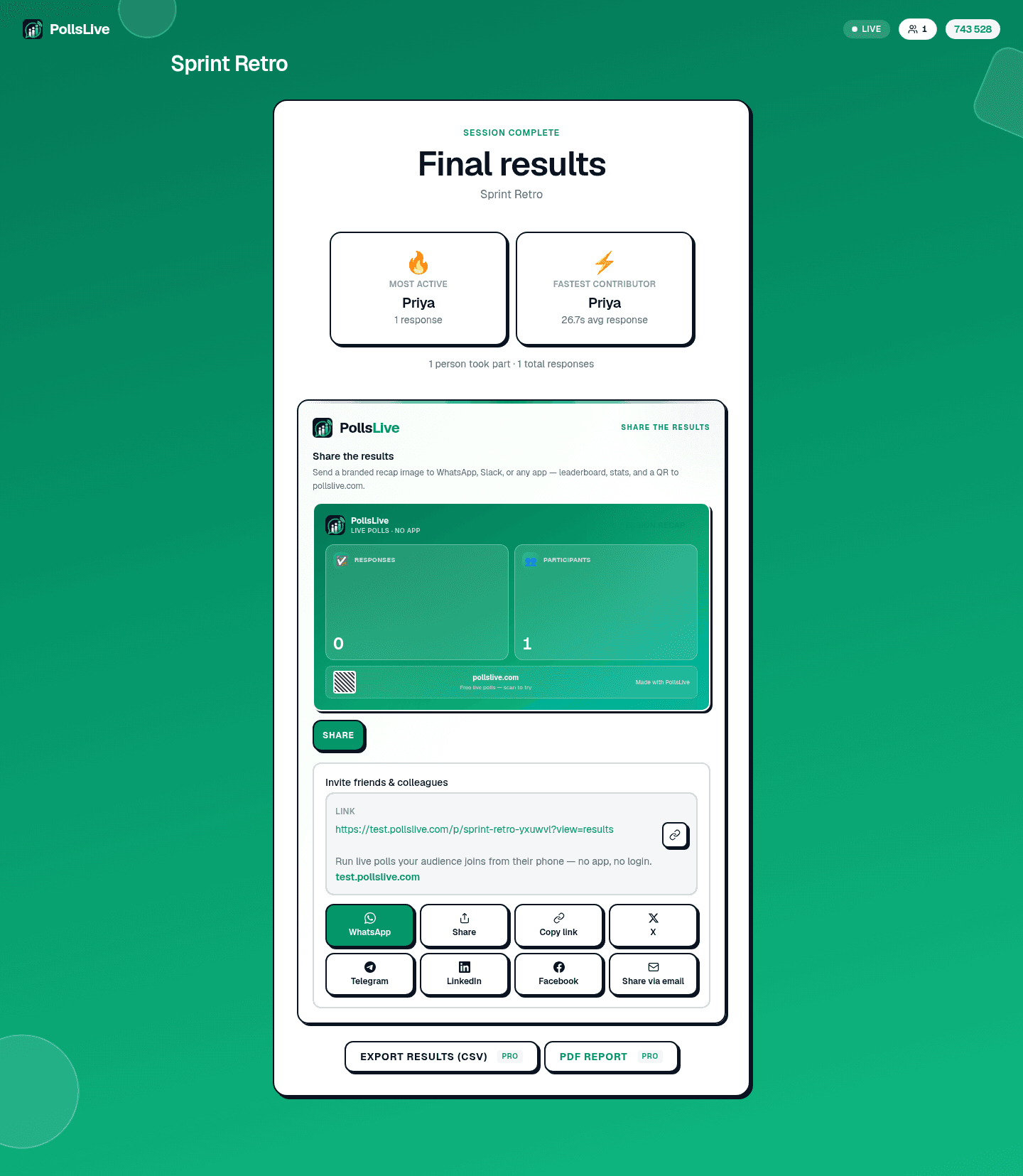
Every control on the presenter screen, in order, with what each one does.
Read the presenting guide