
July 8, 2026 · 10 min read
The 12 PollsLive Question Types, and When to Use Each
What each of the 12 PollsLive question types does, from multiple choice and quiz to word cloud, ranking and Annotate, and the moment to reach for each one.
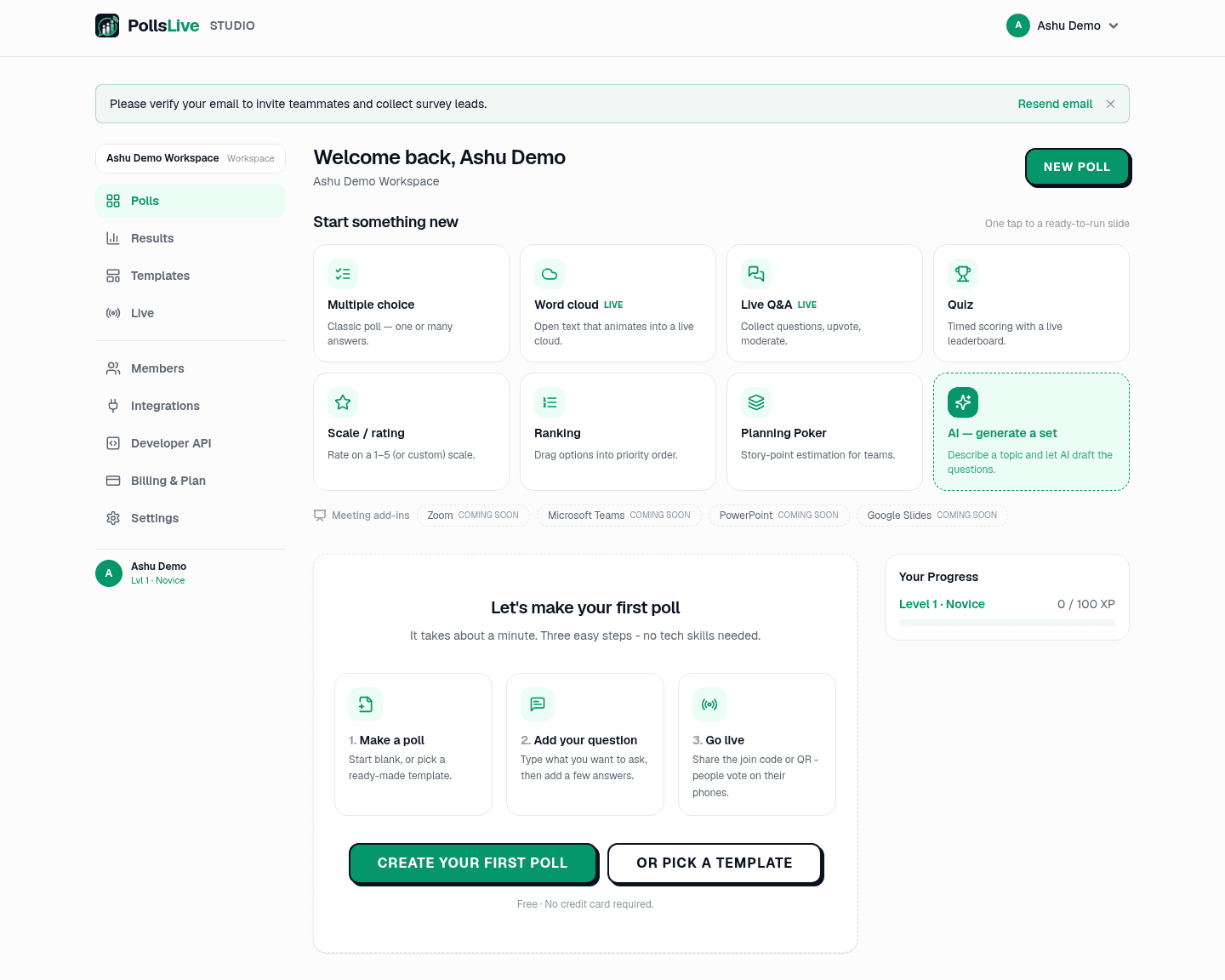
PollsLive gives you 12 question types, and picking the right one is most of what makes an interaction land. Here is what each does and the moment to reach for it. You choose the type per slide from the Question type menu in the editor, or start one straight from the Studio dashboard grid.
1. Multiple choice
The classic poll: a question and a set of options, shown as a live bar chart. Set it to single answer for a clean vote, or multiple answers when people can pick several. Reach for it for quick opinions, decisions, and mood checks.
2. Quiz
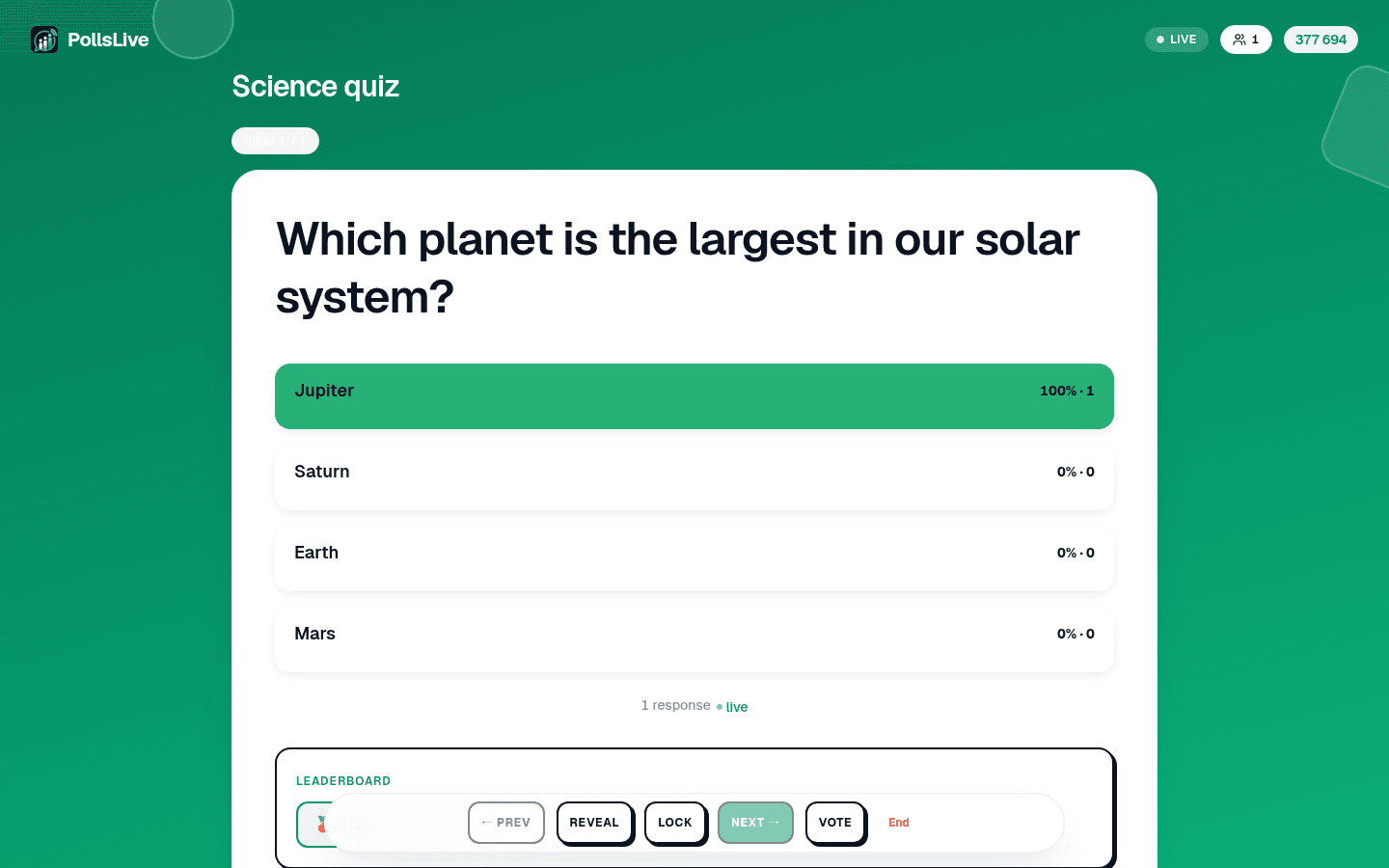
A multiple-choice question with a right answer, a countdown timer, and points. Faster correct answers score more, and a leaderboard ranks players between questions. Use it for training checks, classrooms, and trivia: anything where a bit of competition helps.
3. Typed answer
A quiz with no options to pick from: each player types a short answer. You list every answer you accept (up to 10, so "NYC" and "New York" can both count), and matching ignores case and extra spaces. Points, the speed bonus, and the timer work the same as a choice quiz. Use it when a list of options would give the answer away. Typed answer runs in a live session only.
4. Correct order
You enter 3 to 6 items in the right order. Each player sees them shuffled on their phone and puts them back. It scores like a quiz, but only an exact match counts: one item out of place is wrong. Unlike ranking, there is one right answer, so it suits timelines, process steps, and history trivia. Correct order runs in a live session only.
5. Word cloud (open text)

An open-text question set to render as a cloud: as people type short answers, the words gather and the most common ones grow biggest. It is the fastest way to take the temperature of a room in their own words.
One word for how this quarter went?
6. Live Q&A
Instead of answering your question, the audience asks theirs. Questions come in, everyone can upvote the ones they care about, and you moderate what shows. Perfect for the end of a talk, a town hall, or an AMA where you want the best questions to rise on their own.
7. Scale / rating
A rating on a range: 1 to 5 stars, a 0 to 10 recommend score for NPS, or an agree/disagree Likert scale. Quick to set with the built-in presets. Use it for confidence checks, satisfaction, and any "how strongly do you feel" question.
8. Ranking
People drag options into their preferred order, and you get an aggregated priority list. Ideal when the answer is not one winner but an order: which features to build first, which topics to cover, what to tackle next sprint.
9. Planning Poker
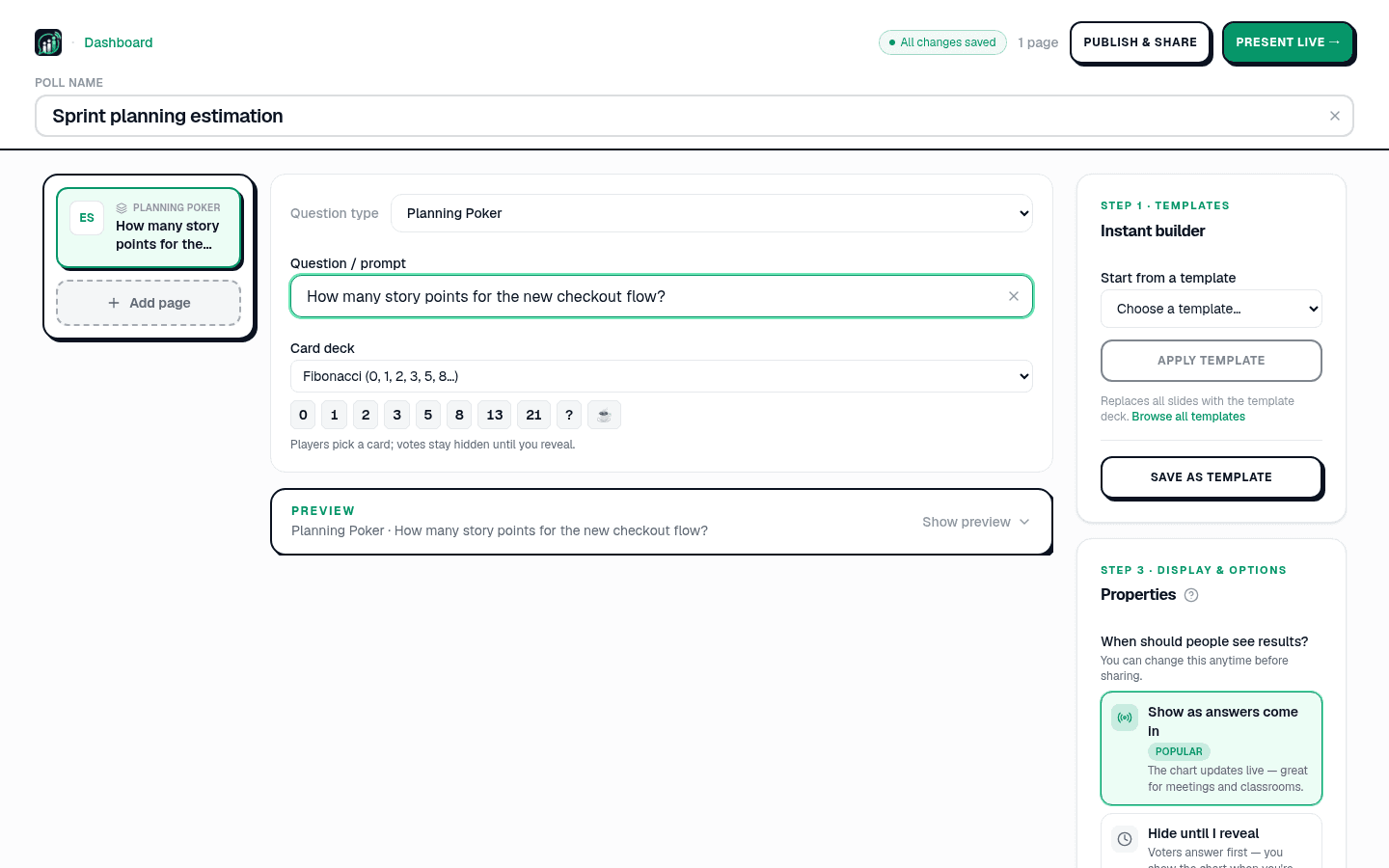
Story-point estimation for software teams. Everyone picks a card from a deck (Fibonacci, T-shirt sizes, and more), votes stay hidden until you reveal, and the spread sparks the discussion. Built for sprint planning.
10. Brainstorm
Each person sends one idea. As the ideas come in, you group them into themes on the presenter screen (or accept suggested groups), and then the room votes on the groups rather than on single ideas, so a theme many people raised in different words is not outvoted by one popular phrasing. You can hold ideas for your approval first. Built for workshops and retrospectives, Brainstorm runs in a live session only.
11. Annotate
Everyone draws on the same image on their phone: circle an area, mark a spot, draw an arrow or sketch freely. Your screen layers every drawing over the image as a heat map, as lines or as a gallery, and counts them as they arrive; you can hide any single drawing. Use it for "where is the problem on this floor plan?", "circle the part of the slide that was unclear" or a spot-the-detail quiz with a marked answer zone.
12. Content slide
Not a question at all: a plain slide for a title, a section header, or an instruction. Use it to break a long deck into parts (the Employee satisfaction survey uses these to split its sections) or to set up the next question.
So which do you pick?
- A quick opinion or decision: multiple choice.
- Test knowledge with a bit of fun: quiz.
- One short exact answer, with no options to guess from: typed answer.
- Steps or events in their one right order: correct order.
- Feelings in their own words: word cloud.
- Let the audience ask: live Q&A.
- How strongly they feel: scale.
- Put things in order: ranking.
- Estimate work as a team: Planning Poker.
- Collect ideas, then vote on the themes: Brainstorm.
- Set up or divide a deck: content slide.
Note
You can mix as many question types as you like in one deck. Start from build a poll from scratch or browse the template gallery.
To try them, build a poll from scratch or open the full question types reference.
Spin up a live poll right now. Free sign-in for you, no app or account for your audience.
Create a free poll