
July 10, 2026 · 8 min read
Employee Satisfaction Survey Template (Free, Ready to Run)
A free employee satisfaction survey template: 14 Likert-scale questions on work, leadership and culture, plus open feedback. Copy it and run it in minutes.
Annual engagement surveys die in inboxes. A short, focused pulse (fourteen 1-5 ratings plus two open questions) gives HR and managers a honest read without eating a lunch break. This article walks through the employee satisfaction template we ship on PollsLive and how to run it well.
What's in the template
- Part 1 (My work & environment): role clarity, engagement, autonomy, workload, resources, culture, teamwork.
- Part 2 (Leadership & growth): feedback, respect, transparency, trust, advancement, recognition, advocacy (eNPS-style).
- Part 3 (Open feedback): one *keep* and one *change* question.
- Optional comment on every question so a "3" on workload can include context.

Workload: My workload is manageable within standard hours.
Why one page, not thirty emails
The template uses PollsLive's Survey question type: every item appears on a single scrollable page, submitted once. Respondents see progress, answer in flow, and you're done in a few minutes. That's the same pattern as our how to create a survey guide: short beats exhaustive.
Per-question comments
A lone number rarely tells you enough. When comment boxes are enabled, each rating can carry a sentence of context: "3 on resources because design licenses expired" beats guessing in a leadership meeting. Comments are optional so completion stays high.
Save your own version
Tweak wording for your company, add a department field, or strip questions you don't need, then Save as template in Studio. Your workspace templates show up on the template gallery next to the built-ins, so quarterly pulses reuse the same deck.
Reading the results
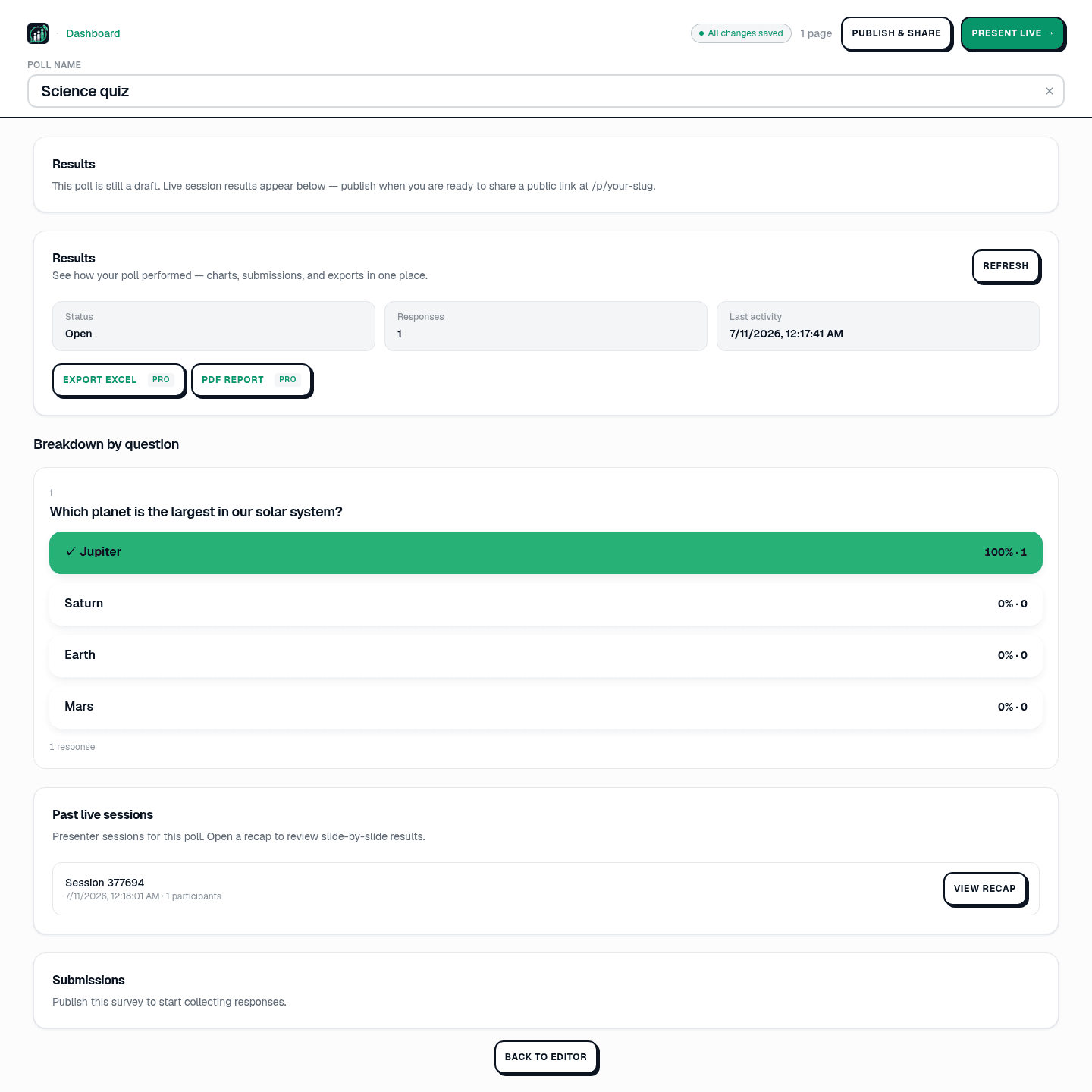
Every answer lands in the poll's Results panel in Studio: a breakdown of each rating question, the open-text responses, and one-click Export Excel or PDF report (on Pro) when you want to slice the numbers yourself. See reading and exporting results for the full tour.
- Compare Part 1 vs Part 2 averages: execution pain often sits in Part 1, trust pain in Part 2.
- Watch advocacy (would you recommend us?) as a simple engagement thermometer.
- Mine Keep / Change answers for quotes you can act on this quarter.
- Segment by team only if you have enough responses; small-n teams stay anonymous.
Copy the employee satisfaction survey and share it today, no respondent login.
Use the templateTip
Keep the survey anonymous: honest scores need no names attached.
More wording in employee engagement survey questions. See PollsLive for teams.
Spin up a live poll right now. Free sign-in for you, no app or account for your audience.
Create a free poll