
June 20, 2026 · 9 min read
Audience Response Systems Explained (2026 Guide)
What an audience response system is, how it works, what it costs, and which one fits your classroom, conference or company event. An honest guide.
An audience response system (ARS) lets a group answer a question at the same time and see aggregated results in real time. The classic version was a hardware clicker, a plastic remote handed out in lecture halls. The modern version is a browser tab on anyone's phone. Here is how the technology evolved, how it works today, what it costs, and how to pick the right tool for your classroom, conference, or corporate event.
A brief history: clickers to browsers
Hardware clickers (iClicker, TurningPoint) dominated universities from the 1990s through the 2010s. They cost $50-100 per unit, needed charging, broke, and created distribution headaches in 300-seat halls. Smartphones replaced dedicated hardware around 2012-2015. Today, Kahoot, Mentimeter, Slido, and PollsLive are all audience response systems, just delivered through a browser instead of plastic remotes.
How a modern ARS works
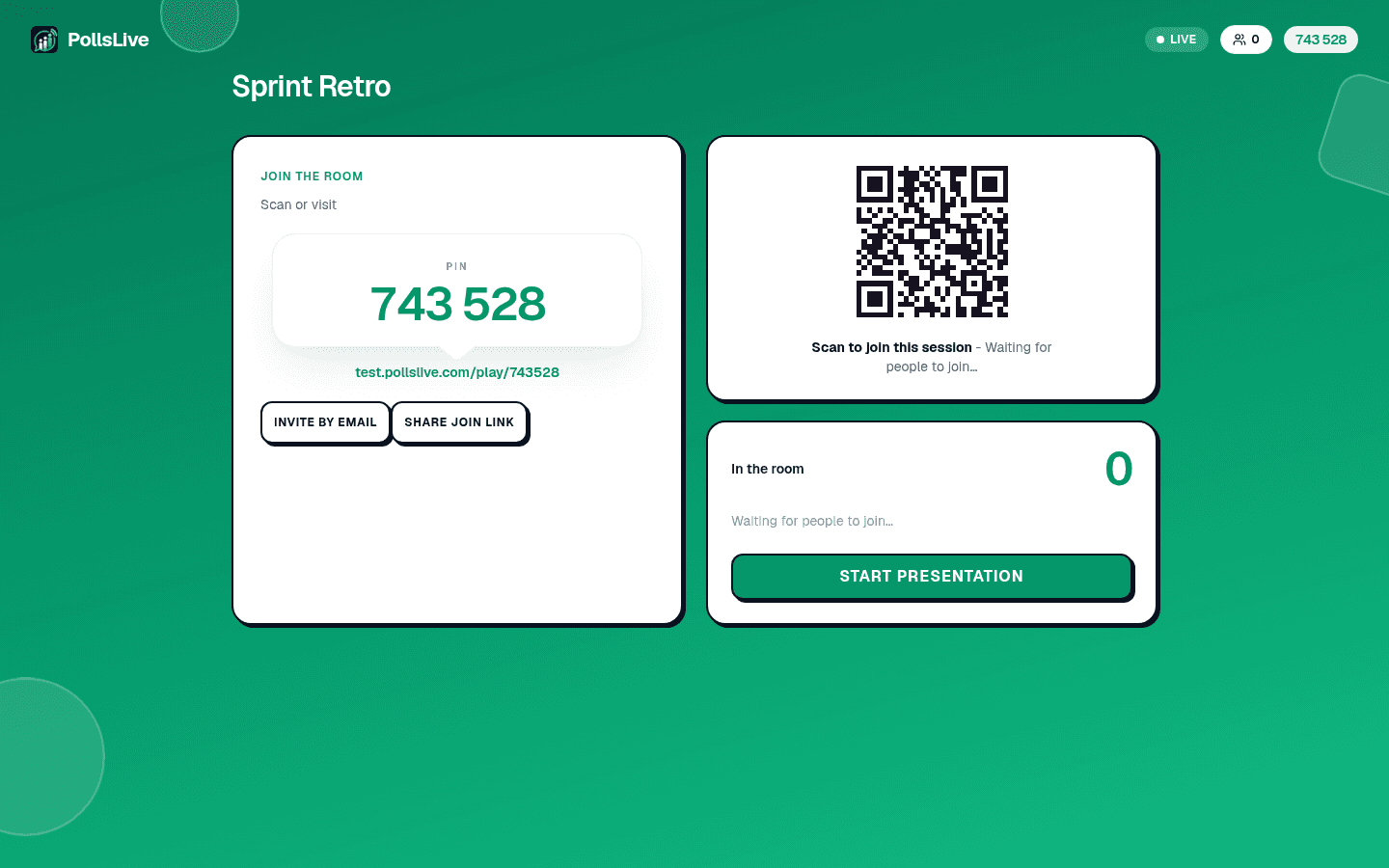
The flow is the same across every modern tool. The presenter builds a question. Participants join via URL, PIN, or QR on their phone. Everyone answers simultaneously. Results aggregate on the presenter screen in seconds.
Create a question
Pick a type (multiple choice, scale, open text, Q&A, quiz) and write the prompt in a web editor.
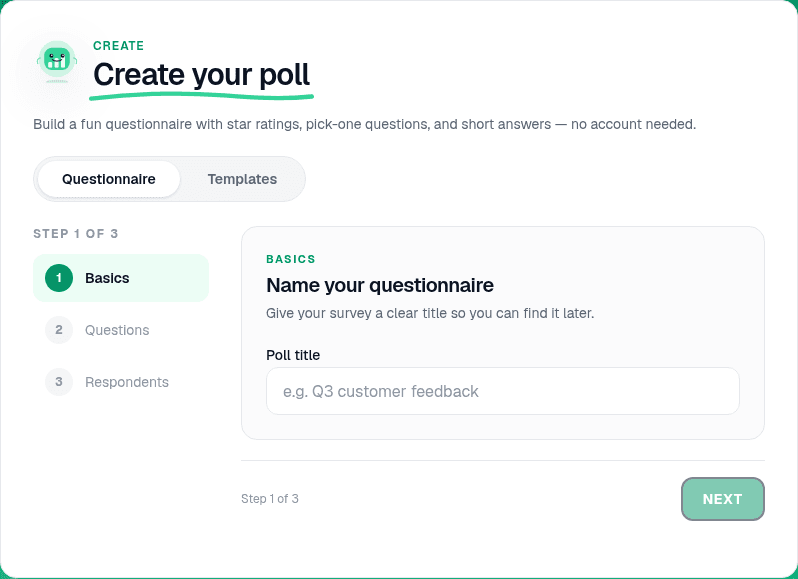
Share a join code
Present live to show a PIN and QR, or publish a permanent link for async collection.
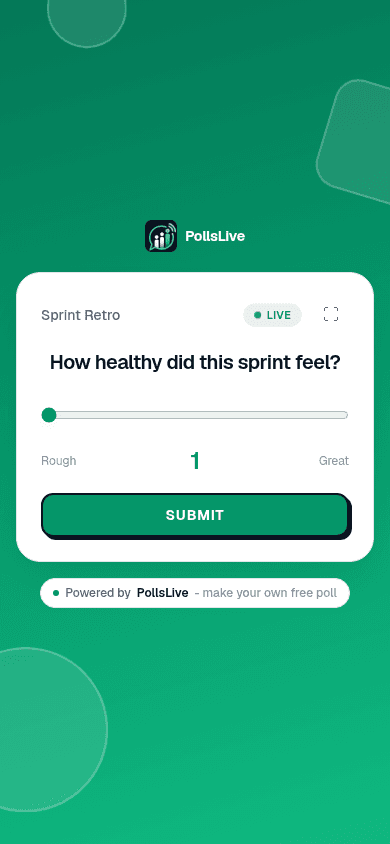
Collect answers
Participants vote from any browser. No app install, no account on most tools.
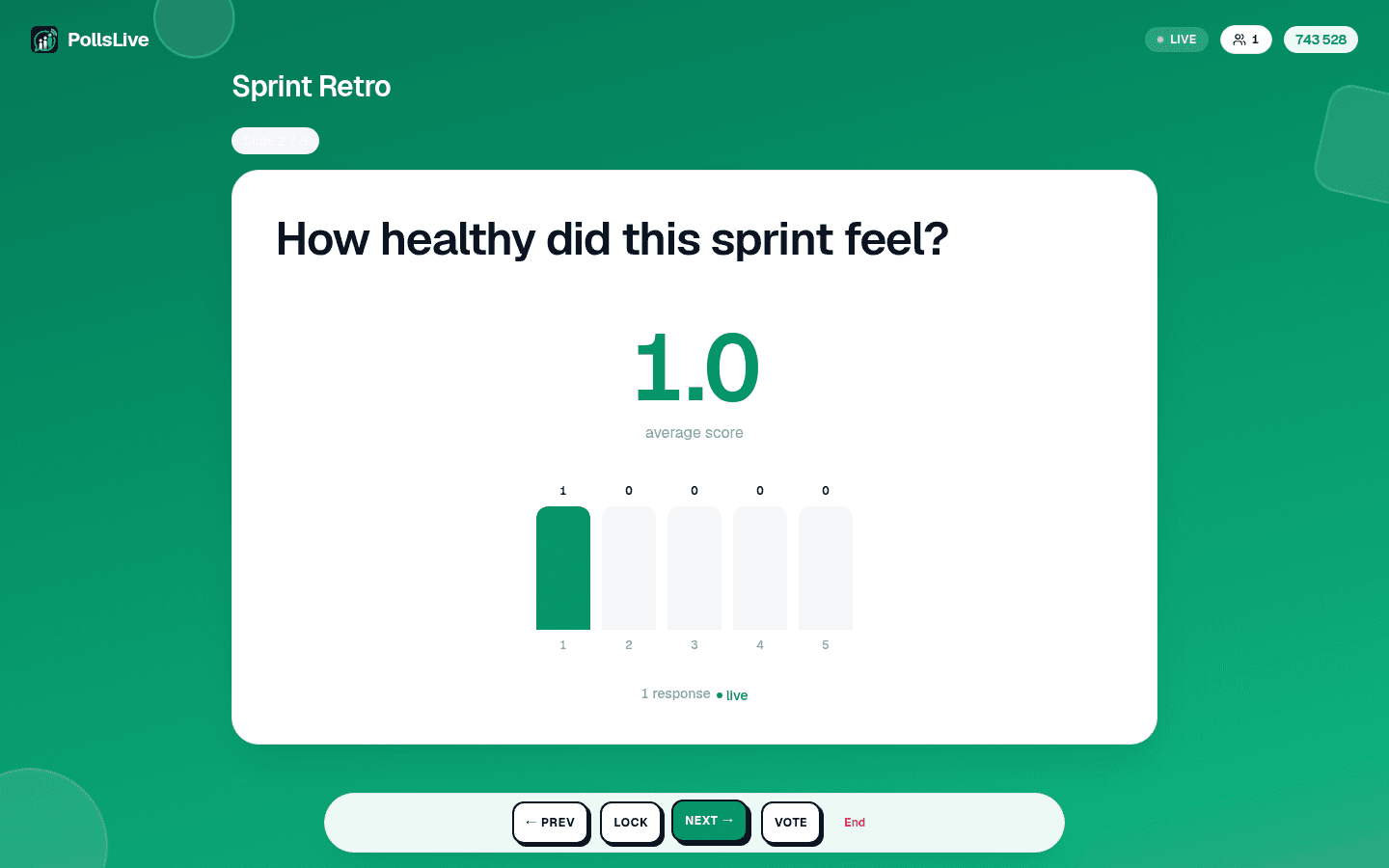
See results live
Charts, word clouds, and leaderboards update as answers land.
How are your audience members joining today?
Common use cases
- University lectures: mid-lecture knowledge checks, exit tickets, anonymous Q&A
- Corporate all-hands: pulse checks, anonymous questions, agenda votes
- Conferences and events: icebreakers, session feedback, audience preference polling
- Training and workshops: learning checks, scenario questions, group decisions
- Team retrospectives: anonymous sentiment, priority ranking
- Sales presentations: diagnostic polls before the pitch
Hardware clickers vs browser-based ARS
- Hardware clickers: Reliable with zero Wi-Fi. No BYOD required. Cost: $50-100 per device plus licensing. Logistics, charging, theft, and distribution are the barrier. Declining market.
- Browser-based: Works on any device. Low entry cost. No distribution overhead. Requires Wi-Fi or cellular. Dominant today.
Tip
In a 300-seat hall, test venue Wi-Fi before the session. Most failures are connectivity, not the tool itself.
Choosing the right ARS in 2026
- University lecture (100-500 students): Wooclap (generous free tier) or PollsLive (async link for post-lecture review)
- Corporate all-hands (50-500 employees): PollsLive or Slido (both offer anonymous Q&A with upvotes)
- K-12 classroom: Kahoot (game energy) or PollsLive (no student accounts). See classroom quiz apps
- Large conference (500-5,000 attendees): Slido (enterprise logistics) or Pigeonhole (conference specialist)
- Budget-conscious / EU privacy: PollsLive, EU-hosted, Pro at $8/mo annual per presenter billed at checkout; Premium and Event Pass for branded or one-off large rooms
What to evaluate before you buy
- Participant friction: very low: open URL, type PIN, vote (2-3 taps)
- Question types: multiple choice is table stakes; word cloud and Q&A separate tools
- Export and analytics: can you download CSV for follow-up?
- Data residency: FERPA for US schools, GDPR for EU businesses
- Integration depth: Slides add-in, API, webhooks
- What the entry paid tier includes: API access, webhooks and lead capture
Note
PollsLive Pro includes CSV and PDF export from the Results panel, useful when an ARS feeds a quarterly report, not just a single meeting.
See it in a real session
An engineering manager opens a weekly sync with a ten-second temperature check. The average tells her whether to spend the first five minutes on blockers or plow ahead:
How is the sprint going so far? (1 = on fire, 5 = smooth)
That is the whole point of an ARS: simultaneous, anonymous input that changes what you do next. For tool-by-tool comparisons, see Mentimeter alternative, Kahoot alternative, Slido alternative, or the compare hub.
Spin up a live poll right now. Free sign-in for you, no app or account for your audience.
Create a free poll