
September 24, 2026 · 4 min read
Run a Live Quiz with a Leaderboard
Mark the right answer, put a countdown on the big screen, and show the leaderboard when each question closes. Players join from their phones, no app.
A quiz night needs three things on screen: the question, a clock, and a score the room can see. PollsLive keeps all three in the same session.
Write it, time it, then show the scores
Mark the correct choice
Add a quiz slide and mark which option is right. Set the points and the time limit on that question.
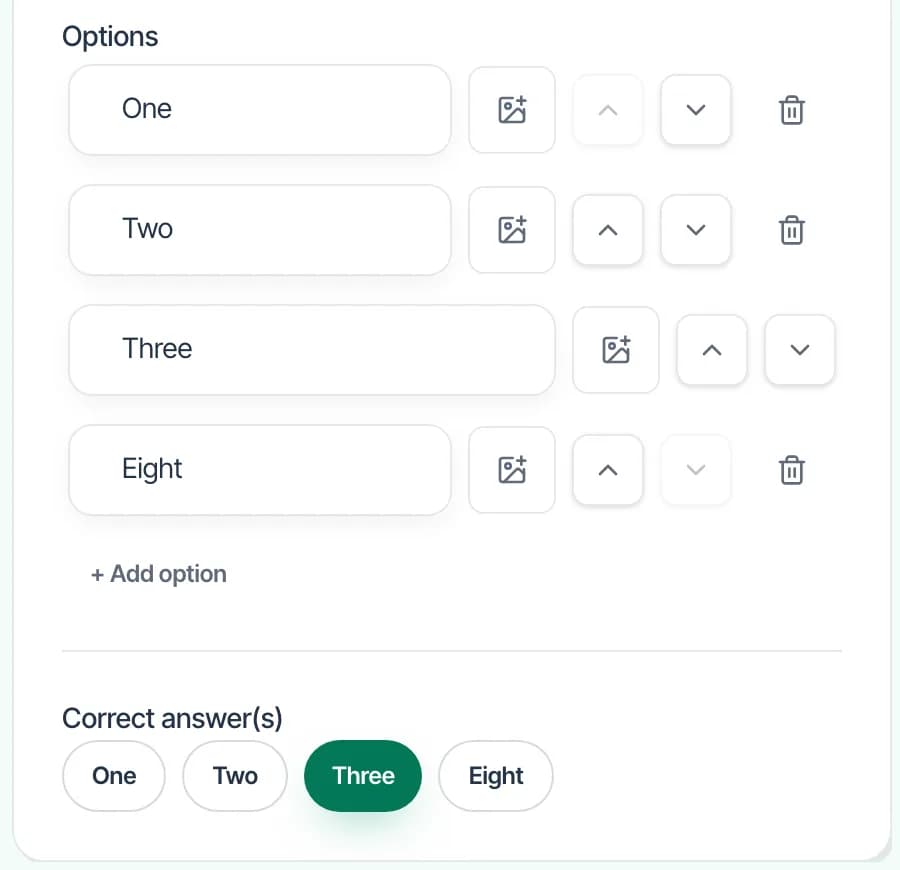
Put the clock on the projection
Present the slide. The question fills the screen and the seconds count down while phones send answers.
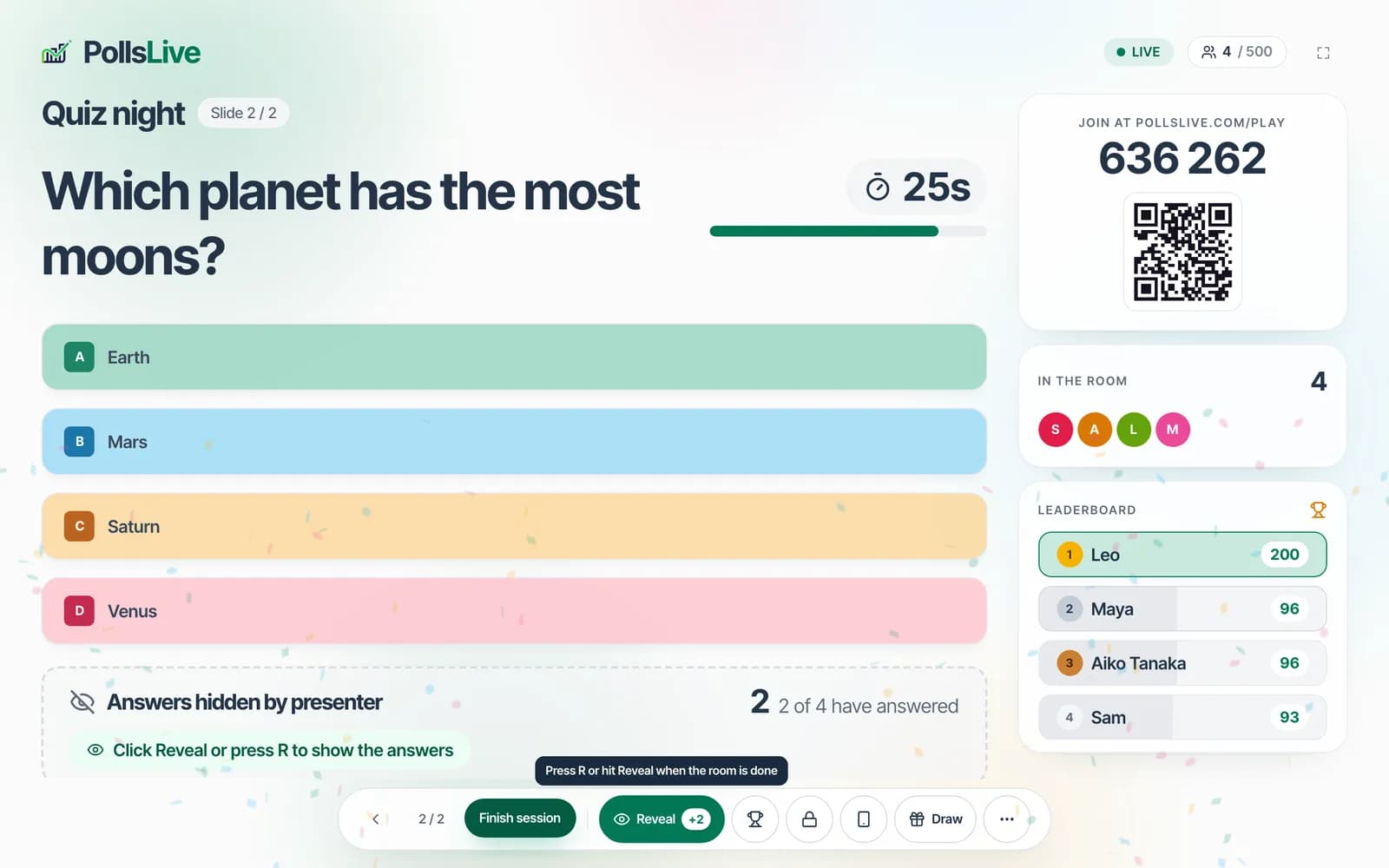
One tap on the phone
Choices are large tap targets. One tap sends the answer. No app and no account.
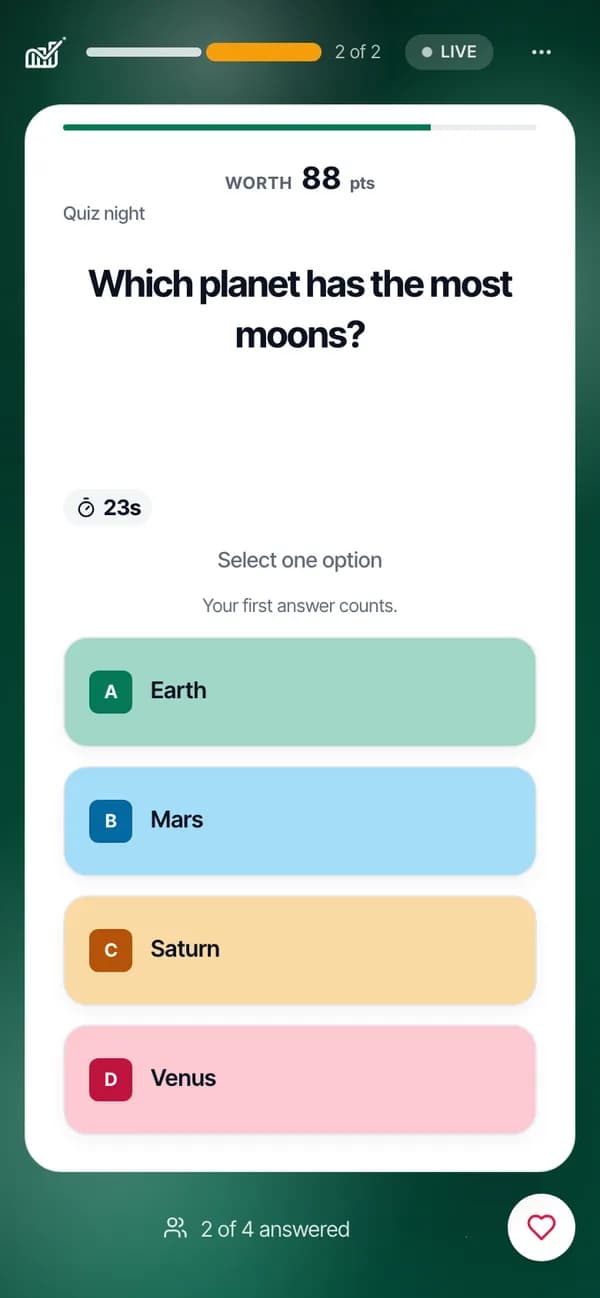
Show the points
Open the leaderboard when the question closes. Top scorers is also a pool you can draw a prize from.
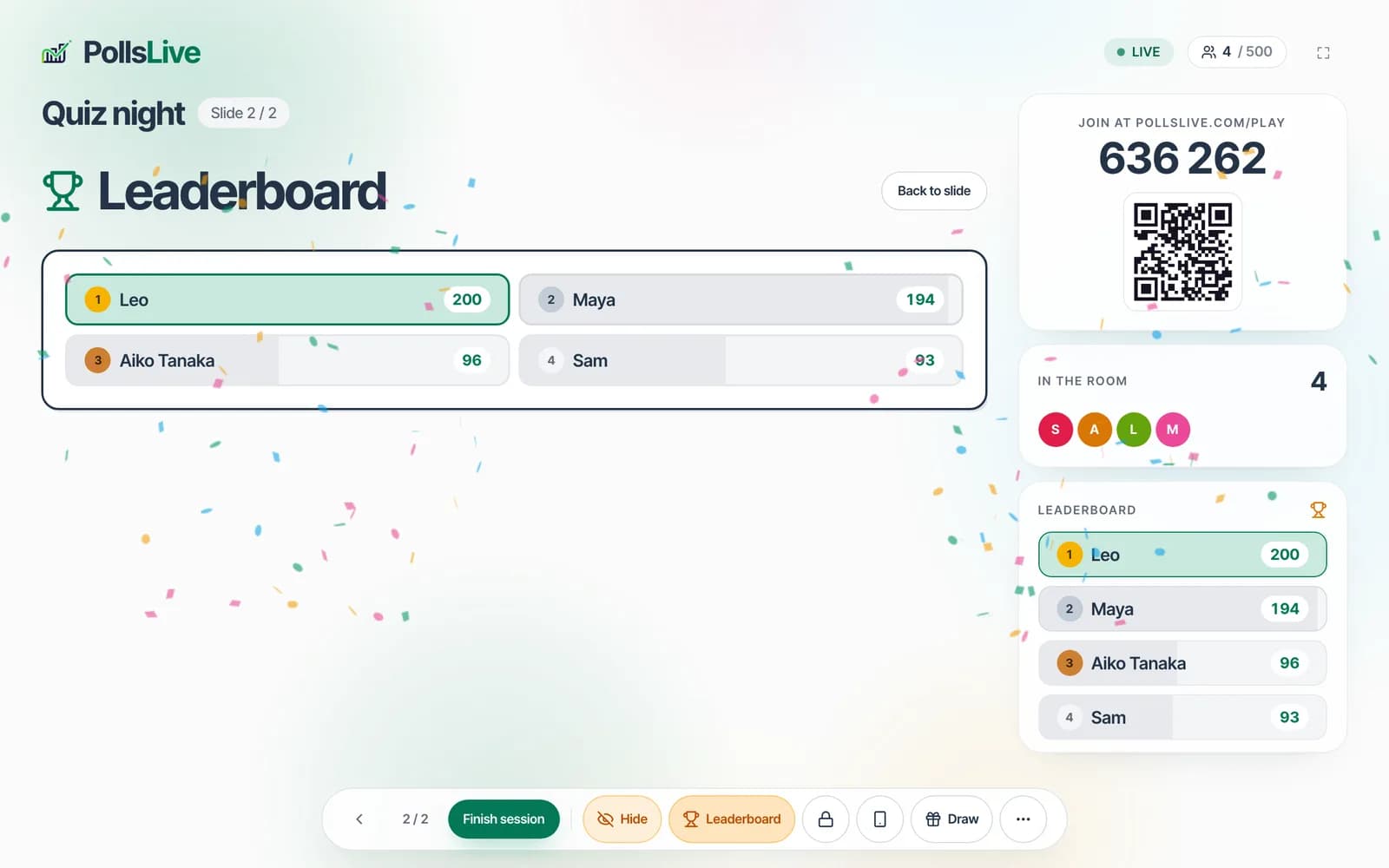
Question types, points, and time limits are spelled out in the docs.
See question types