
September 24, 2026 · 4 min read
Live Poll on Your Phone: What Your Audience Sees
What your audience does on their phone in a live poll: pick a choice, rank options, add a word, write a sentence or give a score from one to ten.
People join with a code. After that, every question is a screen that fits a thumb. These five are the ones a workshop actually uses.
Five screens, one join
Tap one option
Multiple choice is one tap. The host chart moves as each phone sends its row.
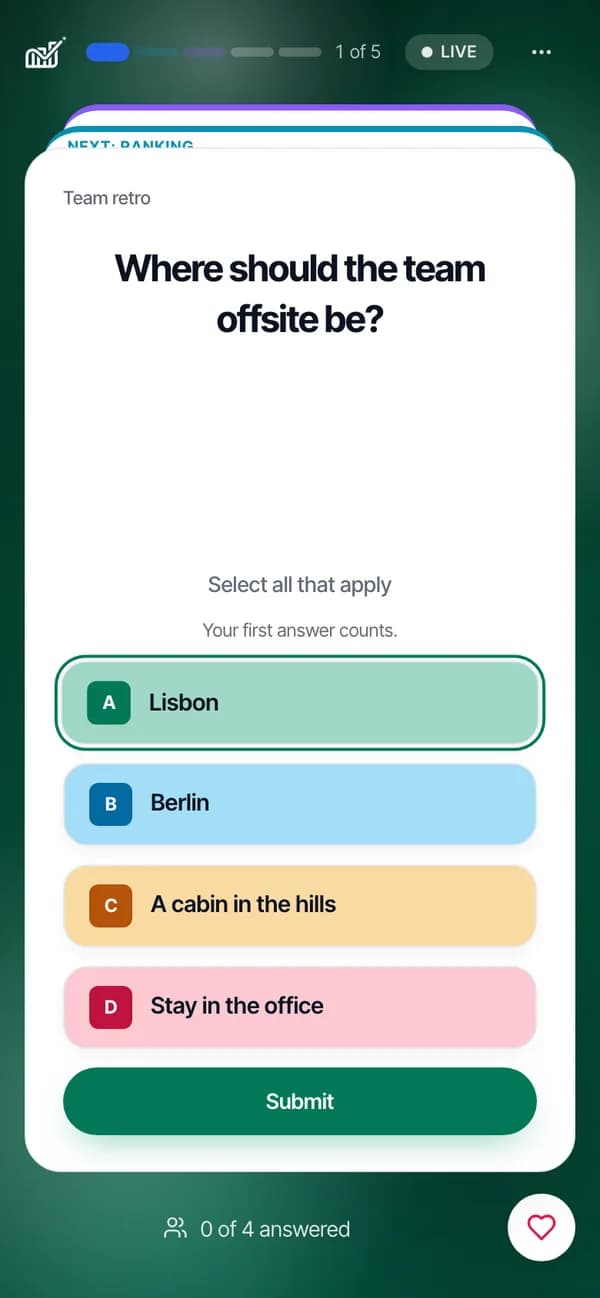
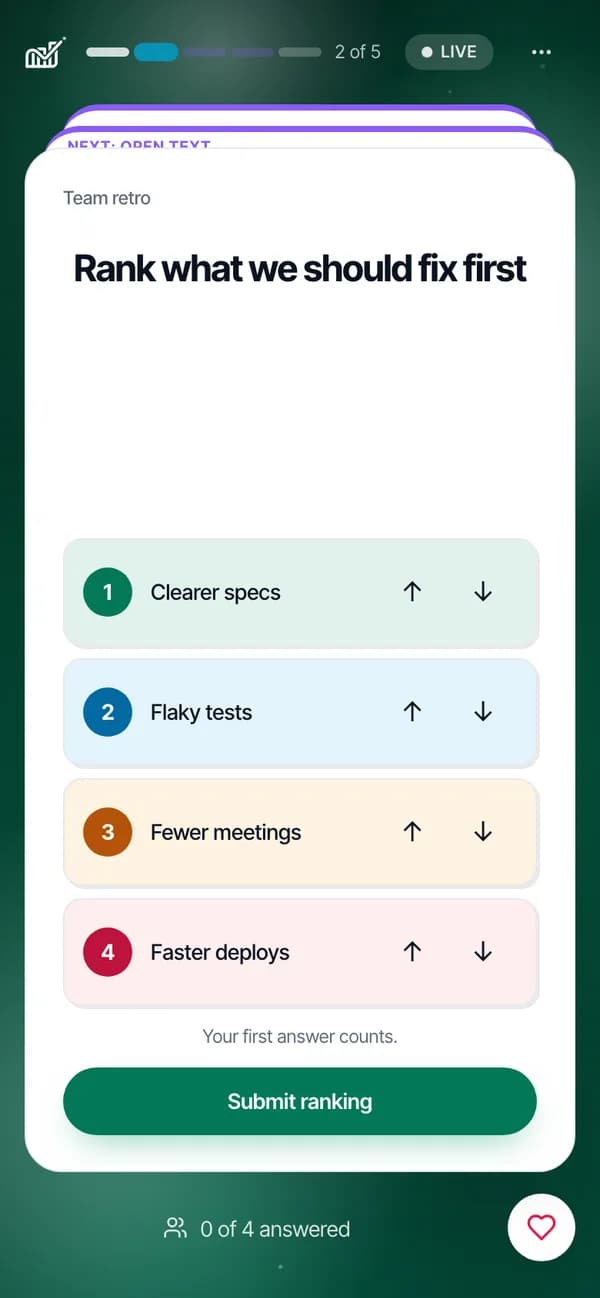
Order the list
A ranking asks for an order, best first. The host sees the combined order, not a single winner.
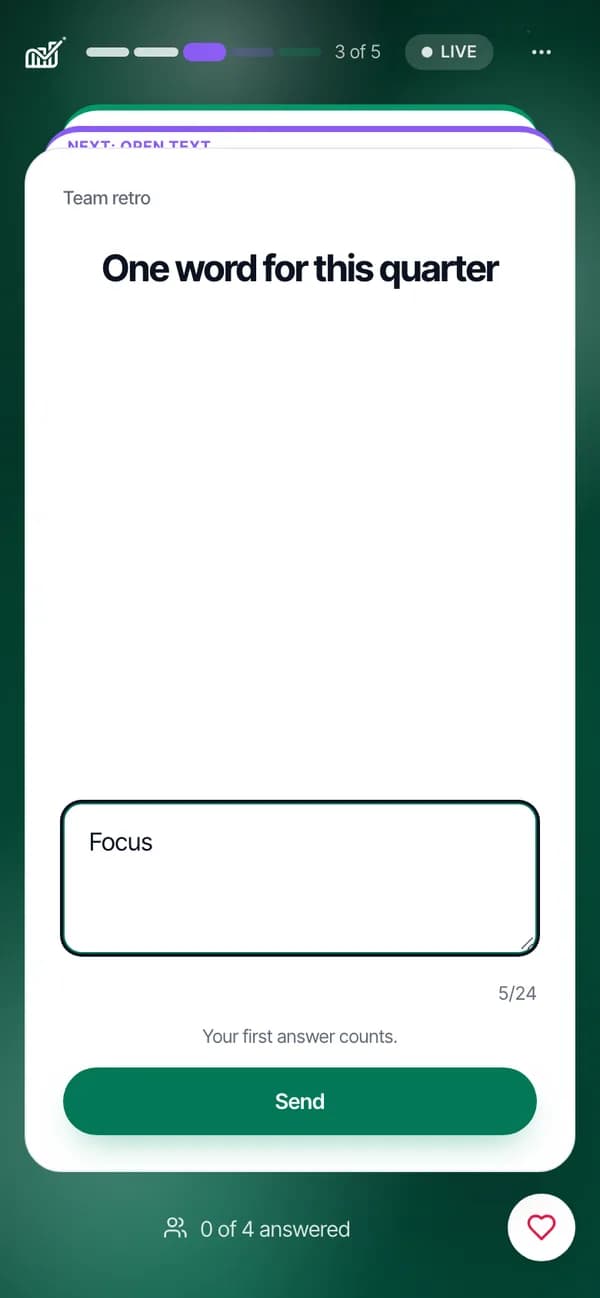
Send one secret word
A one-word answer becomes a word cloud. Answers are anonymous unless you ask for names.
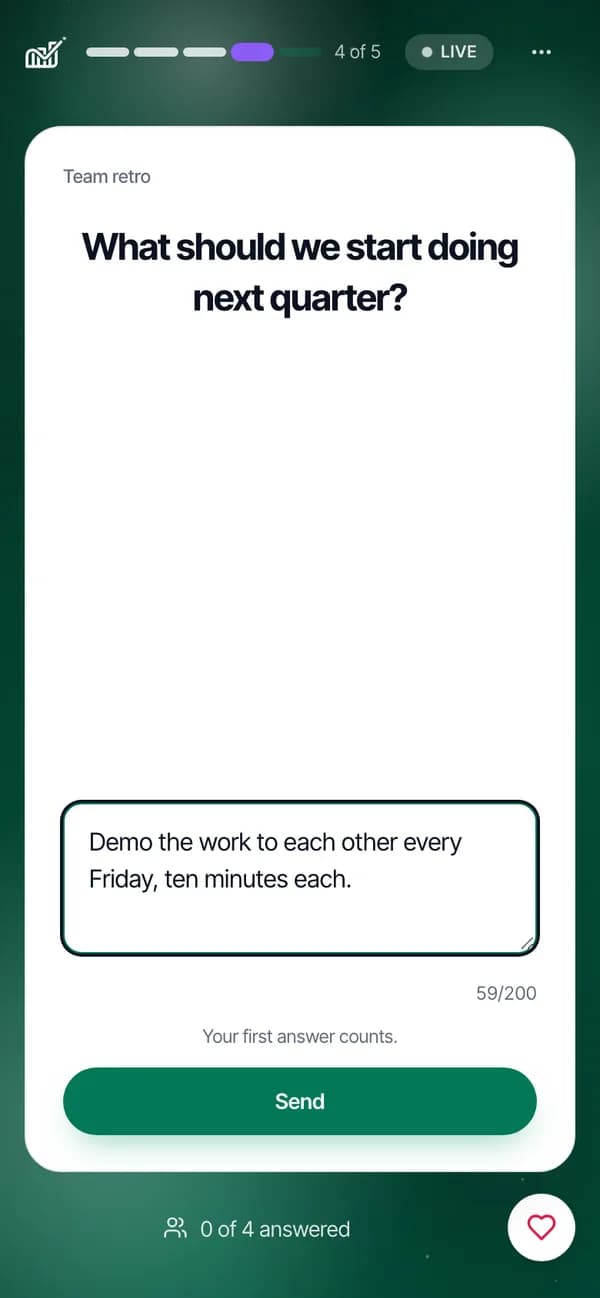
Write a sentence
Use an open question when a poll would flatten the answer. Every reply stays readable and exportable.
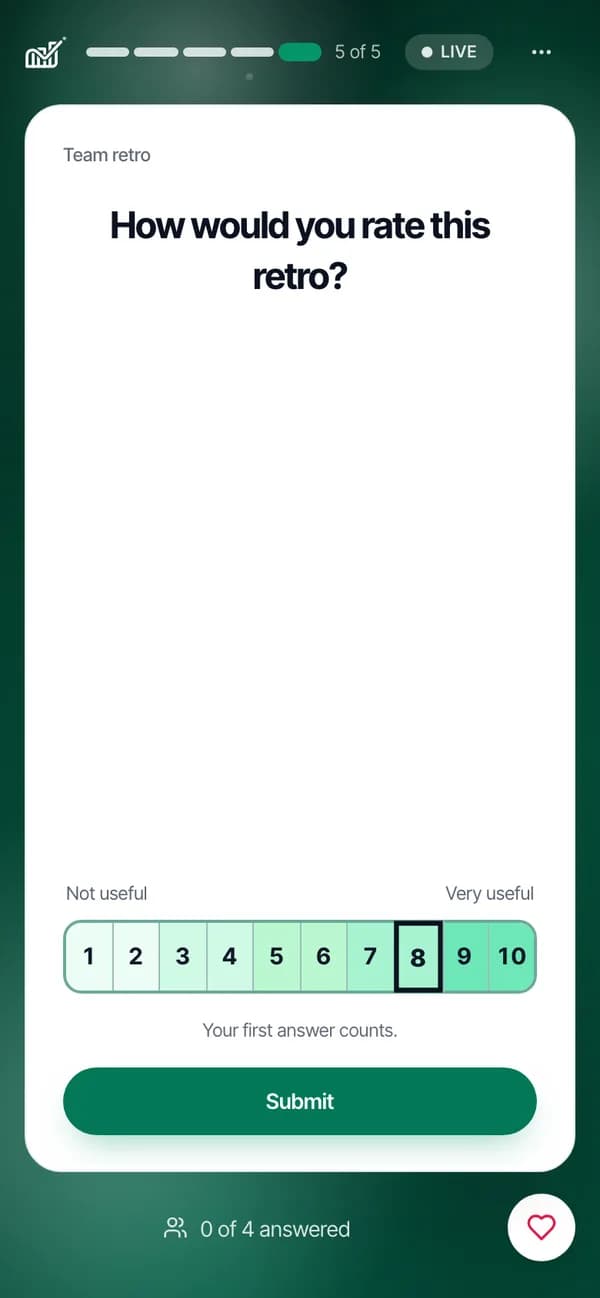
Pick a number
A scale is a row of numbers. The host chart updates as each score arrives.
Joining, the code, and the presenter dock are in the live guide.
Read presenting live