
September 24, 2026 · 4 min read
How to Run a Live Poll from a Blank Page
Create a live poll, put the join code on screen, watch the results chart move as people vote, and keep the recap afterwards. No app for your audience.
A live poll is one question, a code on the big screen, and a chart that moves while people answer. This is the whole path, from Create to the recap.
Five beats, then you are live
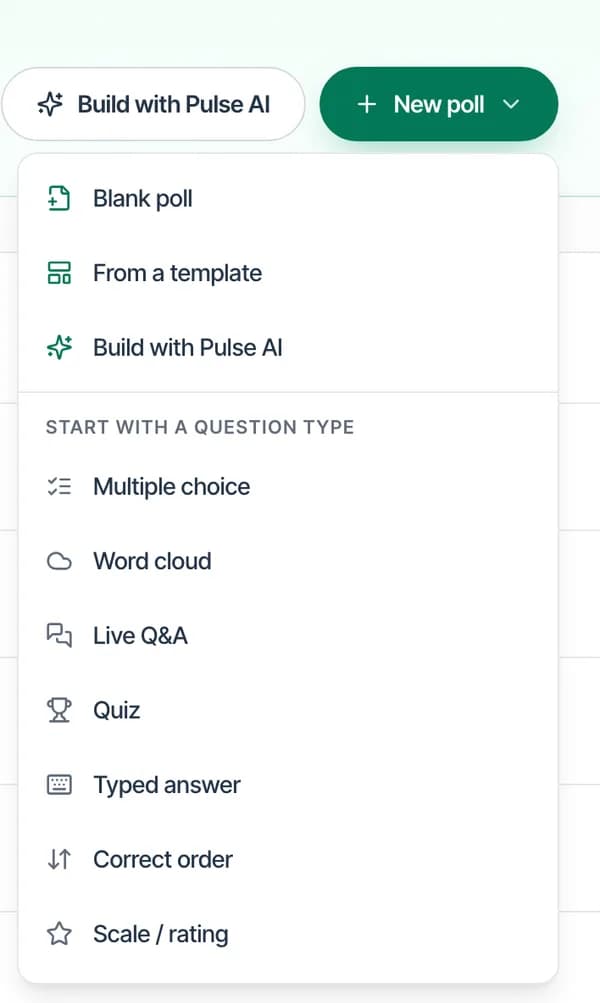
Start a live poll
In Studio, press New poll and start blank or from a question type. You sign in to build it. The audience does not.
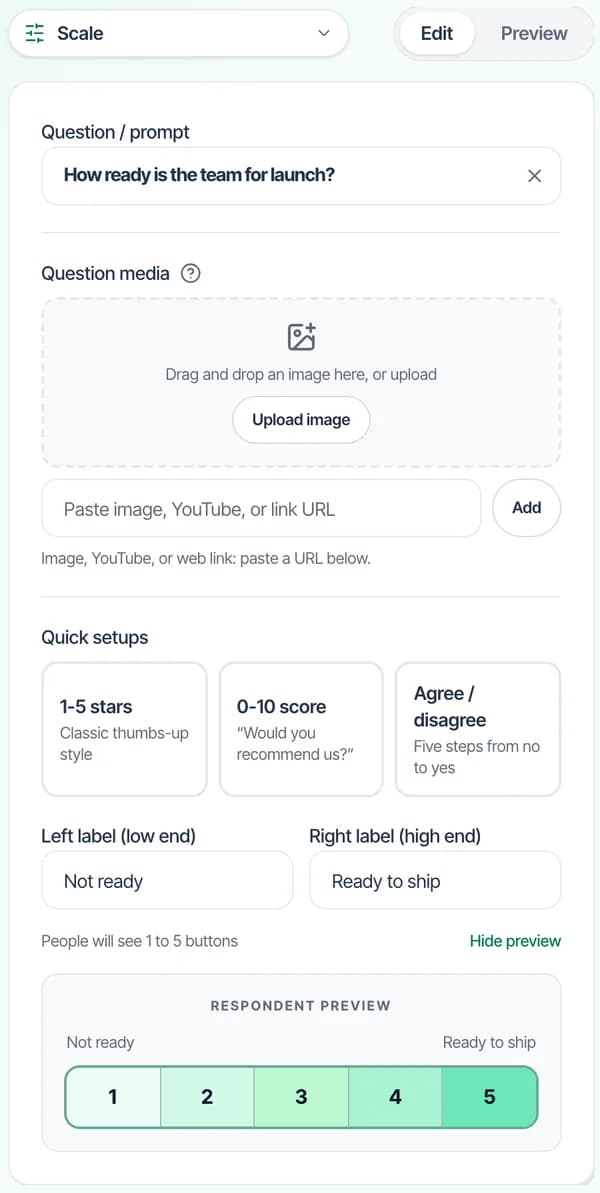
Write one question
A scale from 1 to 5 is enough for a check-in. Set whether results show as they arrive, then present from this screen.
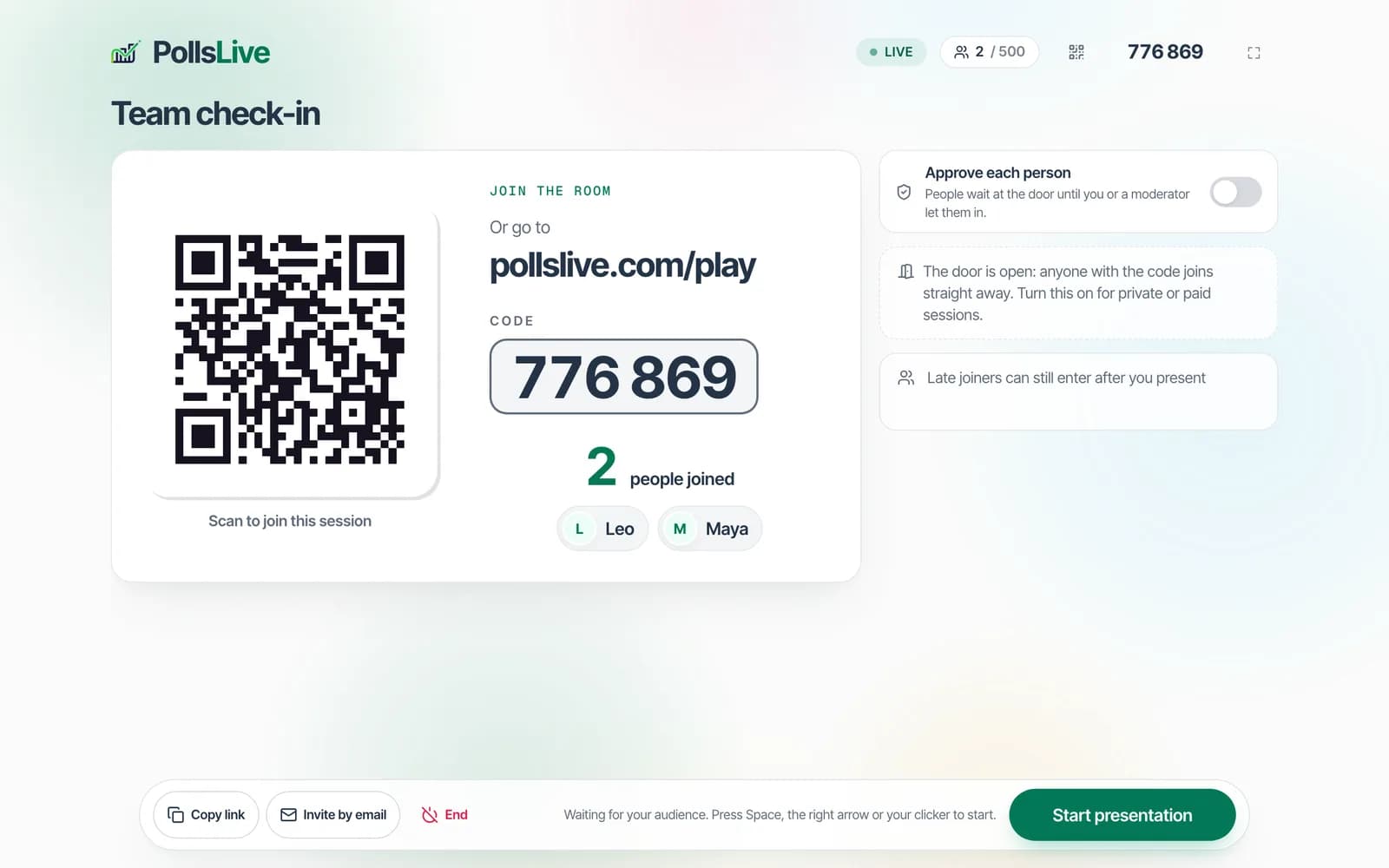
Put the code on the screen
Present live. The projection shows a code and a QR code. Phones join with no app install.
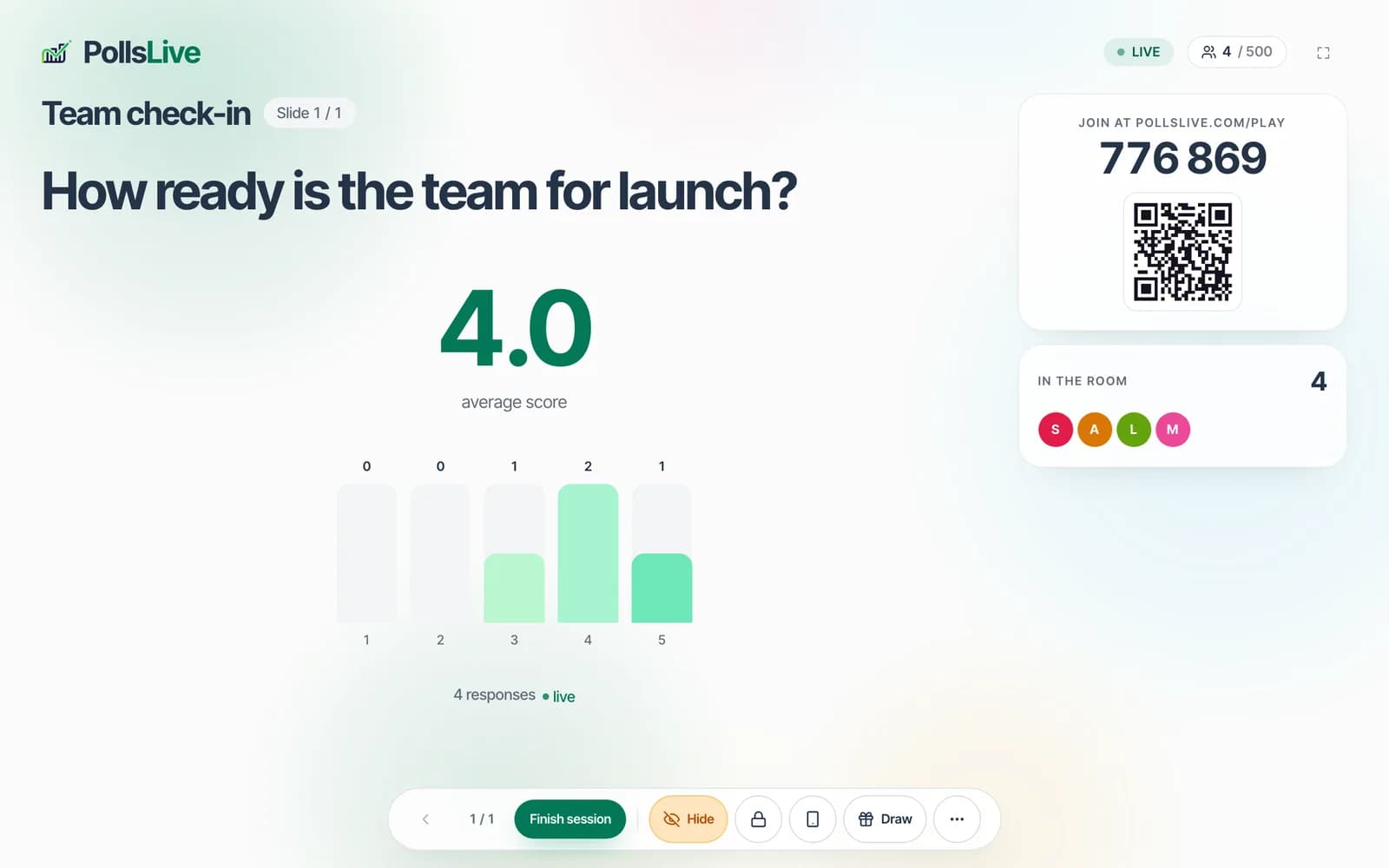
Watch the chart move
Stay on the slide until the room has answered. The count is the room you have, not a refresh you trigger.
End on the recap
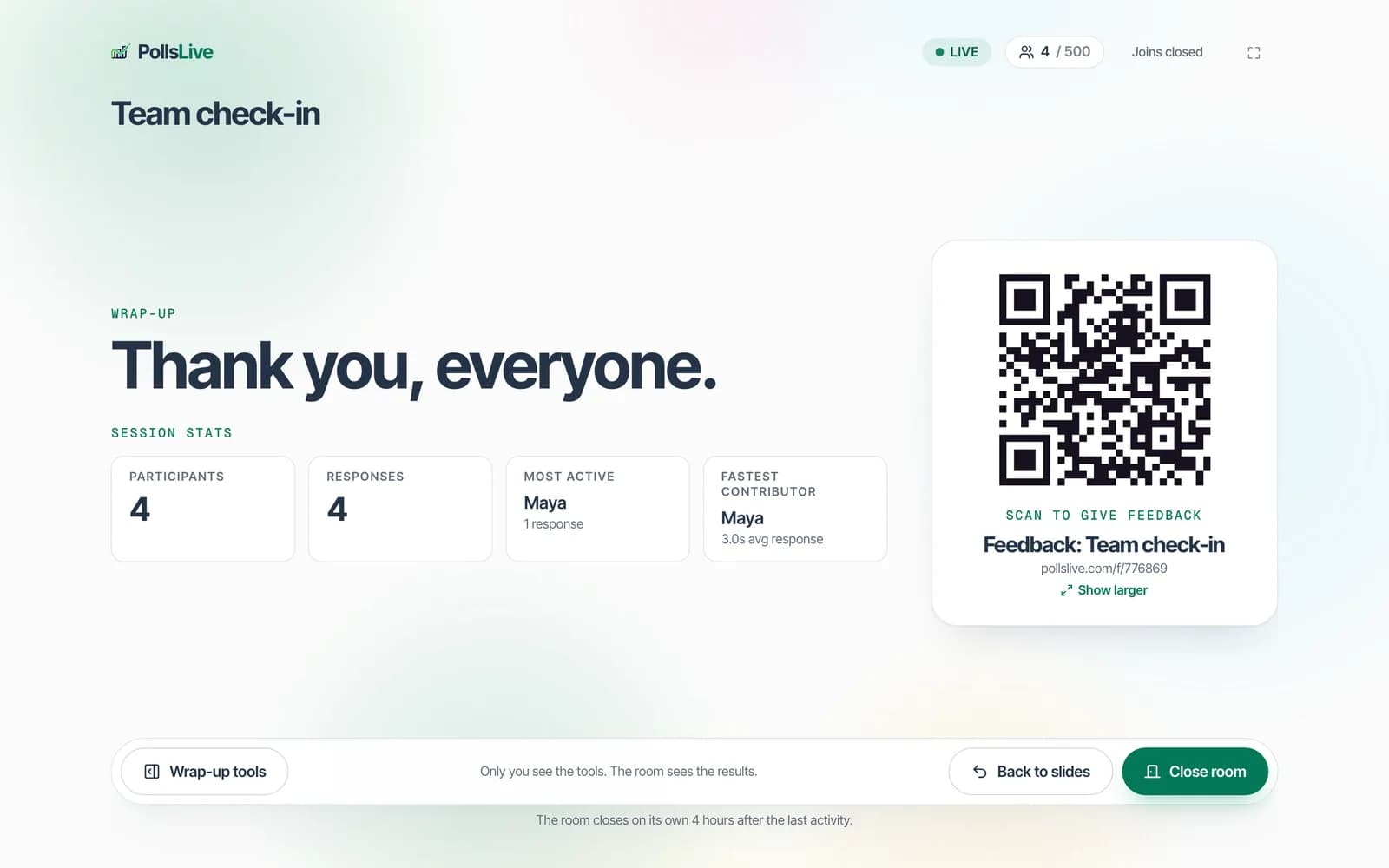
Finish the session. The final results show how many took part, with a QR code for feedback. The deck and the answers stay in Studio.
The five-minute guide covers the same path with the settings named.
Open the user guide