
August 19, 2026 · 8 min read
बिना subscription एक event के लिए polling
साल में दो conferences? एक बार का Event Pass सालाना plan के बिना एक event कवर करता है। कितना लगता है, तुलना कैसी है और दिन कैसे चलाएँ।
सालाना कॉन्फ़्रेंस तीन हफ़्ते बाद है। आपको एक दोपहर के लिए, शायद 600 लोगों के लिए लाइव पोलिंग चाहिए, और आपने जितने भी दाम देखे वे सब प्रति प्रस्तुतकर्ता ली जाने वाली सालाना सदस्यता हैं। इस्तेमाल आप उसे दो बार करेंगे। दर्शकों की भागीदारी पर ज़्यादा पैसे देने का यह सबसे आम तरीक़ा है, और इससे बचा जा सकता है।
What an Event Pass is
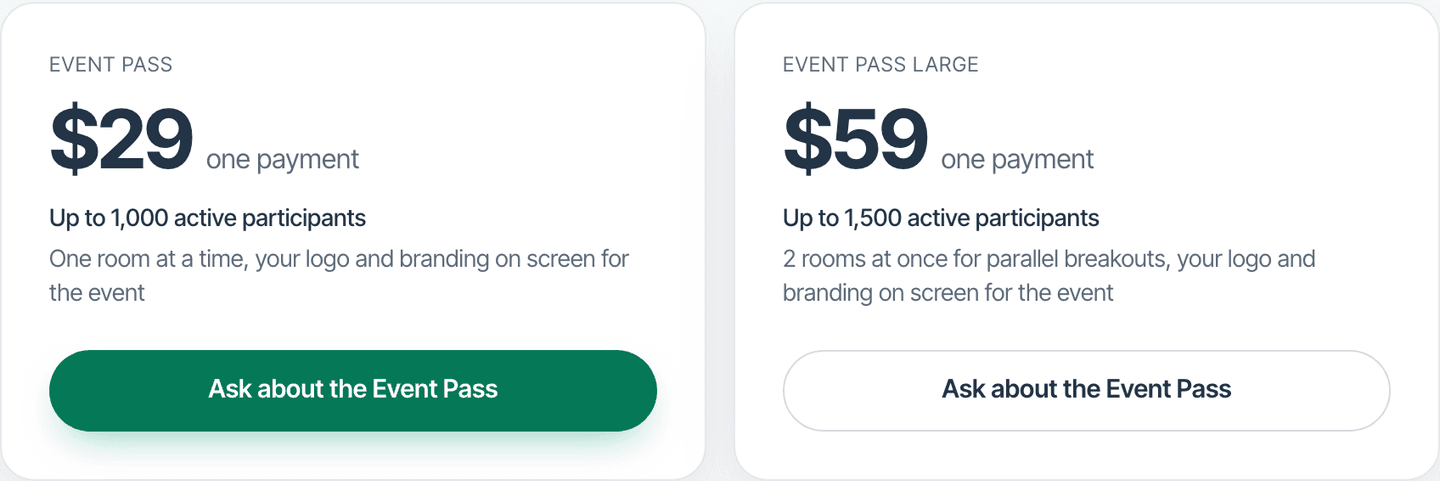
A one-time purchase that lifts your participant limit for one event. No subscription, no renewal date, nothing to remember to cancel. You buy it any time in the 6 months before the event, it starts itself the first time a room grows past your plan's limit, and when that room closes it is used. The event's decks stay covered for the rest of that day.
- Small ($19) for up to 300 people in a live session
- Standard ($49) for up to 1,000
- Large ($99) for up to 1,500
- Covers one event day, and it only starts when a room actually outgrows your plan, so rehearsing with a handful of colleagues beforehand costs you nothing
- Guaranteed admission on the night: a pass room is never turned away because the platform is busy
How that compares to a yearly plan
The comparison people usually make is feature-by-feature. The one that matters here is the billing shape. These are the entry paid tiers at the tools most people are choosing between, taken from each vendor's own pricing page. Mentimeter and Poll Everywhere were re-checked on 1 September 2026; Slido publishes its price only in client-side script, so that line is the July 2026 figure:
- Slido: priced per organizer; check its pricing page for its event and annual terms
- Mentimeter Basic: per presenter, billed yearly
- Poll Everywhere Present: per presenter, billed yearly
- PollsLive Event Pass: from $19, once, for the whole room
Note what the word per is doing in the first three. If you and two colleagues each present a segment, that is three seats, three times a year, forever. The Event Pass has no seat dimension at all: it lifts the limit for the event, and however many of you are running slides is your business.
Tip
इस गाइड को समझने के लिए तकनीकी जानकारी की ज़रूरत नहीं है। हर चरण में PollsLive के साधारण बटन इस्तेमाल होते हैं, न कोई कोडिंग, न आपके दर्शकों के लिए कोई ऐप।
Event Pass है क्या
एक बार की ख़रीद जो एक आयोजन के लिए आपकी प्रतिभागी सीमा बढ़ा देती है। न सदस्यता, न नवीनीकरण की तारीख़, और न ही कुछ ऐसा जिसे रद्द करना याद रखना पड़े। आप इसे आयोजन से पहले के 6 महीनों में कभी भी ख़रीद सकते हैं, यह तब अपने आप शुरू होता है जब पहली बार कोई कक्ष आपकी योजना की सीमा पार करे, और उस कक्ष के बंद होते ही इस्तेमाल हो चुका होता है। आयोजन के डेक उस दिन के बाकी समय तक कवर रहते हैं।
Running the event
Build the deck
Start from a template or a blank question. Mix the formats: a multiple choice to open, a scale to check comprehension, a word cloud for takeaways, a Q&A page running underneath the whole session.
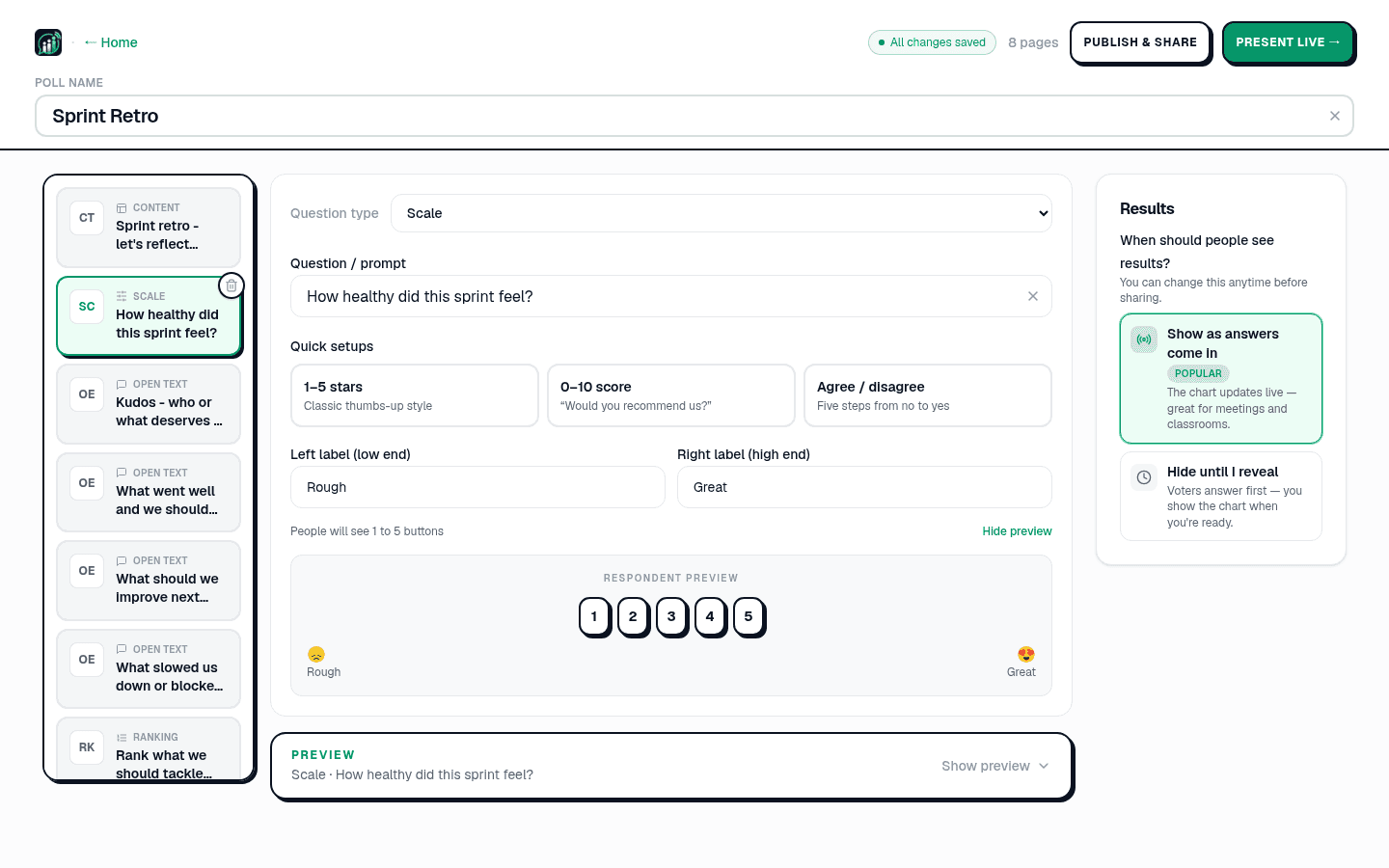
Attach the pass to your decks
Buy it from the pricing page or Studio, then add it to the event's decks: the keynote, the breakouts, the closing quiz. There is nothing to activate: it wakes at the first join your plan would have refused, and the host console shows that the pass is on and your live count against the raised limit, so you can watch the room fill.
Put the PIN on the screen
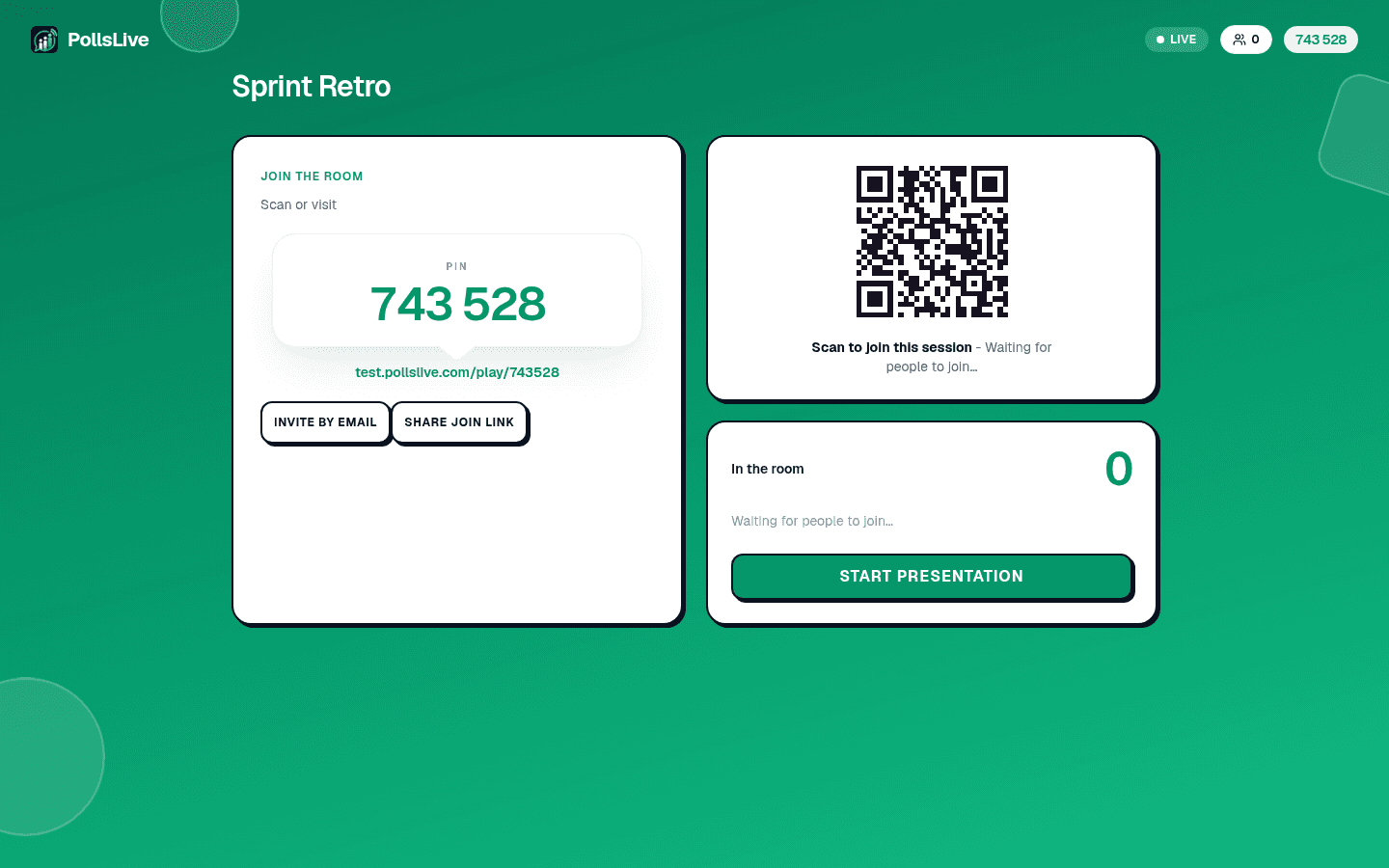
Click Present live. Share the 6-digit PIN and QR from the host console, and leave them up: people join late, and a code that disappeared after slide one is the most common reason a room half-participates.
Export before you go home
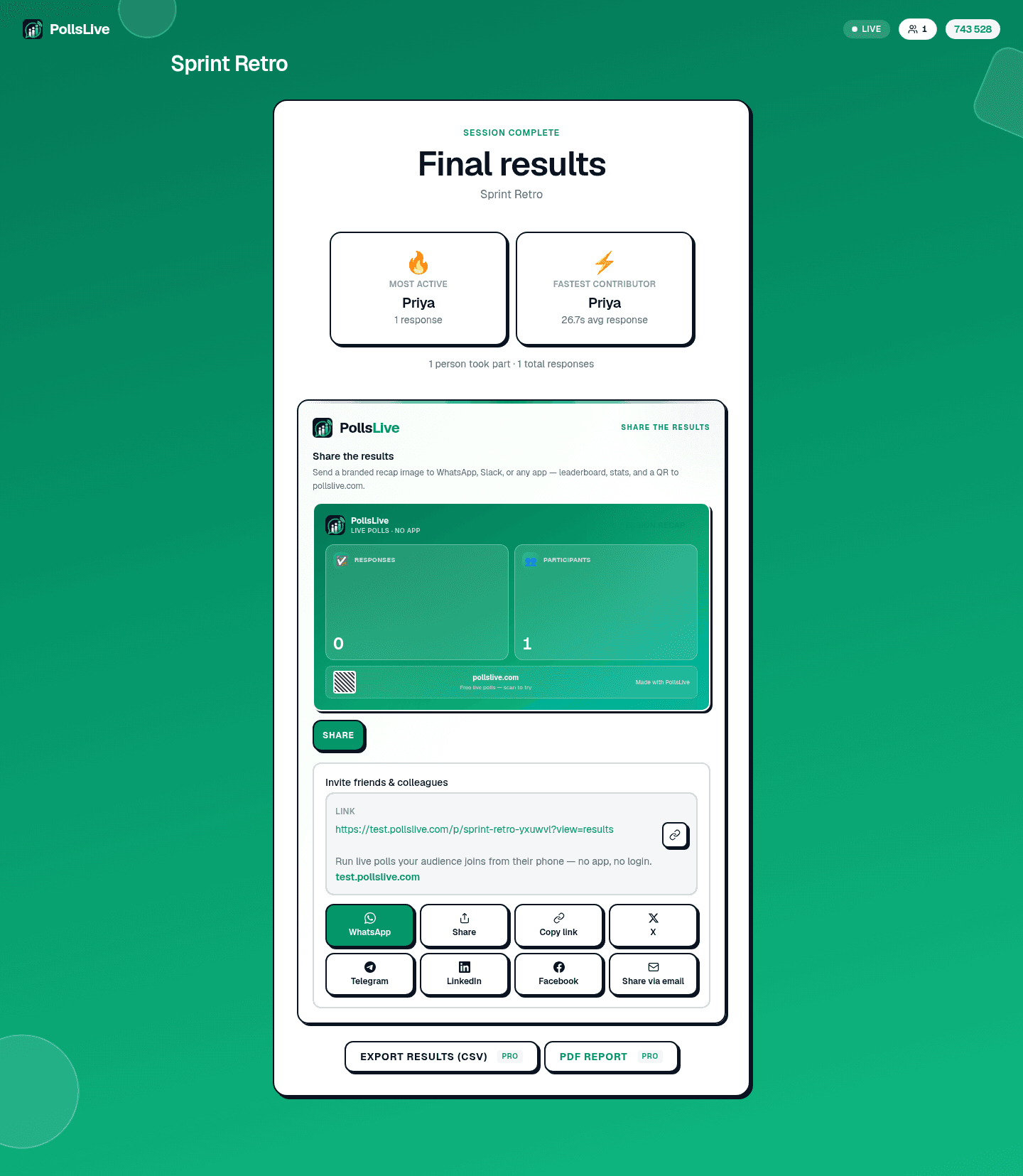
The recap has the final results and a read-only link you can send round. Export to CSV, Excel or a PDF report. The questions your audience upvoted are usually the most useful thing you take away from the day.
Running it alongside your slides
PollsLive runs beside whatever you are already presenting from: PowerPoint, Google Slides, Keynote, Zoom, Microsoft Teams, Webex and Google Meet all have a companion page explaining the setup. Build the poll in a browser tab, put a transition slide in your deck, and switch across when you want the room to answer.
Important
To be exact about it: these are companions, not plugins. There is no native PowerPoint add-in and no in-meeting Teams app yet, so nothing embeds inside your deck: you switch to a browser tab and back. If an embedded add-in is a hard requirement, that is a real reason to choose something else.
What happens when the event ends
When the room that needed it closes, the pass is used, and at the end of that event day the workspace returns to whatever plan it was on. Your polls, results and exports stay exactly where they are, and the event's feedback survey keeps collecting on the pass's terms: the pass raises a ceiling for the event, it does not rent you your own data. If the next conference is a year away, buy another one then.
Not sure what limit you need? See how many people can join a live poll. For the feature-level comparison, see PollsLive vs Slido and PollsLive for events.
Spin up a live poll right now. Free sign-in for you, no app or account for your audience.
Create a free poll