
September 7, 2026 · 6 min read
Live poll के दौरान presenter controls
Live poll के दौरान presenter screen: deck में आगे बढ़ना, किसी slide पर कूदना, connection badge पढ़ना और session को अच्छे से ख़त्म करना।
लाइव पोलिंग की ज़्यादातर गाइड "Present live दबाइए" पर खत्म हो जाती हैं। वह आसान हिस्सा है। सत्र अच्छा जाएगा या नहीं, यह अगले बीस मिनट तय करते हैं, एक ऐसी स्क्रीन पर जिसे पूरा कमरा देख रहा है, और आम तौर पर तब जब आप बोल भी रहे होते हैं। यहाँ वह सब है जो प्रस्तुतकर्ता स्क्रीन देती है, और हर चीज़ कब मायने रखती है।
Getting everyone in, and keeping the door open
Starting a session puts a 6-digit PIN and a QR code on screen. Both stay there for the whole session, and the QR button in the header blows the code up to fill the screen for a big room. That matters more than it sounds: people arrive late, and a code that vanished after the first slide is the most common reason a room only half participates. You do not have to go back to the lobby to show it again.
Driving the deck
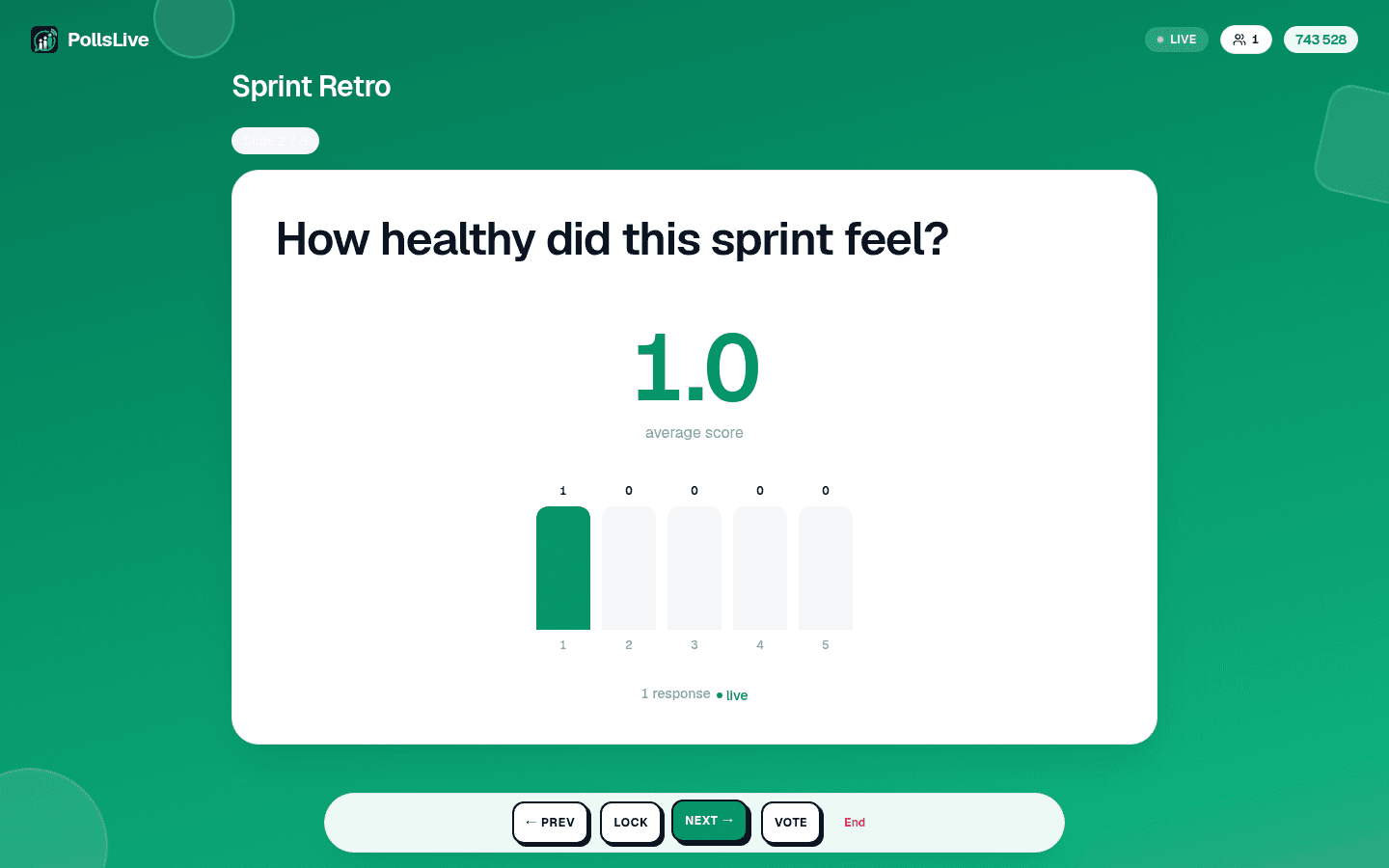
- Prev and Next move through your questions.
- Reveal shows the chart when you are ready, if the deck is set to hide results until you say so. Re-vote clears an estimation round and runs it again.
- Lock stops new answers on the current question without ending anything, useful when you want to talk about a result while it is still on screen.
The keyboard drives all of it too, which is far easier than finding a button mid-sentence: arrow keys or space to move, F for full screen, R to show or hide results.
Jumping to the slide someone just asked about
Somebody puts their hand up about the chart from three questions ago. Jump to slide opens a thumbnail overview of the whole deck; pick any slide and the room goes there. No clicking Next eleven times to get back, and no apologising while you do it.
Tip
इस गाइड को पढ़ने के लिए तकनीकी होना ज़रूरी नहीं। हर चरण PollsLive के सीधे-सादे बटनों से होता है, न कोडिंग, न आपके दर्शकों के लिए कोई ऐप।
सबको अंदर लाना, और दरवाज़ा खुला रखना
- Live: connected, and what you press reaches the room.
- Reconnecting: the connection dropped and is coming back. It only ever appears after you have been connected once, so it is never the normal state at the start.
- Connecting: the first handshake, before anyone has joined.
सत्र शुरू करते ही स्क्रीन पर 6 अंकों का PIN और एक QR कोड आ जाता है। दोनों पूरे सत्र वहीं रहते हैं, और हेडर का QR बटन बड़े कमरे के लिए कोड को पूरी स्क्रीन तक बड़ा कर देता है। यह सुनने में जितना लगता है उससे ज़्यादा मायने रखता है: लोग देर से आते हैं, और पहली स्लाइड के बाद गायब हो चुका कोड किसी कमरे के आधे-अधूरे भाग लेने की सबसे आम वजह है। इसे दोबारा दिखाने के लिए लॉबी में लौटना नहीं पड़ता।
डेक चलाना
On the last slide the screen offers to end the session, and every way of ending one confirms first: it closes the room for everybody at once, so it should never be a stray tap. The end screen shows the final results, you can share a results image straight from it, and a recap email follows whenever anyone answered. Nothing is lost either way: results, per-person answers and exports all stay in Studio.
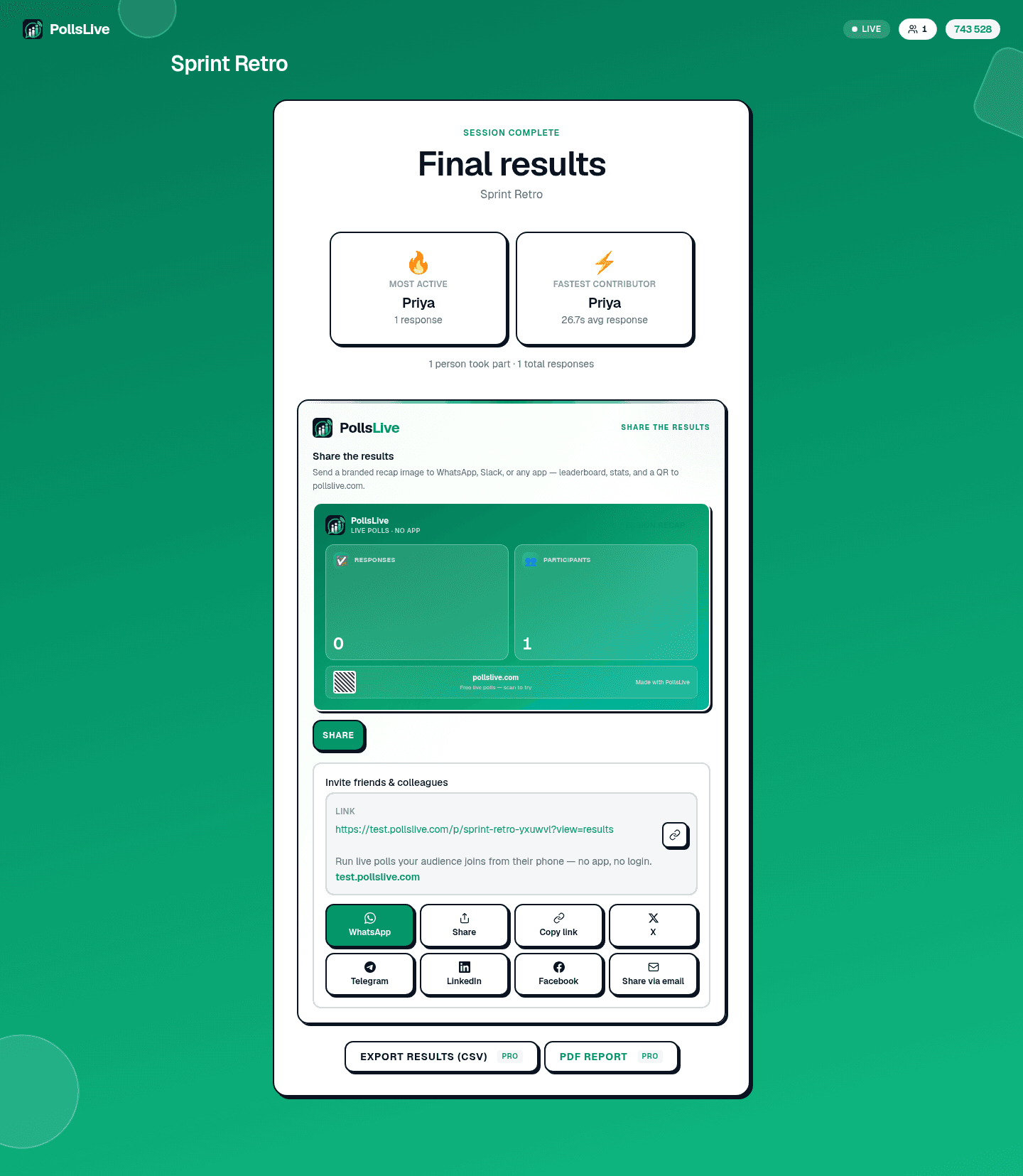
Every control on the presenter screen, in order, with what each one does.
Read the presenting guide