
June 26, 2026 · 9 min read
Cómo hacer un quiz con clasificación en vivo
Crea un quiz en vivo con tiempo y puntos que se juega desde el móvil, con bonus de velocidad y clasificación entre preguntas. Sin app ni login para jugar.
Un cuestionario en vivo es la forma más fácil de convertir una sala pasiva en una competitiva. Los jugadores se unen desde el móvil, responden contra el reloj y una tabla de clasificación los ordena entre preguntas. Aquí tienes cómo crear uno en PollsLive, y en qué se diferencia de una encuesta o de una votación simple (consulta encuesta vs sondeo vs formulario).
1. Escribe preguntas de cuestionario con una respuesta correcta
Una pregunta de cuestionario es una diapositiva de opción múltiple donde una opción está marcada como correcta. Mantén los enunciados cortos, haz las opciones inequívocas y apunta a entre 6 y 12 preguntas: lo bastante largo para ser divertido, lo bastante corto para mantener la atención.
¿Qué planeta está más cerca del Sol?
2. Activa los puntos y un temporizador
Open Create your poll
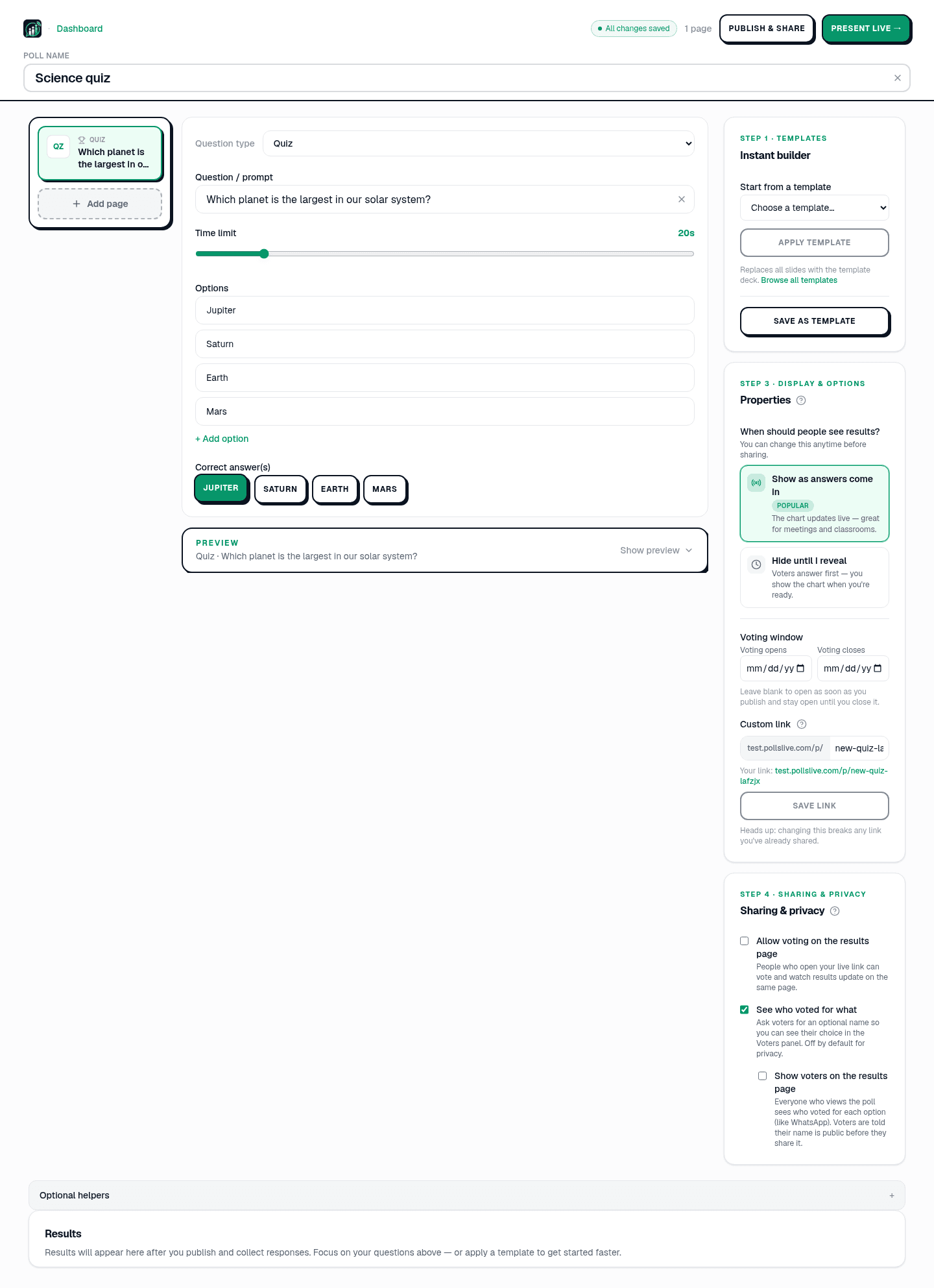
On the home page, open the Create your poll panel. Pick Questionnaire to build your own deck, or browse Templates for a ready-made trivia night. Name the quiz something you will recognize later: "Q3 training recap" or "Friday trivia" works well.
Add Quiz pages and mark correct answers
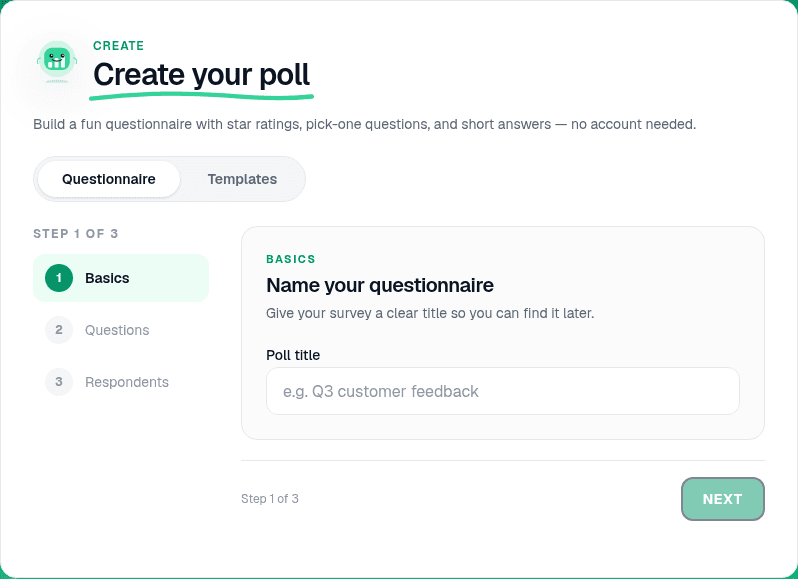
In the editor, click Add page and choose Quiz from the question type menu. Write a short stem, add 3-4 options, and click the checkmark on the correct one. Repeat for each question. Aim for 6-12 slides: long enough to be fun, short enough to hold attention. The header shows All changes saved a second after you stop typing.
Tip
Keep stems under 20 words and make wrong options plausible but unambiguous. If two answers could both be correct, rewrite the question.
Set points, timer, and speed bonus
Select any quiz page and open its settings on the right. Turn on Points, set how many each correct answer earns, and add a per-question timer so stragglers cannot stall the room. Enable the speed bonus so faster correct answers score higher. Streaks and the hype meter add momentum with no extra setup.
- Los puntos recompensan las respuestas correctas; un bonus por velocidad recompensa responder rápido.
- Un temporizador por pregunta mantiene el ritmo y evita que los rezagados frenen a la sala.
- Las rachas y un medidor de entusiasmo añaden impulso sin ninguna configuración extra.
Preview the respondent view
The editor shows a live preview of what players see on their phones. Tap through your quiz pages to confirm wording, option order, and timer labels before you go live.
3. Presenta y luego muestra la tabla de clasificación
Click Present live
When the room is ready, click Present live in the editor. The host console opens with a 6-digit PIN and QR code. Put both on screen: players open the join link, enter the PIN, and pick a display name. No app install, no account required.

Reveal answers and show the leaderboard
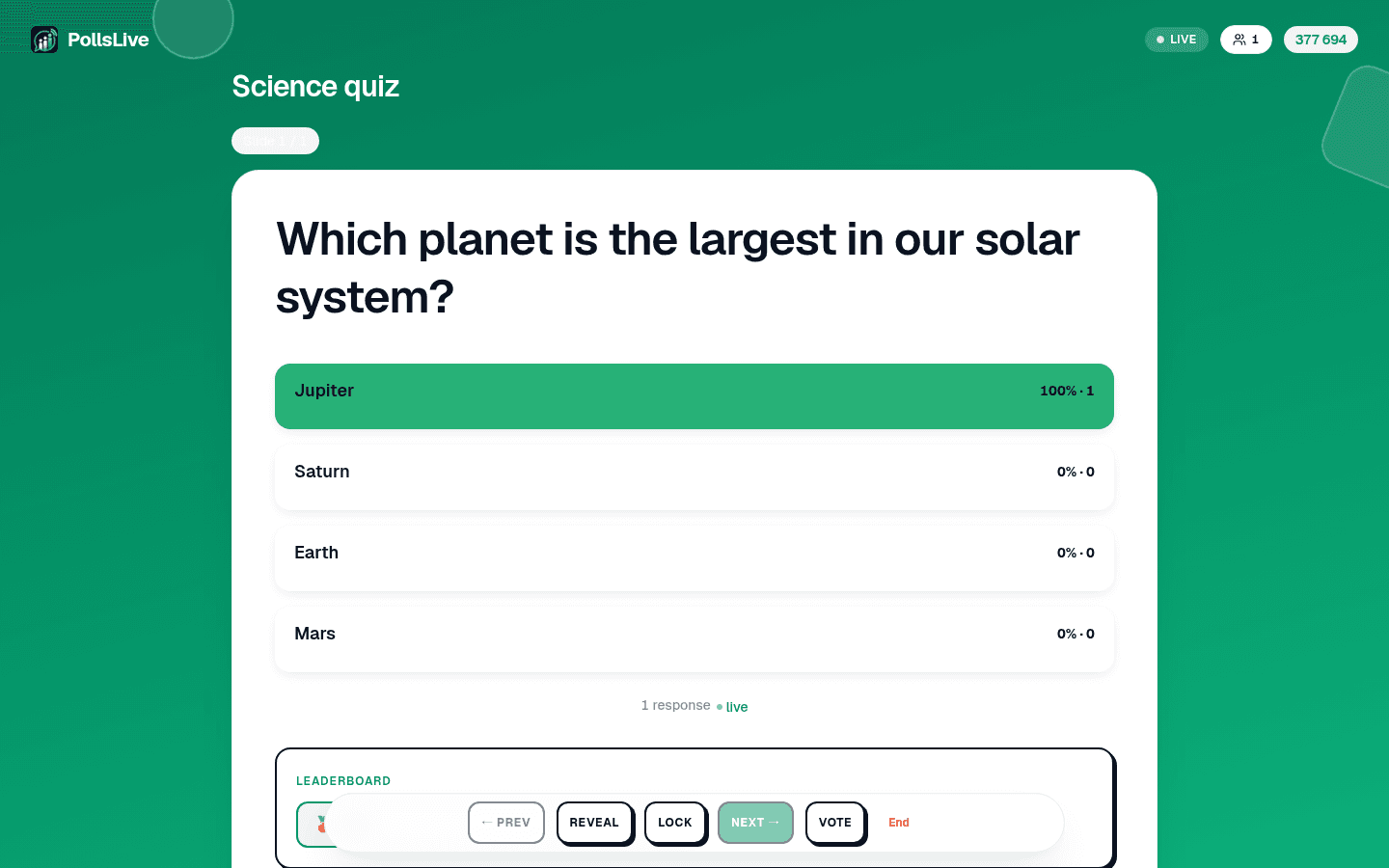
Advance through each question. When the timer ends, click Reveal to show the correct answer. Then open the Leaderboard between rounds so the room sees who is winning. That between-round reveal is what makes a quiz feel like a game.
What does HTTP stand for?
After the quiz: recap and export
Abre una sesión en vivo y pon el código de unión o el QR en la pantalla. Los jugadores se unen sin app y sin cuenta. Después de cada pregunta, revela la respuesta y muestra la tabla de clasificación: esa revelación entre rondas es lo que hace que un cuestionario se sienta como un juego.
Cuestionario en vivo vs. una herramienta de cuestionarios como Kahoot
- Test on your phone first: join your own session with the PIN before the room arrives.
- Read the leaderboard out loud: name the top three between rounds to build tension.
- Mix difficulty: start easy, add one hard question mid-deck, finish with a crowd-pleaser.
- Keep names anonymous for honest play (see anonymous voting).
Note
The free plan supports up to 50 live participants per session, and 3 live sessions a month. For bigger rooms, Pro raises the cap and unlocks exports; Premium and Event Pass cover branded decks and one-off large rooms. Compare plans on the pricing page.
Start faster with a template
El patrón de juego es el mismo; la diferencia es el precio y la flexibilidad: PollsLive cobra por presentador a una fracción del precio y mezcla rondas de cuestionario con encuestas, nubes de palabras y preguntas y respuestas en una sola presentación. Consulta la comparación completa con Kahoot, o toma un cuestionario listo de las plantillas.
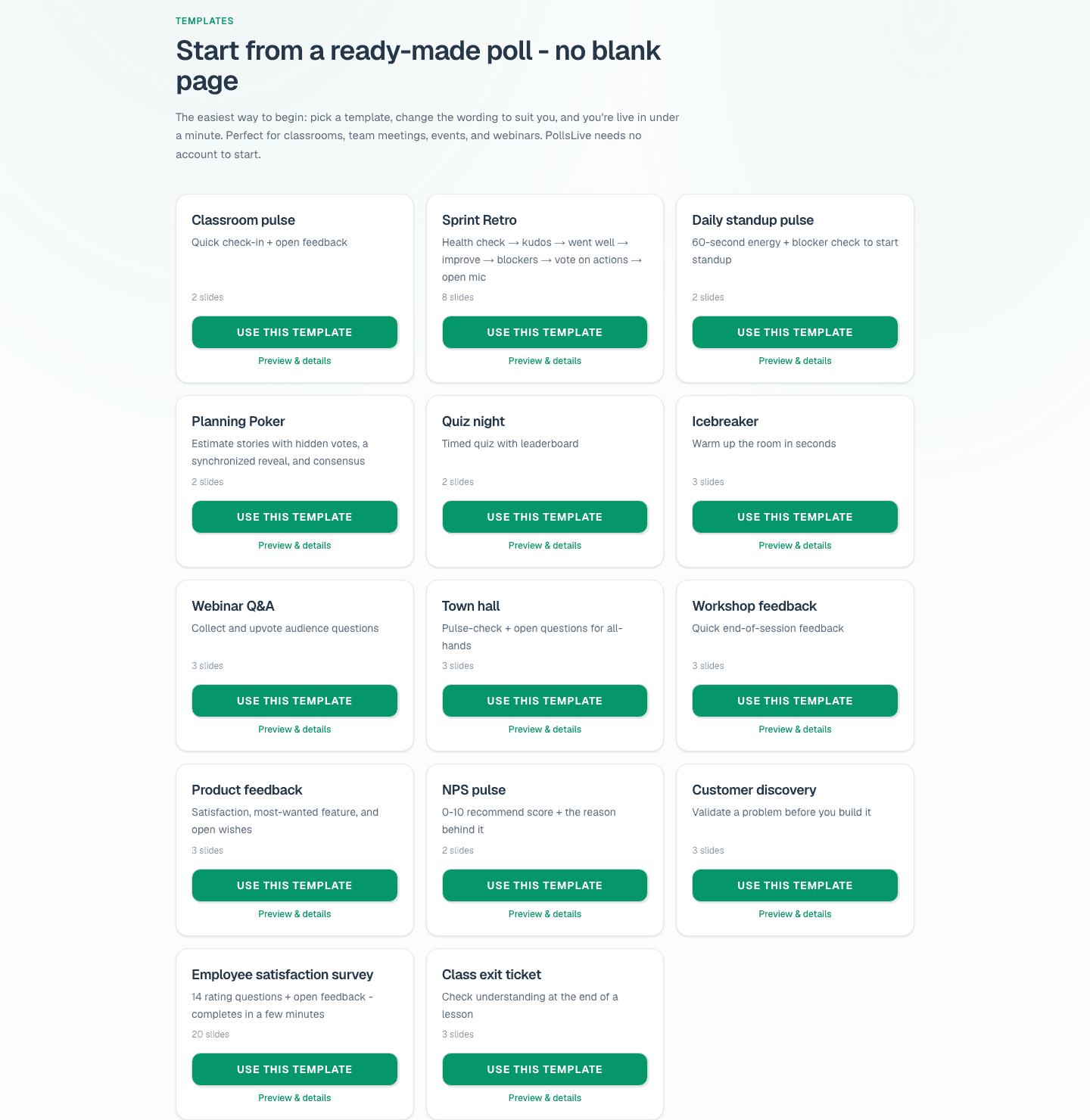
Genial para noches de trivia, formación y aulas. Más ideas en organiza una noche de trivia con tabla de clasificación en vivo y PollsLive para formación.
Lanza una encuesta en vivo ahora mismo: inicio de sesión gratis para ti, sin app ni cuenta para tu audiencia.
Crea una encuesta gratis