
November 22, 2026 · 9 min read
A Faculty Guide to Interactive University Lectures: Peer Instruction, Pacing, and Clicker-Free Polling
Replace $45 hardware clickers and student seat fees with browser-based concept tests, two-round peer instruction, anonymous muddiest-point Q&A, and CSV exit tickets.
In a two-hundred-seat lecture hall, asking "Does everyone follow that derivation?" tests social courage rather than comprehension. The same four front-row students nod, forty students quietly copy equations they cannot yet apply, and misconceptions stay hidden until the midterm exam. Interactive lecture polling fixes that feedback loop within ninety seconds, without asking undergraduates to buy a hardware clicker or pay a semester subscription.
Why browser-based concept tests beat hardware clickers
Traditional classroom response systems shifted costs onto students or locked departments into proprietary receivers. With PollsLive for Higher Education, students join from whatever phone, tablet, or laptop is already on their desk by scanning a QR code or entering a short PIN. Seminar classes up to 50 live participants run on the Free plan, Pro covers lecture sections up to 100, and Premium covers large introductory halls up to 500.
The 50-minute lecture cadence that sustains attention
Active learning works best when it is predictable rather than sporadic. Instead of cramming five quiz slides into the final four minutes of class, anchor a 50-minute lecture around three deliberate checkpoints:
- Minute 3: Warm-up retrieval check. Open with one low-stakes question from the assigned reading or last Tuesday's lecture while latecomers settle in.
- Minute 22: Two-round Peer Instruction concept test. Place your hardest conceptual hurdle midway through class, right where passive note-taking peaks.
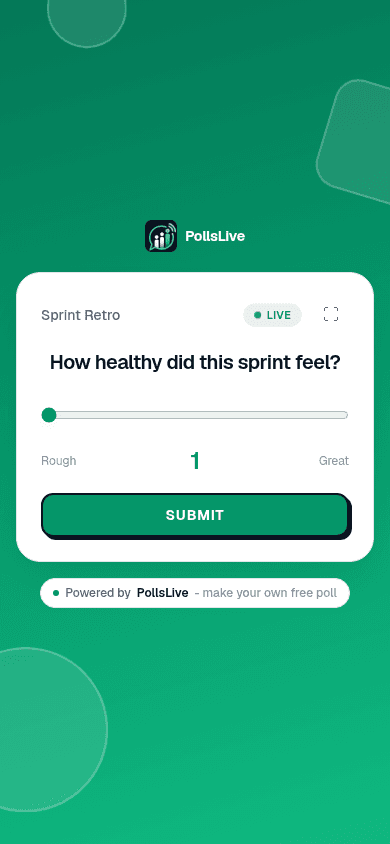
- Minute 46: Exit ticket and muddiest point. Close with a two-slide Exit Ticket combining a confidence scale and an open prompt asking which step still feels unclear.
Note
Planning a 75-minute or 2-hour seminar block? Drop your segments into the Session Agenda & Run-of-Show Planner to check your interactive-to-lecture ratio before class.
Running Eric Mazur's Peer Instruction without showing bars early
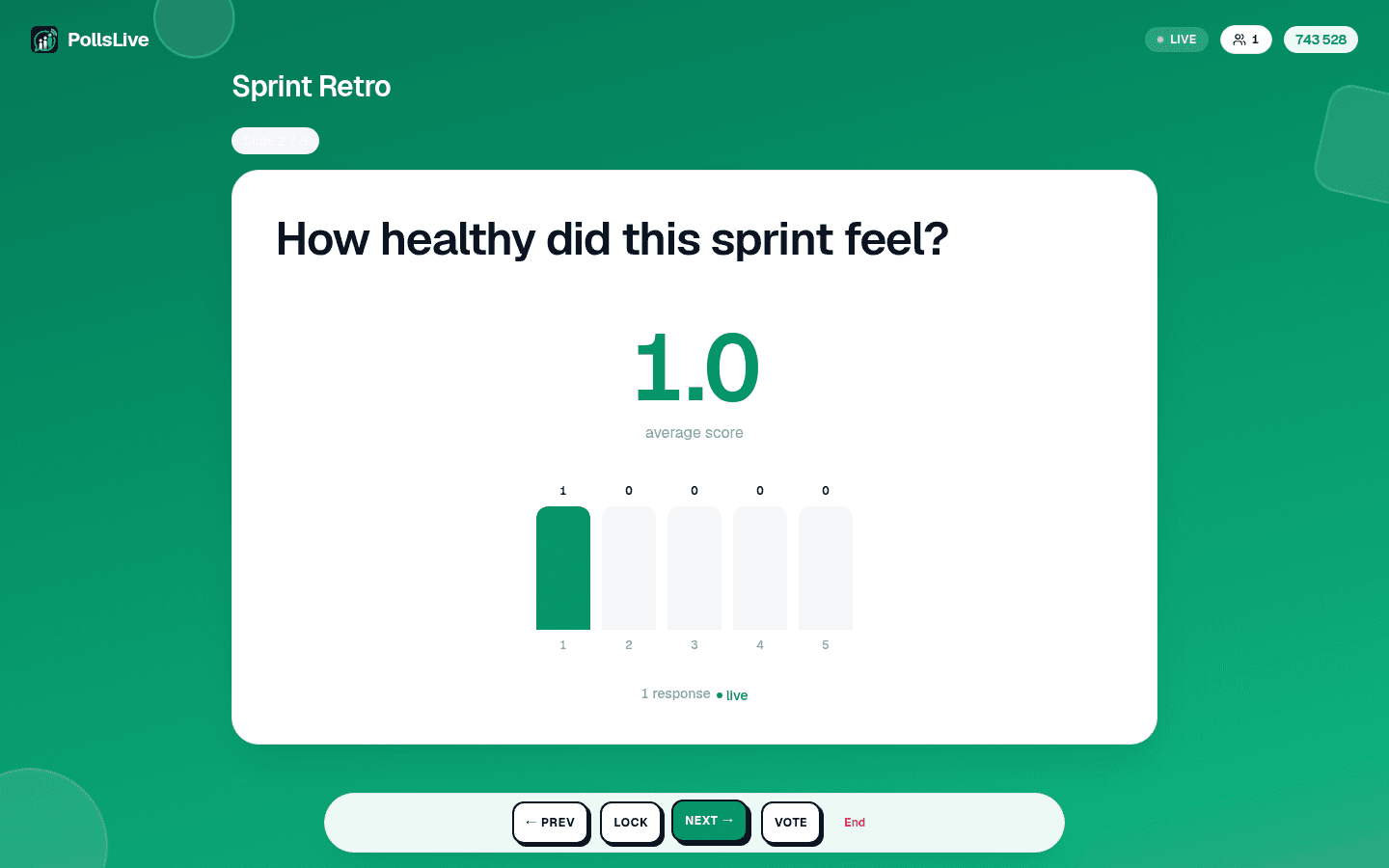
The single highest-leverage move in university teaching is hiding the live bars during the first vote. When students see Choice B surge to 60 percent on the projector, late voters abandon their own reasoning and tap B. Keep results hidden until the timer closes, inspect the split privately on your presenter dock, and decide your next move from the accuracy band:
- Under 30 percent correct: Pause and revisit the underlying definition or free-body diagram before asking neighbors to debate.
- Between 30 and 70 percent correct (the sweet spot): Keep the bars hidden, announce that the room is split, and give students two minutes to convince a neighbor sitting next to them before polling the question a second time.
- Above 75 percent correct: Reveal the result, spend thirty seconds confirming why the main distractor fails, and move straight on.
A cart moves right at constant velocity on a frictionless track. What is the net horizontal force on the cart?
Interpreting small-section polls and course feedback
Faculty who run mid-semester course evaluations or seminar polls often over-interpret a 54-to-46 split in a 28-student section. Before redesigning your syllabus around a narrow margin, check the finite-population margin of error in the free Survey Sample Size & Margin of Error Calculator. When almost everyone in a closed seminar responds, finite-population correction shrinks uncertainty substantially; when only a third of a 300-student hall answers an optional async link, non-response bias matters far more.
Exporting participation records for LMS gradebooks
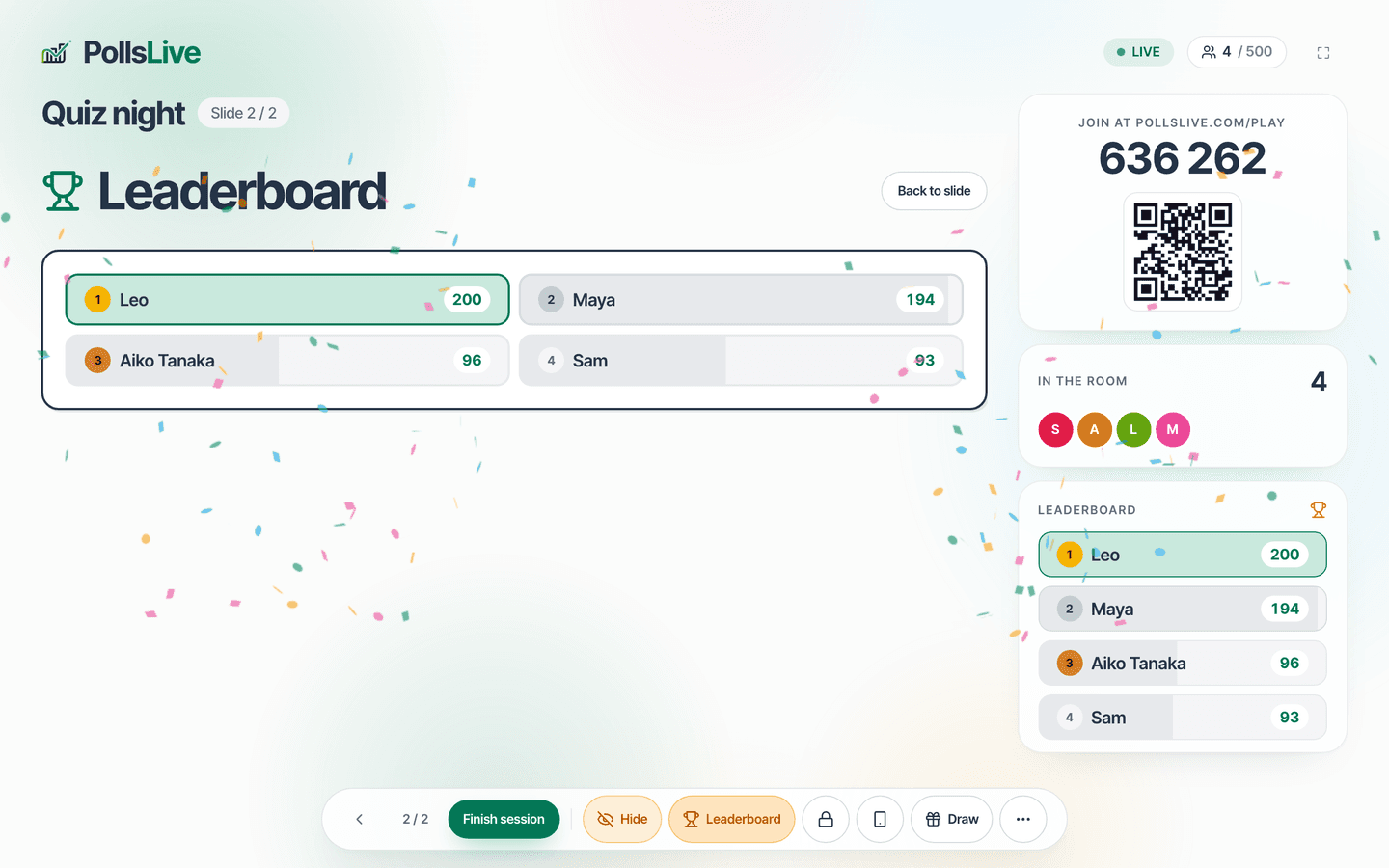
If you award low-stakes participation credit rather than high-stakes correctness points, turn off anonymous mode in your room settings so students enter their name or student identifier when joining. After lecture, download the CSV or Excel workbook from Studio Results and match attendance or completion rows directly against Canvas, Blackboard, or Moodle.
Run your next lecture with live concept checks, anonymous Q&A, and zero student fees.
Explore PollsLive for Higher Education