
November 22, 2026 · 9 min read
How to Run Anchor-Free Sprint Retrospectives and Planning Poker With Distributed Teams
Stop letting the loudest senior engineer set every story-point estimate and retro theme. Combine simultaneous card reveals, anonymous clustering, and capacity math.
Two habits quietly break agile ceremonies on hybrid and remote engineering teams. In backlog refinement, a staff engineer says "Looks like a 3 to me" out loud in Zoom, and five teammates nod instead of mentioning the undocumented integration risk they spotted. Forty-eight hours later in the sprint retrospective, whoever types first on a shared whiteboard sets the entire conversation while quieter engineers pass. Both problems share one root cause: anchoring.
Step 1: Ground sprint planning in real capacity math
Story points measure relative effort, yet sprint commitments routinely fail because nobody adjusted for two engineers taking Friday off, an on-call rotation, and six hours of ceremonies. Before opening your backlog, run the numbers in the free Sprint Capacity & Planning Poker Calculator to convert your roster's net focus days and historical velocity into a realistic commitment floor, target, and stretch.
Step 2: Simultaneous card reveals in Planning Poker
When estimating stories in PollsLive using the Planning Poker template, every participant picks a card on their phone while the main screen shows only *who* has locked a vote, never *what* they picked. Clicking Reveal flips every card simultaneously.
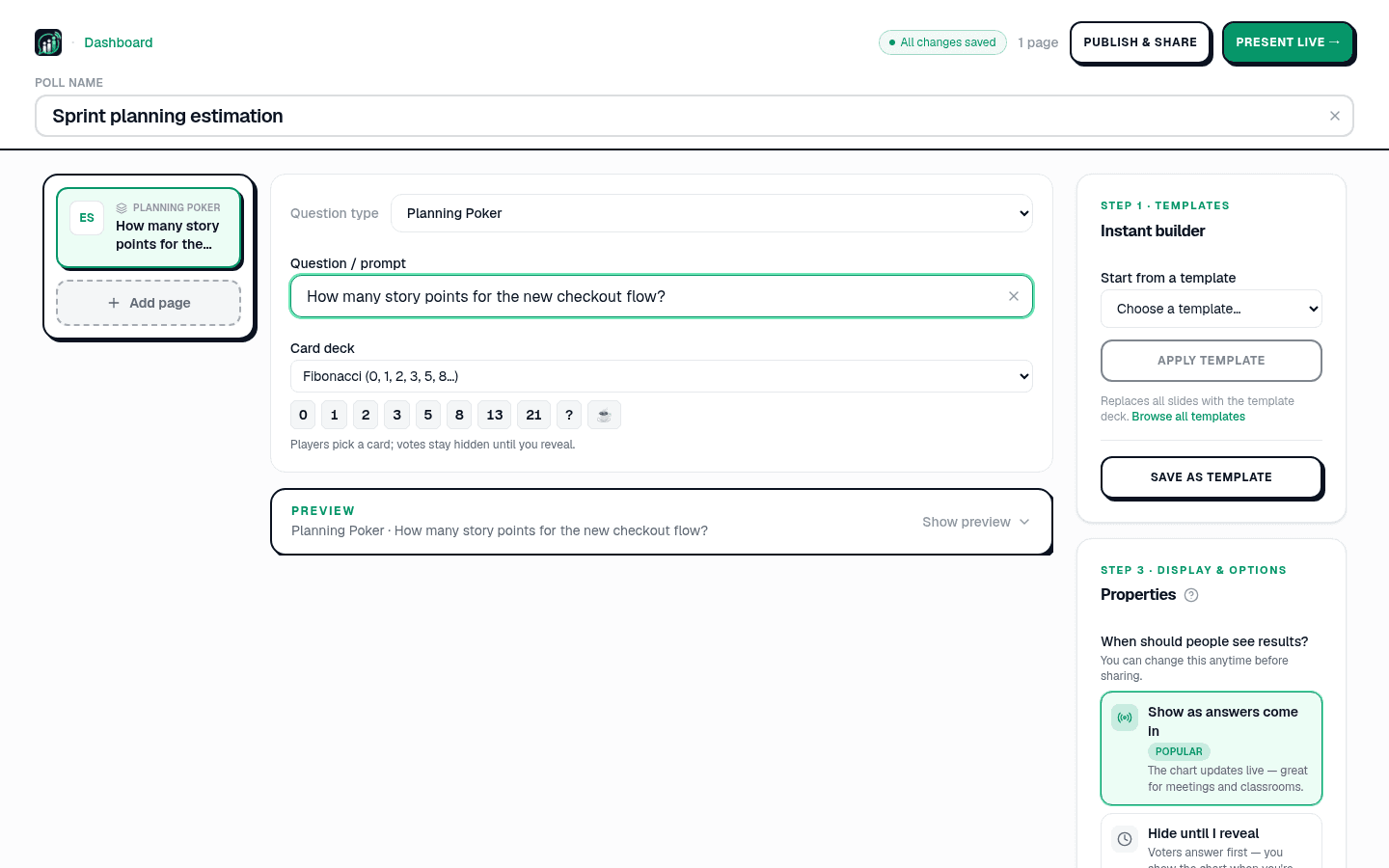
- Tight cluster (for example five 5s and two 8s): Do not burn ten minutes arguing over adjacent numbers. Adopt the conservative 8 or confirm acceptance criteria in thirty seconds and move to the next ticket.
- Wide spread (for example 2, 5, and 13): A two-step or wider gap is pure signal. Ask the 2 and the 13 to state their assumptions in sixty seconds each. Almost every spread traces back to an unspoken dependency, missing test fixture, or ambiguous edge case.
- 13 or higher after re-voting: Slice the story into a vertical thin path before pulling it into the sprint.
Story 418: Add export retry queue and failure alert
Step 3: Rotate your retrospective framework so prompts stay sharp
Asking "What went well, what went poorly?" every two weeks for a year produces autopilot answers like "Good teamwork" and "Too many meetings." Rotating your lens forces specific memories to surface. Use 4Ls after a major release, Sailboat ahead of a risky architectural milestone, or DAKI (Drop, Add, Keep, Improve) when process ceremonies feel bloated.
Tip
Need fresh prompts tailored to a post-incident sprint or a newly formed squad? Generate a timed facilitation plan and Markdown board in the free Agile Retrospective Format & Prompt Generator.

Step 4: Rank bottlenecks and pass the SMART action gate
In PollsLive for Retrospectives, start with three minutes of silent anonymous input using open-ended or word-cloud slides, then switch to a Ranking slide so every teammate orders the surfaced themes independently. Spend the final fifteen minutes of the hour writing at most two experiments for the upcoming sprint.
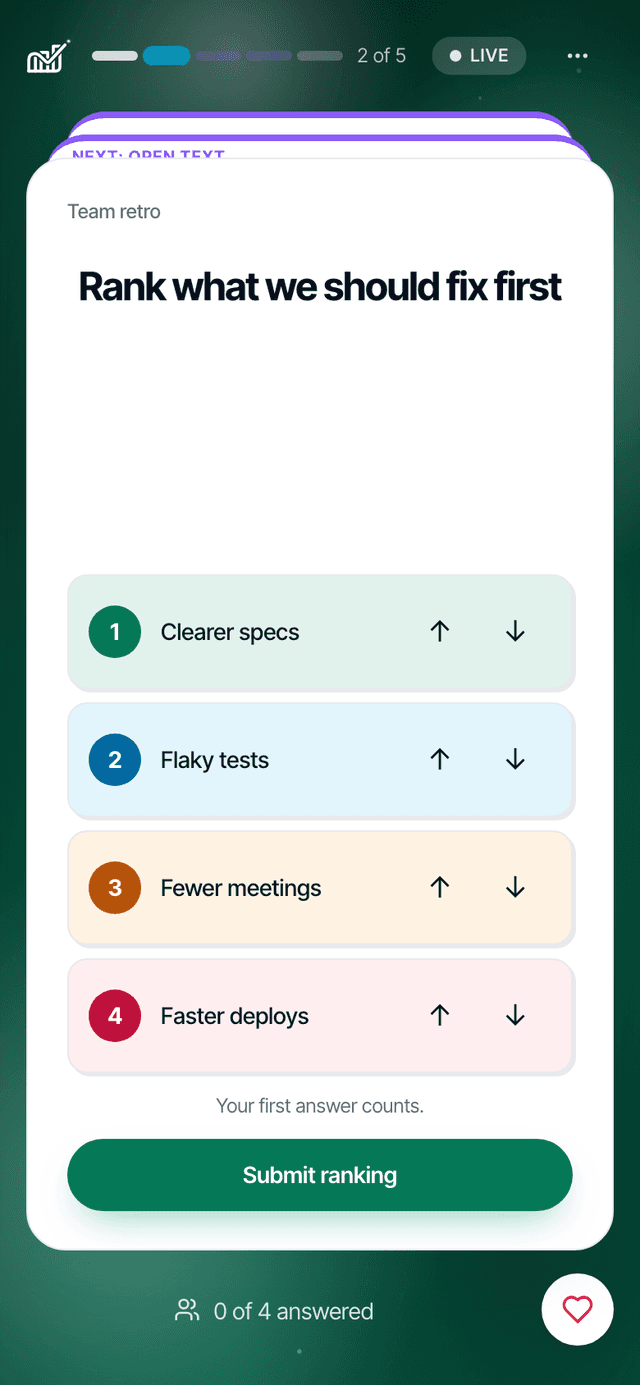
Before closing the call, test each action item against four checks: a named single owner, an observable concrete change (never "communicate better"), a verification date inside the next sprint, and team control without waiting on an external reorganization. Pair your Team Retro template with a single 1-to-5 sprint morale scale so you can see over three sprints whether those experiments actually moved team health.
Run bias-free Planning Poker and anonymous retrospectives with your squad in seconds.
See PollsLive for Retrospectives