
For Keynote
Live polls for Apple Keynote
Keynote makes beautiful slides. PollsLive makes them interactive. Build a poll, quiz or Q&A, add the QR code to a slide, and your audience answers from their phones while results animate live. There's no Keynote plugin to install: PollsLive runs in the browser, so you simply switch across when it's time to ask.
Lo que puedes hacer
Set the tone
Open with a live poll to read the room and pull people in from the start.
Interactive demos
Ask the audience to vote on what to show next and follow the room's lead.
Word clouds
Turn a single-word prompt into a word cloud that builds on screen.
Audience Q&A
Collect and upvote questions so the best ones rise for the close.
Step-by-step setup guide
Follow these steps for your next Keynote session. No add-in or plugin is required.
- 1
Create your poll on the web
Open pollslive.com on the Mac or iPad you'll present from. Start blank or from a template — polls, quizzes, word clouds, and Q&A all work the same way.
PollsLive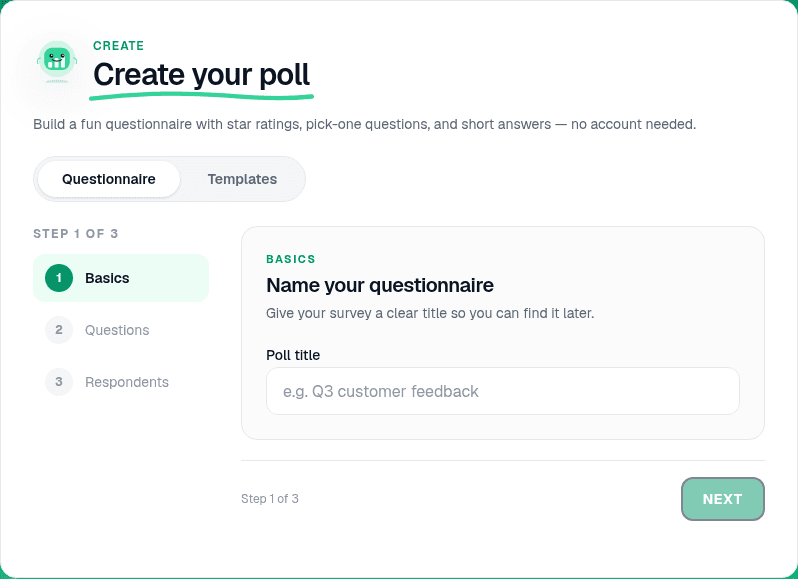
Start from a blank poll, template, or AI prompt — sign in free to build. - 2
Configure questions and reveal rules
Add your prompt and options in the editor. For stage demos, set results to update live so the audience sees bars move as they vote.
PollsLive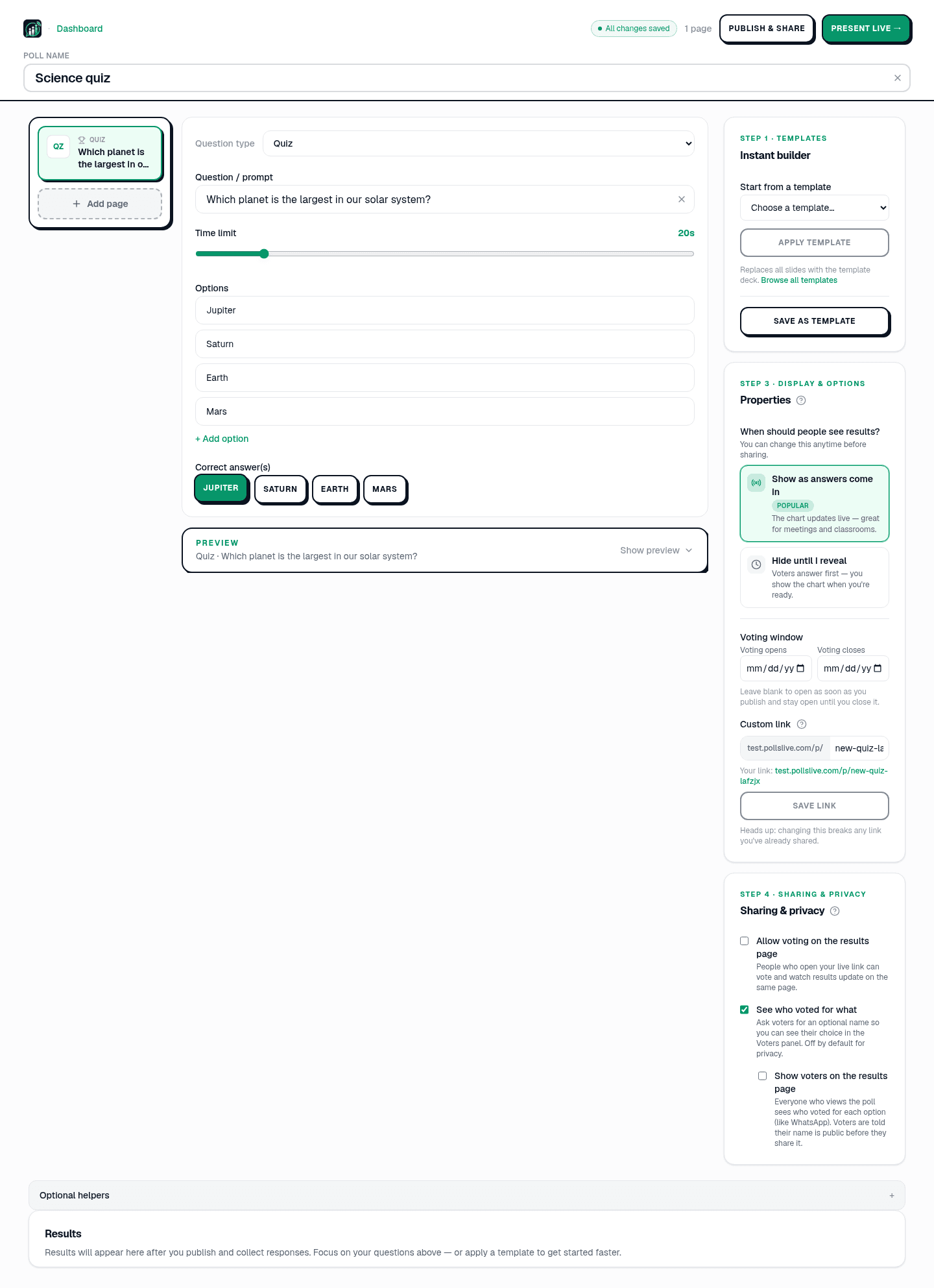
Add questions, set correct answers for quizzes, or pick poll and scale types. - 3
Go live and copy the join details
Tap Present live. Note the PIN and download the QR from the host console. Safari or Chrome works — keep this window open behind Keynote.
Tip: On Mac, use Mission Control or Cmd+Tab to switch between Keynote and the browser quickly.
PollsLive
Copy the PIN, download the QR, or share the join link. - 4
Drop the QR into Keynote
Drag the QR image onto a slide in Keynote. Add a short 'Scan to join' headline and the PIN in large type. Rehearse the slide transition so you know when to switch apps.
- 5
Present and show live results
Play the Keynote slideshow. When you hit the join slide, invite the room to scan, then switch to the PollsLive host tab on the projector. Results animate in real time.
PollsLive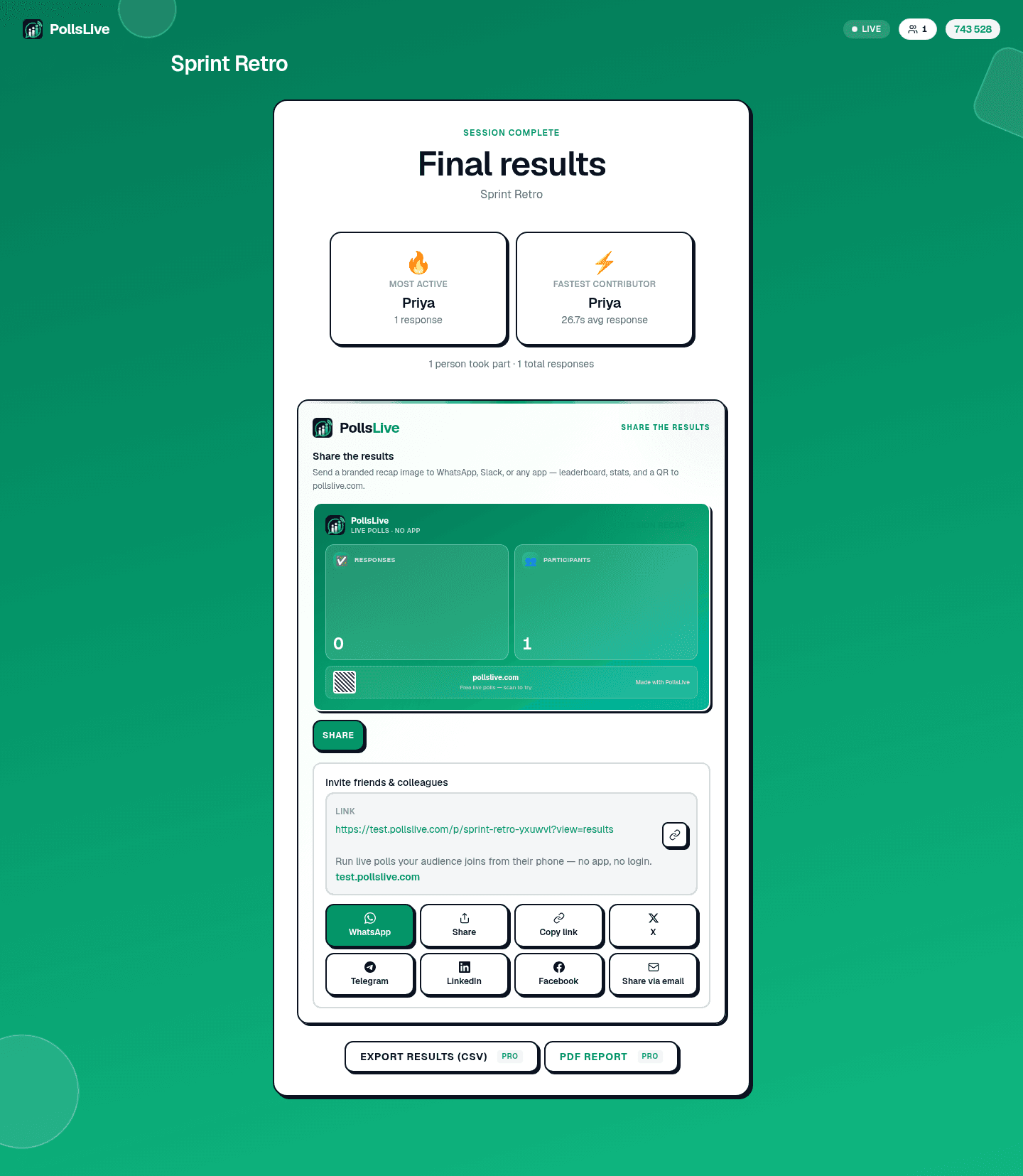
Results update in real time as the room votes. - 6
Return to Keynote seamlessly
After discussing the results, switch back to Keynote for the next beat. Export responses from Studio if you need follow-up notes.
PollsLive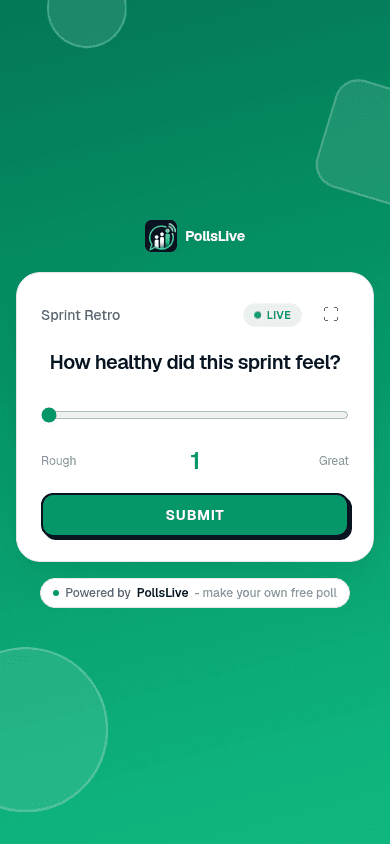
Attendees answer from any phone — no app or login.
Why Keynote presenters use PollsLive
No plugin to install on the Mac, and nothing for the audience to download. People join in one tap by QR or a short PIN, votes stay anonymous, and PollsLive is EU-hosted and privacy-first, so it stays simple on stage and safe for the data.
Preguntas frecuentes
Is there a Keynote plugin?
No plugin is needed. PollsLive runs in the browser and you add a QR code or link to a slide, so there's nothing to install in Keynote.
How do people join?
They scan the QR on your slide or type a short PIN, no app, no account. It works on any phone or laptop.
Can I present from an iPad or Mac?
Yes. Because the poll lives in the browser, you can present Keynote from a Mac or iPad and still switch across to the live results.
Ready to run your first live poll in Keynote?