
June 21, 2026 · 8 min read
Hybrid meeting engagement: 12 techniques jo remote aur in-room teams sync rakhein
Hybrid meetings tab fail hoti hain jab remote attendees passive observers ban jaate hain. Ye 12 techniques - live polls, async check-ins, aur structured Q&A - har participant ko location se independent equally engaged rakhti hain.
Hybrid meeting problem technology nahi - equity hai. Room mein log whiteboard dekh sakte hain, body language padh sakte hain, side conversations sun sakte hain, naturally interrupt kar sakte hain. Remote attendees ye kuch nahi kar sakte. Wo room ki 720p stream dekhte hain aur umeed karte hain koi yaad rakhe. Neeche techniques mehngi tech nahi chahiye; facilitator chahiye jo meeting aise design kare ki participation physical presence par depend na kare.
Tip
इस guide को follow करने के लिए technical होना ज़रूरी नहीं। हर step PollsLive में साधारण buttons use करता है - कोई coding नहीं, आपकी audience के लिए कोई app install नहीं।
Core principle: simultaneous participation force karein
Jo technique sabko ek saath respond karne deti hai - live poll, simultaneous Slack thread, breakout room - remote aur in-room ke beech playing field level karti hai. Jo turn-taking par depend karti hai (room mein ghoomna, haath uthana, 'call par koi kuch add karna chahega?') hamesha in-room group ko favour karegi.
12 engagement techniques - hybrid meetings ke liye
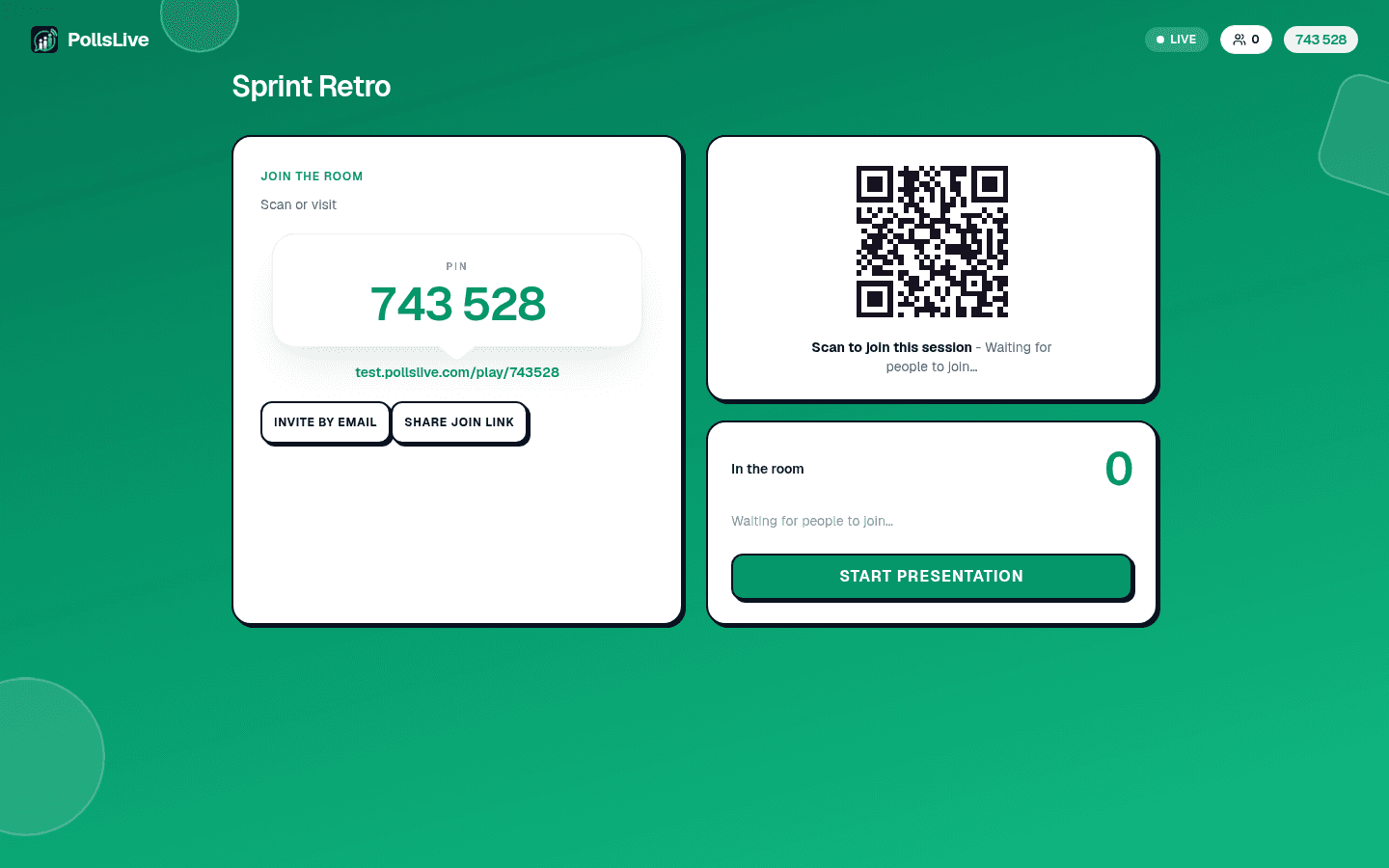
- Live poll se shuru karein. 'Shuru karne se pehle - sabke liye ek sawal.' In-room log phone par jawab dete hain. Remote laptop par. Results ek saath dikhte hain. Kisi ko head start nahi.
- Conference room camera hata dein. 6 log room mein aur 4 remote ho to sab individual screens par hon (alag laptops). Ek room camera remote-attendee accessibility failure hai.
- Remote advocate assign karein. Room mein ek insaan remote stream dekhe aur flag kare jab remote participant contribute karna chahe. Role rotate karein.
- Q&A tool se chalayein, haath uthakar nahi. PollsLive Q&A ya shared doc - sawal submit aur upvote ek saath. Facilitator list se chunte hai. Koi accidentally mute nahi hota.
- Pre-meeting async poll. Meeting se 48 ghante pehle 3-sawal poll share: X par abhi kya soch? Is meeting se kya outcome? Top concern kya? Live session start par answers surface karein.
- Empareja presencial + remoto en breakouts. Al dividir en grupos, empareja cada persona presencial con una remota - no "grupo presencial" y "grupo remoto".
- Usa un doc de notas compartido, en vivo. Un doc editable que todos ven y escriben a la vez gana a una pizarra que solo el grupo presencial puede usar.
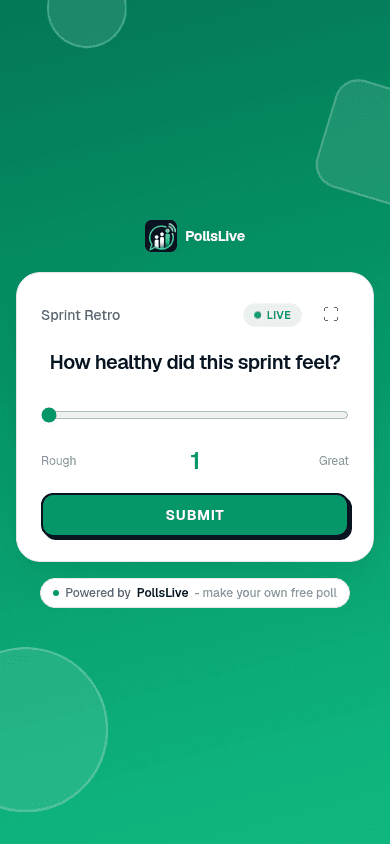
- Mid-meeting clarity check. 30-minute mark par: 'Quick poll - ab tak direction kitni clear?' (1-5). Jo remote polite the interrupt nahi kar paaye wo anonymously confusion signal kar sakte hain.
- Structured turn-taking. 'Any thoughts?' mat poochho - naam lo: 'Berlin mein Priya, phir room mein Marcus.' Deliberately alternate karo.
- Post-meeting async debrief. 24 ghante baad: 5-sawal anonymous poll. 'Aapki awaaz suni gayi? Kaun sa decision surprise kiya? Alag kya karte?' Jo live bol nahi paaye unhe capture karta hai.
- Graba cada meeting. Obvio, pero: con marcas de tiempo y doc de notas compartido. Los remotos en zona horaria incorrecta necesitan paridad con presenciales.
- Closing word cloud. 'Meeting se kaise nikal rahe ho ek shabd mein.' Session simultaneous participation se khatam - poore meeting ka fitting mirror.
Aaj ki hybrid meeting mein aap kitne sunne gaye feel karte hain?
Las herramientas que lo facilitan
- Live polling (PollsLive): Simultaneous participation, bolne par depend nahi
- Docs compartidos (Notion, Google Docs): Notas colaborativas en tiempo real sustituyen la pizarra presencial
- Video (individual cameras, conference room camera nahi): Presence ki equality
- Async video (Loom, Vimeo): Updates jo live nahi chahiye - meeting count kam karta hai
- Structured async polling (PollsLive async link): Session se pehle ya baad input collect karein
Kya kaam nahi karta (aur kyun)
- 'Call par koi kuch add karna chahega?' - Remote in-room body language nahi padh sakte jo turn signal karti hai
- Remote ke liye chat-only participation - Chat second-class channel; in-room discussion heat up ho to ignore hoti hai
- Single conference room camera - Room mein chhe log ek blurry blob lagte hain
- All-remote ya all-in-room breakout groups - Divide badhate hain bridge karne ke bajaye
Bade settings mein engagement structure karne par all-hands meeting engagement aur boring meetings interactive banana dekhein.
Tip
Ejecuta cada encuesta por PIN, no a mano alzada - los remotos no pueden ver manos levantadas en sala.
Audience response system guide aur /integrations dekhein.
अभी एक live poll शुरू करें - कोई signup नहीं, आपकी audience के लिए कोई app नहीं.
एक मुफ़्त poll बनाएँ