
June 24, 2026 · 8 min read
AI quiz generator kaise use karein (aur kahan short padte hain)
AI quiz generators sawal likhne ke ghante bacha sakte hain - par hallucinate karte hain, aapka classroom context capture nahi kar sakte, aur best workflow AI drafts + human editing combine karta hai. Unse sabse zyada kaise nikalen.
AI quiz generators generative AI wave ke genuine time-savers mein se hain - 20-sawal multiple choice quiz jo haath se 45 minute lega 2 minute se kam mein draft ho sakta hai. Par consistent failure modes raw output unreliable banate hain: hallucinated facts, bahut easy sawal, obviously wrong distractors, aur course/context specificity ki kami. Unhe achhe se kaise use karein.
Tip
इस guide को follow करने के लिए technical होना ज़रूरी नहीं। हर step PollsLive में साधारण buttons use करता है - कोई coding नहीं, आपकी audience के लिए कोई app install नहीं।
AI quiz generators sach mein kis cheez mein achhe hain
- Drafting volume quickly - 30 sawal generate karke 15 par narrow karna 15 scratch se likhne se tez
- Varying difficulty - explicitly 3 easy / 5 medium / 2 hard maangein aur distribution usually hold hoti hai
- Plausible distractors banana - multiple choice ke galat jawab believable hone chahiye; AI isme zyada tar humans se better hai
- Existing content reformat - paragraph paste karke 5 comprehension sawal maangein; reliably kaam karta hai
- Question types translate - true/false ko multiple choice, fill-in-the-blank ko ranking mein badlein
Donde fallan consistentemente
- Exactitud factual - verifica siempre cada respuesta contra una fuente autoritativa; los LLM alucinan con confianza
- Information currency - model training cutoffs ka matlab 2024 ke baad kuch galat ho sakta hai
- Aapka context - AI nahi jaanta students ne pichhle hafte topic X cover kiya, ya company specific internal process use karti hai
- Respuestas correctas matizadas - preguntas de "la mejor respuesta" donde el matiz importa suelen estar mal
- Encaje cultural - ejemplos y escenarios suelen defaultear a contextos EE. UU./occidentales
Best workflow: AI draft → human edit → live
- Volume ke liye prompt. 20-30 sawal maangein. Review ke baad 10-15 par kaatenge.
- Format specify karein. '4 options wala multiple choice, ek correct, plausible distractors, difficulty: intermediate.'
- Context dein. Learning objective, relevant paragraph, ya product spec paste karein jis par test kar rahe hain.
- Har jawab review karein. Jo unsure ho 'verify' mark karein - use karne se pehle check karein.
- Bad distractors rewrite karein. AI distractors often obviously-wrong pattern; jo answer de dete hain unhe fix karein.
- Real-world context jodein. Generic examples ko course, company, ya audience specific se replace karein.
- PollsLive mein import karein. Deck banayein, live chalayein ya async link share karein.
LLMs mein hallucination ki primary cause kya hai?
Plantillas de prompt que funcionan
- Topic-based: '[topic] par 20 multiple choice sawal [beginner/intermediate/advanced] level par. Har ek mein 4 options. Correct jawab mark karein.'
- Content-based: 'Ye paragraph padhkar 5 comprehension sawal generate karein: [paste text].'
- Difficulty-distributed: '10 sawal generate karein: 3 easy recall, 5 application, 2 analysis-level.'
- Distractor-focused: '5 multiple choice sawal jahan galat jawab plausible misconceptions hon, obviously wrong nahi.'
- Scenario-based: 'Customer service training ke liye 5 situational sawal: customer kehta hai [scenario], agent ko…'
Herramientas de quiz IA que merece probar
- ChatGPT / Claude / Gemini - raw LLM prompting; sabse flexible, sabse zyada editing
- Quizgecko - generador de quiz desde texto/PDF; bueno para quizzes basados en contenido
- Diffit - education-focused; topic se leveled reading passages + sawal generate karta hai
- Quillionz - uploaded text se sawal generate; corporate training ke liye strong
- PollsLive AI branching (beta) - conditional question trees: 'agar majority galat jawab chune to follow-up explanation slide dikhayein'
Bottom line
AI quiz generators drafting tool hain, publishing tool nahi. 20-minute saving khatam ho jati hai agar review skip karein aur factual error class assessment mein chala jaye. AI output ko first draft samjhein: tez generate, live se pehle hamesha human review. Best results specific prompts + content paste + 10-minute human edit se aate hain. Resulting quiz chalane par quiz kaise banayein dekhein.
Tip
Lee en voz alta cada pregunta generada por IA una vez - arregla lo ambiguo antes de ir en vivo.
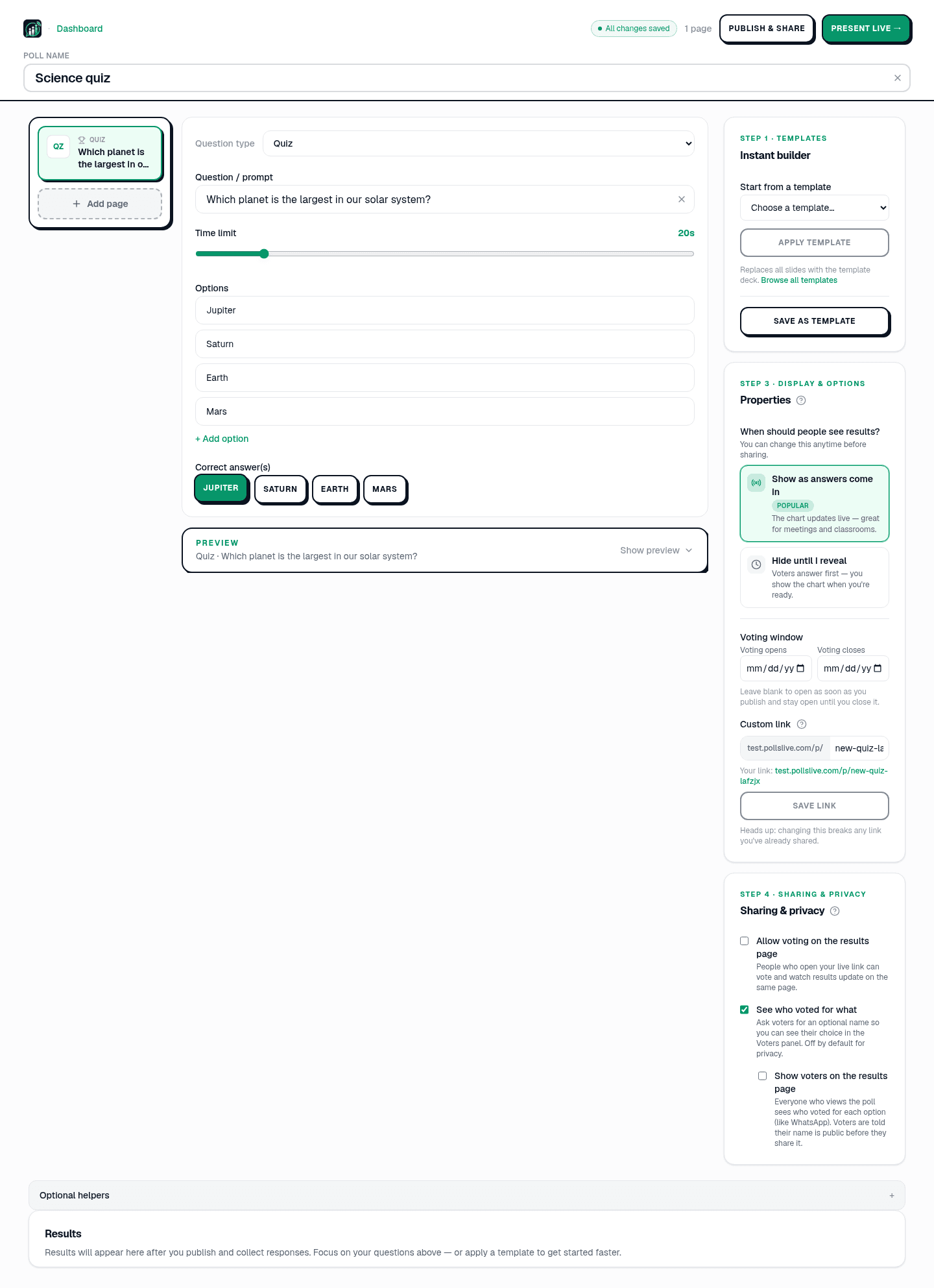
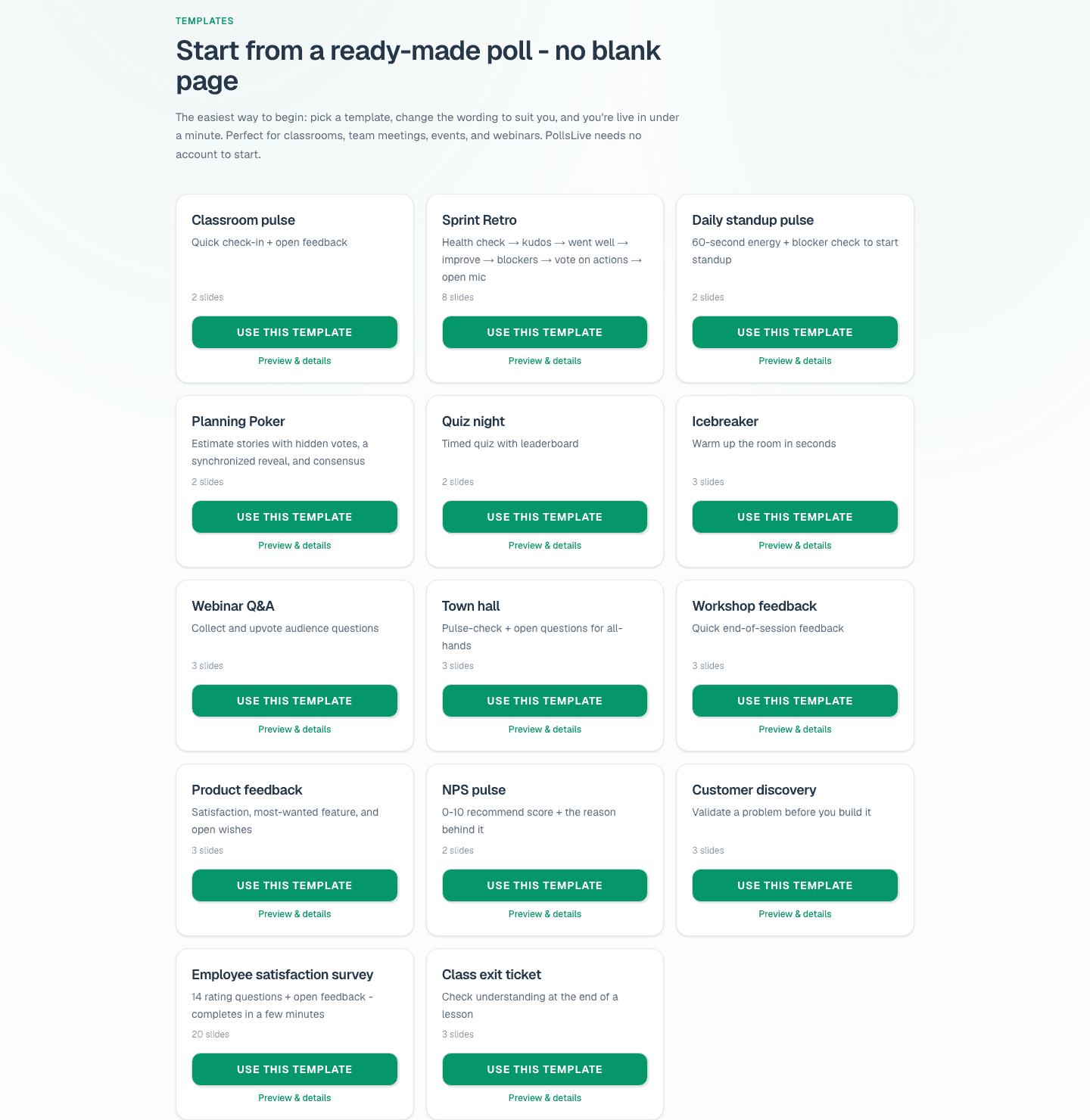
Manual alternative: quiz kaise banayein. /templates browse karein.
अभी एक live poll शुरू करें - कोई signup नहीं, आपकी audience के लिए कोई app नहीं.
एक मुफ़्त poll बनाएँ