
June 21, 2026 · 8 min read
Engagement in Hybrid-Meetings: 12 Techniken, die Remote- und Vor-Ort-Teams synchron halten
Hybrid-Meetings scheitern, wenn Remote-Teilnehmende zu passiven Beobachtern werden. Diese 12 Techniken - mit Live-Umfragen, asynchronen Check-ins und strukturierter Q&A - halten alle Teilnehmenden unabhängig vom Standort gleichermaßen engagiert.
Das Problem bei Hybrid-Meetings ist nicht Technologie - es ist Gleichberechtigung. Die Menschen im Raum sehen das Whiteboard, lesen Körpersprache, bekommen Nebenunterhaltungen mit und unterbrechen natürlich. Remote-Teilnehmer können nichts davon. Sie sehen einen 720p-Stream eines Raums und hoffen, dass sich jemand an sie erinnert. Die folgenden Techniken brauchen keine teure Technik; sie brauchen eine Moderation, die das Meeting so gestaltet, dass Teilnahme nicht von physischer Anwesenheit abhängt.
Tip
Du musst kein Technik-Profi sein, um dieser Anleitung zu folgen. Jeder Schritt nutzt normale Buttons in PollsLive - kein Code, keine App-Installation für dein Publikum.
Das Kernprinzip: gleichzeitige Teilnahme erzwingen
Jede Methode, mit der Menschen gleichzeitig antworten können - eine Live-Umfrage, ein gleichzeitiger Slack-Thread, ein Breakout-Raum - schafft gleiche Bedingungen für Remote- und Raum-Teilnehmende. Jede Methode, die vom Abwechseln abhängt (reihum im Raum, Handzeichen, 'Möchte jemand im Call noch etwas hinzufügen?'), wird immer die Gruppe im Raum bevorzugen.
12 Methoden für mehr Beteiligung
- Starte mit einer Live-Umfrage. 'Bevor wir anfangen - eine Frage für alle.' Menschen im Raum antworten auf ihren Handys. Remote-Teilnehmende antworten auf ihren Laptops. Die Ergebnisse erscheinen gleichzeitig. Niemand hatte einen Vorsprung.
- Konferenzraum-Kamera abschaffen. Wenn 6 im Raum und 4 remote sind, sollte jeder ein eigenes Geraet nutzen. Eine Raumkamera ist ein Accessibility-Fail fuer Remote.
- Remote-Befuerworter einsetzen. Eine Person im Raum beobachtet den Remote-Stream und meldet, wenn jemand Remote beitragen will. Rolle rotieren.
- Führe die Fragerunde mit einem Tool durch, nicht per Handzeichen. Nutze PollsLive Q&A oder ein gemeinsames Dokument - Fragen werden gleichzeitig eingereicht und hochgewählt. Die Moderation wählt aus der Liste. Niemand wird versehentlich übergangen.
- Asynchrone Umfrage vor dem Meeting. Teile 48 Stunden vor dem Meeting eine Umfrage mit 3 Fragen: Wie denkst du aktuell über X? Welches Ergebnis wünschst du dir von diesem Meeting? Was ist dein größtes Anliegen? Zeige die Antworten zu Beginn der Live-Sitzung.
- Paarungen aus Raum und Remote für Breakouts. Teile bei Gruppenarbeiten jede Person im Raum einer Remote-Person zu - nicht in 'Gruppe im Raum' und 'Remote-Gruppe'.
- Nutze live ein gemeinsames Notizdokument. Ein einziges bearbeitbares Dokument, das alle sehen und gleichzeitig beschreiben können, schlägt ein Whiteboard, auf das nur die Gruppe im Raum schreiben kann.
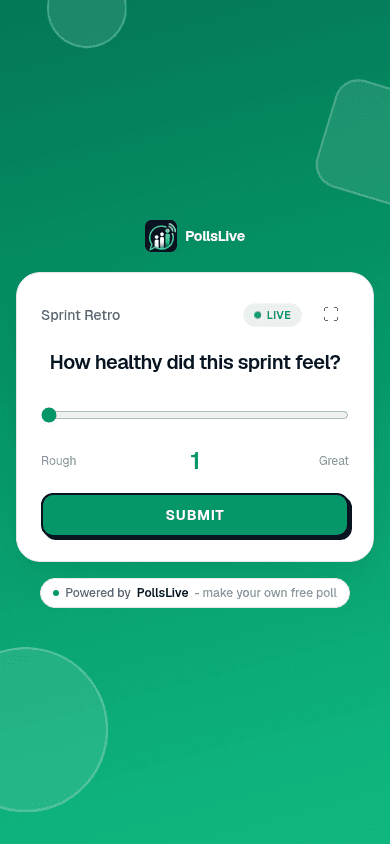
- Klarheits-Check mitten im Meeting. Nach 30 Min.: 'Kurzer Poll - wie klar ist die Richtung?' (1-5). Remote-Teilnehmer koennen anonym Verwirrung signalisieren.
- Strukturiertes Abwechseln in Diskussionen. Frage nicht 'Irgendwelche Gedanken?' - nenne Personen: 'Priya in Berlin, dann Marcus im Raum.' Wechsle bewusst ab.
- Asynchrone Nachbesprechung nach dem Meeting. Nach 24 Stunden: eine anonyme Umfrage mit 5 Fragen. 'Wurde deine Stimme gehört? Welche Entscheidung hat dich überrascht? Was hättest du anders gemacht?' Erfasst die Teilnehmenden, die sich live nicht zu Wort gemeldet haben.
- Zeichne jedes Meeting auf. Offensichtlich, aber: mit Zeitstempeln und einem gemeinsamen Notizdokument. Remote-Teilnehmende in der falschen Zeitzone brauchen Gleichbehandlung mit den Menschen im Raum.
- Abschluss-Word-Cloud. 'Ein Wort dafuer, wie du das Meeting verlaesst.' Beendet mit gleichzeitiger Beteiligung - passend zum Rest.
Wie gehört hast du dich im heutigen Hybrid-Meeting gefühlt?
Die Tools, die das erleichtern
- Live-Polling (PollsLive): Gleichzeitige Beteiligung, kein Sprechen noetig
- Gemeinsame Dokumente (Notion, Google Docs): Kollaborative Notizen in Echtzeit ersetzen das Whiteboard im Raum
- Video (Einzelkameras, keine Konferenzraumkamera): Gleichberechtigte Präsenz
- Async-Video (Loom, Vimeo): Fuer Updates ohne Live-Bedarf - weniger Meetings
- Strukturierte asynchrone Umfragen (PollsLive-Async-Link): Sammle Input vor oder nach der Sitzung
Was nicht funktioniert (und warum)
- 'Will jemand im Call etwas ergaenzen?' - Remote-Teilnehmer koennen die Koerpersprache im Raum nicht lesen, die signalisiert, dass sie dran sind
- Nur Chat fuer Remote - Chat ist zweite Klasse; er geht unter, wenn die Diskussion im Raum Fahrt aufnimmt
- Eine einzelne Konferenzraumkamera - Sechs Menschen in einem Raum sehen wie ein unscharfer Fleck aus
- Breakouts nur remote oder nur im Raum - vergroessert die Kluft statt sie zu ueberbruecken
Mehr dazu, wie du Engagement in größeren Settings strukturierst, findest du unter Engagement bei All-Hands-Meetings und langweilige Meetings interaktiv machen.
Tip
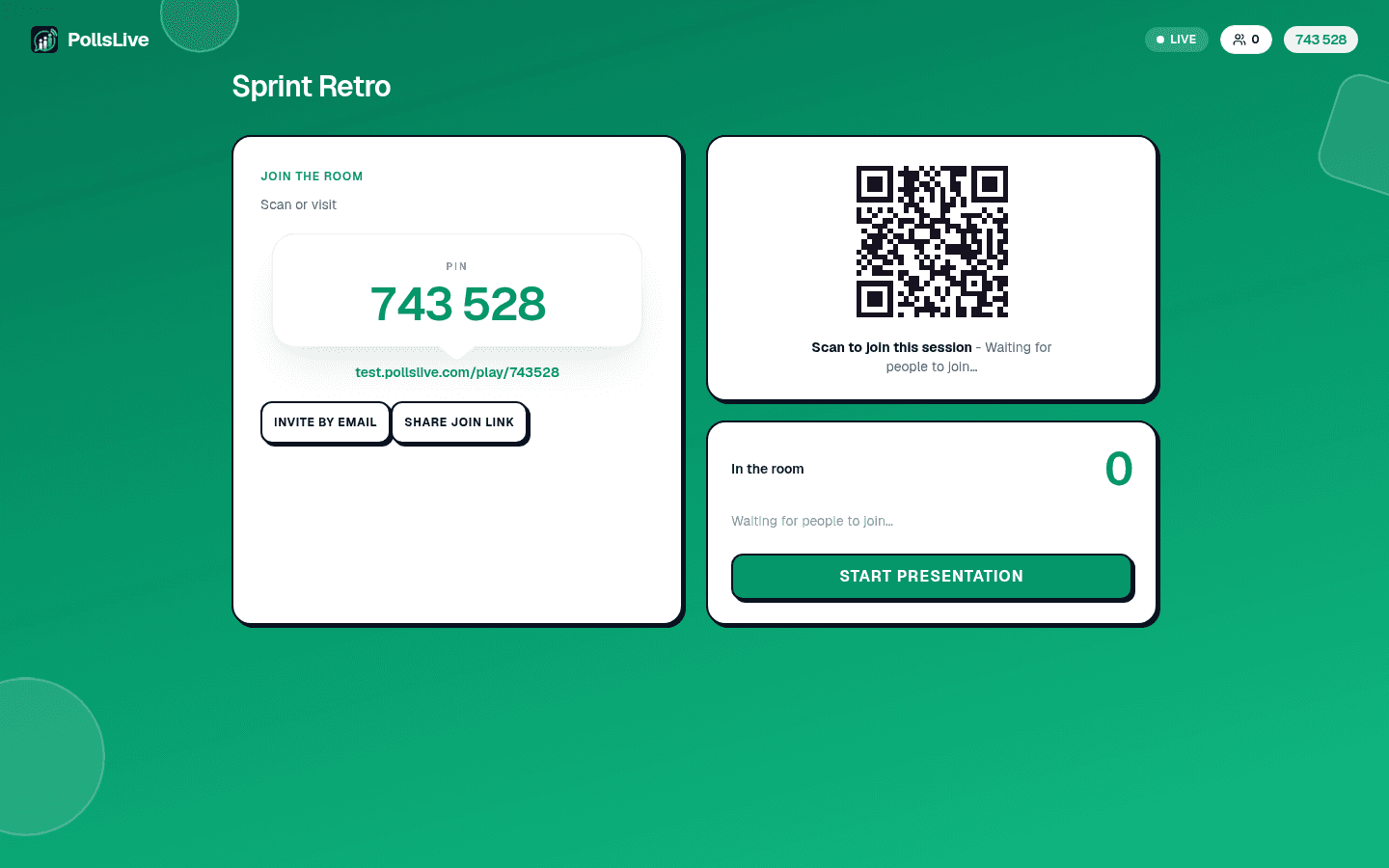
Jede Umfrage per PIN, nicht Handzeichen - Remote-Teilnehmer sehen keine Hände im Raum.
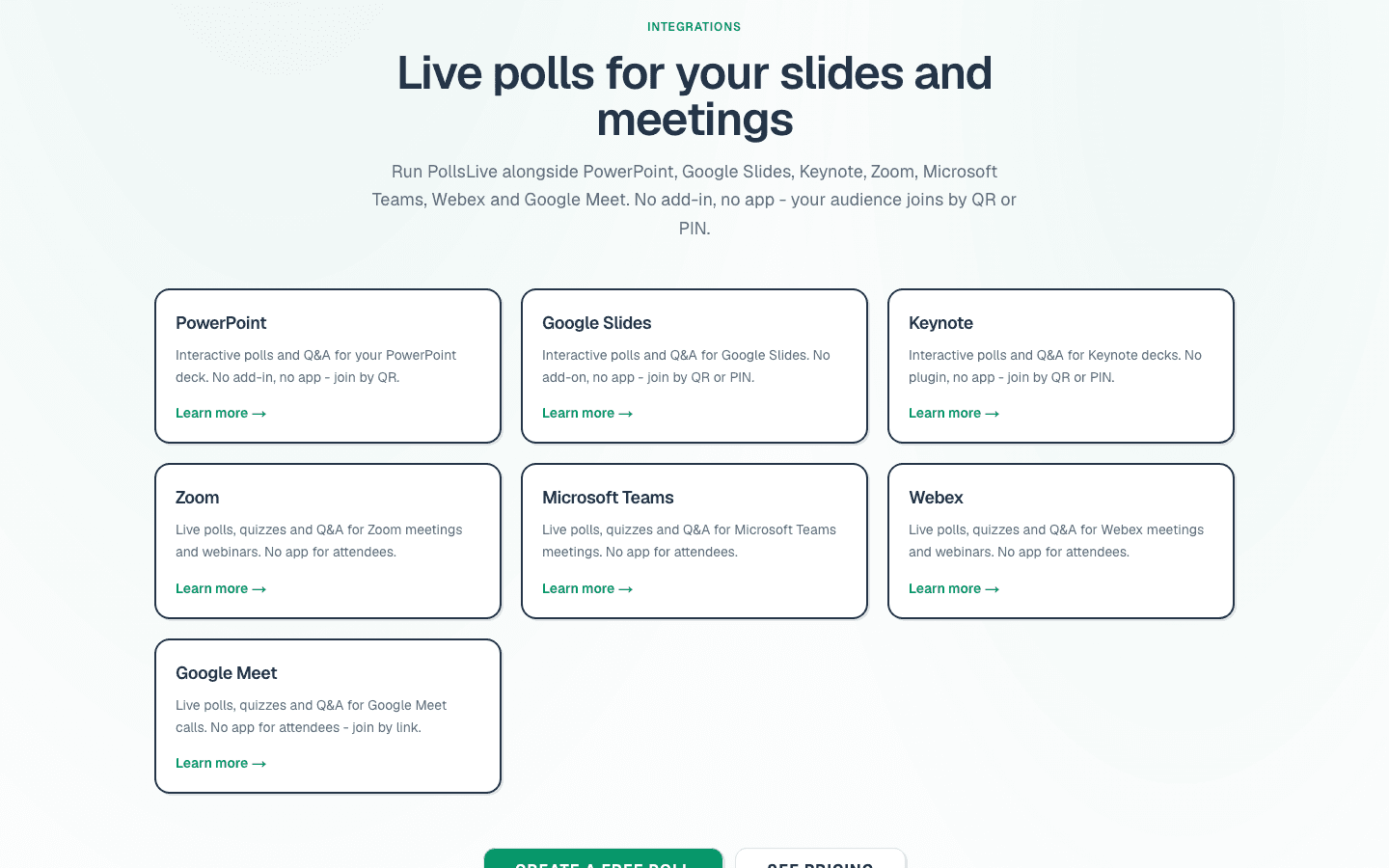
Siehe Leitfaden zu Audience Response Systems und /integrations.
Starte jetzt sofort eine Live-Umfrage - keine Anmeldung, keine App für dein Publikum.
Kostenlose Umfrage erstellen