
June 21, 2026 · 10 min read
8 beste Quiz-Apps für den Unterricht 2026 (von Lehrkräften bewertet)
Die besten Quiz-Apps fürs Klassenzimmer, verglichen nach kostenlosem Tarif, Anmeldeanforderungen für Schüler, Fragetypen und danach, wie sie sich tatsächlich in einer 50-Minuten-Stunde durchführen lassen.
Es gibt 2026 mehr Tools für Klassenquizze als je zuvor. Der schwierige Teil ist zu wissen, welches zu deinem Unterrichtsstil, den Geräten deiner Schüler und den Datenschutzrichtlinien deiner Schule passt. Dieses Ranking konzentriert sich darauf, was in einer 50-Minuten-Stunde tatsächlich zählt: Funktioniert es, wenn 30 Schüler gleichzeitig darauf zugreifen? Können Schüler ohne Konten beitreten? Was bekommst du kostenlos? Und macht es die Klasse lebendiger oder nur lauter?
Tip
Du musst kein Technik-Profi sein, um dieser Anleitung zu folgen. Jeder Schritt nutzt normale Buttons in PollsLive - kein Code, keine App-Installation für dein Publikum.
Was großartige Tools für Klassenquizze auszeichnet
- Keine Hürden für Schüler:innen - keine App-Installation, keine Kontoerstellung, funktioniert auf jedem Handy
- Sofortige visuelle Ergebnisse - die Klasse sieht die Klasse denken, nicht nur die Lehrkraft
- Mehrere Fragetypen - Multiple Choice ist Standard; Word Cloud und Offentext bleiben im Gedaechtnis
- Async-Modus - Link eine Woche offen lassen zum Nachschauen, nicht nur ein 45-Minuten-Event
- Datenschutzkonformität - Schüler:innen können minderjährig sein; das Tool muss einer FERPA-/DSGVO-Prüfung standhalten
1. PollsLive - am besten für Live + asynchron ohne Login
PollsLive führt Live-Quiz-Sessions durch - Schüler treten per PIN oder QR ohne Konto bei - und dasselbe Deck bleibt als asynchroner Link für Hausaufgaben oder Wiederholung bestehen. Fragetypen sind Multiple Choice, Word Cloud, Scale, Ranking, bewertetes Quiz mit Bestenliste und Q&A. In der EU gehostet und DSGVO-fähig.
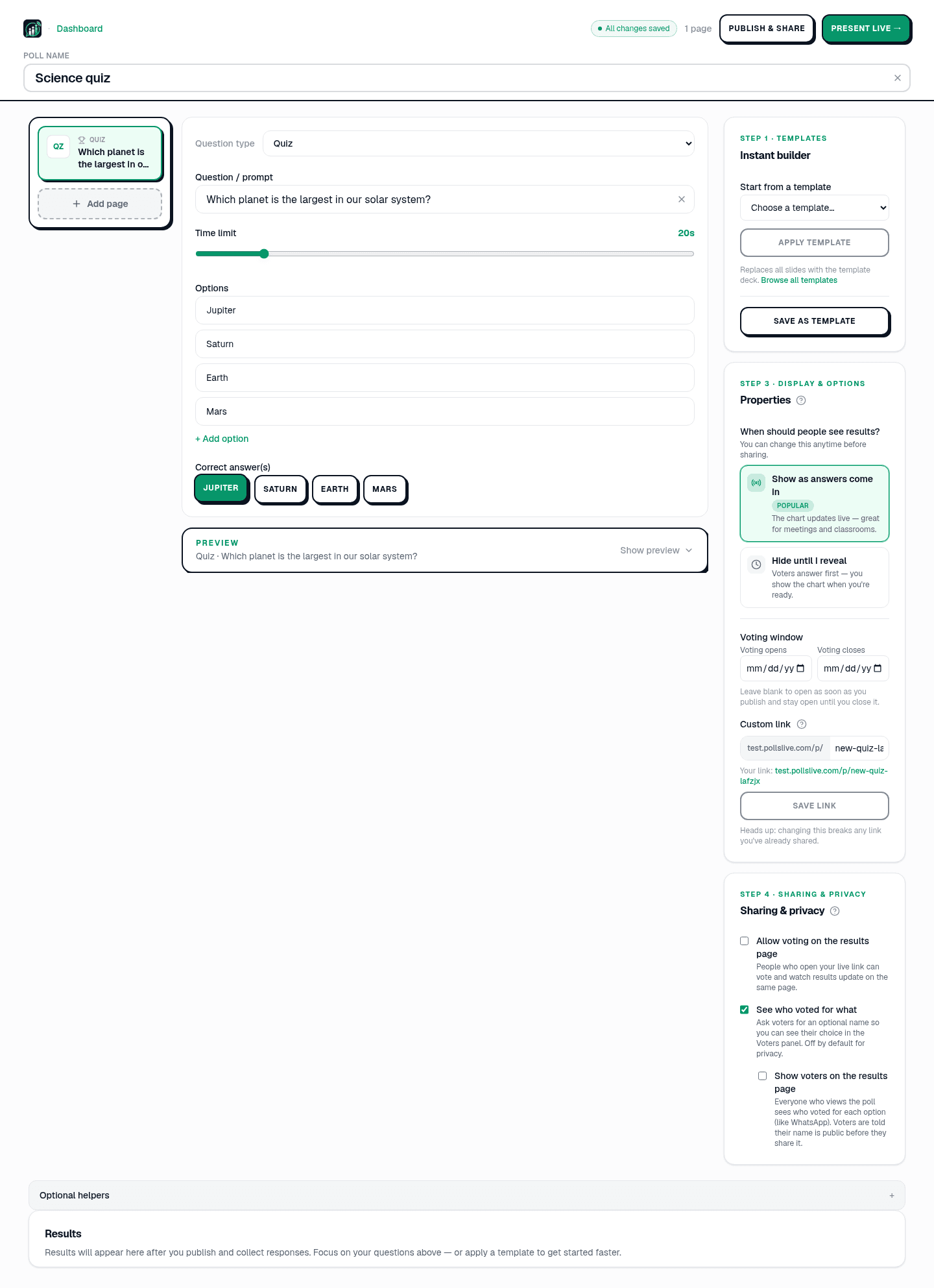
Was ist das Kraftwerk der Zelle?
- Free-Tier: 3 veroeffentlichte Umfragen, je 500 Antworten, 50 Live-Teilnehmer
- Schüler-Login: Nicht erforderlich - nur PIN oder QR
- Fragetypen: Multiple Choice, Wortwolke, Skala, Ranking, Quiz, Fragerunde
- Async-Modus: Permanenter Link unter pollslive.com/p/your-slug
- Datenschutz: EU-gehostet, DSGVO-konform, keine personenbezogenen Schülerdaten erforderlich
- Pro: $4.17/Monat bei jährlicher Zahlung, 21-tägige Testphase, bis zu 10 Lehrkraft-Plätze
Tip
Nutze die Class exit ticket Vorlage für einen 30-Sekunden-Stundenabschluss - ohne Benotung.
Starte jetzt sofort eine Live-Umfrage - keine Anmeldung, keine App für dein Publikum.
Kostenlose Umfrage erstellen2. Kahoot! - am besten für Spielenergie in der K-12-Bildung
Kahoots Countdown, Soundeffekte und Podium machen es zur energiegeladensten Option für jüngere Schüler. Kostenloser Tarif: 10 Fragen und 10 Teilnehmende - gut für eine Demo, in der Praxis knapp. Spitznamen statt Konten. Stark für Grund- und Mittelstufe; weniger natürlich für die Universität. Siehe PollsLive vs Kahoot.
3. Quizizz - am besten für Hausaufgaben und selbstgesteuerte Wiederholung
Der Selbstlernmodus von Quizizz lässt Schüler in ihrem eigenen Tempo arbeiten, während die Lehrkraft Ergebnisse pro Schüler sieht. Millionen Community-Quizze sparen Vorbereitungszeit. Unbegrenzte Fragen im kostenlosen Plan. Für die Fortschrittsverfolgung sind Konten nötig.
4. Mentimeter - am besten für Universitätsvorlesungen
Für einen Hörsaal mit 200 Studierenden schaffen die Skalenfragen und Wortwolken von Mentimeter Interaktivität ohne Gameshow-Lärm. Kostenloser Tarif: zwei Fragen pro Präsentation. Ruhig genug für akademische Umgebungen. Siehe den Mentimeter-Alternativen-Leitfaden und den Vergleich.
5. Nearpod - am besten für die vollständige Unterrichtsdurchführung
Nearpod ist eine vollständige Unterrichtsplattform - Folien, Videos, VR, eingebettete Quizze. Gut, wenn du Lehrplan und Bewertung an einem Ort willst. Erheblicher Einrichtungsaufwand pro Unterrichtsstunde.
6. Gimkit - am besten für Beteiligung in der Mittelstufe
Die Verdienen-und-Ausgeben-Spielmechanik von Gimkit motiviert Schüler in Mittel- und Oberstufe. Mehrere Spielmodi. Kostenloser Tarif: ein Spieltyp. Lehrkraft-Tarif: etwa $9.99/Monat.
7. Poll Everywhere - beste PowerPoint-Integration
Poll Everywhere bettet Umfragen direkt in PowerPoint oder Keynote ein - Ergebnisse werden auf der bestehenden Folie animiert. Ausgereifte Desktop-Integration. Teure Preise pro Presenter (~$120/Jahr) und 25 Antworten im kostenlosen Plan.
8. Wooclap - bester kostenloser Tarif für große Vorlesungen
Wooclap erlaubt im kostenlosen Tarif bis zu 1,000 Teilnehmende (mit Funktionslimits). Breite Fragetypen, darunter Zuordnen und Bildsuche. Stark für Universitätskurse mit großen Gruppen, bei denen Kahoots Spielmechaniken unpassend wirken.
Schnellvergleichsmatrix
- Kein Schülerkonto: PollsLive, Kahoot (Spitznamen), Quizizz (Klassenmodus), Wooclap, Mentimeter
- Async/Hausaufgaben-Modus: PollsLive, Quizizz, Nearpod, Wooclap (teilweise)
- Groesztes Free-Tier: Quizizz (unbegrenzte Fragen), Wooclap (1.000 Teilnehmer), PollsLive (500 Antworten, 3 Umfragen)
- Wortwolke: PollsLive, Mentimeter, Wooclap
- EU/GDPR-Hosting: PollsLive, Wooclap, Mentimeter (Rechenzentrum-Optionen)
Ein Dienstagnachmittag in der Praxis
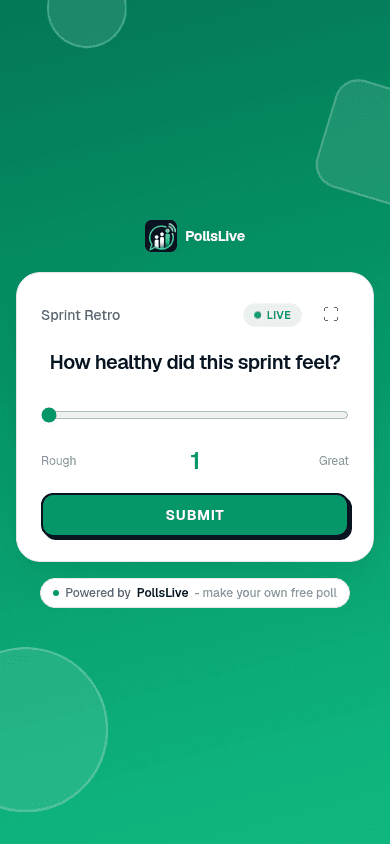
Frau Reyes unterrichtet direkt nach dem Mittagessen Naturwissenschaften in der 9. Klasse. Sie endet mit einem 30-sekündigen Exit-Ticket. Nach einer Stunde zur Zellatmung werden die Antworten zu einer Wortwolke, die sie von vorn liest:
Was ist eine Sache, die in der heutigen Unterrichtsstunde noch unklar ist?
Note
Dasselbe Deck funktioniert async - teile den Link für verpasste Stunden oder Wiederholung zu Hause.
Fazit
Für Live-Quizze ohne Login plus einen dauerhaften Link zum Nachschlagen ist PollsLive die beste Wahl. Kombiniere Quizizz, wenn du selbstbestimmte Hausaufgaben mit Tracking pro Schüler brauchst. Behalte Kahoot für Energie im Grundschulspiel. Behalte Mentimeter für ruhige Wortwolken im Hörsaal. Mehr dazu unter PollsLive für Bildung und dem Kahoot-Vergleich.
Starte jetzt sofort eine Live-Umfrage - keine Anmeldung, keine App für dein Publikum.
Kostenlose Umfrage erstellen