
June 22, 2026 · 11 min read
Online voting: how to run a fair, anonymous vote in minutes
A plain-English guide to online voting - how it works, how to keep it anonymous and fair, and how to run one live in front of a room or async over a link. No accounts for voters.
Online voting is collecting and counting choices over the internet instead of by show of hands or paper ballots. People vote from their own phone or laptop, and the tally updates automatically. This guide covers how online voting works, how to keep it anonymous and fair, and how to run one in the next five minutes.
Tip
You do not need to be technical to follow this guide. Every step uses plain buttons in PollsLive - no coding, no app install for your audience.
What online voting actually is
At its simplest, online voting has three parts: a question with options, a way to join (link, PIN, or QR), and a live tally. PollsLive handles all three - voters tap their choice on any device, and results update in real time. No app install, no account for voters. For a broader reference, see the online voting hub.
Where should we hold the Q3 offsite?
Step-by-step: run an online vote
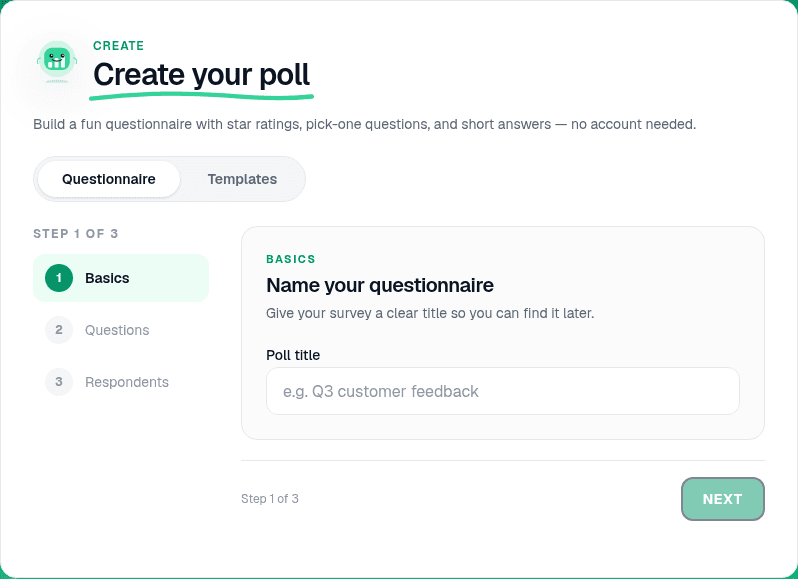
Create your question
On the home page, open Create your poll and add a Multiple choice question. Write a clear stem and 3-5 options. Keep wording neutral so voters are not nudged toward one answer.
Pick live or async
Present live is for rooms where everyone watches results appear together - meetings, classes, AGMs. Publish & share creates a permanent link at pollslive.com/p/your-poll for people who vote on their own time. Same question, two delivery modes.
Tip
For sensitive votes, choose Hide until I reveal in the editor so early answers do not anchor the rest of the room.
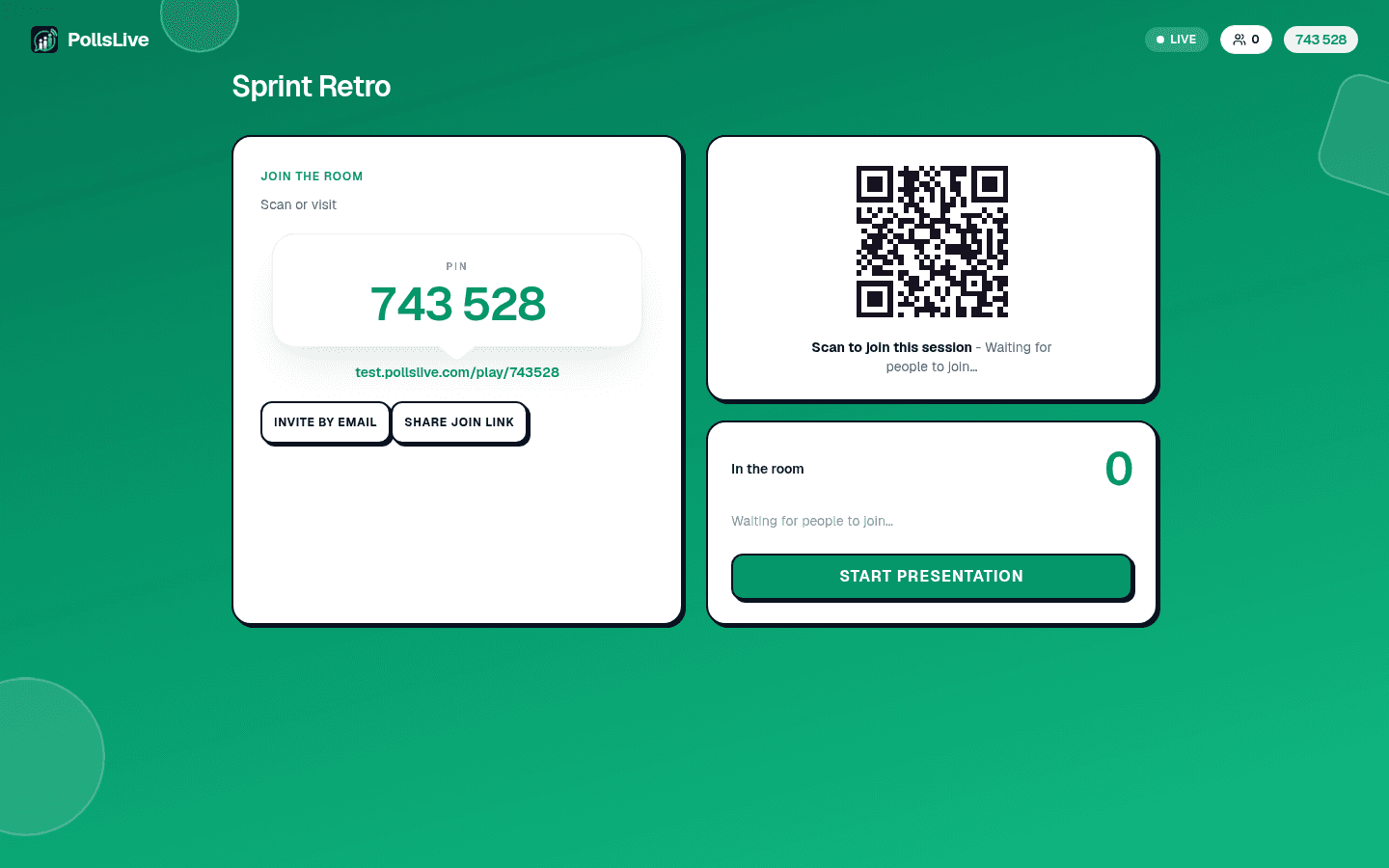
Share the join method
For live votes, click Present live and put the 6-digit PIN and QR on screen. For async votes, copy the published link and send it by email, Slack, or WhatsApp. Voters never sign in.
Watch results and lock the vote
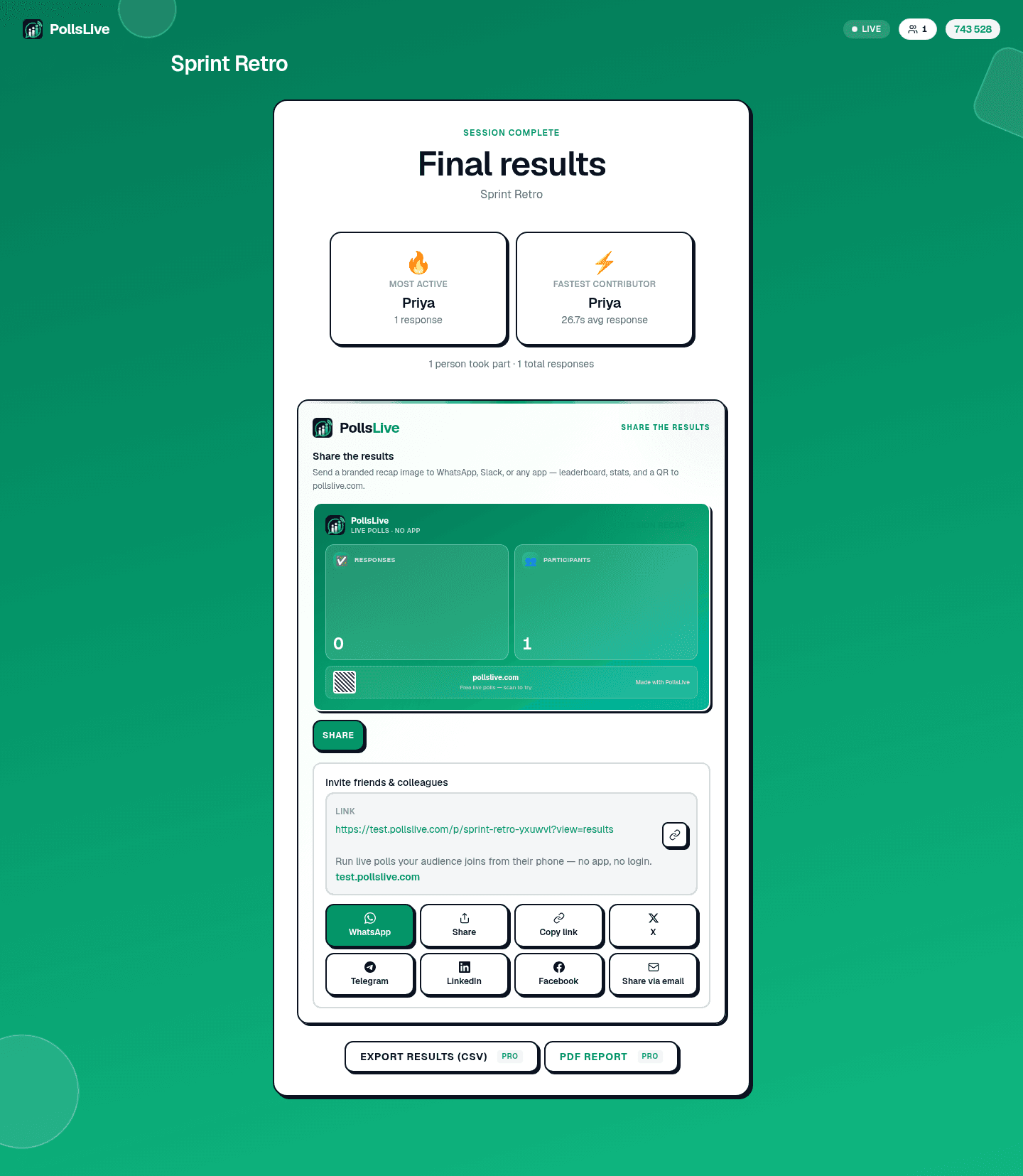
Results update as votes land. When voting is done, close the poll to lock the final tally. Share totals with Open public results or export on Pro. See read and export poll results.
How to keep a vote anonymous and fair
Anonymity and fairness are different problems. Anonymous means no name on the ballot. Fair means one person cannot vote ten times. You usually want both:
- Leave name collection off - voters answer without an account, so ballots are not tied to identities.
- Device limits without logins - PollsLive uses fingerprint and cookie checks so one device counts once while staying anonymous.
- Lock when done - close the poll so late entries cannot change the result.
- Share totals, not ballots - publish the count while keeping individual answers private.
Note
For votes that must stay private by design, read the full anonymous voting guide.
Live vs async: when to use each
Live voting works when everyone is together and watching results appear is part of the moment - a team decision, a conference poll, a classroom check. Async voting works when people vote over hours or days - a community date poll, a feature vote, a board motion sent by email. PollsLive does both from the same deck.
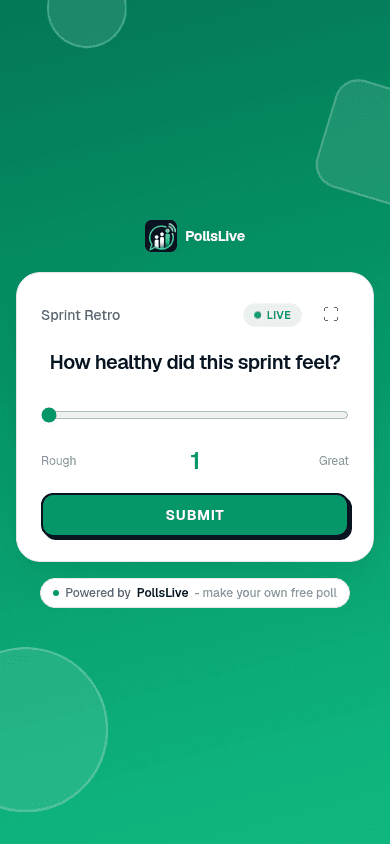
Preview the respondent view
The editor shows a live preview of what voters see on their phones. Tap through your options to confirm wording before you share.
Common online voting use cases
- Meetings and teams - decisions, prioritisation, pulse checks. See PollsLive for teams.
- Events and conferences - audience picks and live Q&A. See PollsLive for events.
- Nonprofits and AGMs - motions and board votes. See PollsLive for nonprofits.
- Classrooms - quick checks for understanding. See PollsLive for education.
Voting methods at a glance
Not every decision is a simple pick-one. PollsLive also supports ranking (drag options into priority order), scale (1-5 or 0-10 sentiment), and yes/no multiple choice. Read voting methods explained for when to use each.
Important
Formal elections where you must prove who voted need named or roll-call voting, not anonymous online voting. Use anonymity for feedback and consensus, not legal ballots.
Is online voting free?
Yes - the free plan includes 3 published polls with 500 responses each and up to 50 live participants per session. Pro ($4.17/mo annual, 21-day free trial) raises live caps and unlocks exports. Compare on the pricing page, or see PollsLive vs Mentimeter and vs Slido.
Ready to run your first vote? Start with run a live poll in 2 minutes or browse ready-made decks in the template gallery.
Spin up a live poll right now - no signup, no app for your audience.
Create a free poll