
June 21, 2026 · 10 min read
Anonymous voting: how to keep a vote private and still fair
What anonymous voting really means, when you need it, and how to run a private vote where no answer is tied to a person - without forcing anyone to create an account.
Anonymous voting means a recorded choice cannot be traced back to the person who made it. It is what you want when honesty matters more than attribution: culture pulses, retro sentiment, sensitive yes/no decisions, or board motions where people fear reprisal. The hard part is staying anonymous and preventing one person from voting ten times.
Tip
You do not need to be technical to follow this guide. Every step uses plain buttons in PollsLive - no coding, no app install for your audience.
Anonymous vs confidential vs fair
- Anonymous - no identity is attached to the ballot at all.
- Confidential - an identity may exist but is hidden from other participants.
- Fair - each person's influence is limited (ideally one vote each).
Most tools make you trade these off: to stop double-voting they force a login, which destroys anonymity. PollsLive separates the two - it limits votes per device with fingerprint and cookie checks, so you get one-person-one-vote behaviour without collecting a single name.
How safe do you feel raising concerns with your manager?
Step-by-step: run an anonymous vote
Create your question
On the home page, add a Multiple choice or Scale question. Write neutral wording so voters are not nudged. For sensitive topics, keep the stem short and direct.
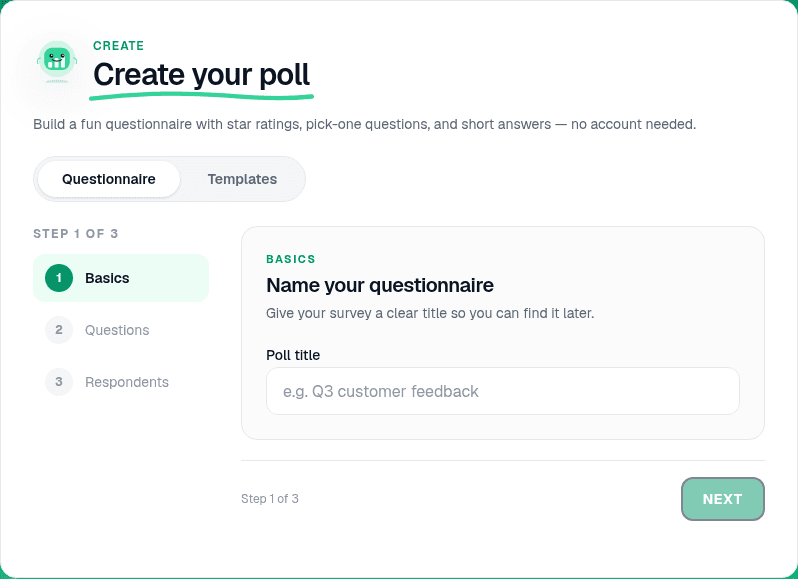
Leave name collection off
In the editor, confirm Respondents settings do not ask for a name or email. This is the default - anonymous unless you turn collection on. If you need named accountability later (an AGM roll-call), you can enable it per poll.
Tip
Say "this is anonymous" out loud before you open the vote. People answer more honestly when they trust the setup.
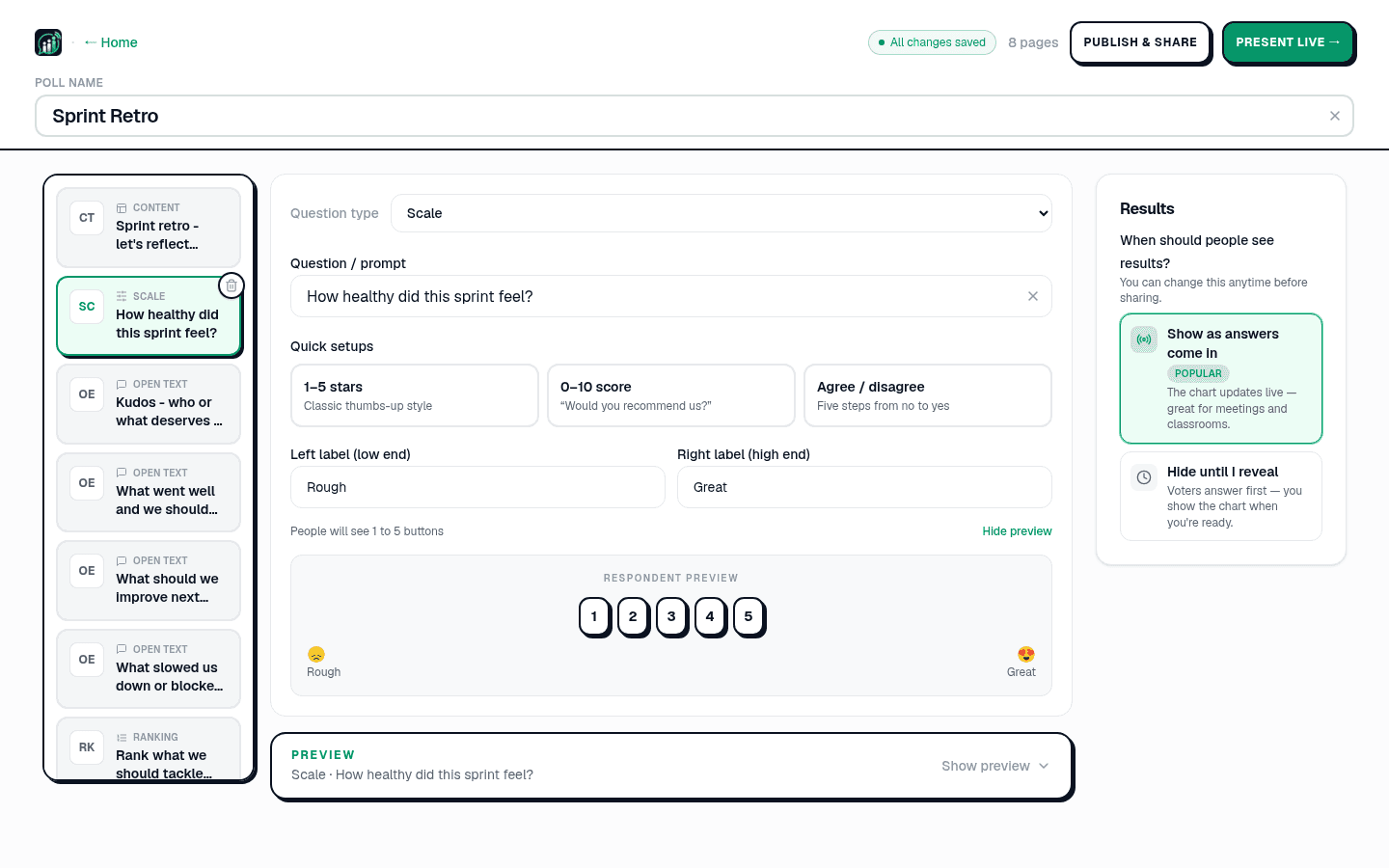
Hide results until reveal
Under When should people see results?, choose Hide until I reveal. Early answers cannot sway the rest of the room, and nobody sees partial totals while voting is open.
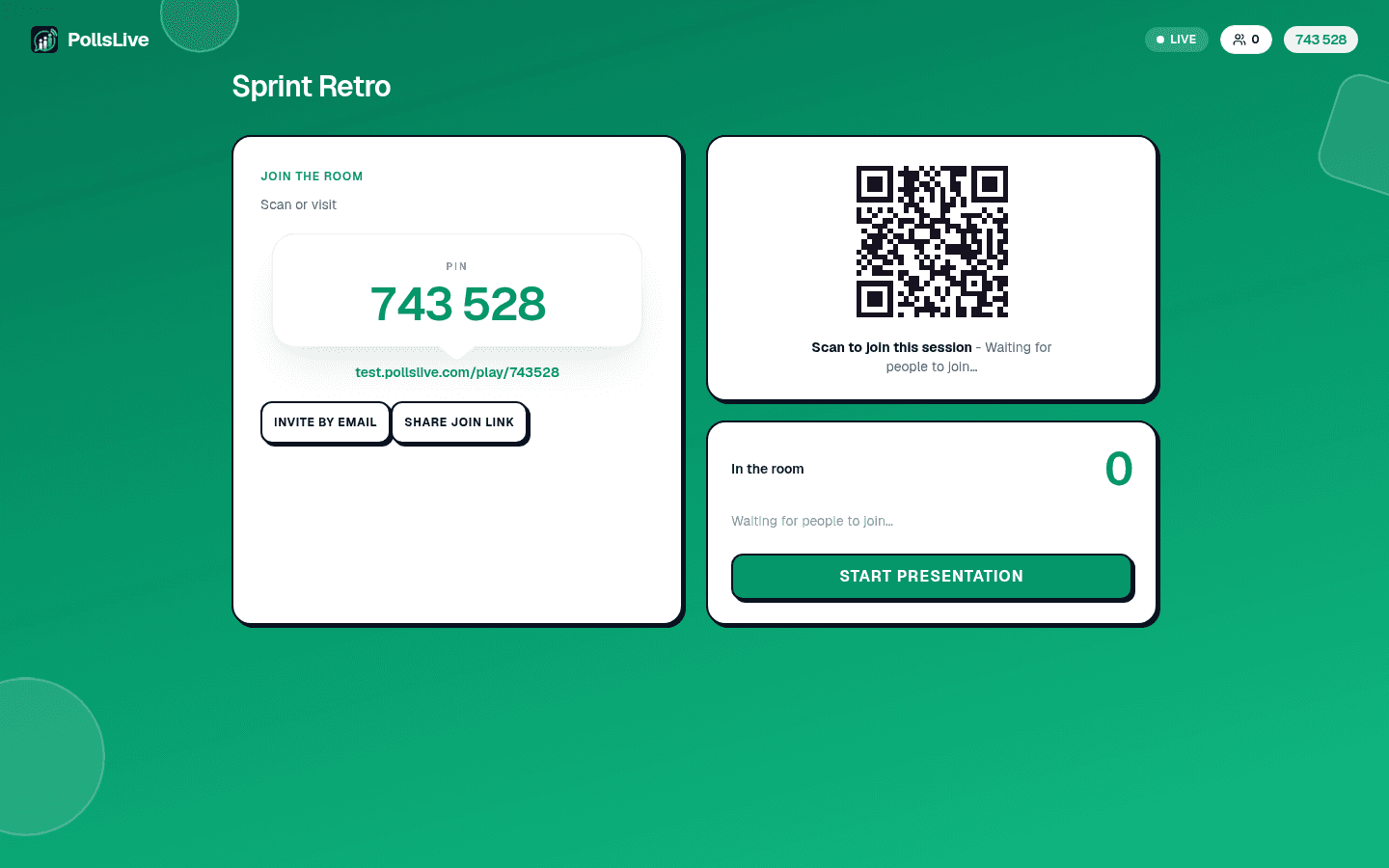
Share a link, PIN, or QR
For live rooms, click Present live and share the PIN. For async votes, Publish & share and send the link. Voters join from any browser with no account. See share and embed your poll.
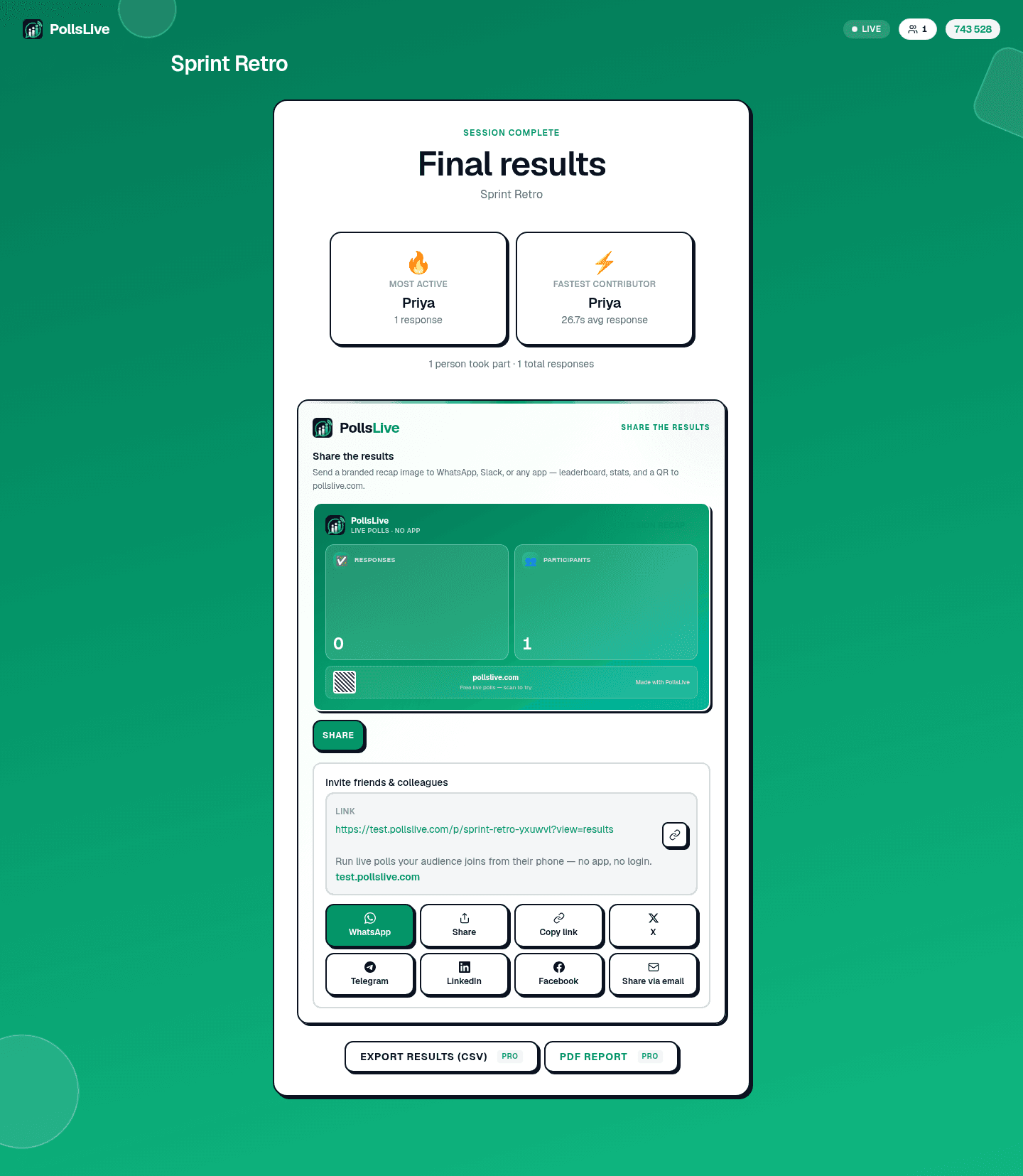
Close the vote and share totals
When everyone has voted, close the poll to lock the result. Share the public results link or read totals in Studio - publish counts, never individual ballots.
What makes anonymous voting GDPR-friendly
Because nothing ties a ballot to a person, an anonymous PollsLive vote stores no personal data by default. There is simply nothing to export or delete under a subject access request. If you later collect names for a different poll, that is a separate decision per deck.
Note
Anonymous does not mean untrackable for abuse - device limits still prevent one person from stuffing the box. It means honest voters are not identified.
When to use anonymous voting
- Employee pulses - safety, manager trust, culture checks. See anonymous town hall.
- Sprint retros - health scales and open feedback. See sprint retro guide.
- Board and committee motions - sensitive yes/no where dissent must stay private.
- Classroom honesty checks - confidence ratings where students fear being wrong.
When anonymity backfires
Anonymity raises candour but lowers accountability. For formal elections where you must prove who voted, use named or roll-call voting instead. For everything in the honest-feedback bucket - pulses, retros, sensitive decisions - anonymous is the right default.
Important
Do not promise anonymity and then ask for names on the same form. Mixed signals destroy trust faster than skipping the vote entirely.
Related guides
For the full picture on fair counting and live vs async delivery, read the online voting guide. Compare tools on the voting hub or see PollsLive for teams.
Not sure whether you need a poll, survey, or form? Read poll vs survey vs form.
Spin up a live poll right now - no signup, no app for your audience.
Create a free poll