
June 17, 2026 · 9 min read
How to run a sprint retro your team actually enjoys
A live, anonymous sprint retrospective that gets honest input in 15 minutes: a health check, kudos, went-well and improve word clouds, and a quick vote on what to fix first.
You know the retro that goes quiet. The loudest person talks, three people nod, and the doc fills with polite nothing. The honest stuff - the friction, the near-misses, the thing nobody wants to say to the lead - never makes it onto the board. Here's a format that fixes that, and it runs live, anonymous, and in about 15 minutes.
Tip
You do not need to be technical to follow this guide. Every step uses plain buttons in PollsLive - no coding, no app install for your audience.
We packaged it as a one-click template: open the Sprint Retro template, hit Present live, and share the join code. No accounts for the team, nothing to install.
Why retros go quiet (and how to unstick them)
Most retros fail for one reason: people don't feel safe being blunt, and the format rewards whoever speaks first. The fix is to collect everyone's input at once, anonymously, before anyone discusses it. When answers land as a live word cloud, the quiet engineer and the staff lead carry exactly the same weight - and suddenly the real themes show up on screen.
The 15-minute format
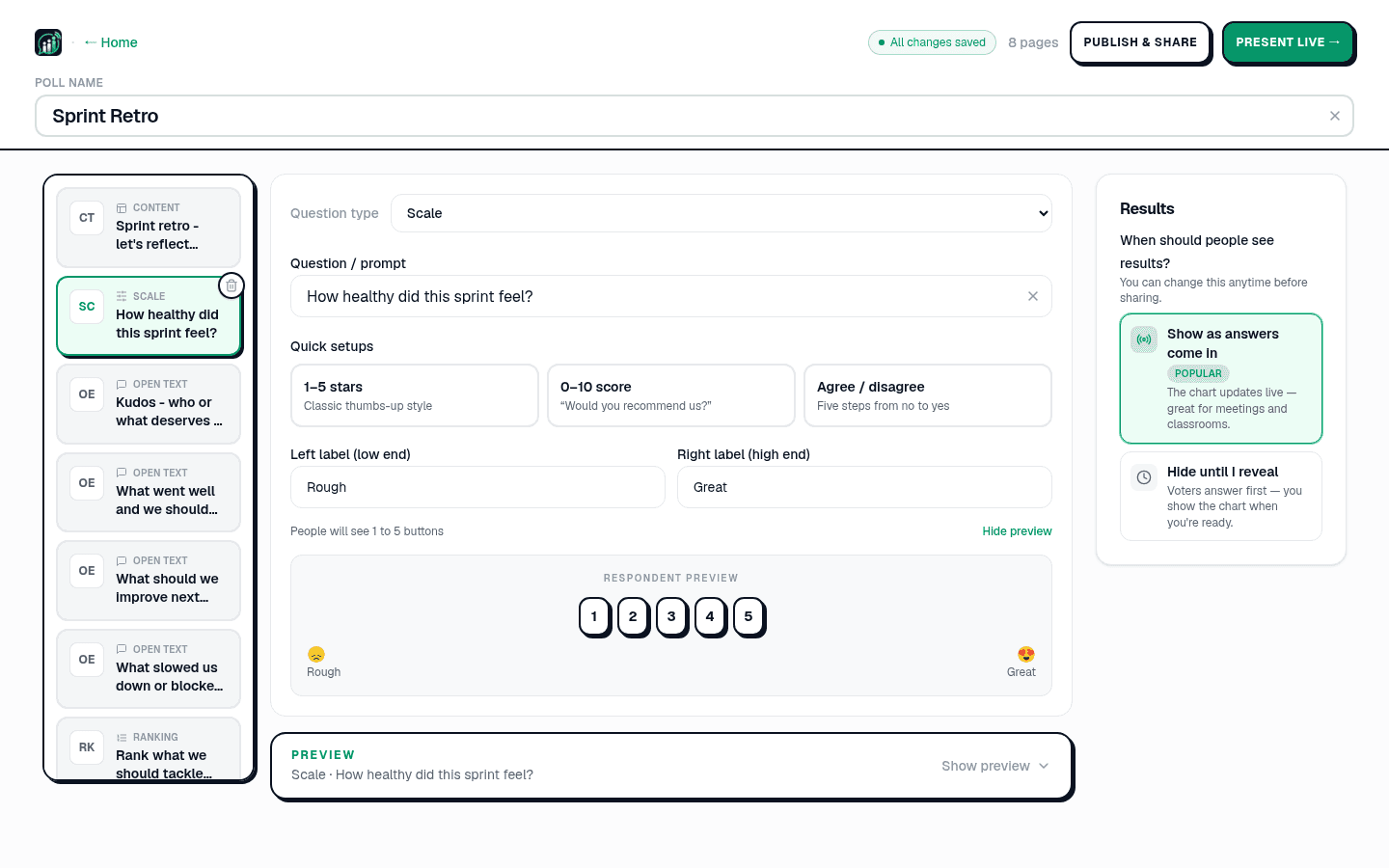
- Health check (30s). A 1-5 scale: "How healthy did this sprint feel?" You instantly see the mood before a word is spoken.
- Kudos (1 min). A word cloud for shout-outs. Start positive - it changes the whole tone of the room.
- What went well (2 min). A word cloud of keep-doing-this. Themes cluster automatically.
- What to improve (3 min). The honest one. Anonymous means you get the real answers, not the safe ones.
- Blockers (2 min). Open text: "What slowed us down?" - surfaces process drag you'd otherwise miss.
- Vote on actions (3 min). Rank the candidate fixes so you leave with a prioritised list, not a wish list.
- Open mic (3 min). A moderated Q&A with upvotes for anything left unsaid - the room decides what matters.
What the board actually looked like
Here's a real-shaped run. Priya, an EM on a 9-person squad, opened with the health check while people were still settling in. The number was lower than the standups had suggested - which was exactly the conversation worth having:
How healthy did this sprint feel? (1 = rough, 5 = great)
Kudos came next, and the tone in the room flipped - people grinning at their own names showing up on the wall:
Kudos - who or what made this sprint better?
Then the honest one. Anonymous, so the answer everyone felt but nobody had raised finally surfaced:
What slowed us down this sprint?
Finally the team ranked the candidate fixes, so they left with a prioritised top-3 instead of a vague intention to 'do better':
What should we fix first next sprint?
What it feels like in the room
The shift is physical. By the kudos slide people are smiling at the screen; by "what to improve" the cloud is genuinely alive because nobody's name is attached. You stop chairing a meeting and start reading the room. The kind of words that fill these clouds:
- "finally - anonymous" · "actually honest" · "so fast" · "can we keep doing this?"
- Kudos that would never be said out loud landing as the biggest words on the wall.
- A blocker three people quietly felt suddenly showing up in 12-point - and getting fixed next sprint.
We don't publish invented testimonials - but the kudos cloud at the end of a good retro is the most honest review you'll get, and it's right there on the screen.
Turn talk into action (and share it)
- Prioritised, not hand-wavy. The ranking slide gives you a clear top-3 to commit to.
- Share the result, not a transcript. Drop the results link into Slack or Teams, or embed it on your team wiki - see integrations.
- Export when you need rows. One-click Excel export (Pro) feeds your tracker; paste action items straight into Jira/Linear/Notion.
When to use it - and when not
- Great for: remote and hybrid teams, big groups where airtime is unequal, and any team where honesty has gone a bit quiet.
- Skip it for: a two-person chat - just talk. The magic is in giving a whole room an equal, anonymous voice.
Open the Sprint retro template and run your next one live - free, no signup, no app for your team.
Use the Sprint retro templateTip
Keep retro anonymous for the health scale - honest scores need no names attached.

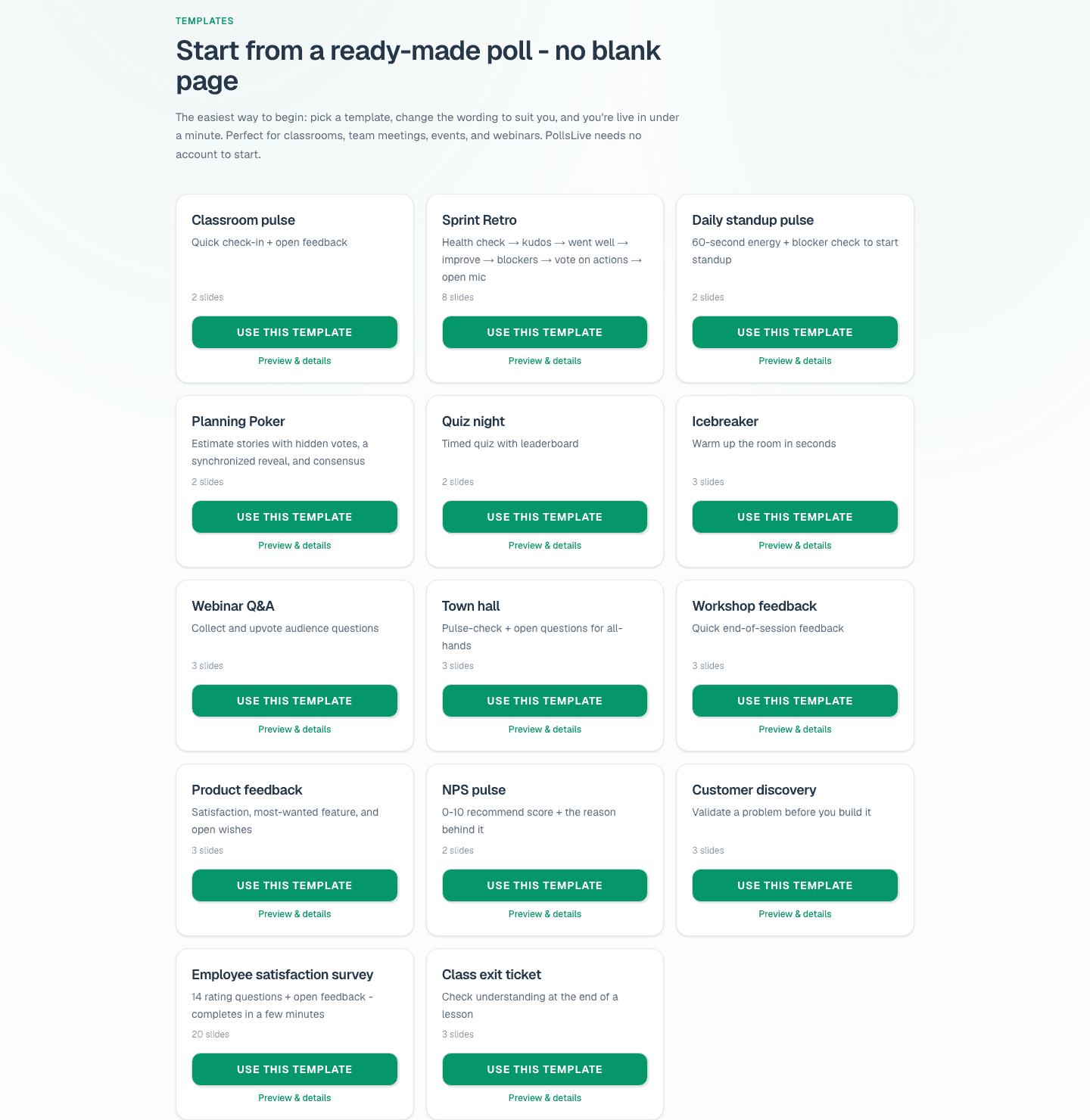
Reuse the deck with save poll templates. See /for/teams.