
June 18, 2026 · 6 min read
Poll vs survey vs form: which one do you actually need?
Polls, surveys, and forms get used interchangeably - but they solve different problems. Here's the plain difference, with examples, so you pick the right tool the first time.
A poll is one quick question, a survey is a set of questions for analysis, and a form is a structured way to collect and store records. They overlap, but picking the wrong one is why feedback rounds feel clunky. Here's the short version.
Tip
You do not need to be technical to follow this guide. Every step uses plain buttons in PollsLive - no coding, no app install for your audience.
Poll - one question, instant read
A poll asks a single question and shows the tally immediately. It's about the moment: a decision in a meeting, a vote at an event, a temperature check in class. Live polls are interactive - people watch the bars move. If that's your goal, you want a poll. See the online voting guide.
Survey - several questions, for insight
A survey strings multiple questions together to understand a topic - satisfaction, NPS, research. The output is analysis, not a single number. The skill is keeping it short enough to finish: how to create a survey and 30 question examples.
Form - structured data collection
A form exists to capture and store records - a signup, an order, an application. It's transactional and usually private (one submission, read later). Google Forms and Typeform live here. If you mostly need to *collect entries*, a form fits; if you need *live engagement or analysis*, a poll or survey does.
Which do you need right now?
Quick decision guide
- One question, want the room engaged? → live poll.
- A few questions, want insight? → survey.
- Capturing signups/orders/records? → form.
- Need it anonymous and login-free? → poll or survey on PollsLive.
PollsLive does live polls and async surveys in one place, with no respondent accounts. If you're deciding between it and a form tool, compare it with Google Forms, Typeform, and SurveyMonkey.
Tip
When in doubt, start with one question (a poll). You can always add pages later.
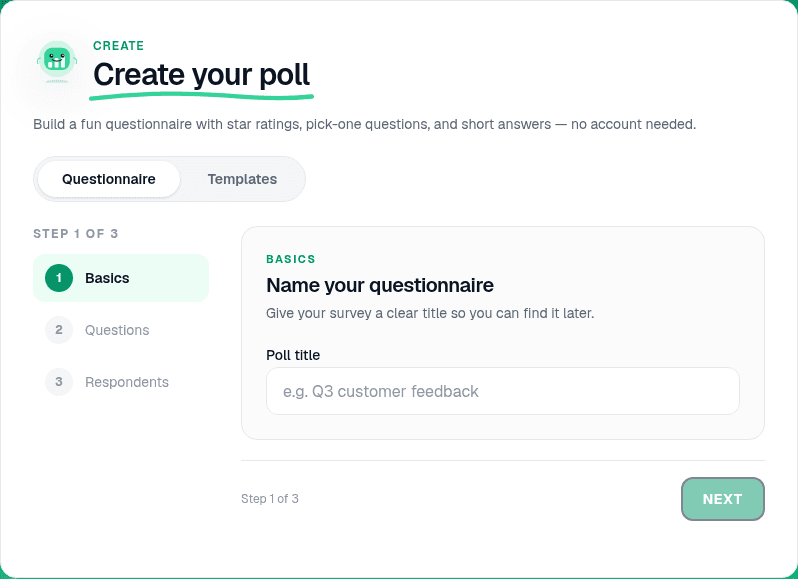
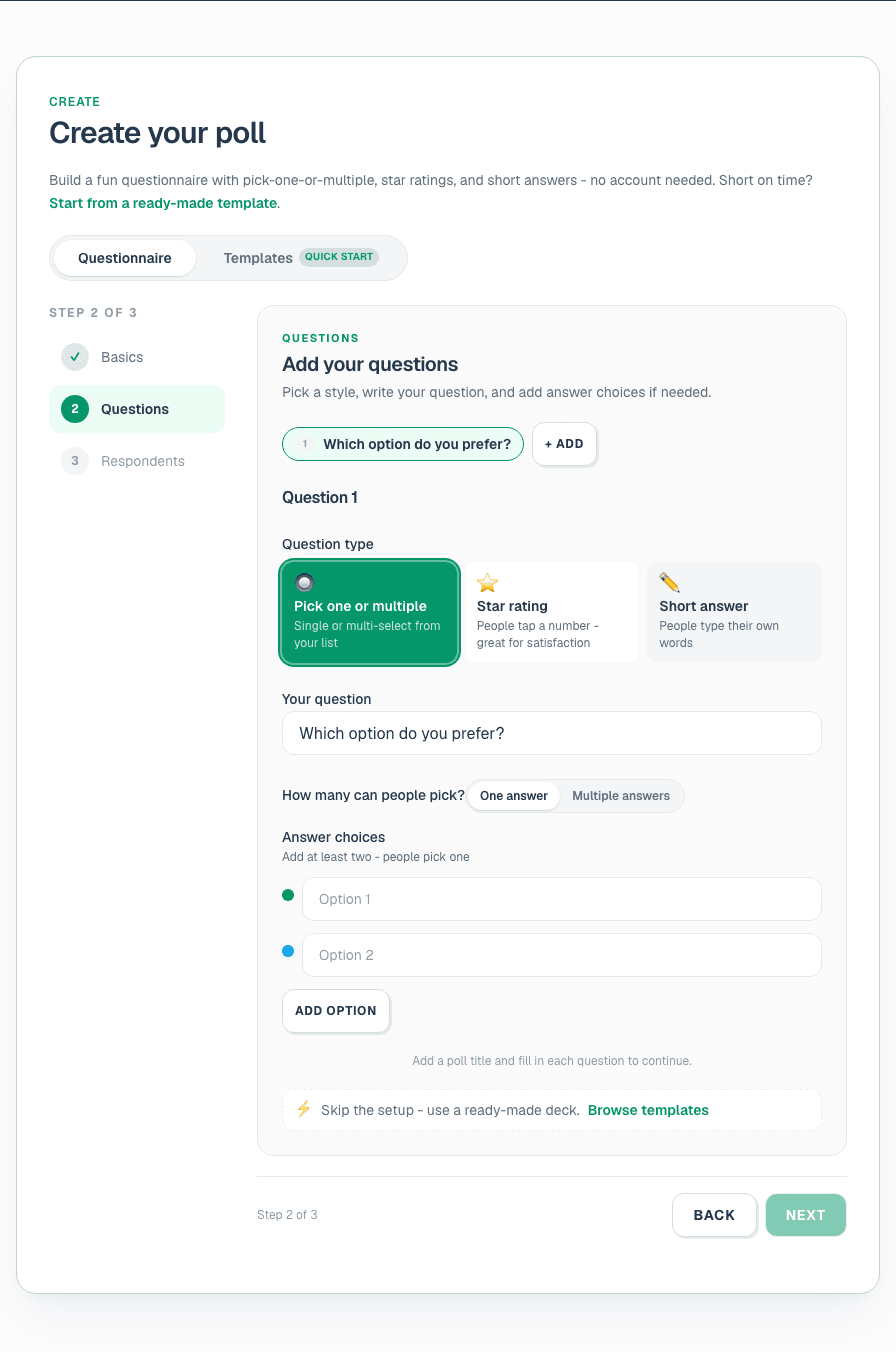
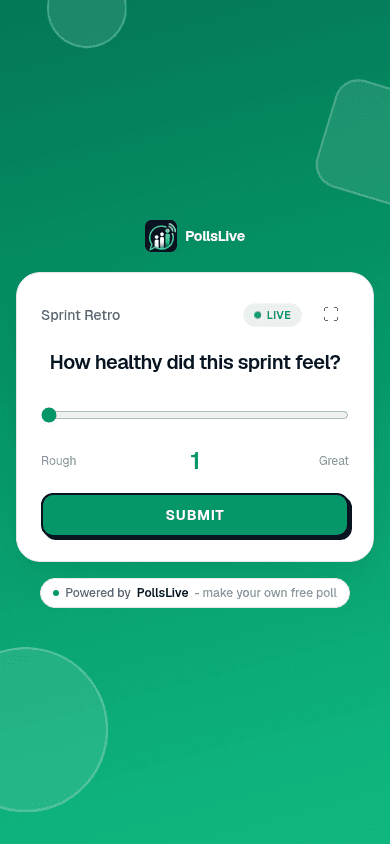
Build either format in build a poll from scratch. Compare Google Forms.
Spin up a live poll right now - no signup, no app for your audience.
Create a free poll