
August 19, 2026 · 8 min read
Run an audience Q&A where the best questions rise to the top
Open a Q&A board your room can post to and upvote, moderate what reaches the screen, and answer the questions the most people actually wanted asked - not whoever got to the microphone first.
Every open Q&A has the same failure mode: the person nearest the microphone sets the agenda. One confident voice asks a narrow question, the room waits politely, and the thing forty people actually wanted asked never gets said out loud. A Q&A board fixes that by letting people write questions down and vote on each other's, so what reaches the screen is what the room wants answered rather than who was quickest to stand up.
Tip
You do not need to be technical to follow this guide. Every step uses plain buttons in PollsLive - no coding, no app install for your audience.
What a Q&A page does
A Q&A page is not a poll. Instead of picking from options you wrote, people type a question of their own, and everyone else can upvote the ones they also want answered. You see the queue ranked by votes and choose what goes on the main screen. Three things happen at once: quiet people get a voice, near-duplicates collapse into one well-voted question, and you get a live read on what the room actually came for.

Add a Q&A page to your deck
Add the page
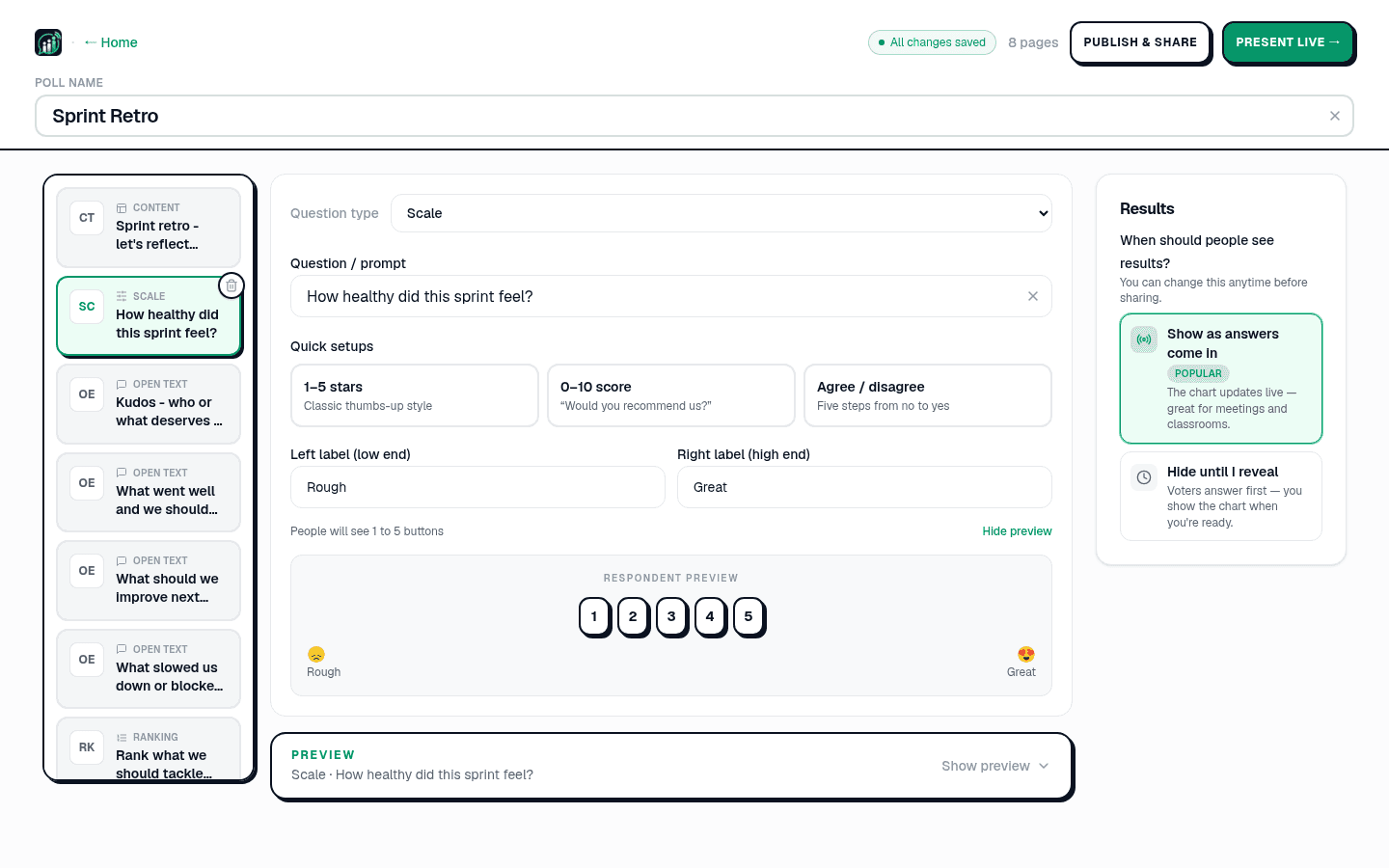
In the editor, click Add page and choose Q&A from the question type list. Give it a prompt that invites specifics - "What do you want to ask the panel?" gets better questions than "Questions?".
Decide whether to moderate
Open Answering and timing and check Moderation. With it on, every question lands in an approval queue and nothing appears on the main screen until you approve it. With it off, questions go straight to the board and the room ranks them itself.
Note
Moderation is on by default. That is the right setting for a conference stage or an all-hands; it is usually the wrong one for a workshop of twelve people you know, where the queue just adds a step.
Open the room
Click Present live. The host console puts a 6-digit PIN and a QR code on screen. People join from any browser - no app, no account, no waiting for an invite.
Work the queue
Questions arrive in the Moderation panel with a pending count. Approve the ones worth the room's time, hide the rest. Approved questions move to the board and start collecting upvotes, and the board reorders itself as votes land.
Tip
Read the top question out loud before you answer it, and say how many people upvoted it. It tells the room the board is real, and it makes the next person more likely to post rather than wait.
Why upvotes change what gets asked
Without voting, a Q&A queue is chronological, which rewards speed. With voting, it is ranked by how many people want the answer - so a question posted late can still reach the top, and you stop spending stage time on something one person cares about. It also gives you a graceful way to skip: a question with no votes after ten minutes is a question the room has already decided about.
Important
Upvotes measure interest, not importance. A hard question about layoffs may sit under a fun one and still be the one you have to answer. The board is a signal, not an instruction.
Anonymity and who can see what
Participants answer without an account, so nothing ties a question to an identity unless you turn name collection on. Leave it off for anything sensitive - a pulse on management, a safety concern, a question someone would not put their name to in a room of colleagues. That is usually the whole reason the board exists.
After the session
Every question, its vote count and whether you approved it are in the results. Export the session to CSV or a PDF report and you have a ranked list of what your audience wanted to know - which is the most useful artefact of the whole event, and the one that usually gets lost when Q&A happens on a microphone.
See live audience Q&A at conferences for the room-management side, and anonymous town hall and employee pulse for the internal version.
Spin up a live poll right now - no signup, no app for your audience.
Create a free poll