
May 15, 2026 · 9 min read
Running live audience Q&A on stage (that doesn't get hijacked)
Open-mic Q&A at a conference is a gamble - rambling 'questions', awkward silences, one loud voice. Here's how to run moderated live Q&A and on-stage polls that surface what the room actually wants to ask.
Anyone who's MC'd a conference panel knows the two failure modes of open-mic Q&A: the long silence while someone works up the nerve, and the person who grabs the mic to make a speech that isn't a question. An event host we spoke to swapped the standing mic for a QR code on the screen - and the quality of questions changed completely.
Tip
You do not need to be technical to follow this guide. Every step uses plain buttons in PollsLive - no coding, no app install for your audience.
Let the room ask in writing, vote on the rest
With an anonymous Q&A slide, attendees type their questions from their seats and upvote the ones they also want answered. By the time the panel turns to questions, you're not scanning a room of raised hands - you're reading a ranked list of what the audience most wants to know. You moderate which to take, and the speech-makers quietly lose to the actual questions.
Warm the room up first
- Open with a quick poll as people settle - "Where are you joining from?" or "What brought you to this session?" It gets every phone already connected before you need it.
- Run a live temperature check on a claim the speaker makes - instant on-stage tension and a talking point.
- Keep the Q&A wall open the whole session so questions accumulate while the talk runs, instead of a cold start at the end.
What the host actually sees on stage
Here's a session run by Dev, who MCs a 400-seat product conference. He opened with a throwaway warm-up while people found seats - its only job is to get every phone connected before the talk starts:
While we get started - what's your role?
By the time the panel turned to questions, the wall wasn't a sea of raised hands - it was a ranked list, ordered by the audience's own upvotes. Dev just read from the top down:
Top audience questions (ranked by upvotes)
"The awkward question with 95 votes - about pricing - I couldn't pretend it wasn't there," Dev said. "And honestly the panel was better for it. Anonymity got us the real questions."
Why it beats the standing-mic ritual
- No app, no login - attendees scan a QR and they're in, which matters when you have 500 people and four minutes.
- Anonymous means people ask the slightly risky question they'd never say into a microphone.
- Upvotes do the triage so you spend stage time on the questions that matter to the most people.
It's the same job Slido is known for, without the per-event pricing - see the honest comparison with Slido, or the PollsLive for events page for the full event playbook.
Tip
Moderate aggressively - upvotes surface good questions, but you still pick what goes on the main screen.

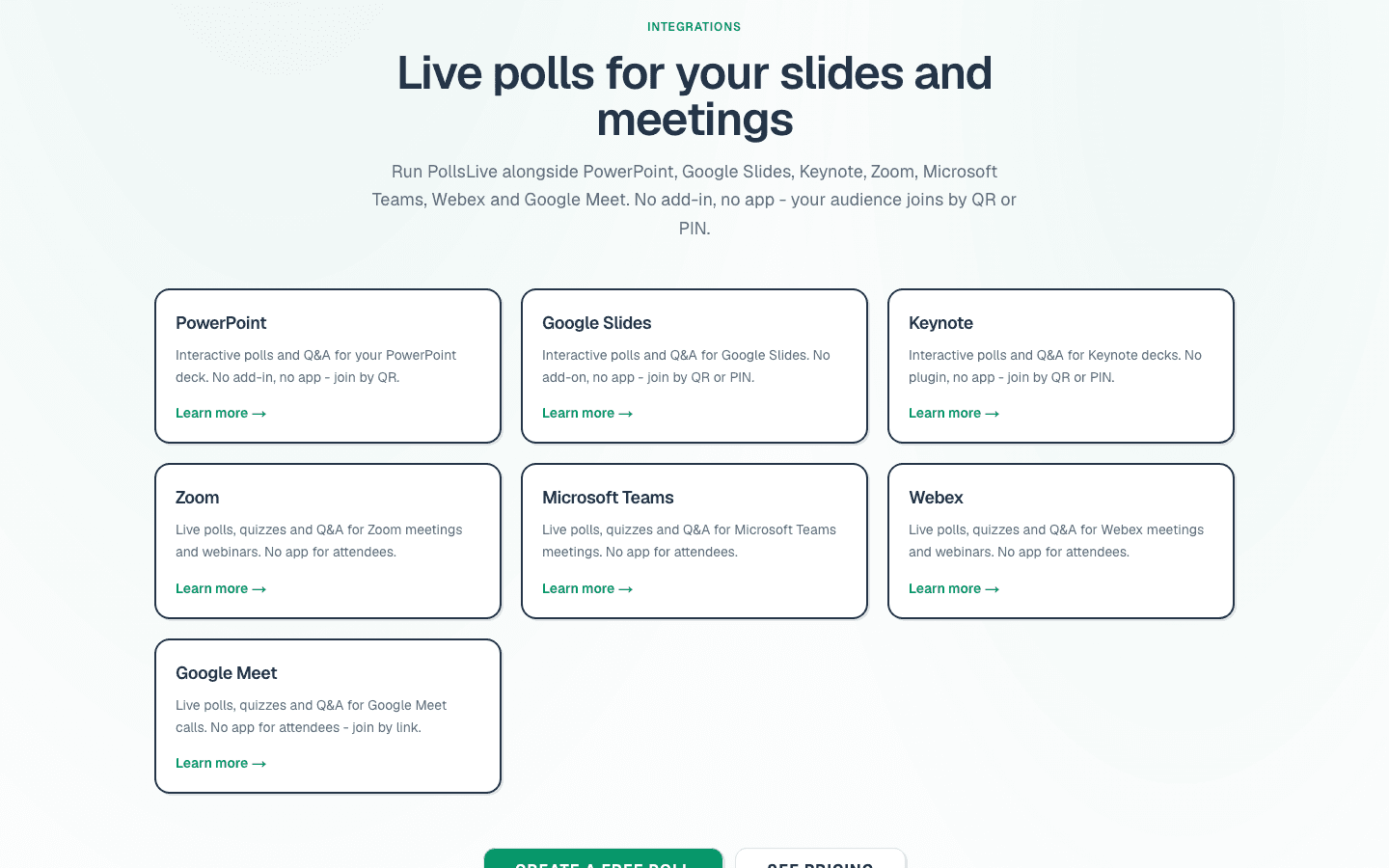
See PollsLive for events and /integrations.
Spin up a live poll right now - no signup, no app for your audience.
Create a free poll