
August 19, 2026 · 8 min read
Run one event without buying a yearly plan
You host two conferences a year and every polling vendor prices as though you host fifty. Here is how a one-time Event Pass works, what it costs against an annual per-seat plan, and how to run the night itself.
The annual conference is in three weeks. You need live polling for one afternoon, for maybe 1,200 people, and every quote you have looked at is a yearly subscription billed per presenter. You will use it twice. This is the most common way people overpay for audience engagement, and it is avoidable.
Tip
You do not need to be technical to follow this guide. Every step uses plain buttons in PollsLive - no coding, no app install for your audience.
What an Event Pass is
A one-time purchase that lifts your participant limit for a week. No subscription, no renewal date, nothing to remember to cancel. You buy it, it activates, and seven days later it expires on its own.
- Standard - $29 for up to 2,000 people in a live session
- Large - $79 for up to 5,000
- Active for 7 days from the moment you activate it, which covers a rehearsal, the event, and the day you forgot about
How that compares to a yearly plan
The comparison people usually make is feature-by-feature. The one that matters here is the billing shape. These are the entry paid tiers at the tools most people are choosing between, taken from each vendor's own pricing page and verified in July 2026:
- Slido Engage - $150 a year per organizer, billed annually only
- Mentimeter Basic - $168 a year per presenter
- Poll Everywhere Present - $120 a year per presenter
- PollsLive Event Pass - $29 or $79, once, for the whole room
Note what the word per is doing in the first three. If you and two colleagues each present a segment, that is three seats, three times a year, forever. The Event Pass has no seat dimension at all - it lifts the limit for the workspace, and however many of you are running slides is your business.
Note
This is a comparison of list prices for one event, not a claim that these tools are otherwise equivalent. Slido and Mentimeter both have deeper slide design and larger template libraries. If you run rooms every week, a subscription is the right shape - see below.
When a subscription is genuinely the better buy
If you present more than a few times a year, stop reading and buy Pro: $50 a year for the whole workspace, up to 10 people, 1,000 in a live session, and monthly billing if you would rather not commit. Team is $99 a year for 25 people and 1,500 in a room. Both are flat - the price does not move when a colleague starts presenting too. The Event Pass exists for the case where even that is more commitment than the calendar justifies.
Running the event
Build the deck
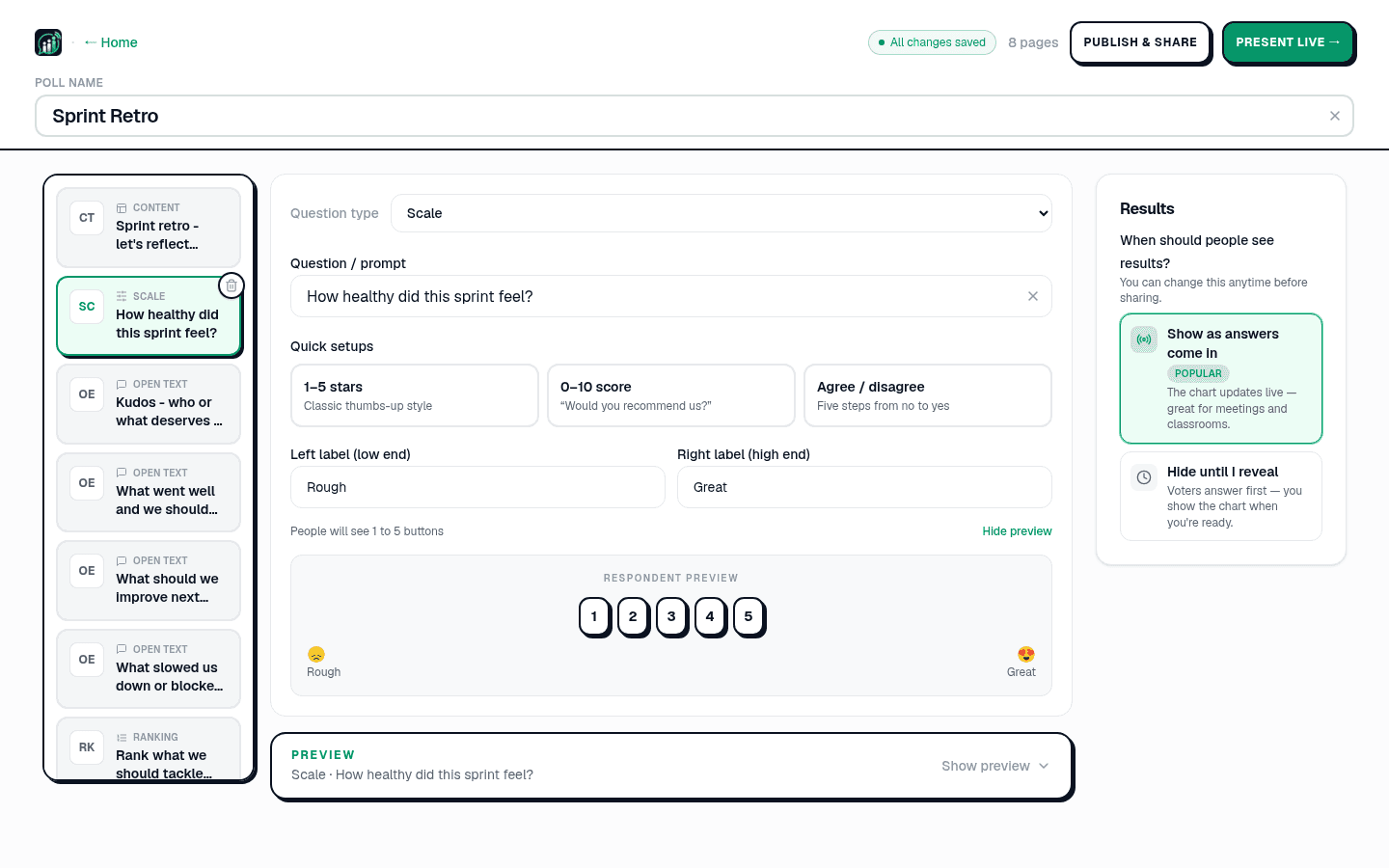
Start from a template or a blank question. Mix the formats - a multiple choice to open, a scale to check comprehension, a word cloud for takeaways, a Q&A page running underneath the whole session.
Activate the pass
Buy it from the pricing page or Studio, then activate. The new limit applies to the workspace immediately, and the host console shows your live count against it so you can watch the room fill.
Put the PIN on the screen
Click Present live. Share the 6-digit PIN and QR from the host console, and leave them up - people join late, and a code that disappeared after slide one is the most common reason a room half-participates.

Export before you go home
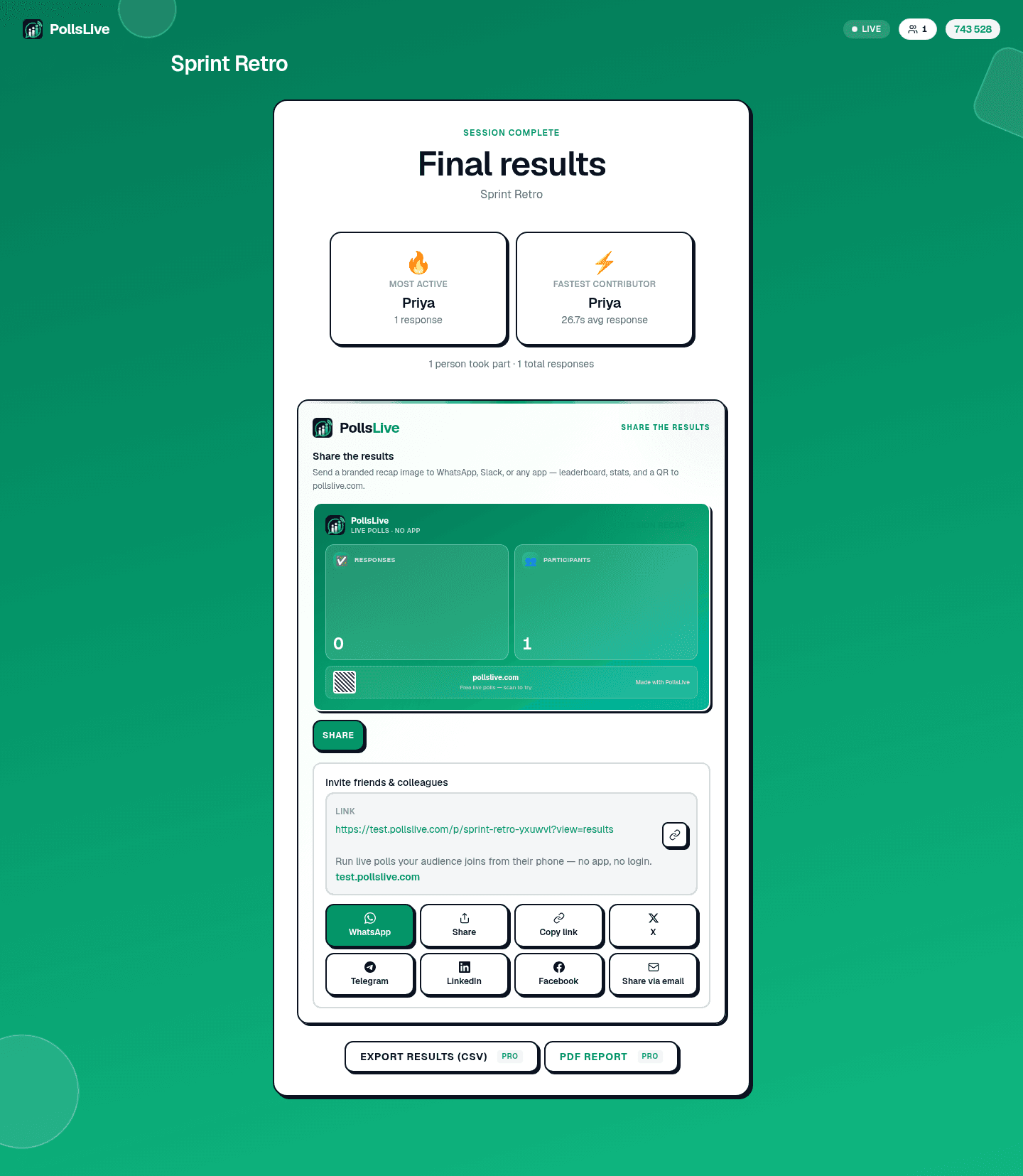
The recap has the final results and a read-only link you can send round. Export to CSV, Excel or a PDF report - the questions your audience upvoted are usually the most useful thing you take away from the day.
Running it alongside your slides
PollsLive runs beside whatever you are already presenting from - PowerPoint, Google Slides, Keynote, Zoom, Microsoft Teams, Webex and Google Meet all have a companion page explaining the setup. Build the poll in a browser tab, put a transition slide in your deck, and switch across when you want the room to answer.
Important
To be exact about it: these are companions, not plugins. There is no native PowerPoint add-in and no in-meeting Teams app yet, so nothing embeds inside your deck - you switch to a browser tab and back. If an embedded add-in is a hard requirement, that is a real reason to choose something else.
What happens when the week ends
The pass expires and the workspace returns to whatever plan it was on. Your polls, results and exports stay exactly where they are - the pass raises a ceiling while it is active, it does not rent you your own data. If the next conference is a year away, buy another one then.
Not sure what limit you need? See how many people can join a live poll. For the feature-level comparison, see PollsLive vs Slido and PollsLive for events.
Spin up a live poll right now - no signup, no app for your audience.
Create a free poll