
June 20, 2026 · 11 min read
How to create a survey people actually finish
A step-by-step guide to writing a survey that gets completed: how many questions, what order, which question types, and how to avoid the mistakes that make people quit halfway.
Anyone can throw ten questions in a form. The skill is getting people to finish - and most surveys lose half their respondents before the end. This guide walks through how to create a survey that gets completed, whether you run it async over a link or live in a room.
Tip
You do not need to be technical to follow this guide. Every step uses plain buttons in PollsLive - no coding, no app install for your audience.
Poll vs survey: know what you are building
A poll is usually one question with instant results. A survey is multiple questions on one page, submitted together. In PollsLive, any deck with more than one question becomes a survey automatically - every question on one scrollable page with combined results. Read poll vs survey vs form if you are unsure which format fits.
Step-by-step: create your survey
Start from the decision, not the questions
Before writing anything, finish this sentence: *"After this survey I will decide ___."* Every question that does not feed that decision gets cut. Surveys balloon because we ask things that are nice to know - length is the number-one reason people quit.
Open the questionnaire builder
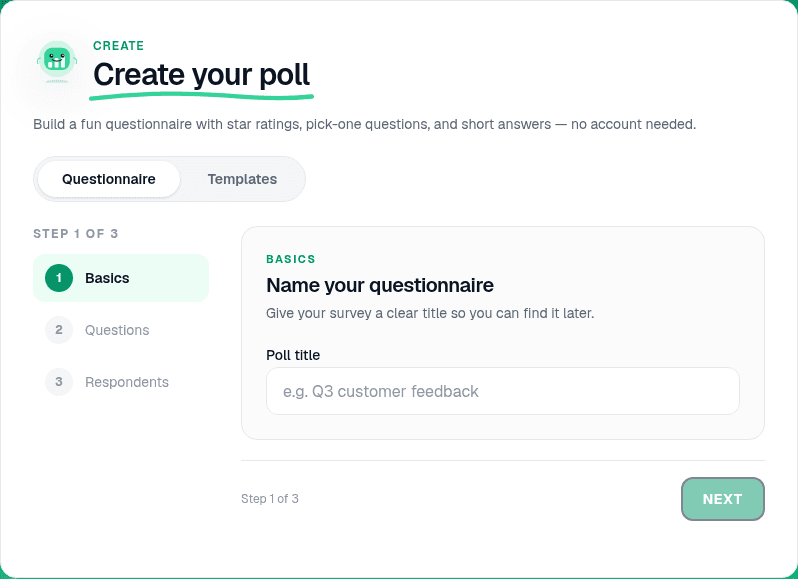
On the home page, open Create your poll and pick the Questionnaire tab. Name the survey, then add each question. When you have more than one question, PollsLive presents them as a single survey page automatically.
Add 5-8 questions in the right order
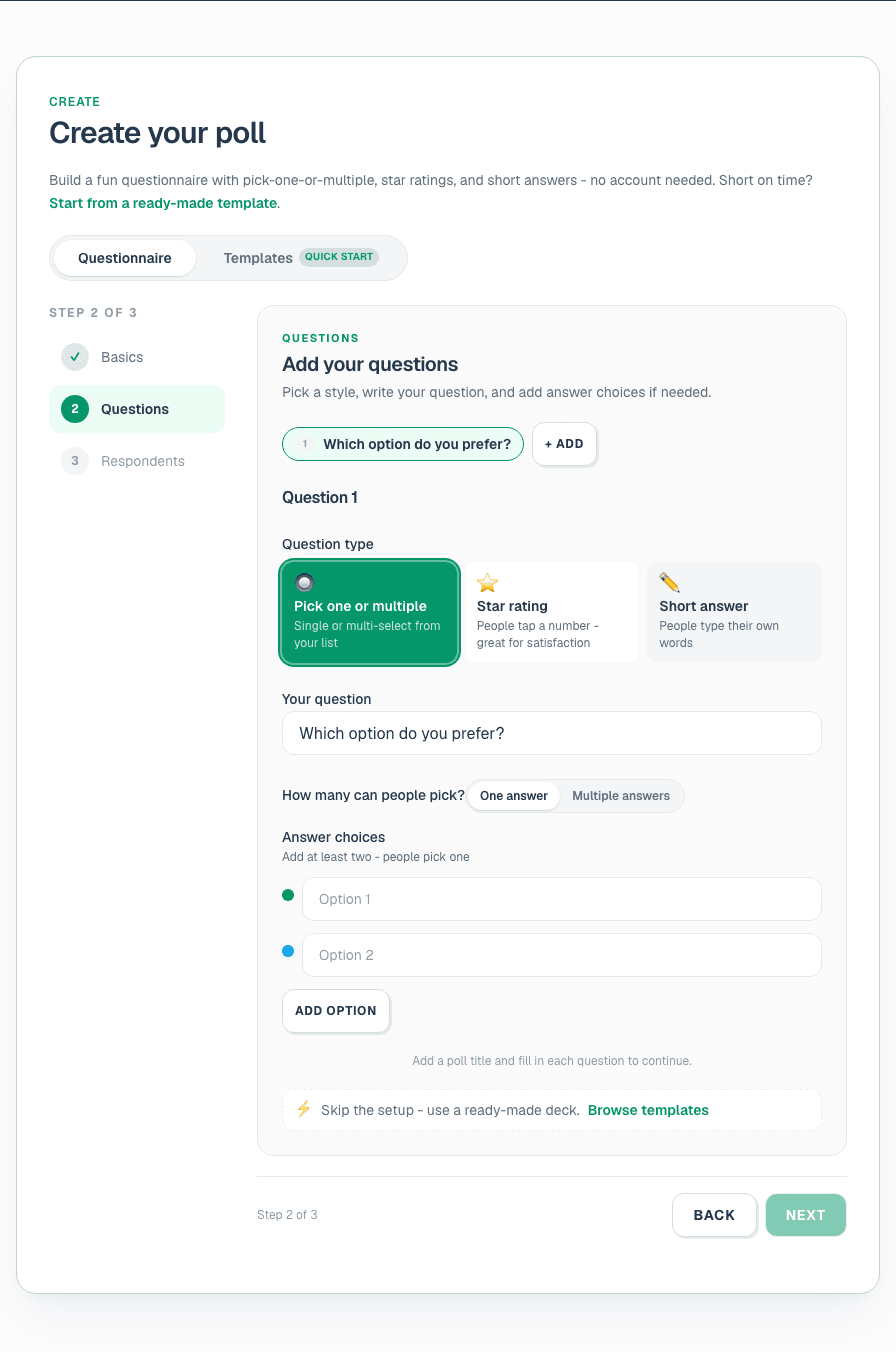
Lead with an easy, engaging question to build momentum. Group related topics together. Aim for 5-8 questions on a general survey; under 5 for a quick pulse. The respondent sees every question on one scrollable page.
Tip
Put demographics last. People abandon surveys that ask "what is your job title?" before they know why they are answering.
Pick the right question type for each page
In the editor, each question is a page. Match the type to the answer you need: Multiple choice for countable picks, Scale for satisfaction and NPS, Open text for the why (renders as a word cloud live), Ranking for priorities. See question types explained.
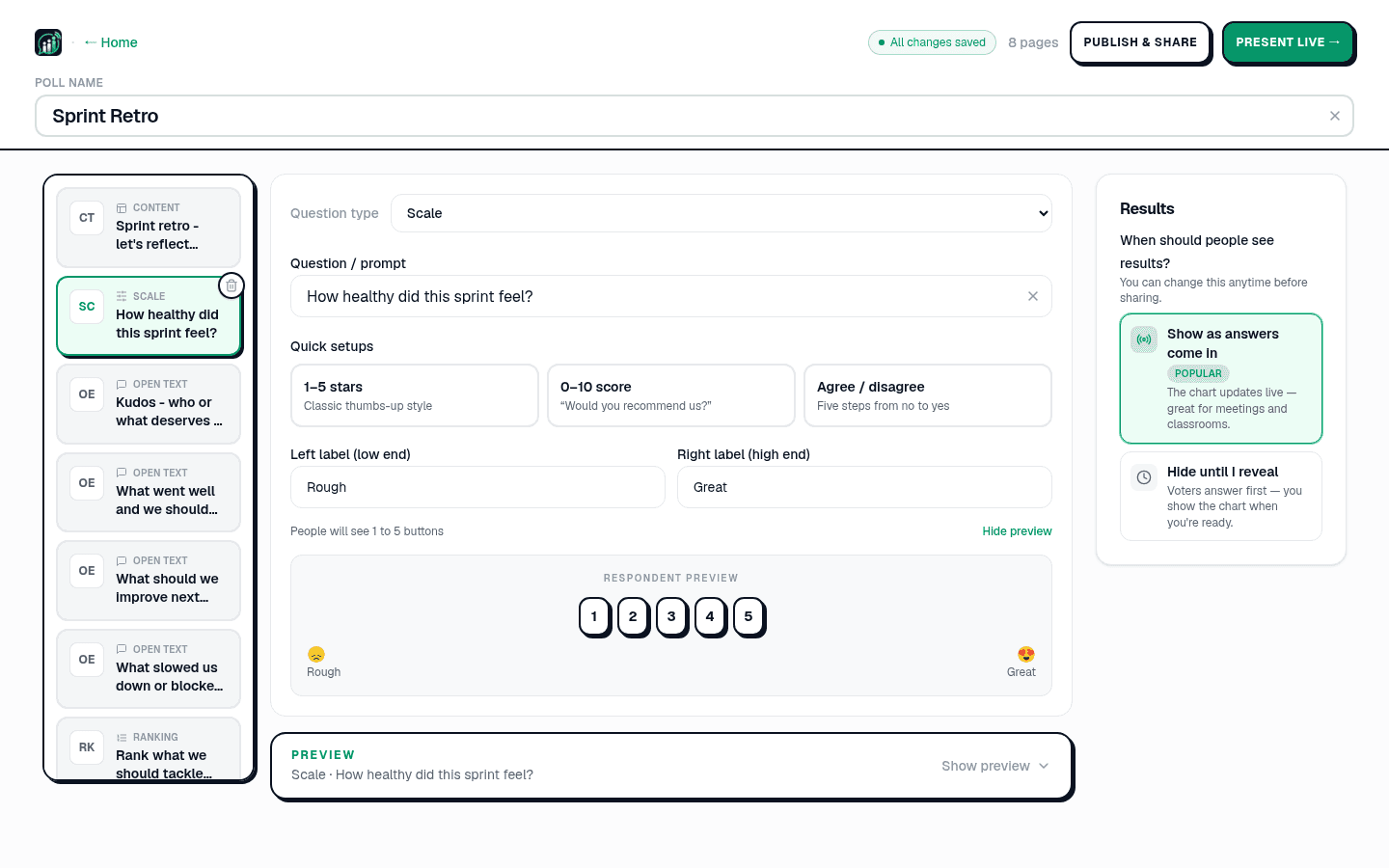
- Multiple choice - clean, countable answers.
- Scale (1-5 / 0-10) - satisfaction, agreement, NPS-style questions.
- Open-ended - the why; grouped live as a word cloud.
- Ranking - priorities, not just picks.
In one word, how was the workshop?
Write neutral questions
Avoid leading wording ("How great was…" becomes "How would you rate…"). Ask one thing per question - split "fast and friendly?" into two. Offer a neutral or "not applicable" option. Keep scales consistent (always 1 = low, 5 = high). Copy examples from 30 survey question examples.
Note
Run sensitive questions (manager trust, compensation fairness) with name collection off. See anonymous voting how-to.
Preview on mobile
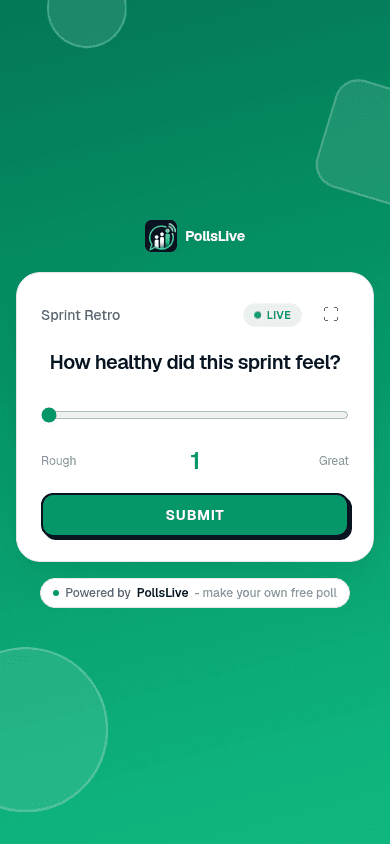
The editor shows a live preview of the respondent page. Scroll through on a phone-sized preview to confirm the survey feels short and readable before you share.
Choose live or async delivery
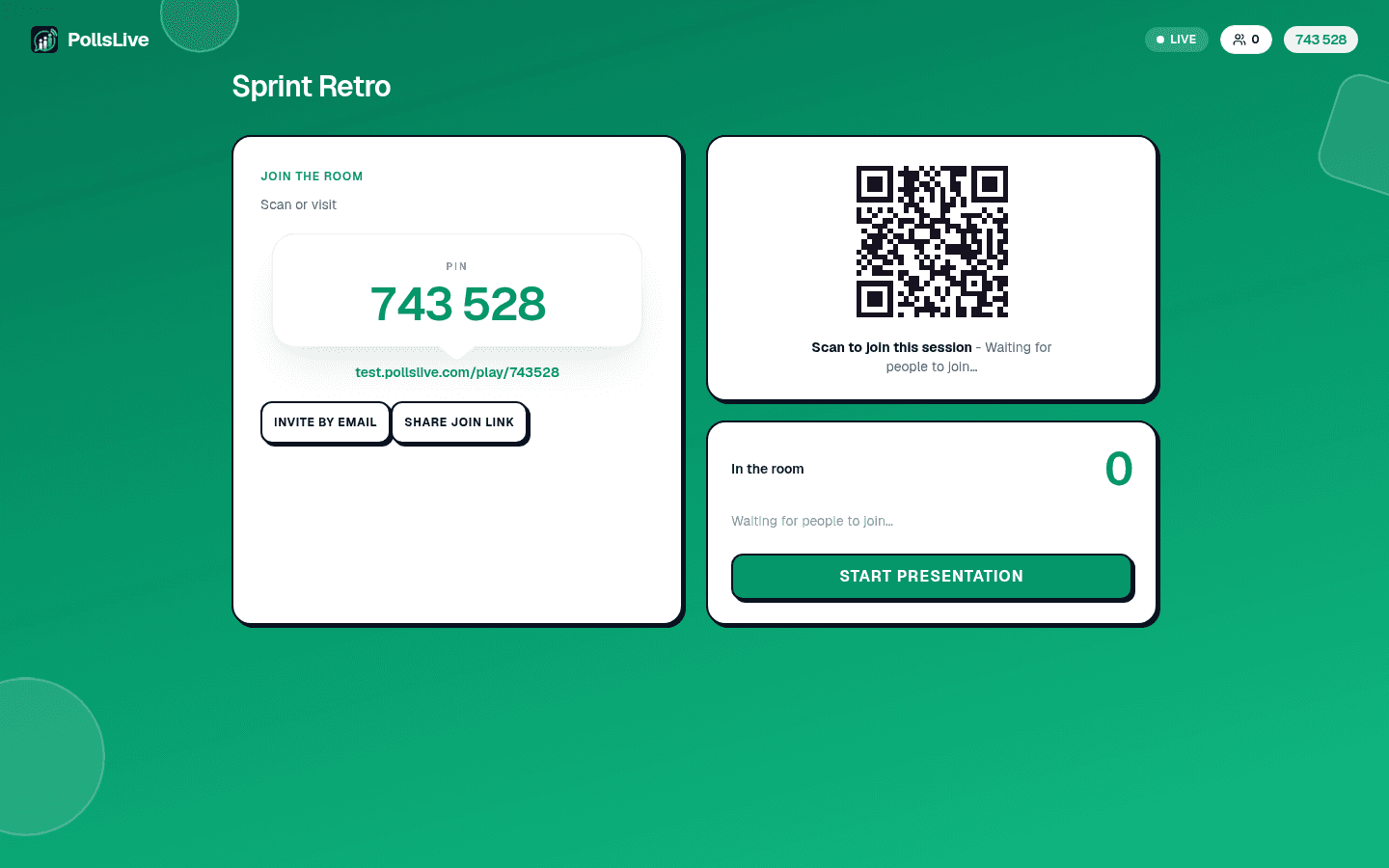
Async - click Publish & share and send the link by email or Slack. People answer on their own time. Live - click Present live for a room where results appear on screen as people submit. Same survey, two modes.
Read results and export
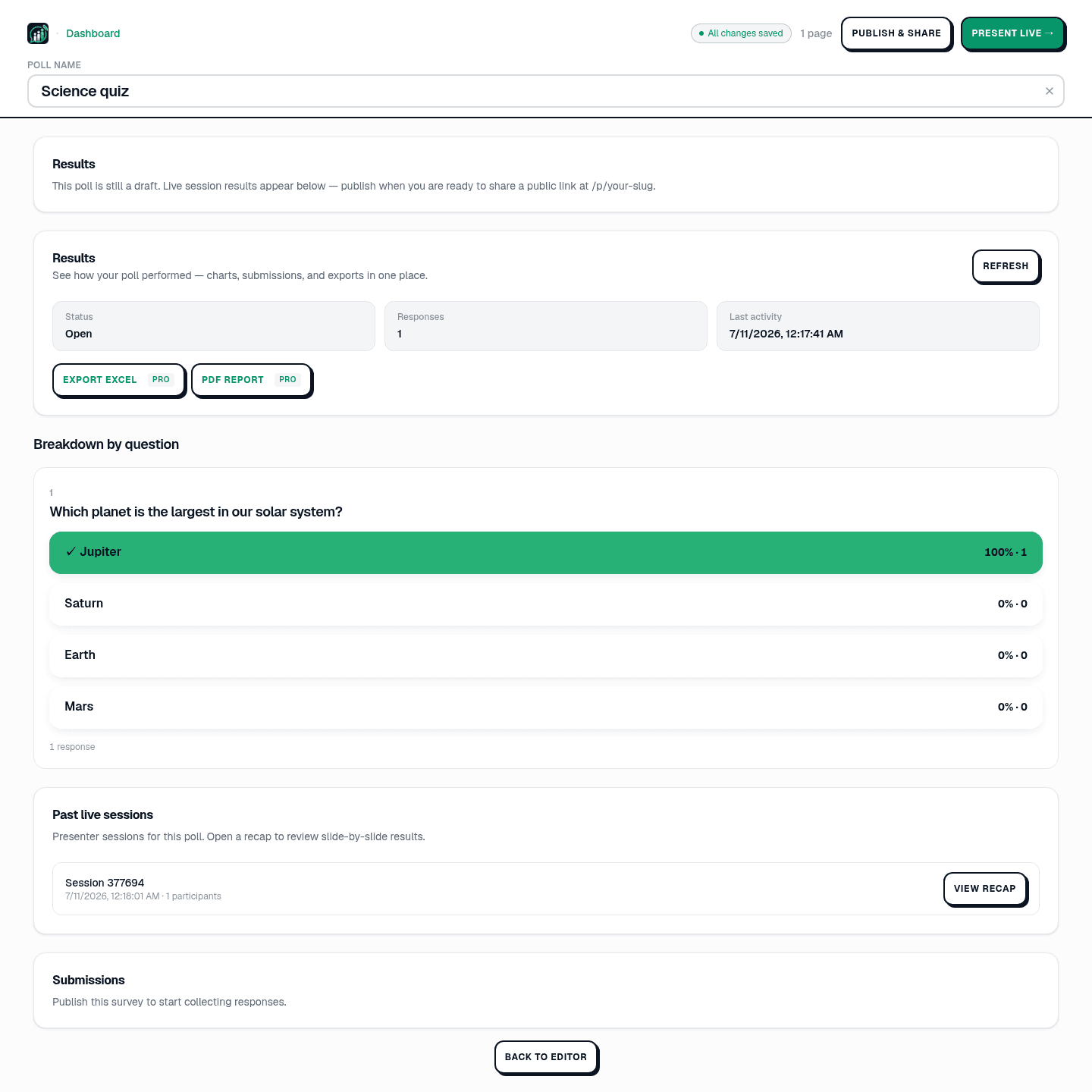
Open Results in Studio for a breakdown by question. Export Excel or PDF on Pro ($4.17/mo annual, 21-day free trial). See read and export poll results.
Start faster with a template
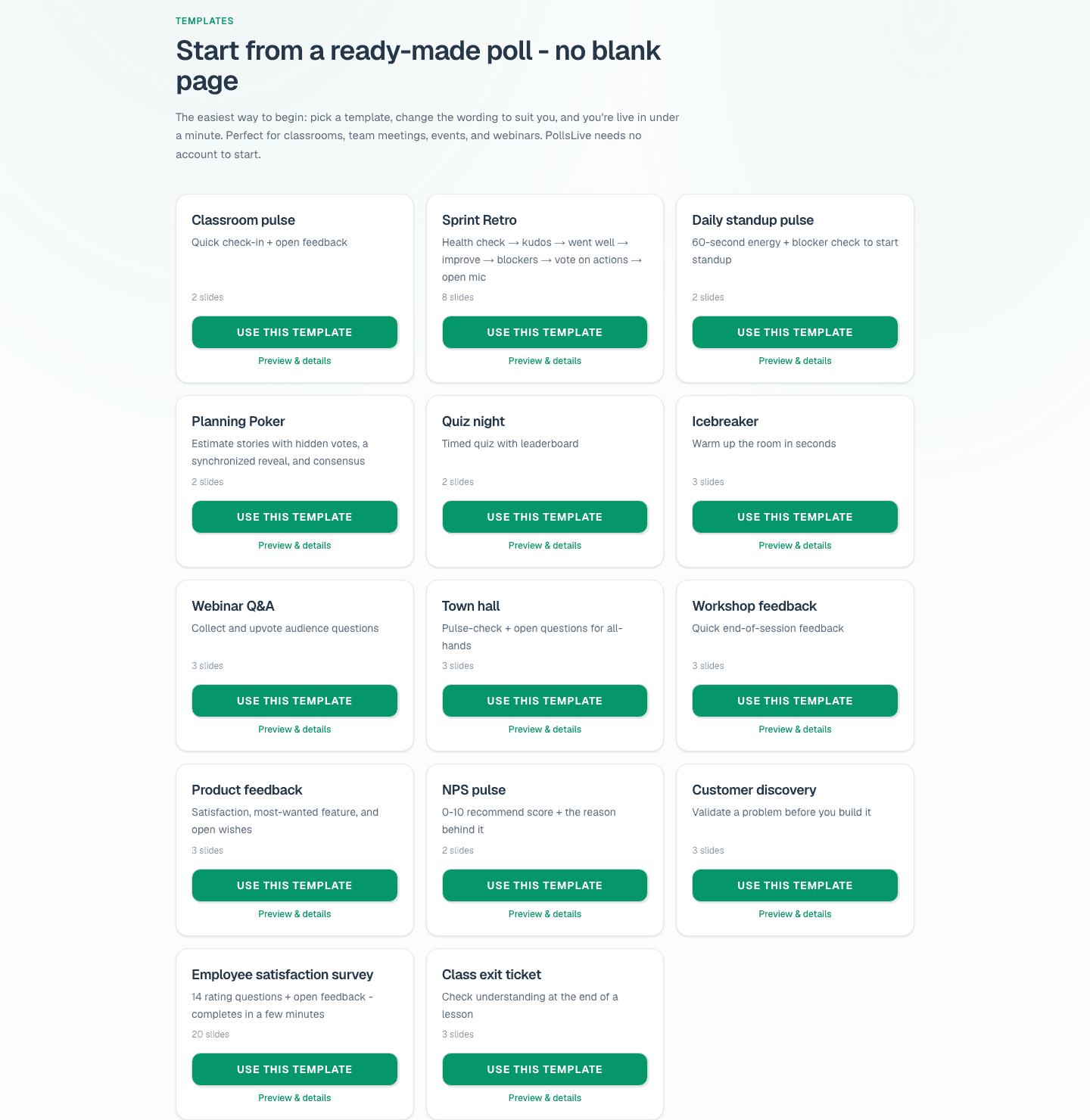
Do not want to write every question from scratch? Browse the template gallery - Employee satisfaction, NPS pulse, and Event feedback are ready to edit. Click Use this template, tweak the wording, and publish.
Compare survey tools
PollsLive is a free survey maker with no account required for respondents. If you are moving off a form tool, see PollsLive vs Google Forms, vs Typeform, and vs SurveyMonkey. For recurring monthly pulses, see recurring polls without rebuilding.
Spin up a live poll right now - no signup, no app for your audience.
Create a free poll