
June 28, 2026 · 8 min read
Planning poker for remote sprint estimation (that doesn't drag)
Run async-friendly planning poker with hidden votes and a synced reveal, plus quick standup and retro polls - estimation your distributed engineering team will actually finish.
Estimation is where remote sprint planning quietly falls apart. Someone says "five?", three people nod, and the team anchors on the first number it heard. Planning poker fixes that with hidden votes and a simultaneous reveal - but only if the tool is fast enough that nobody dreads it. Here's how to run it in PollsLive without the meeting dragging.
Tip
You do not need to be technical to follow this guide. Every step uses plain buttons in PollsLive - no coding, no app install for your audience.
Why hidden votes matter
The whole point of planning poker is to remove anchoring. When everyone commits privately and reveals at once, the junior engineer's 8 lands with the same weight as the lead's 3 - and that gap is exactly the conversation worth having. An estimation slide keeps every vote hidden until you choose to reveal.
Pick a deck that fits your team
- Fibonacci (1, 2, 3, 5, 8, 13, 21…) - the classic; the gaps force a real choice.
- T-shirt sizes (XS-XXL) - great for teams new to points or sizing epics.
- Powers of two (1, 2, 4, 8, 16…) - when you want sharp separation.
- Plus ? for "need more info" and a coffee card for "let's take a break".
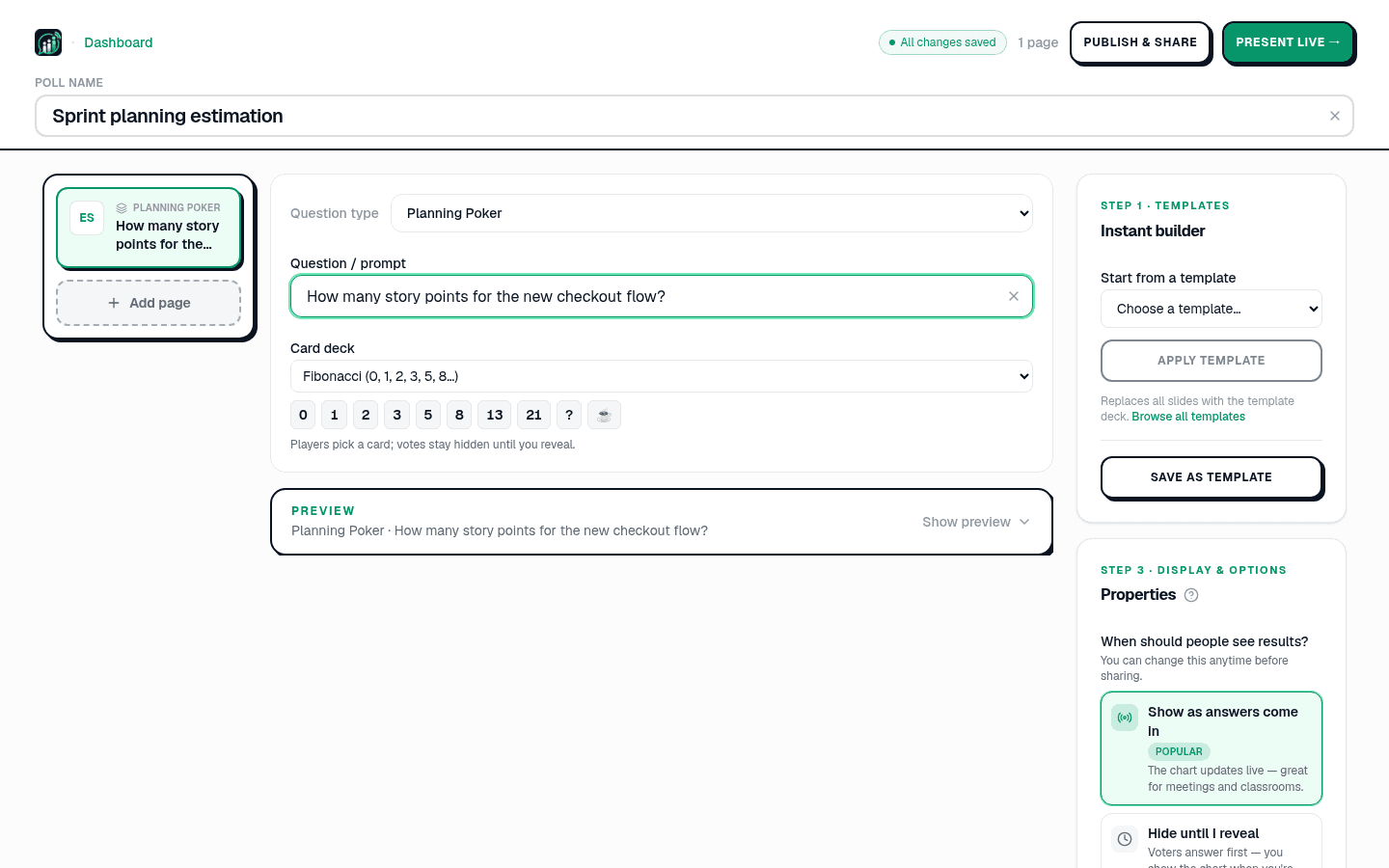
Run a round in under a minute
Read the ticket, give everyone a few seconds to pick a card, then reveal. Look at the spread, not just the average - a clean cluster means ship it; a wide spread means there's a hidden assumption to surface before you commit.
Estimate: "Add SSO login" - pick your card
Estimation is just the start of the sprint ritual
The same join-by-link, no-app flow runs the rest of your agile cadence. Keep a recurring standup mood-and-blocker check and a retro in the same place - and because you can run them every sprint, file each series in a folder (see recurring polls without rebuilding).
- Standup - a 60-second energy + blocker pulse to open the call.
- Retro - a health scale, then open text for went-well / improve. See a sprint retro your team actually enjoys.
- Planning - estimation slides for the backlog you're committing to.
Distributed teams join from a link in Slack - no installs, no accounts. More patterns in PollsLive for teams and 7 ways to make boring meetings interactive.
Tip
If the spread is wide, discuss outliers only - re-vote once, then move on.

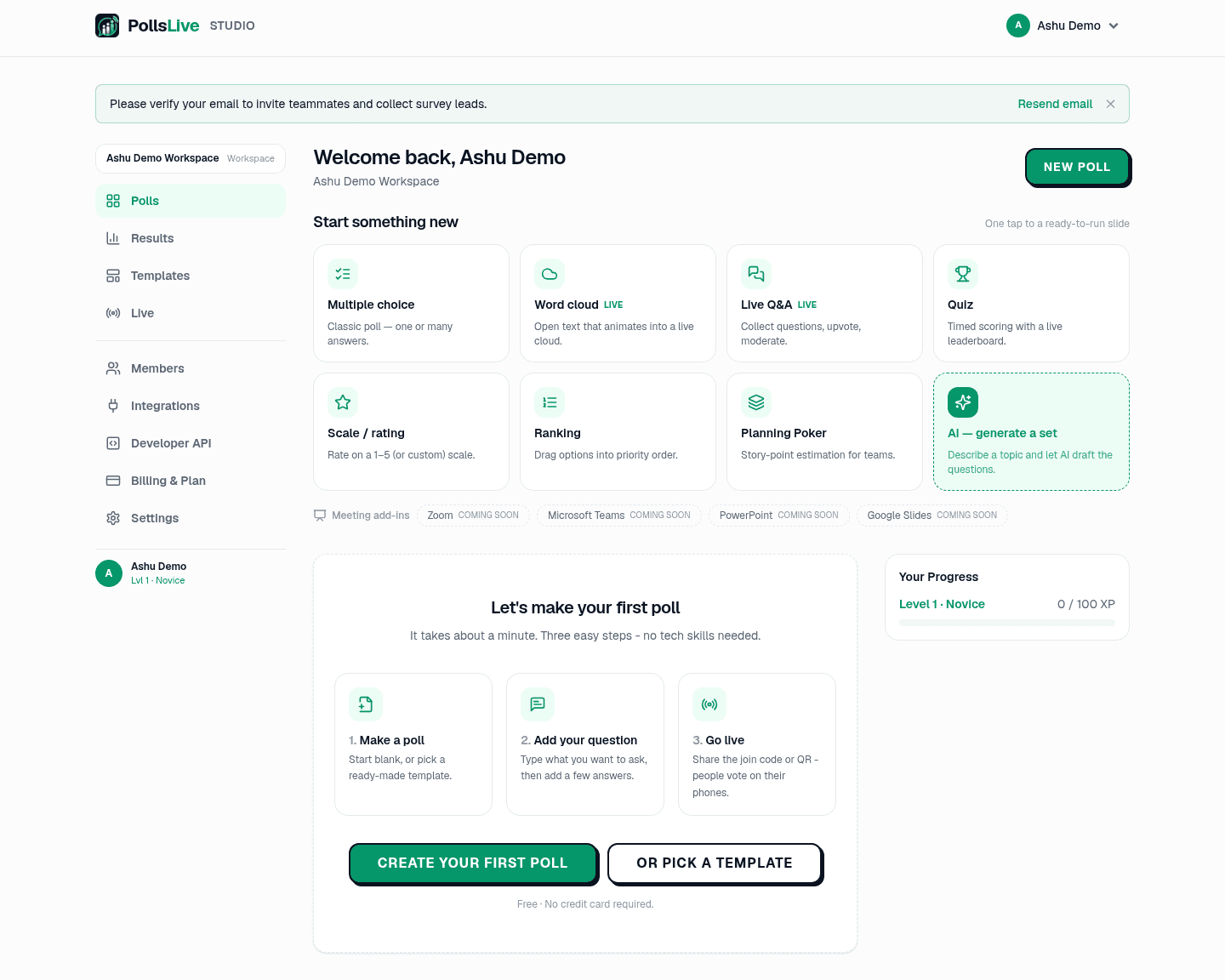
Browse PollsLive for teams or start from a Sprint Retro template.
Spin up a live poll right now - no signup, no app for your audience.
Create a free poll