
June 9, 2026 · 8 min read
7 ways to make boring meetings interactive
Seven concrete, low-effort ways to turn a one-way meeting into a two-way one - using live polls, quizzes, scales, and anonymous Q&A.
Most meetings are broadcasts. A few small prompts turn them into conversations - and you don't need anyone to install anything. Here are seven that take seconds to set up.
Tip
You do not need to be technical to follow this guide. Every step uses plain buttons in PollsLive - no coding, no app install for your audience.
1. Open with a one-tap temperature check
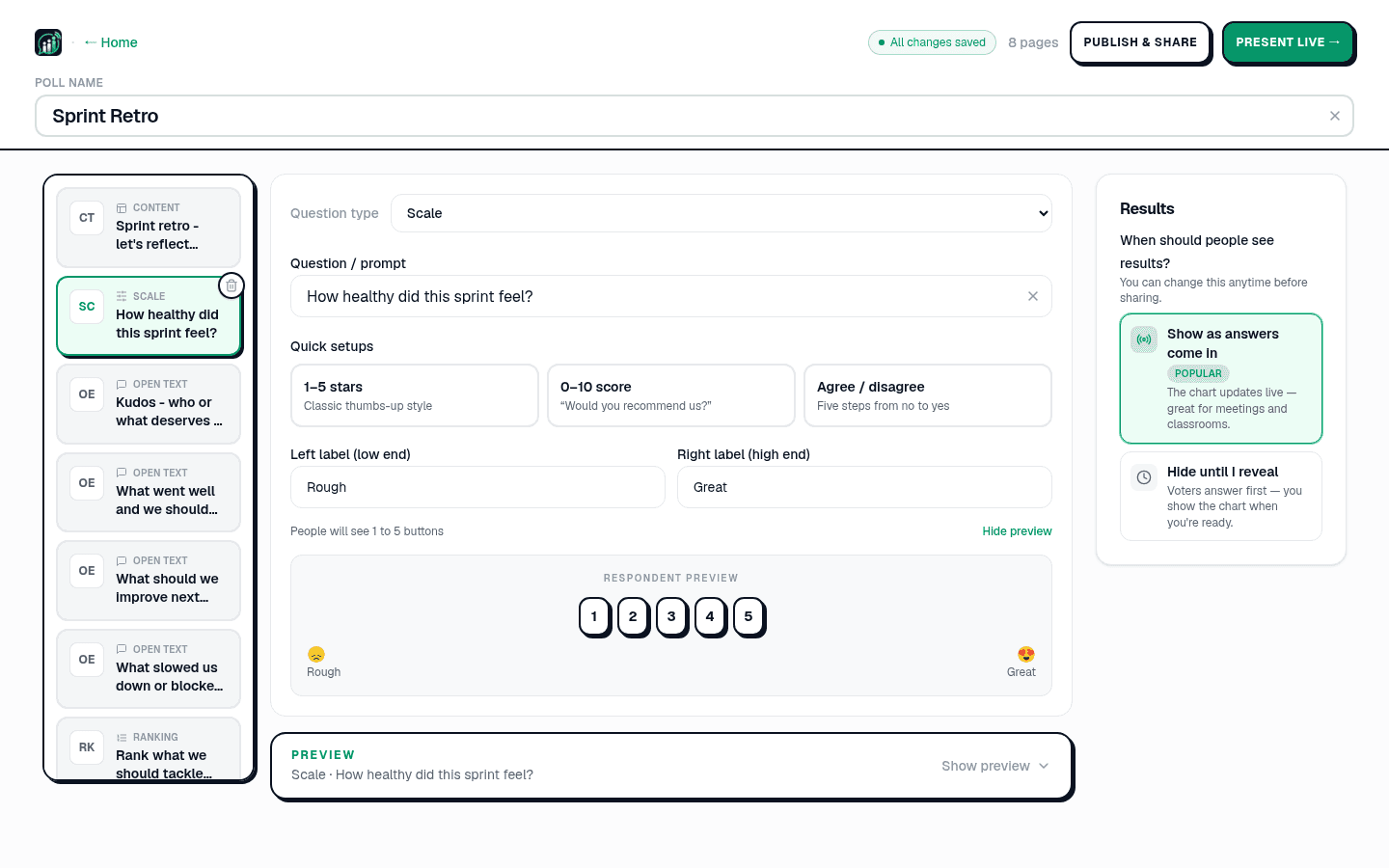
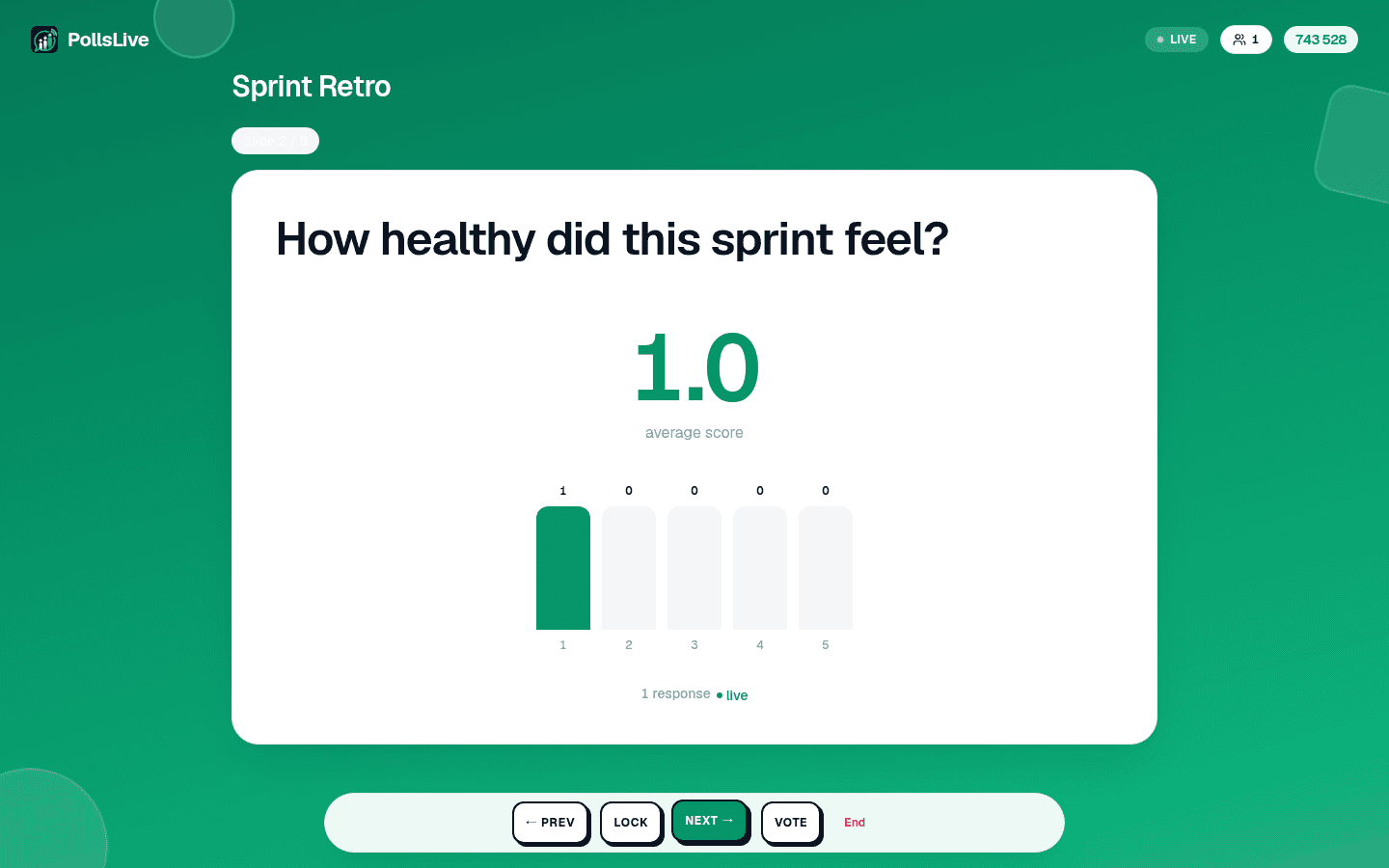
A 1-5 scale slide - "How's the sprint going?" - gives you the room's mood in ten seconds and a number you can track week to week.
2. Replace "any questions?" with anonymous Q&A
Silence after "any questions?" usually means people don't want to ask in front of the group. An anonymous Q&A slide with upvotes surfaces the real questions, and you moderate which ones to take.
3. Settle a debate with a live vote
Two options on the screen, everyone taps, done. No more talking in circles or deferring to the loudest voice.
4. Make training stick with a quiz
A short timed quiz with a leaderboard turns a passive update into something people actually pay attention to. Speed bonus optional.
5. Brainstorm with open text + a word cloud
Ask an open-ended question and render answers as a word cloud. Common themes pop visually instead of scrolling a doc.
6. Group the open answers live (Pro)
With live open-text Insights, dozens of free-text answers cluster into themes as they arrive - so a retro's "what slowed us down?" becomes three labelled buckets, not a transcript.
7. Close with a commitment poll
End on "What will you try next week?" Capture it, export to CSV (Pro), and revisit it at the next meeting.
What two of these look like in a real meeting
Here's how it played out for Marcus, an engineering manager who was tired of his weekly sync being a status monologue. He started with move #1 - a ten-second temperature check - projected on the shared screen as people filed in:
How's the sprint going so far? (1 = on fire 🔥, 5 = smooth sailing)
That one number changed the meeting: instead of going round-robin through tickets, Marcus spent the first five minutes on the "bumpy" signal and found a dependency two people were silently blocked on. He closed with move #7 - a commitment poll - so the meeting ended on action, not vibes:
What's the one thing you'll unblock before Thursday?
"It's the same meeting," Marcus said, "but now it has a heartbeat. People answer two prompts and suddenly they're in it." The whole intervention added maybe ninety seconds.
Running team sessions specifically? There's a page for that: PollsLive for teams.
Tip
One poll every 10-15 minutes is enough. More than that and the meeting becomes the tool.

See PollsLive for teams and Mentimeter alternative.
Spin up a live poll right now - no signup, no app for your audience.
Create a free poll