
June 24, 2026 · 7 min read
How to run an NPS survey (and actually read the score)
What Net Promoter Score is, the one question that drives it, how to calculate it, and how to run an NPS survey live or async - plus the follow-up that makes the number useful.
Net Promoter Score (NPS) measures how likely people are to recommend you, on a 0-10 scale, expressed as a single number from −100 to +100. It's the most common loyalty metric because it's one question. Here's how to run it properly - and how to make the number actually mean something.
Tip
You do not need to be technical to follow this guide. Every step uses plain buttons in PollsLive - no coding, no app install for your audience.
The one question
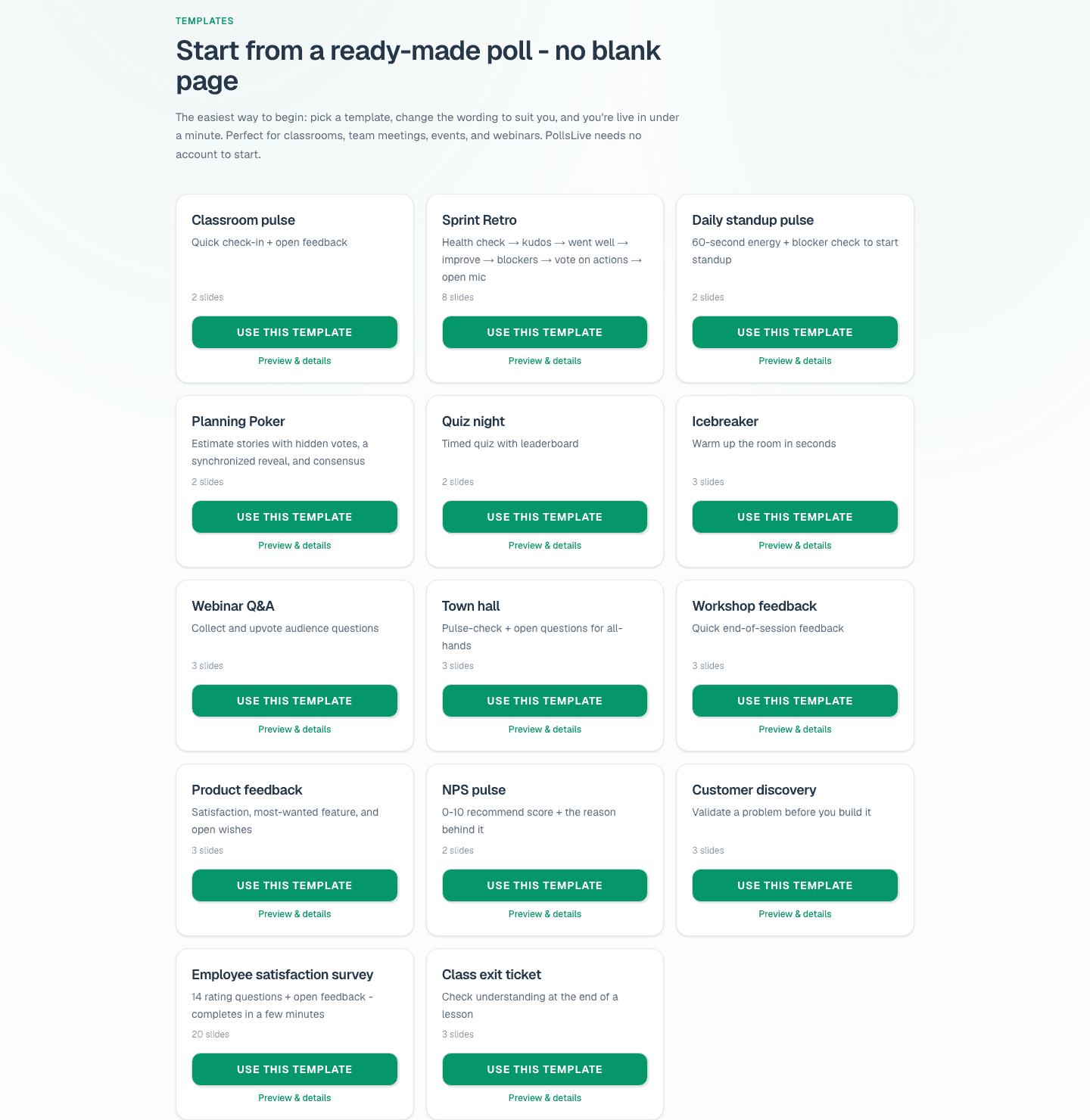
NPS rests on a single prompt: *"How likely are you to recommend [product] to a friend or colleague?"* answered on a 0-10 scale. Always pair it with an open follow-up - *"What's the main reason for your score?"* - because the number tells you *what*, and the comment tells you *why*. PollsLive ships this exactly: the ready-made NPS pulse template is a 0-10 scale plus the reason question, and any Scale slide has a one-tap 0-10 score preset.
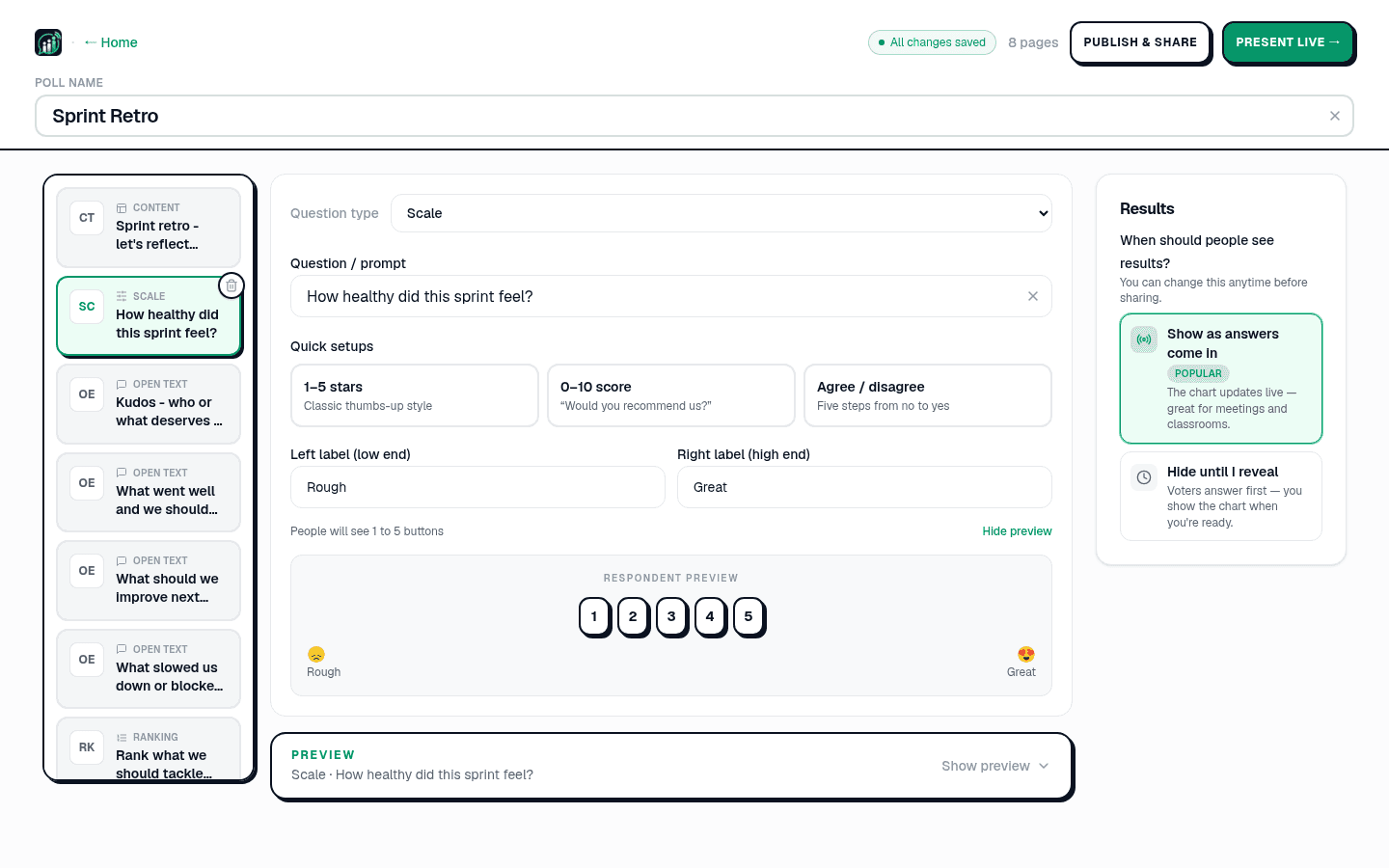
How likely are you to recommend us to a friend or colleague?
How to calculate NPS
- Promoters = people who answered 9 or 10.
- Passives = people who answered 7 or 8 (ignored in the maths).
- Detractors = people who answered 0 to 6.
- NPS = % Promoters − % Detractors. A score above 0 is good; above +30 is strong; above +50 is excellent.
Running it live vs. async
Async NPS (a link emailed after purchase or a session) gets you trend data over time. Live NPS - at the end of a workshop, webinar, or all-hands - gets you a candid read in the moment and a chance to ask the *why* out loud. PollsLive does both from the same 0-10 scale question, with no respondent login. For wording on the follow-ups, see 30 survey question examples.
Make the score useful
- Keep it anonymous so scores are honest - see anonymous voting.
- Always read the open comments; the themes matter more than the digit.
- Track the trend, not a single snapshot - one number in isolation lies.
- Close the loop: tell people what you changed because of their feedback.
Start from the survey hub or compare PollsLive with form tools like SurveyMonkey and Typeform.
Tip
Track the trend, not a single snapshot - one NPS number in isolation lies.
Run it monthly with recurring polls. Compare PollsLive vs SurveyMonkey.
Spin up a live poll right now - no signup, no app for your audience.
Create a free poll