
May 11, 2026 · 9 min read
How trainers keep a workshop awake after lunch
The 2pm energy dip is real. Here's how corporate trainers and L&D facilitators use live polls, knowledge checks, and quizzes to keep a room participating instead of nodding off.
Every trainer knows the post-lunch slump: full stomachs, dimmed lights, a slide deck droning on. One facilitator we talked to stopped fighting it with louder slides and started breaking every ten minutes with something the room had to *answer*. Attendance scores went up and, more tellingly, so did the questions in the back half of the day.
Tip
You do not need to be technical to follow this guide. Every step uses plain buttons in PollsLive - no coding, no app install for your audience.
Turn passive sections into checkpoints
A workshop is a series of ideas you hope stick. Put a knowledge-check question at the end of each one. It's not a test - it's a signal. If half the room misses it, you re-explain now, not in the feedback form three days later.
Four moves that reset the energy
- Predict-then-reveal. Ask the room to vote on an outcome before you show it. Being slightly wrong makes the right answer stick.
- A timed quiz with a leaderboard for a module recap - the speed bonus turns a dry review into ninety seconds of genuine competition.
- A 1-5 scale to self-rate skill before and after a section, so people *see* their own progress.
- An anonymous Q&A wall so the question someone's been sitting on for an hour finally gets asked.
The 2:15pm save, in practice
Lena runs day-long compliance training - the kind people endure rather than enjoy. Right at the post-lunch dip she ran a predict-then-reveal: she described a tricky data-handling scenario and had the room vote on the right call before she revealed it. Being wrong out loud is what makes the right answer stick:
A customer emails asking you to send their data to a personal Gmail. You…
After the discussion, she locked it in with a fast leaderboard quiz to recap the module. The speed bonus turned a dry review into ninety seconds of genuine competition:
Module recap: how long must we retain signed consent records?
"The material didn't change," Lena said. "But people argue about an answer they committed to. That's when it actually goes in."
Why it works for remote and hybrid rooms too
Hybrid training is where engagement usually dies - the remote half goes silent. Because everyone joins the same live session from a phone or laptop with no app and no login, the people on the call answer in the same poll as the people in the room. One bar chart, one leaderboard, no second tool.
The point of a workshop isn't to deliver slides - it's to find out what didn't land while you can still fix it.
Drop the live results link into Slack or Teams afterward as a recap, or export to CSV (Pro) for your training report. More on running team sessions: PollsLive for teams.
Tip
Mix one quiz slide per module with a scale check - variety keeps adults engaged longer than quiz-only.
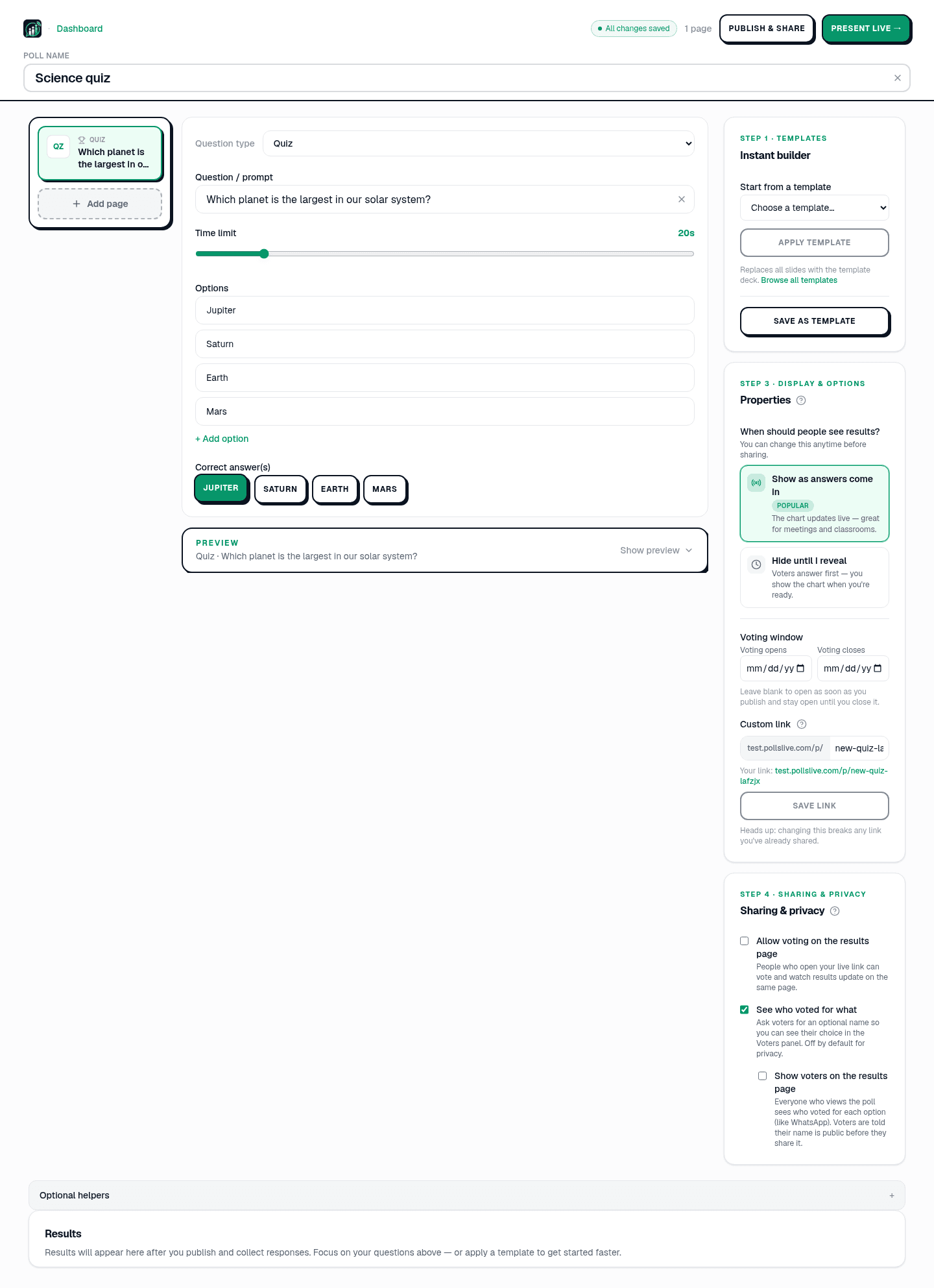

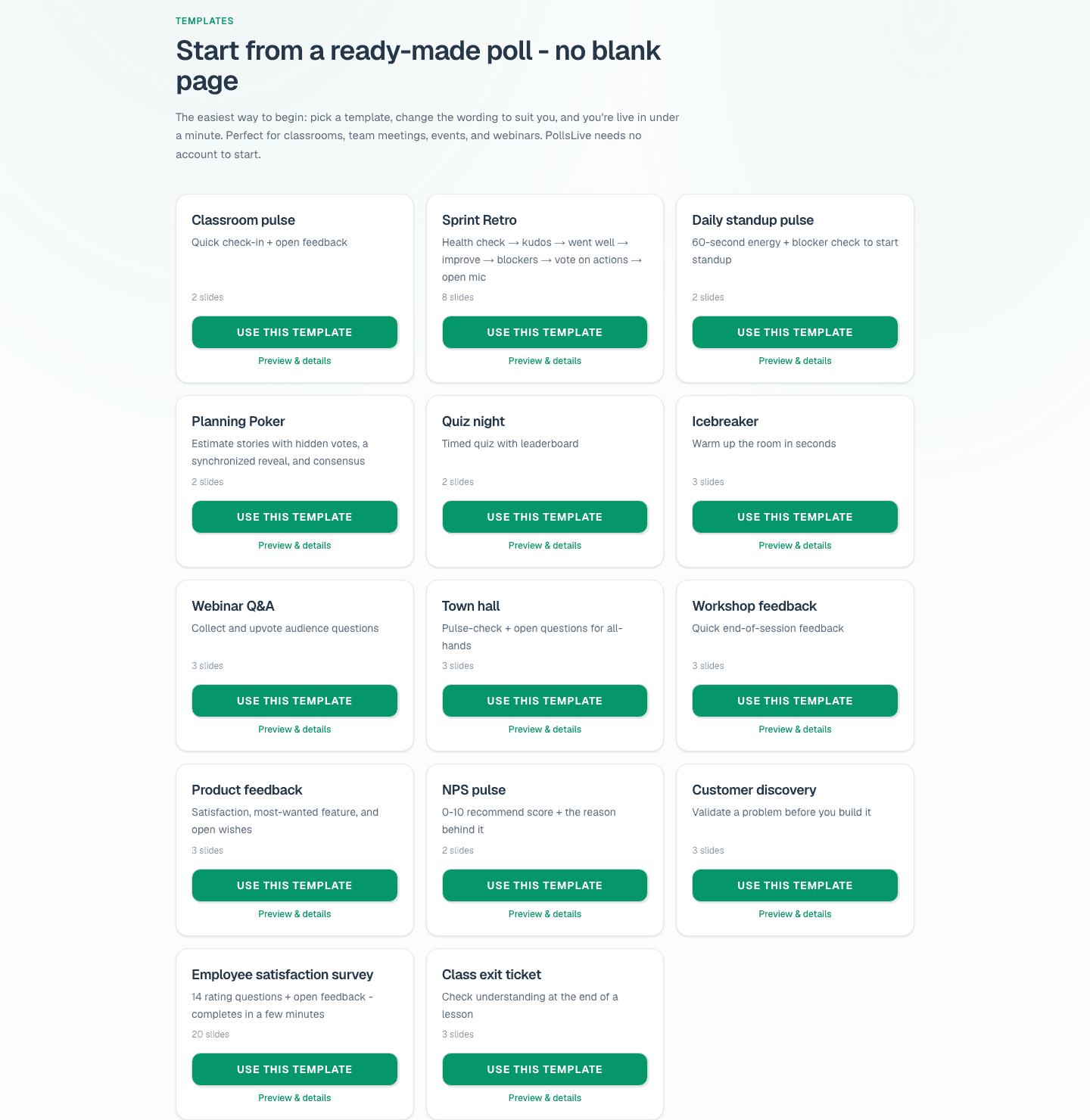
Try how to make a quiz and /templates for training decks.
Spin up a live poll right now - no signup, no app for your audience.
Create a free poll