
June 28, 2026 · 9 min read
Embed live polls in your product with the PollsLive API
Create polls, drive live sessions, read results, and receive webhooks from your own code - a developer's guide to embedding interactive polling inside your SaaS or community app.
If your product has an audience - a webinar tool, an LMS, a community platform, an events app - you'll eventually want polling inside it. Building real-time voting, anti-fraud, and a results UI from scratch is months of work. Embedding PollsLive is an afternoon. Here's the developer path: create a poll, drop in an embed, read results, and get webhooks - with real /api/v1 calls.
Tip
You do not need to be technical to follow this guide. Every step uses plain buttons in PollsLive - no coding, no app install for your audience.
Auth: one Bearer token
Generate a workspace API key in Studio → Developers (they look like `plv_live_…`) and send it as a Bearer token. No OAuth dance for server-to-server use; OAuth client-credentials is available when you need per-tenant scoping.
export POLLSLIVE_API=https://pollslive.com/api/v1
export POLLSLIVE_KEY=plv_live_xxxxxxxxxxxxxxxxxxxx

# Every request carries the key as a Bearer token:
#   Authorization: Bearer $POLLSLIVE_KEY
# Rate limit: 120 requests/min per key (HTTP 429 if exceeded).
Step 1 - Create a poll from your code
A poll is a typed deck: content.questions is an array of slides, each with a kind discriminator. POST /polls returns the new poll, including its slug - which is all you need to embed it.
curl -sS -X POST "$POLLSLIVE_API/polls" \
  -H "Authorization: Bearer $POLLSLIVE_KEY" \
  -H "Content-Type: application/json" \
  -d '{
    "title": "Which feature should we build next?",
    "renderingMode": "ASYNC",
    "content": {
      "questions": [{
        "id": "next",
        "kind": "multiple_choice",
        "text": "Which feature should we build next?",
        "options": [
          { "id": "a", "label": "Dark mode" },
          { "id": "b", "label": "Mobile app" },
          { "id": "c", "label": "Public API" }
        ]
      }]
    }
  }'
# → { "poll": { "slug": "which-feature-x7f2", ... } }
Step 2 - Embed it in your UI
Drop the poll into any page with a one-line iframe - no SDK, no client library, and no third-party trackers riding along. It resizes to its container and works inside React, WordPress, Webflow, or plain HTML.
<iframe
  src="https://pollslive.com/embed/which-feature-x7f2"
  width="100%" height="520"
  style="border:0;border-radius:12px"
  loading="lazy" title="PollsLive poll"></iframe>
Step 3 - Read results when you need them
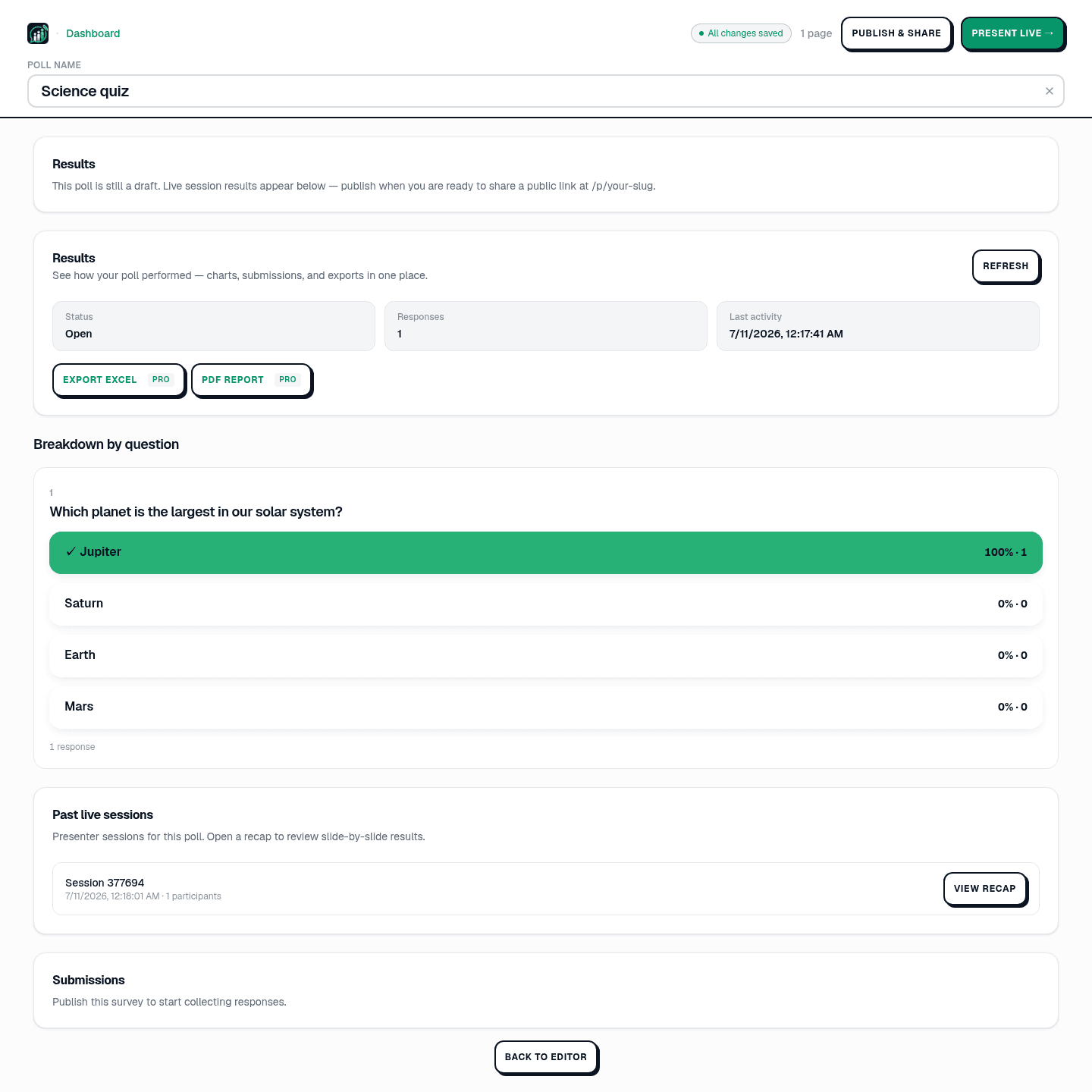
Pull tallies on demand for your own dashboards, or export a CSV for reporting. Results come back per-slide with counts and (for scales) averages.
curl -sS "$POLLSLIVE_API/polls/POLL_ID/results" \
  -H "Authorization: Bearer $POLLSLIVE_KEY"
# → { "questions": [ { "id": "next", "options": [
#       { "id": "a", "label": "Dark mode",  "count": 64 },
#       { "id": "b", "label": "Mobile app", "count": 41 },
#       { "id": "c", "label": "Public API", "count": 95 } ] } ] }
Step 4 - Get pushed updates with webhooks
Polling the API works, but webhooks are better. Register an endpoint and PollsLive POSTs HMAC-signed events - vote.created, poll.published, session.started/ended - so your app reacts in real time. Verify the signature, then update your UI or pipe the event onward.
import crypto from "node:crypto";

export function verify(rawBody, signature, secret) {
  const expected = crypto
    .createHmac("sha256", secret)
    .update(rawBody)
    .digest("hex");
  return crypto.timingSafeEqual(
    Buffer.from(signature),
    Buffer.from(expected)
  );
}
That's the whole loop: create, embed, read, react. For the full reference - every endpoint, scope, and event type - see the developer docs, and for a worked example, piping live results into an internal dashboard with webhooks.
Tip
Start with the REST API for create and publish, then add webhooks when you need live result pushes.
For no-code sharing, see share and embed your poll.
Build on PollsLive - create polls, drive live sessions, pull results, and receive webhooks from your own code.
Read the developer docs