
June 18, 2026 · 10 min read
How we put our weekly retro on autopilot with the PollsLive API
A developer's walkthrough: create a retro poll, open a live session, then pull results and a CSV - all from a small Node script on a cron. Real /api/v1 endpoints, real payloads.
I'm a platform engineer, and every Friday I used to spend ten minutes hand-building the same retro deck. Same five questions, different week. Classic thing-a-script-should-do. So I moved it onto the PollsLive API and a cron job - the poll now creates itself, a live session opens automatically, and after standup a CSV lands in our Slack. Here's exactly how, with the real endpoints and payloads.
Tip
You do not need to be technical to follow this guide. Every step uses plain buttons in PollsLive - no coding, no app install for your audience.
Auth: one Bearer token
I generated a workspace API key in Studio → Developers (they look like `plv_live_…`) and dropped it in the script's environment. Every request is just a Bearer token - no OAuth dance for server-to-server use.
# Base URL for all calls
export POLLSLIVE_API=https://pollslive.com/api/v1
export POLLSLIVE_KEY=plv_live_xxxxxxxxxxxxxxxxxxxx

# Every request carries the key as a Bearer token:
#   Authorization: Bearer $POLLSLIVE_KEY
# Rate limit: 120 requests/min per key (HTTP 429 if you exceed it).
Step 1 - Create the retro poll
A poll is a typed deck: `content.questions` is an array of slides, each with a `kind` discriminator. For the retro I use a scale, an open_ended rendered as a cloud, and a multiple_choice to vote on the fix. `POST /polls` with `renderingMode: "LIVE"` gives me a draft back.
curl -sS -X POST "$POLLSLIVE_API/polls" \
  -H "Authorization: Bearer $POLLSLIVE_KEY" \
  -H "Content-Type: application/json" \
  -d '{
    "title": "Weekly retro - week of Jun 16",
    "renderingMode": "LIVE",
    "content": {
      "questions": [
        {
          "id": "health",
          "kind": "scale",
          "text": "How healthy did this sprint feel?",
          "min": 1, "max": 5,
          "minLabel": "Rough", "maxLabel": "Great"
        },
        {
          "id": "blockers",
          "kind": "open_ended",
          "text": "What slowed us down this sprint?",
          "render": "cloud",
          "maxLength": 120
        },
        {
          "id": "fix",
          "kind": "multiple_choice",
          "type": "single",
          "text": "What should we fix first next sprint?",
          "options": [
            { "id": "ci",       "label": "Stabilise the CI pipeline" },
            { "id": "tickets",  "label": "Tighter ticket acceptance criteria" },
            { "id": "wip",      "label": "Cap WIP and reviews SLA" },
            { "id": "meetings", "label": "Trim the meeting load" }
          ]
        }
      ]
    }
  }'
The `201` response wraps the poll in a `data` envelope - I keep `data.id` for the rest of the flow, and `data.accessPin` / `data.shareUrl` for the join details:
{
  "data": {
    "id": "poll_9aZ2kP",
    "slug": "weekly-retro-jun-16",
    "title": "Weekly retro - week of Jun 16",
    "renderingMode": "LIVE",
    "isPublished": false,
    "accessPin": "6098",
    "shareUrl": "https://pollslive.com/p/weekly-retro-jun-16",
    "createdAt": "2026-06-16T08:00:11.204Z"
  }
}
Step 2 - Publish, then open a live session
Publishing snapshots the content so it's safe to present. A `PATCH /polls/{id}` with `publish: true` does it; then `POST /sessions` spins up the presenter session and returns the join PIN plus a one-time `hostToken` (the host-authority secret - it's only returned on create, so I store it immediately).
# Publish the draft
curl -sS -X PATCH "$POLLSLIVE_API/polls/poll_9aZ2kP" \
  -H "Authorization: Bearer $POLLSLIVE_KEY" \
  -H "Content-Type: application/json" \
  -d '{ "publish": true }'

# Open a presenter-paced live session
curl -sS -X POST "$POLLSLIVE_API/sessions" \
  -H "Authorization: Bearer $POLLSLIVE_KEY" \
  -H "Content-Type: application/json" \
  -d '{ "pollId": "poll_9aZ2kP", "pace": "PRESENTER" }'
# → { "data": { "id": "ses_4dF1", "pin": "6098",
#       "joinUrl": "https://pollslive.com/join/6098",
#       "hostUrl": "https://pollslive.com/host/ses_4dF1",
#       "hostToken": "hst_…", "status": "LOBBY" } }
My cron posts the `joinUrl` and PIN into the team channel a minute before standup. The team scans, and the slides I built in code are what they see - here's the live result of the `health` slide once everyone's answered:
How healthy did this sprint feel? (1 = rough, 5 = great)
Step 3 - Pull results and a CSV after standup
When the session ends, `GET /polls/{id}/results` returns the tallies - `totalVotes`, a `voteCounts` map for choice slides, and a `slides[]` array with per-kind aggregates (scale averages, grouped open-text, etc.).
curl -sS "$POLLSLIVE_API/polls/poll_9aZ2kP/results" \
  -H "Authorization: Bearer $POLLSLIVE_KEY"

{
  "data": {
    "pollId": "poll_9aZ2kP",
    "title": "Weekly retro - week of Jun 16",
    "closed": true,
    "totalVotes": 9,
    "voteCounts": { "ci": 4, "tickets": 3, "wip": 2, "meetings": 0 },
    "slides": [
      { "slideId": "health", "kind": "scale", "average": 2.9 },
      { "slideId": "blockers", "kind": "open_ended", "responseCount": 14 },
      { "slideId": "fix", "kind": "multiple_choice",
        "optionCounts": { "ci": 4, "tickets": 3, "wip": 2, "meetings": 0 } }
    ]
  }
}
For the archive, `GET /polls/{id}/export` streams an RFC-4180 CSV (slide number, question, type, answer label, count/value). I save it and attach it to the Slack message. The whole post-standup step is one small function:
const API = process.env.POLLSLIVE_API;
const KEY = process.env.POLLSLIVE_KEY;
const auth = { Authorization: `Bearer ${KEY}` };

export async function summariseRetro(pollId) {
  const res = await fetch(`${API}/polls/${pollId}/results`, { headers: auth });
  if (res.status === 429) throw new Error("rate_limited"); // back off + retry
  if (!res.ok) throw new Error(`results ${res.status}`);
  const { data } = await res.json();

  const winner = Object.entries(data.voteCounts)
    .sort((a, b) => b[1] - a[1])[0];

  // Grab the CSV for the archive
  const csv = await fetch(`${API}/polls/${pollId}/export`, { headers: auth })
    .then((r) => r.text());

  return {
    health: data.slides.find((s) => s.slideId === "health")?.average,
    topFix: winner?.[0],
    voters: data.totalVotes,
    csv,
  };
}
That's the whole thing. The retro deck builds itself, the session opens on schedule, and the summary + CSV post automatically. I got my Friday ten minutes back, and the format is identical every week - which is exactly what you want from a retro.
The nicest part: the slides I describe in JSON are the same slides the team sees and votes on. No drift between 'what the script made' and 'what we ran'.
Full endpoint reference and schemas are in the interactive API reference, and the narrative quickstart is in the developer guide. Next on my list: webhooks, so the Slack summary fires the instant the session ends instead of on a timer - which is exactly what the webhooks write-up covers.
Tip
Use a cron job to clone last week's retro deck and publish a fresh link automatically.
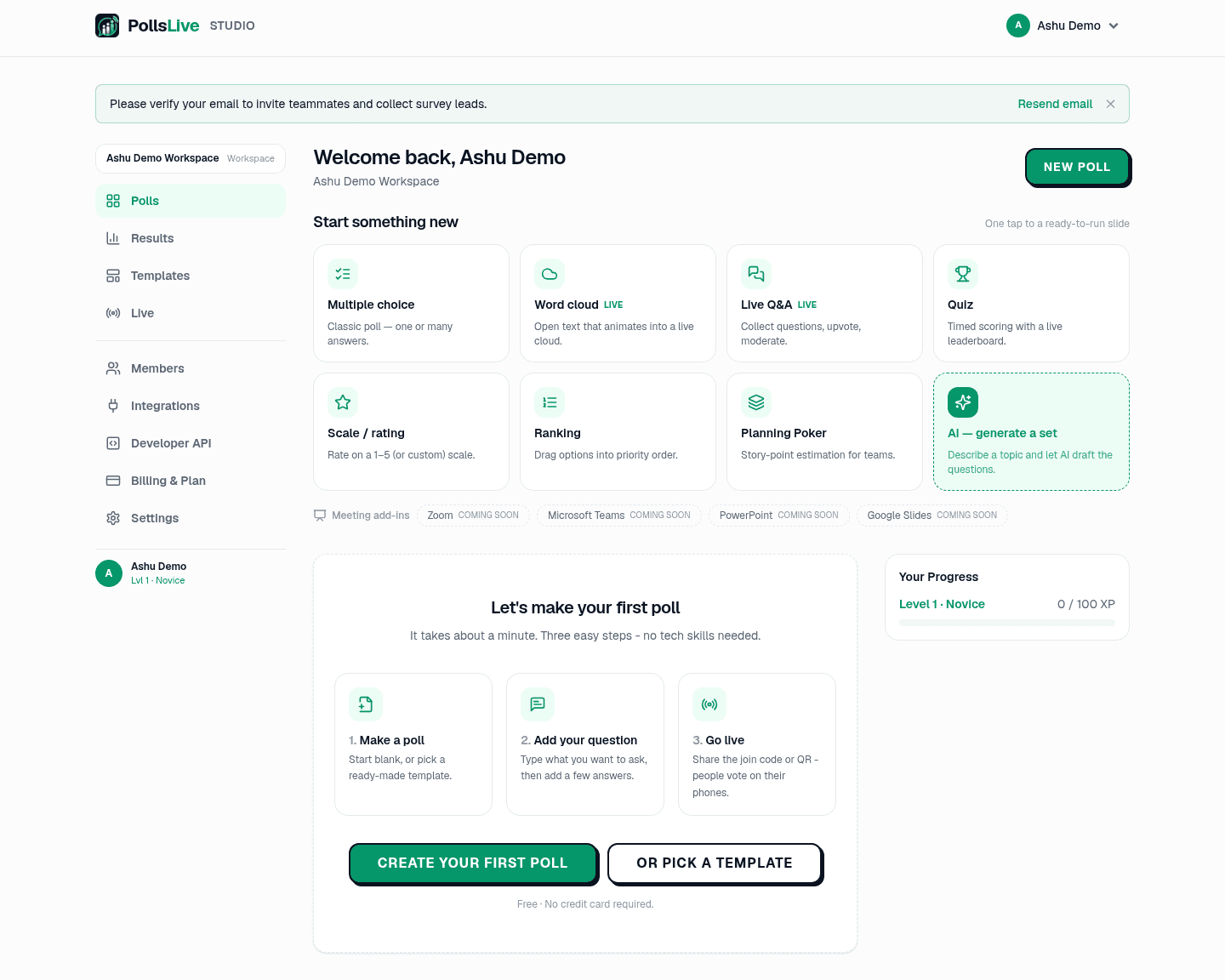
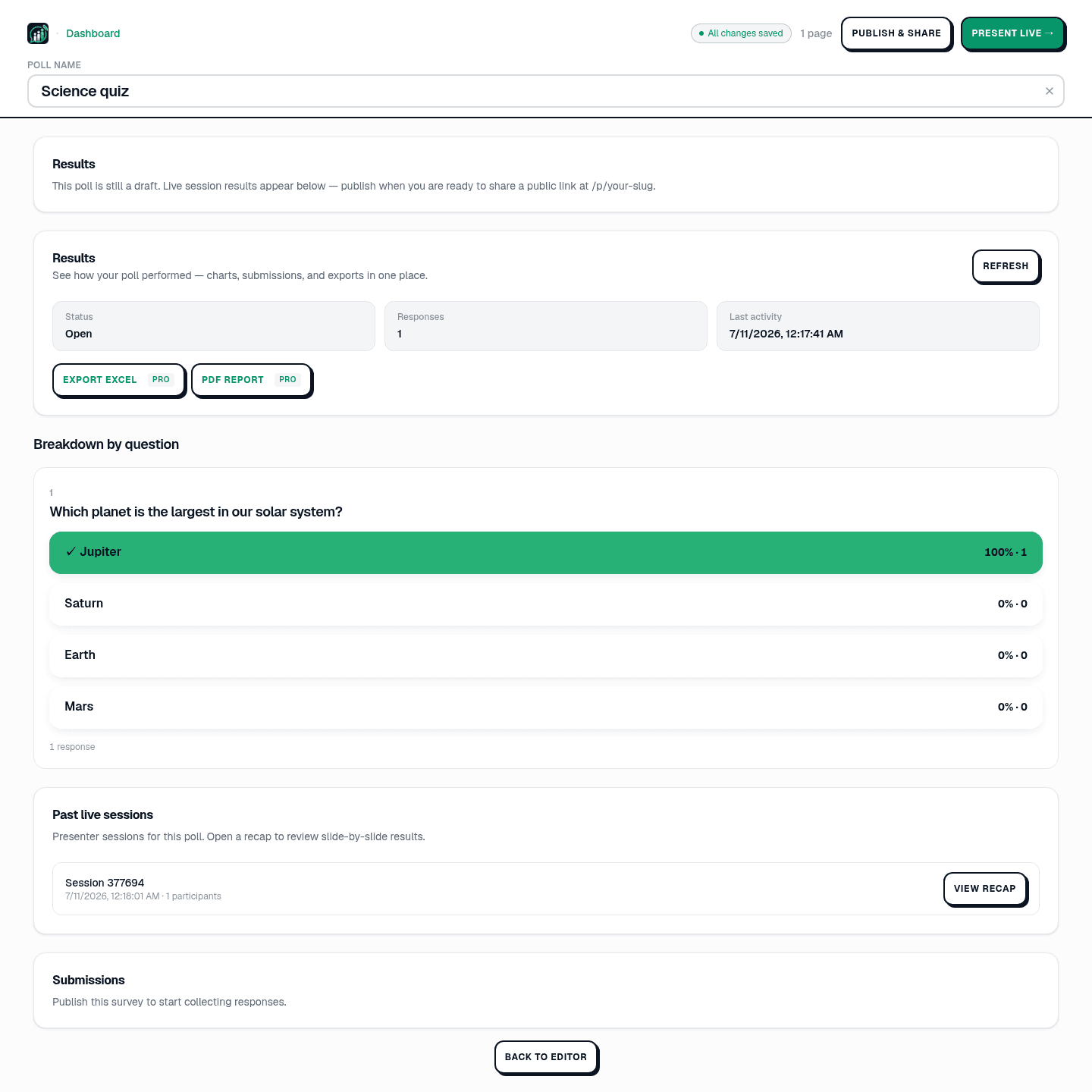
No-code alternative: recurring polls without rebuilding.
Build on PollsLive - create polls, drive live sessions, pull results, and receive webhooks from your own code.
Read the developer docs