
For webinars
Webinars turn into a monologue. You can't see if anyone's following, and attention quietly drifts.
Drop in a live poll and the audience answers from their phones - so you can read the room and adapt.
How should we work next quarter?
44 responses · updating live
Audience phone
Tap to vote
Try it - your vote updates the chart
✨ Example - these results are a demo, not real votes.
Drop a pulse check every ten minutes and you'll know whether to slow down, skip ahead, or double down. PollsLive runs alongside Zoom, Teams, Meet, or any webinar platform — attendees answer on a second screen while you share live results.
What you can run
Confidence pulse
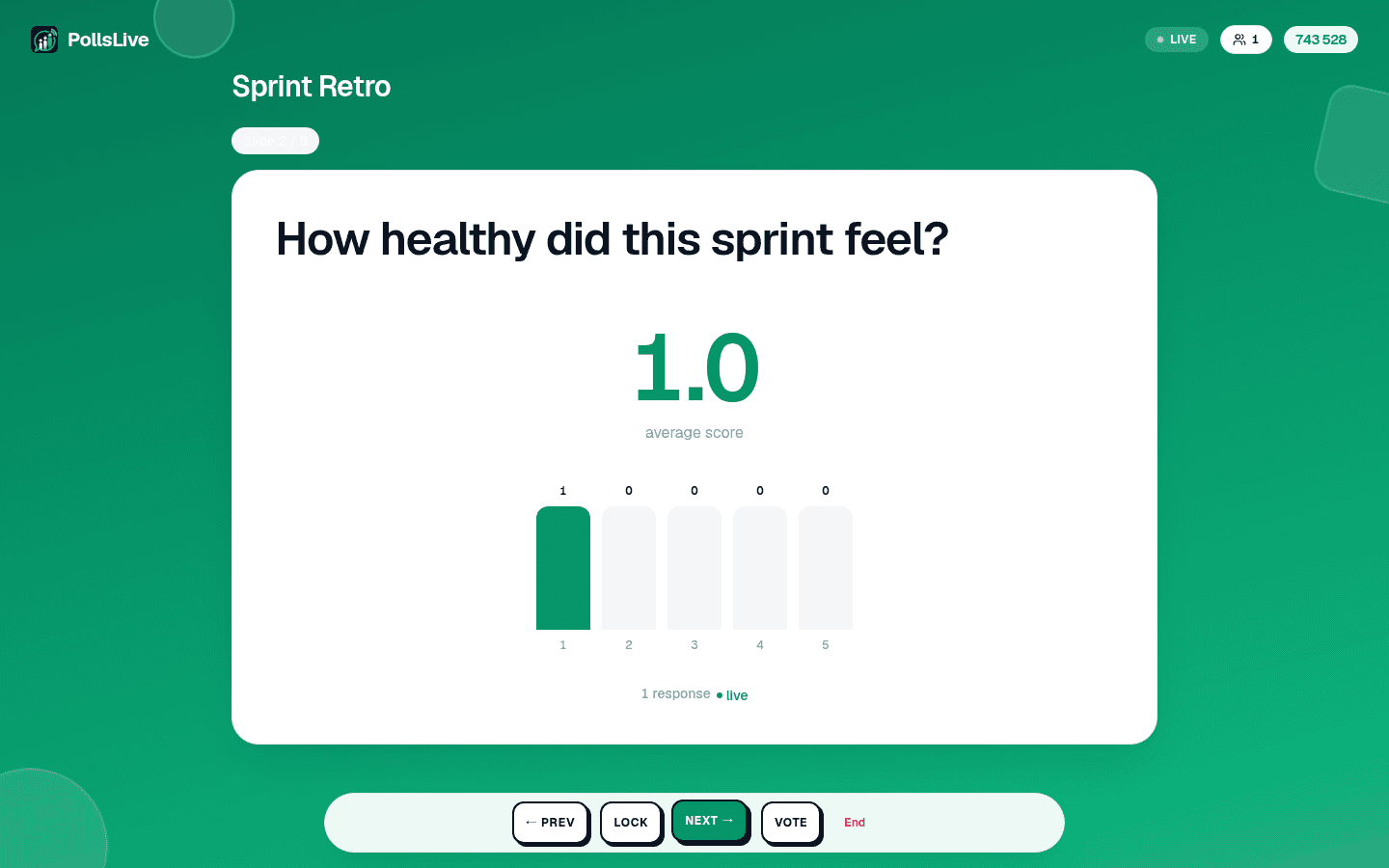
Ask 'How clear was that section?' on a 1–5 scale after each major topic.
Product preference poll
Let prospects vote on features before your demo — tailor the pitch to what they picked.
Q&A queue
Collect questions throughout the webinar and answer the top upvoted ones in the last ten minutes.
Before/after check
Run the same question at start and end to prove the session actually shifted understanding.
See it in the product
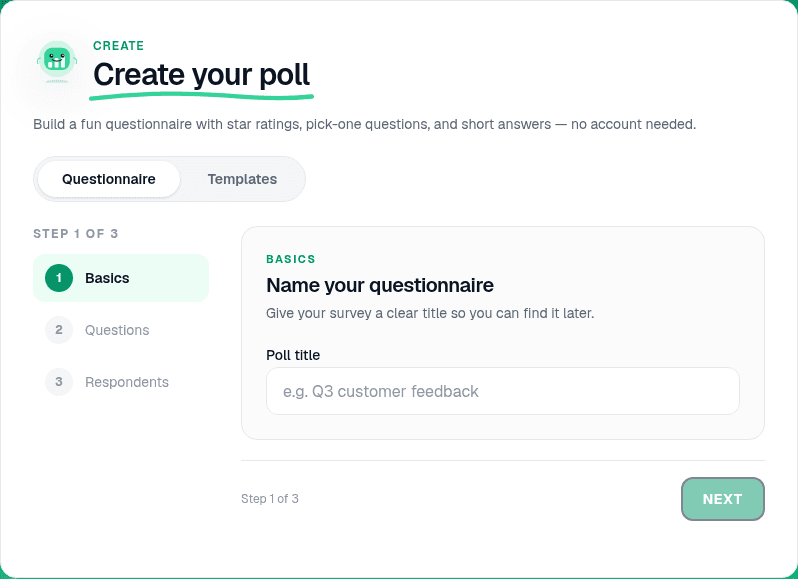
How it works - three simple steps
- 1
Add polls to your run-of-show
Plan 2–3 pulse checks in PollsLive before you go live — scale questions work well for 'Are you following?'
Your screenLive - 2
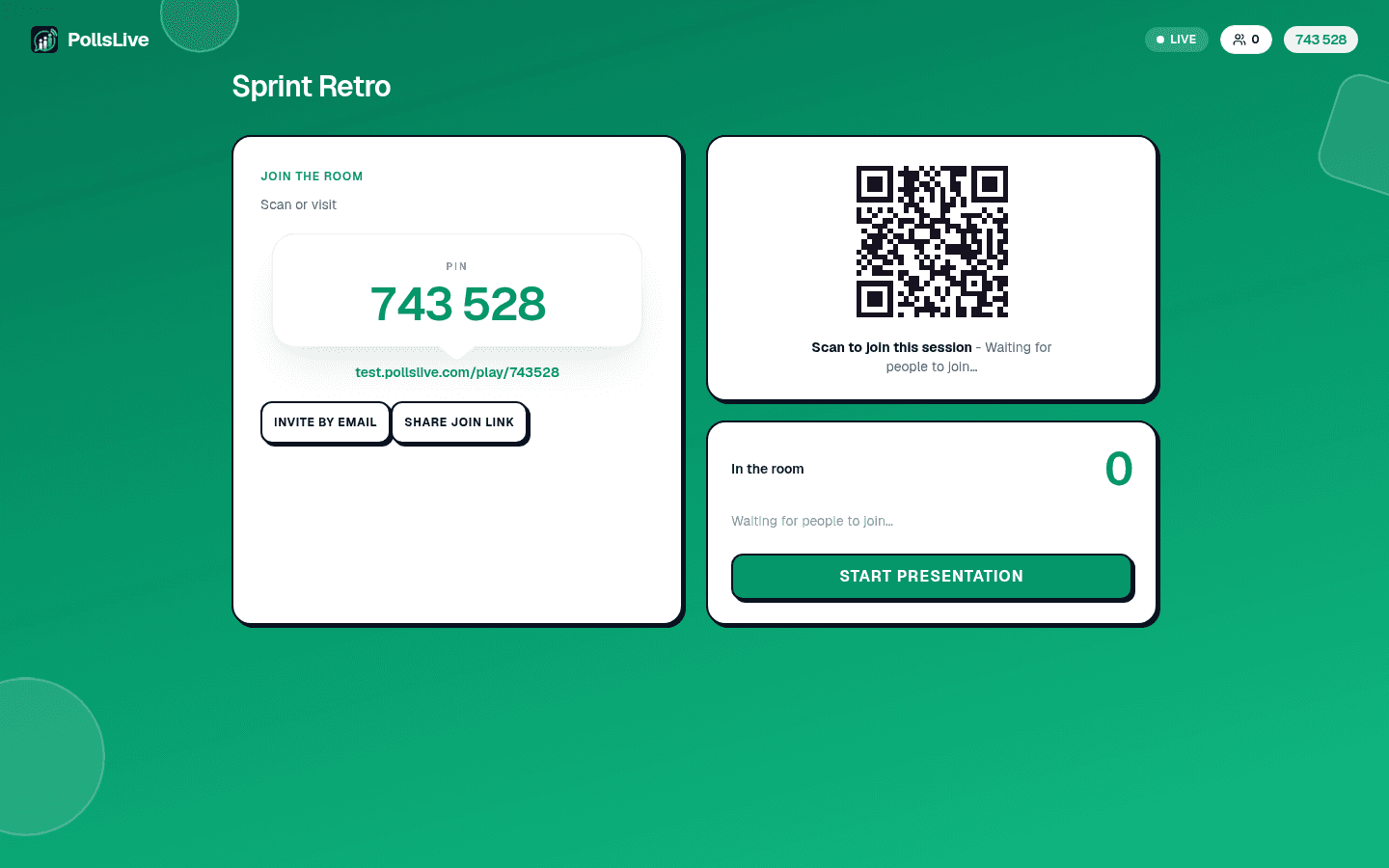
Paste the link in webinar chat
Drop the join link when you start each segment. Attendees answer on their phone beside the webinar window.
Your screenLive - 3
Adapt based on live results
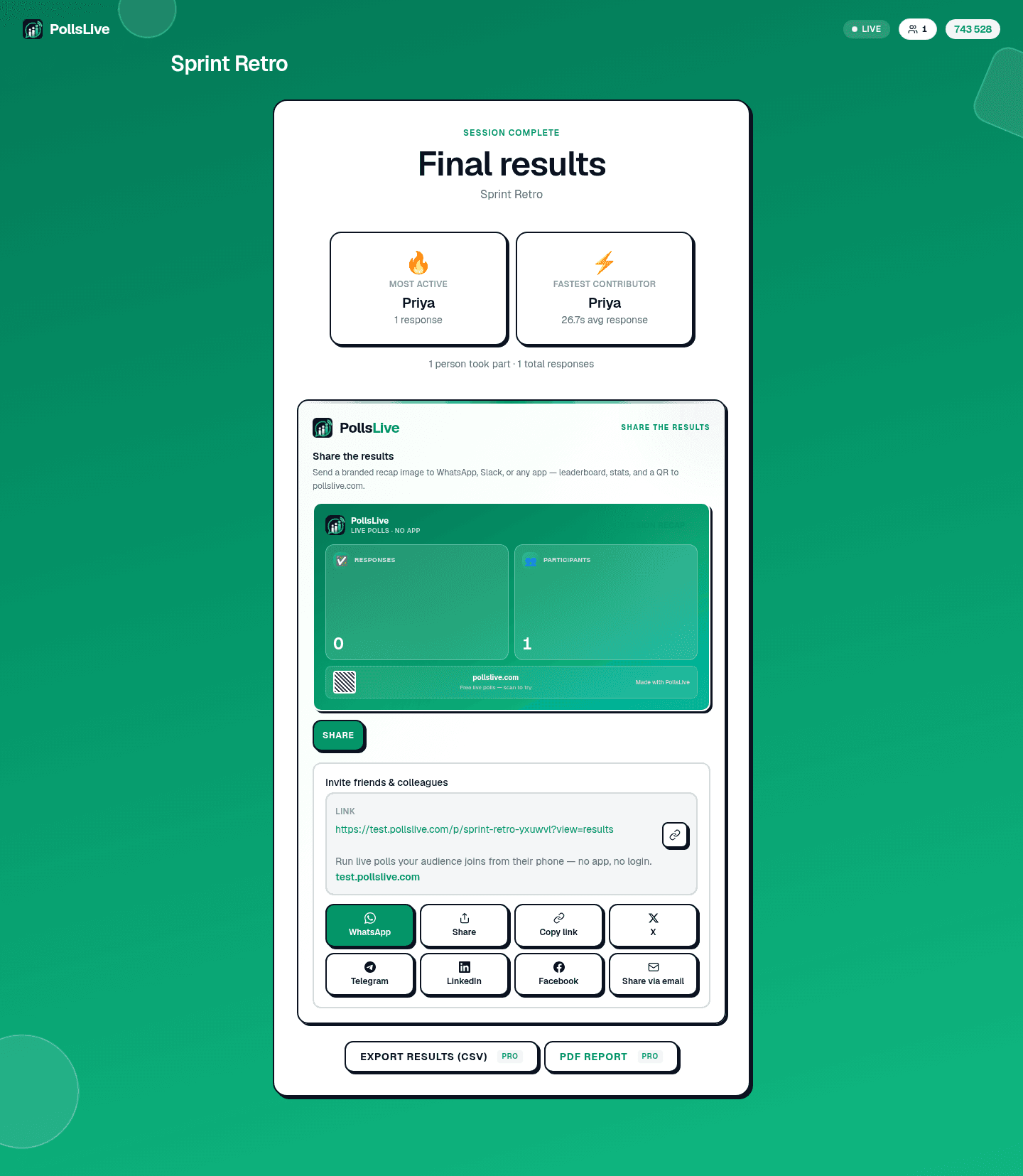
If confidence is low, recap. If it's high, move on. Export results for sales follow-up or content improvements.
Your screenLive
Why it works so well here
- Works alongside Zoom, Teams or Meet - attendees answer on a second screen.
- Before/after pulse checks show what actually landed.
- No app for attendees and no per-presenter fees for you.
Frequently asked questions
Does it work with Zoom or Teams?
Yes - run PollsLive alongside any webinar tool. Share the join link in chat and attendees answer from their phones.
Can I check understanding as I go?
Yes - drop in a 1-5 scale or a quick poll at any point and watch confidence update live.
What does it cost?
Free to start; Pro is a flat price for unlimited polls and responses with no organizer or per-presenter fees.