
For Google Slides
Live polls and Q&A for Google Slides
Turn a Google Slides deck into a two-way conversation without a single add-on. Create a poll, quiz or Q&A in PollsLive, put the QR code on a slide, and your audience answers from their phones while results animate live. It works anywhere Google Slides does, straight from the browser.
What you can run
Warm-up poll
Open with a poll so people are answering before you've finished slide one.
Lesson checks
Check understanding mid-deck with a quick multiple-choice or 1-5 scale.
Word clouds
Crowdsource one word from everyone and show the cloud forming live.
Moderated Q&A
Gather questions, let the room upvote them, and answer the best on screen.
Step-by-step setup guide
Follow these steps for your next Google Slides session. No add-in or plugin is required.
- 1
Build your activity in PollsLive
Head to pollslive.com and create a poll, quiz, word cloud, or Q&A block. Templates for ice-breakers, lesson checks, and exit tickets get you live in under a minute.
PollsLive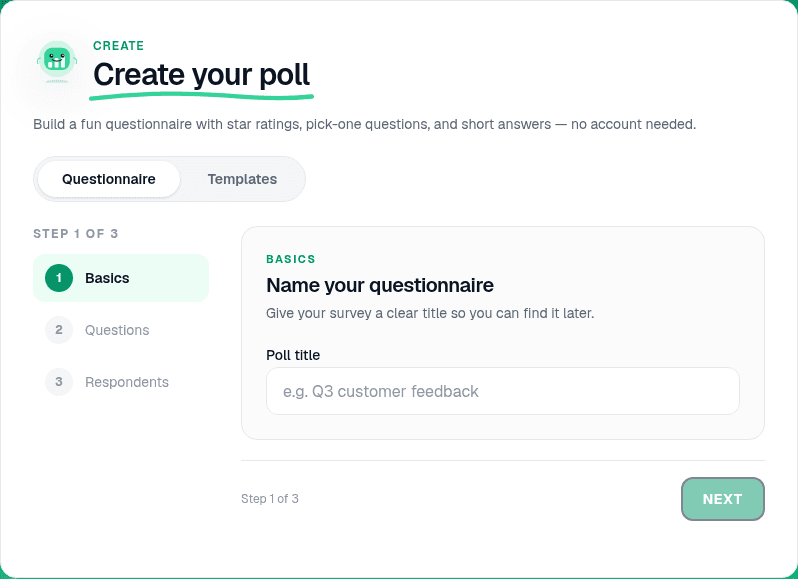
Start from a blank poll, template, or AI prompt — sign in free to build. - 2
Shape the questions
Add your prompt and answer choices in the editor. Pick multiple choice for a quick check, 1–5 scale for confidence, or Quiz mode when you want a scored leaderboard.
Tip: Google Slides users often run an exit-ticket scale on the last slide — set results to show after voting so students commit first.
PollsLive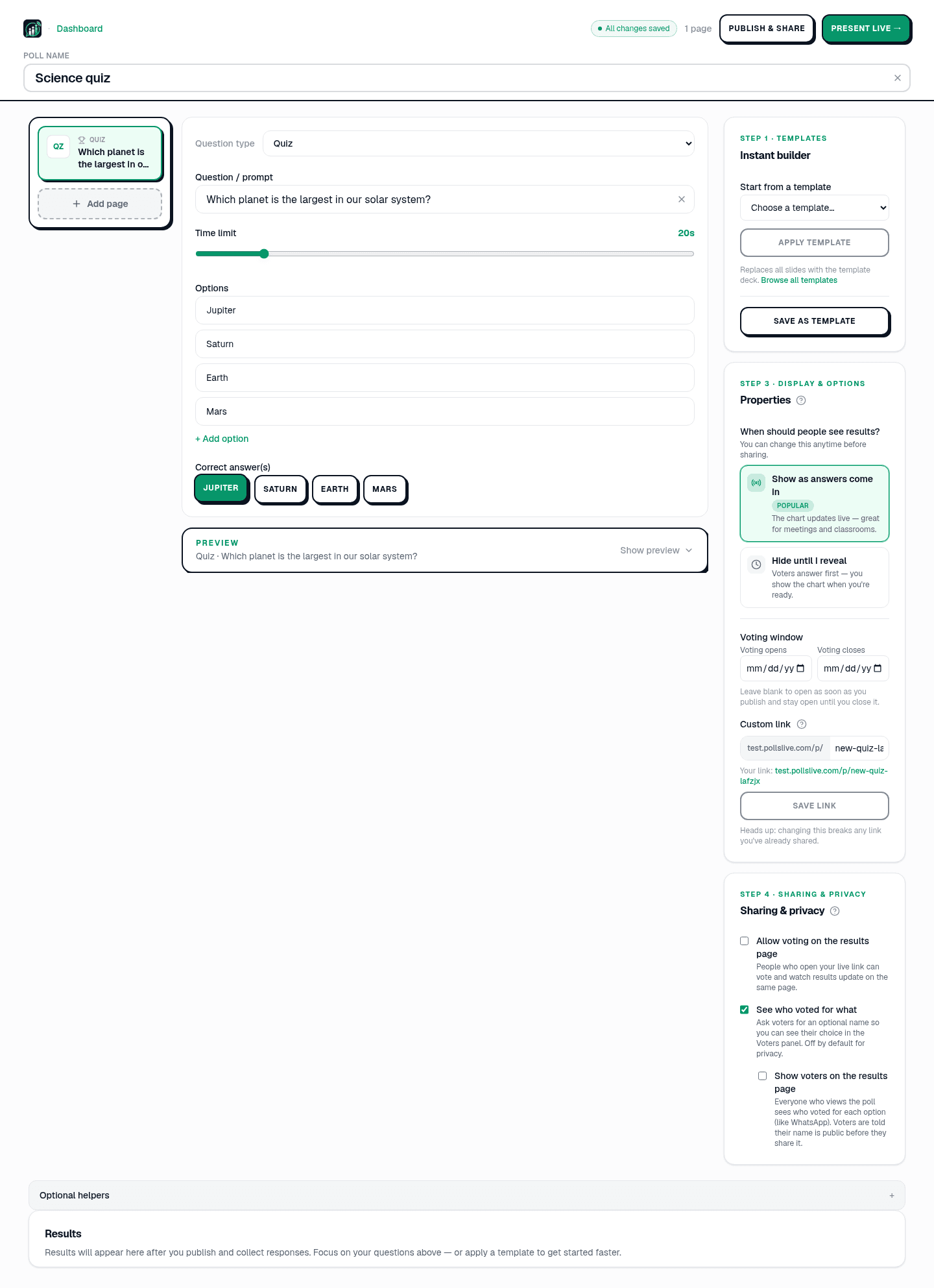
Add questions, set correct answers for quizzes, or pick poll and scale types. - 3
Start the live session
Hit Present live. The host view shows your PIN, QR code, and a short join link. Leave this tab open in Chrome or Edge while you present from Slides.
PollsLive
Copy the PIN, download the QR, or share the join link. - 4
Insert the QR into Google Slides
Download the QR from the host console, then in Slides use Insert → Image → Upload from computer. Place it on a 'Join now' slide with the PIN in bold underneath.
Tip: In Slides, use File → Publish to web only if you need a static link — for live polls, always use the PIN from the active session.
- 5
Present and flip to PollsLive
Present from Google Slides in full screen. When you reach the join slide, ask the room to scan, then switch browser tabs to the PollsLive host console. Results update live for everyone watching the projector.
PollsLive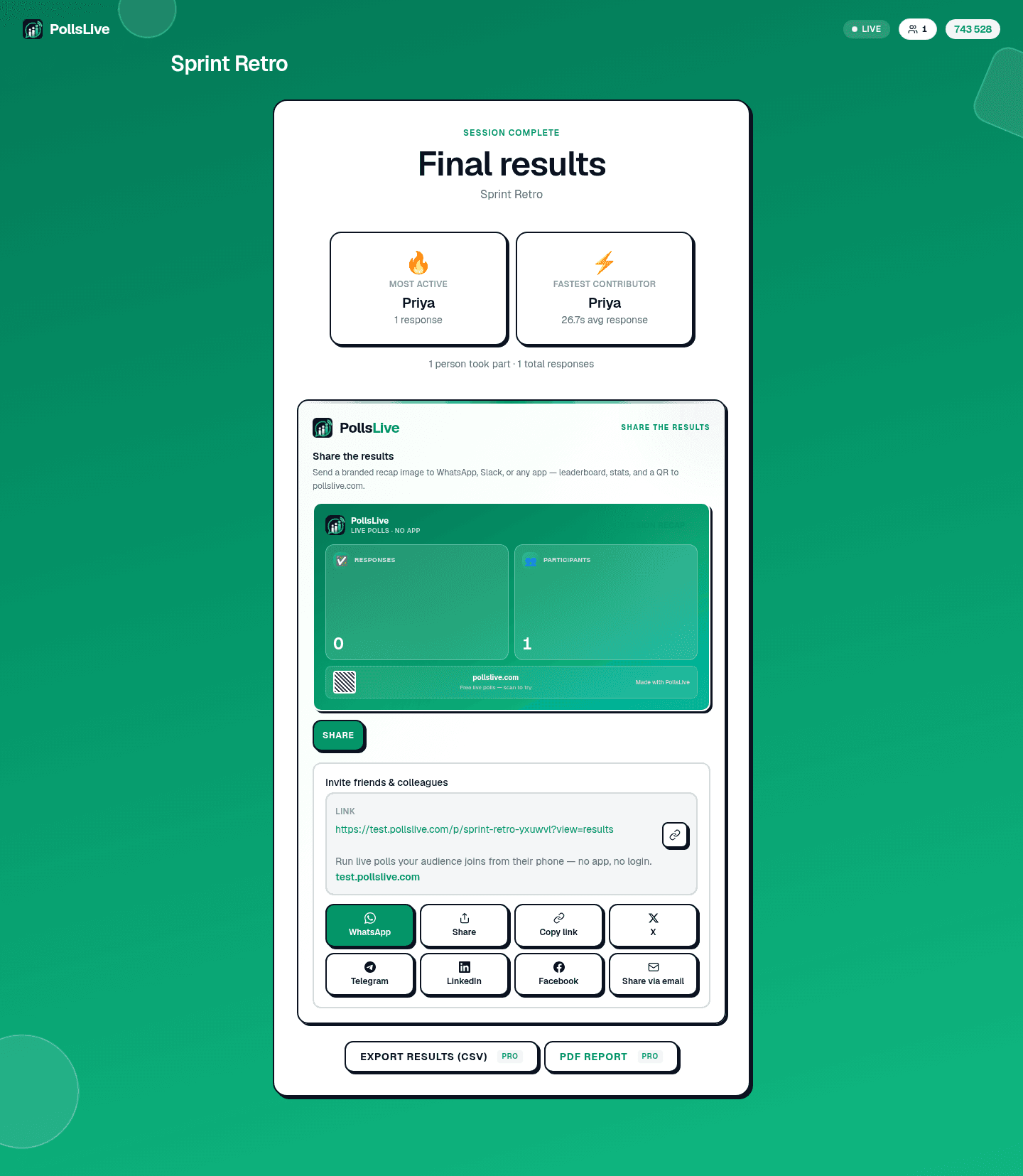
Results update in real time as the room votes. - 6
Wrap up and export
Discuss the results on screen, then return to Slides. After class, open Studio → Results to export responses to Excel or PDF for your gradebook or records.
PollsLive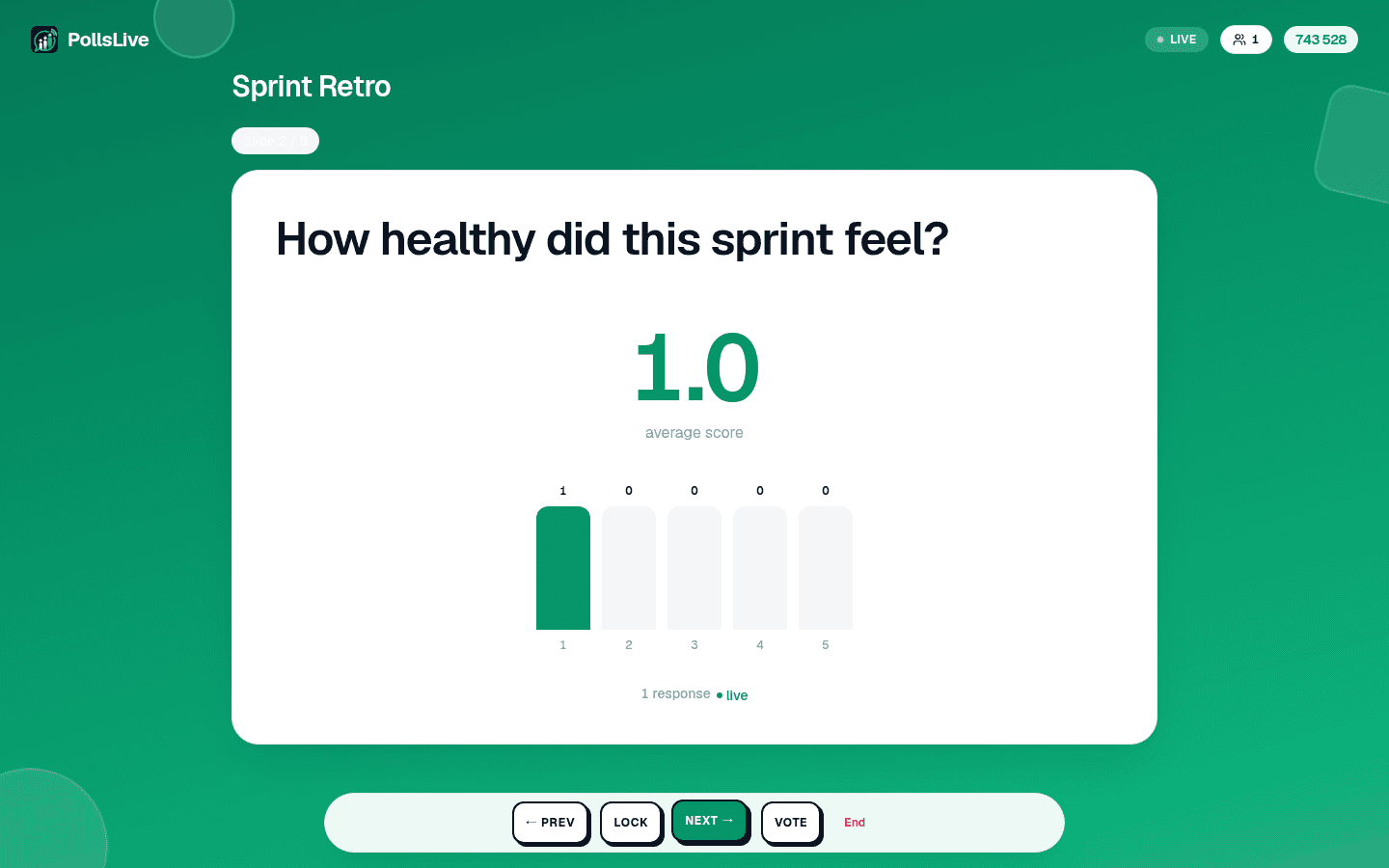
Pulse checks and scale questions work the same way.
Why teachers and presenters choose PollsLive with Google Slides
No add-on to authorise, a low per-presenter rate you can cancel monthly, and nothing for students or attendees to install. Joining takes one tap by QR or a short PIN, responses are anonymous by default, and PollsLive is EU-hosted and privacy-first, a comfortable fit for classrooms and organisations.
Frequently asked questions
Do I need a Google Slides add-on?
No. PollsLive runs in the browser alongside your deck: you just place a QR code or link on a slide, so there's no add-on to authorise.
How do students or attendees join?
They scan the QR or enter a short PIN, no account and no app. It works on any device.
Is it free to use with Google Slides?
Yes. You can start free with 3 published polls (500 responses each); Pro unlocks unlimited polls, and responses under our fair-use policy, priced per presenter.
Ready to run your first live poll in Google Slides?