
June 22, 2026 · 7 min read
Live word clouds: 20 questions that make a great one
A live word cloud turns open-text answers into a picture the whole room can read. Here are 20 questions that produce a great cloud - plus how to run one and avoid the common mistakes.
A word cloud takes everyone's short open-text answers and sizes each word by how often it appears - so the room's mood or theme jumps out instantly. The trick is the question: it has to invite a one- or two-word answer. Here are 20 that work, by setting.
Tip
You do not need to be technical to follow this guide. Every step uses plain buttons in PollsLive - no coding, no app install for your audience.
In one word, how are you feeling about the launch?
Icebreakers
- In one word, how's your week going?
- What's one word you'd use to describe our team?
- Where are you joining from?
- What's your favourite season?
- One word for what you want from today.
Event & session feedback
- In one word, how was this session?
- What's the main thing you'll take away?
- One word for the speaker's energy.
- What topic should we add next time? (1-2 words)
- Describe the event in one word.
Team & retro
- One word for how this sprint felt.
- What slowed us down? (1-2 words)
- What's our biggest strength right now?
- One word for our team mood today.
- What should we do more of? (1-2 words)
Classroom
- One word that sums up today's topic.
- What's still confusing? (1-2 words)
- How do you feel about the exam? (one word)
- One word for what you learned today.
- What's one thing you'd like more of?
How to run a great word cloud
- Ask for one or two words - long answers don't cluster into a readable cloud.
- Allow multiple submissions off unless you want a few power-users to dominate.
- Read it out loud - the biggest words are the room's consensus; name them.
- Follow up on a surprising word with a quick open-ended or Q&A round.
PollsLive renders word clouds live with no login for the audience - a flexible Mentimeter word-cloud alternative. Build one in the survey hub or from a template.
Tip
Say "one or two words only" out loud before you open the cloud - it keeps answers readable.
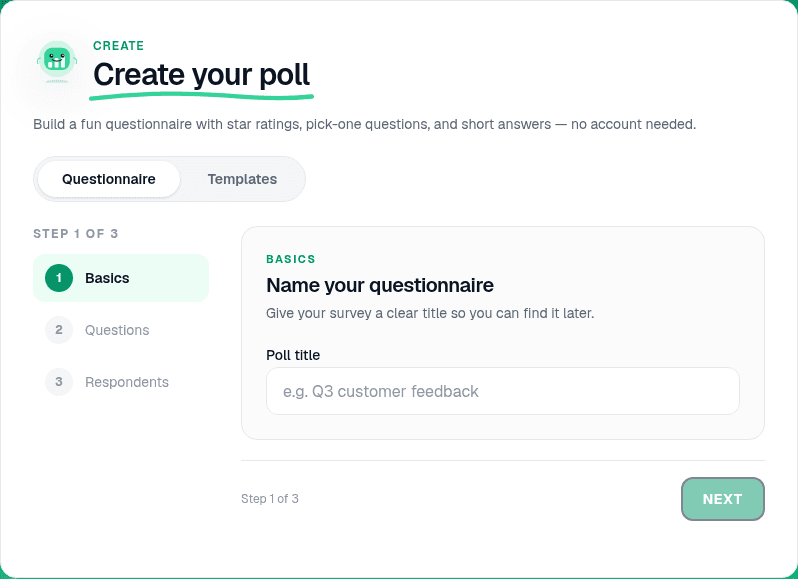
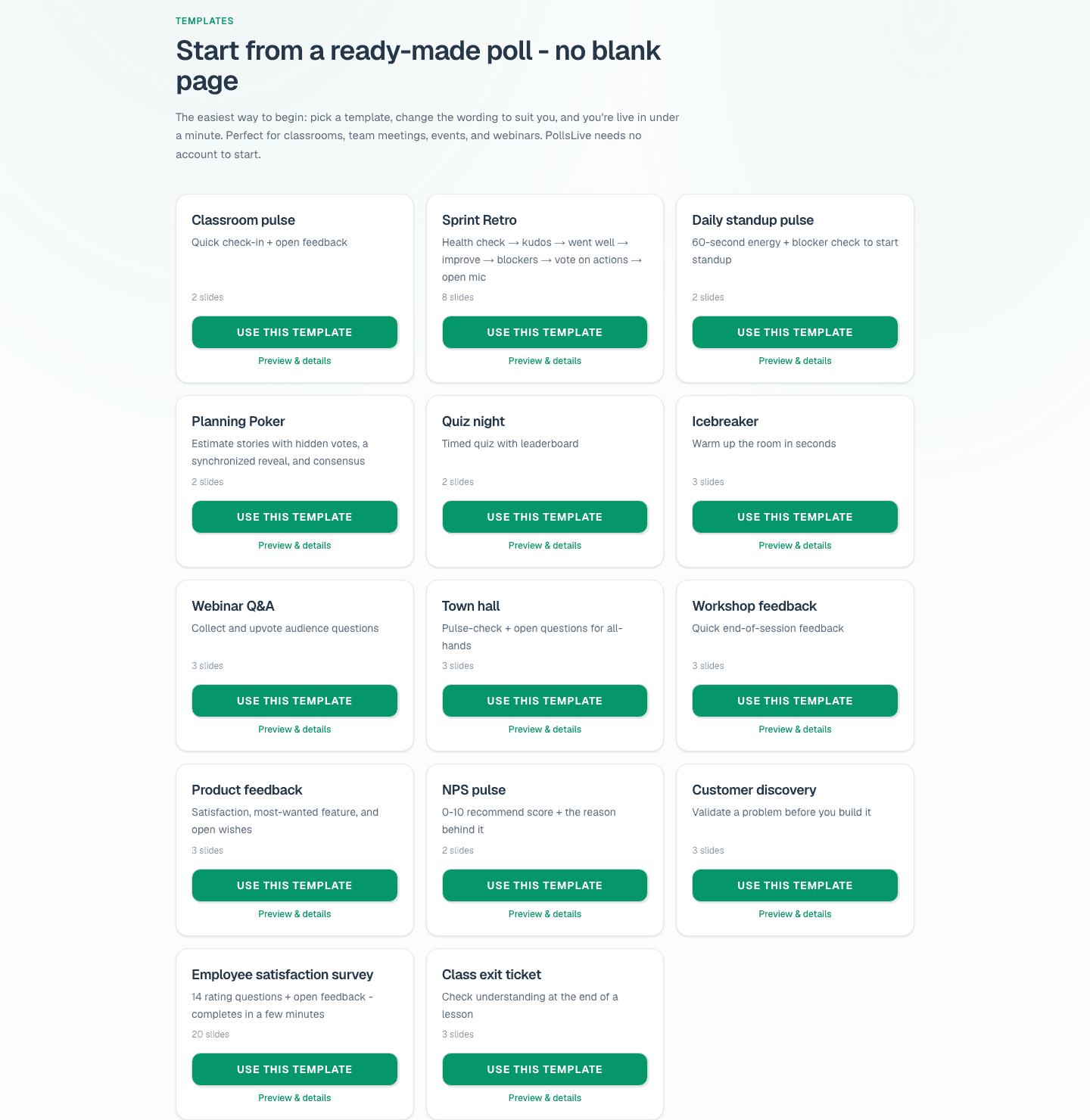
Build one from the template gallery or read analyze open-ended responses live.
Spin up a live poll right now - no signup, no app for your audience.
Create a free poll