
June 21, 2026 · 10 min read
8 Best Quiz Apps for the Classroom in 2026 (Ranked by Teachers)
The best classroom quiz apps compared by free tier, student login requirements, question types, and how they actually feel to run in a 50-minute lesson.
There are more classroom quiz tools than ever in 2026. The hard part is knowing which one fits your teaching style, your students' devices, and your school's privacy policies. This ranking focuses on what actually matters in a 50-minute lesson: Does it work when 30 students hit it at once? Can students join without accounts? What do you get for free? And does it make the class more alive or just noisier?
Tip
You do not need to be technical to follow this guide. Every step uses plain buttons in PollsLive - no coding, no app install for your audience.
What separates great classroom quiz tools
- Zero friction for students - no app install, no account creation, works on any phone
- Instant visual results - the class sees the class think, not just the teacher
- Multiple question types - multiple choice is table stakes; word cloud and open text stick in memory
- Async mode - leave a link open for a week as review, not just a 45-minute event
- Privacy compliance - students may be minors; the tool must hold up under FERPA/GDPR scrutiny
1. PollsLive - best for no-login live + async
PollsLive runs live quiz sessions - students join with a PIN or QR, no account - and the same deck persists as an async link for homework or review. Question types include multiple choice, word cloud, scale, ranking, scored quiz with leaderboard, and Q&A. EU-hosted and GDPR-ready.
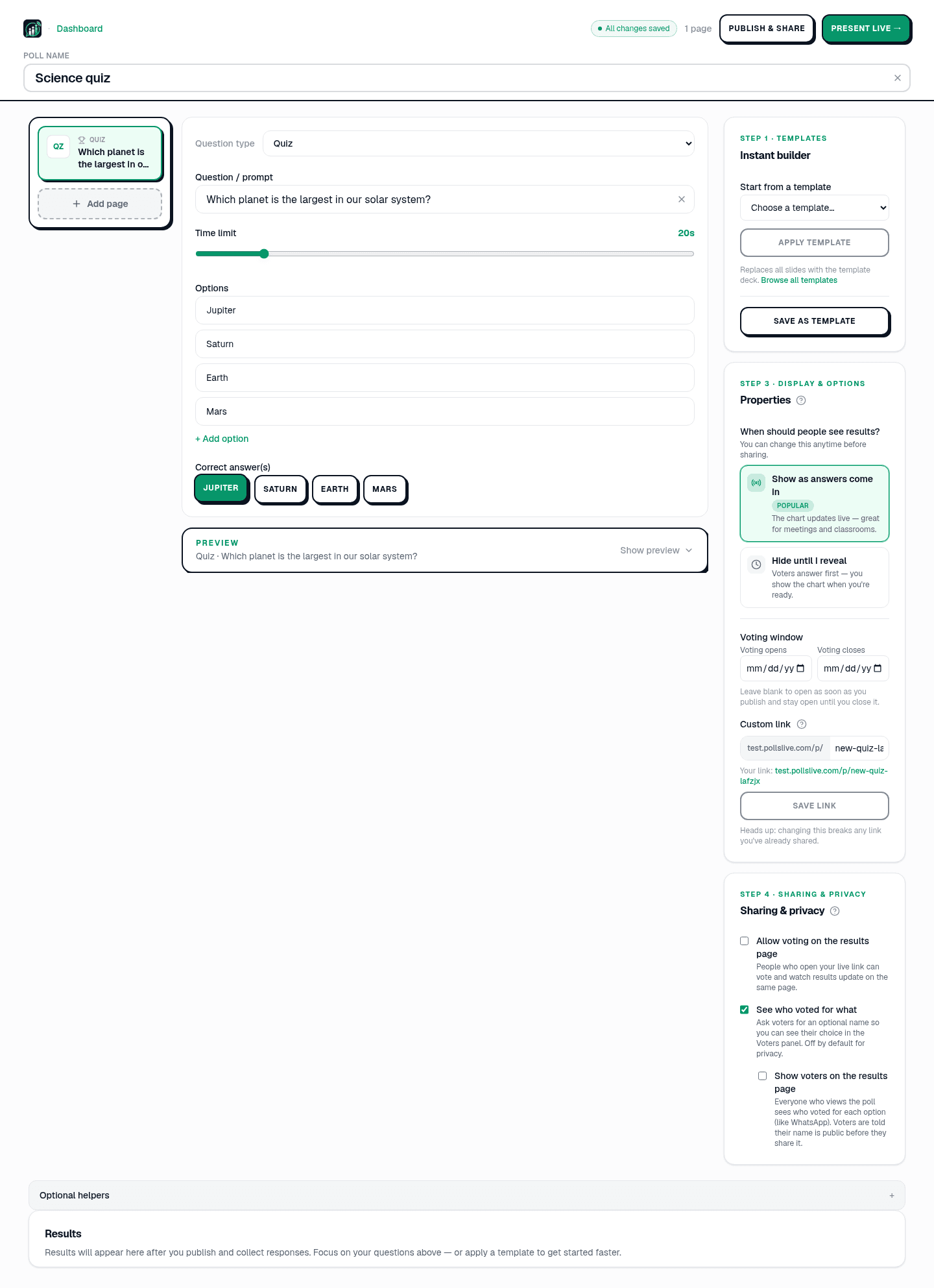
What is the powerhouse of the cell?
- Free tier: 3 published polls, 500 responses each, 50 live participants
- Student login: Not required - PIN or QR only
- Question types: Multiple choice, word cloud, scale, ranking, quiz, Q&A
- Async mode: Permanent shareable link at pollslive.com/p/your-slug
- Privacy: EU-hosted, GDPR-compliant, no student PII required
- Pro: $4.17/mo annual, 21-day trial, up to 10 teacher seats
Tip
Use the Class exit ticket template for a 30-second end-of-lesson check - no grading required.
Set up a class quiz in under two minutes - no account needed for students.
Create a free classroom quiz2. Kahoot! - best for K-12 game energy
Kahoot's countdown, sound effects, and podium make it the most energising option for younger students. Free plan: 10 questions and 10 participants - fine for a demo, tight in practice. Nicknames instead of accounts. Strong for primary and middle school; less natural for university. See PollsLive vs Kahoot.
3. Quizizz - best for homework and self-paced review
Quizizz's self-paced mode lets students work at their own speed while the teacher sees per-student results. Millions of community quizzes save prep time. Unlimited questions on free. Accounts needed for progress tracking.
4. Mentimeter - best for university lectures
For a 200-student lecture hall, Mentimeter's scale questions and word clouds create interactivity without game-show noise. Free plan: two questions per presentation. Calm enough for academic settings. See the Mentimeter alternative guide and comparison.
5. Nearpod - best for full lesson delivery
Nearpod is a complete lesson platform - slides, videos, VR, embedded quizzes. Right when you want curriculum and assessment in one place. Significant setup time per lesson.
6. Gimkit - best for middle school engagement
Gimkit's earn-and-spend game mechanics motivate middle and high schoolers. Multiple game modes. Free tier: one game type. Teacher plan: ~$9.99/mo.
7. Poll Everywhere - best PowerPoint integration
Poll Everywhere embeds polls inline in PowerPoint or Keynote - results animate on the existing slide. Mature desktop integration. Expensive per-presenter pricing (~$120/year) and 25 responses on free.
8. Wooclap - best free tier for large lectures
Wooclap allows up to 1,000 participants on free (with feature limits). Broad question types including matching and find-on-image. Strong for large-cohort university teaching where Kahoot's game mechanics feel inappropriate.
Quick comparison matrix
- No student account: PollsLive, Kahoot (nicknames), Quizizz (class mode), Wooclap, Mentimeter
- Async/homework mode: PollsLive, Quizizz, Nearpod, Wooclap (partial)
- Best free tier volume: Quizizz (unlimited questions), Wooclap (1,000 participants), PollsLive (500 responses, 3 polls)
- Word cloud: PollsLive, Mentimeter, Wooclap
- EU/GDPR hosting: PollsLive, Wooclap, Mentimeter (data center options)
A Tuesday afternoon in practice
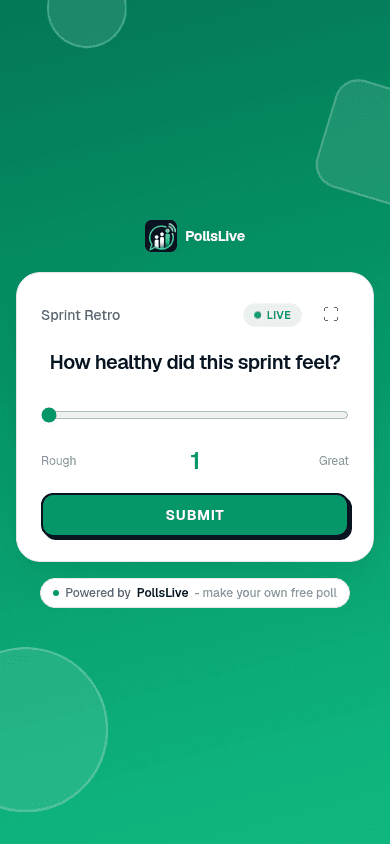
Ms. Reyes teaches Year 9 science right after lunch. She ends with a 30-second exit ticket. After a lesson on cell respiration, answers build into a word cloud she reads from the front:
What is one thing still fuzzy about today's lesson?
Note
The same deck works async - share the link for students who missed class or want to review at home.
Bottom line
For no-login live quizzes plus a persistent review link, PollsLive is the strongest fit. Pair Quizizz when you need self-paced homework with per-student tracking. Keep Kahoot for primary game energy. Keep Mentimeter for calm lecture-hall word clouds. More detail on PollsLive for education and the Kahoot comparison.
Spin up a live poll right now - no signup, no app for your audience.
Create a free poll